Focus, one task at a time
How the team does its tasks full screen, one at a time or several, without blocking the work.
Updated:
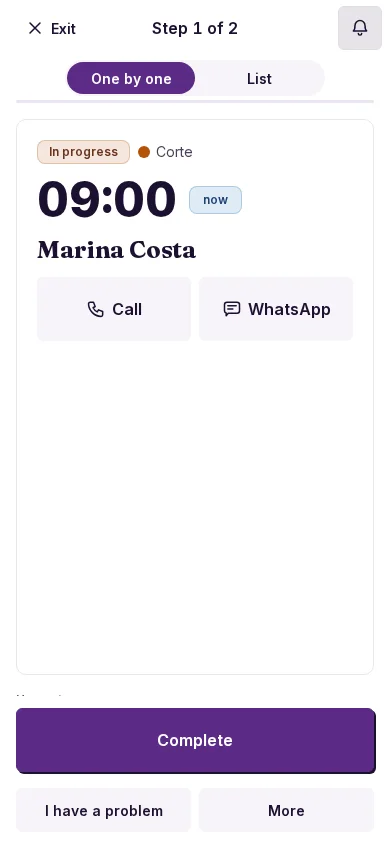
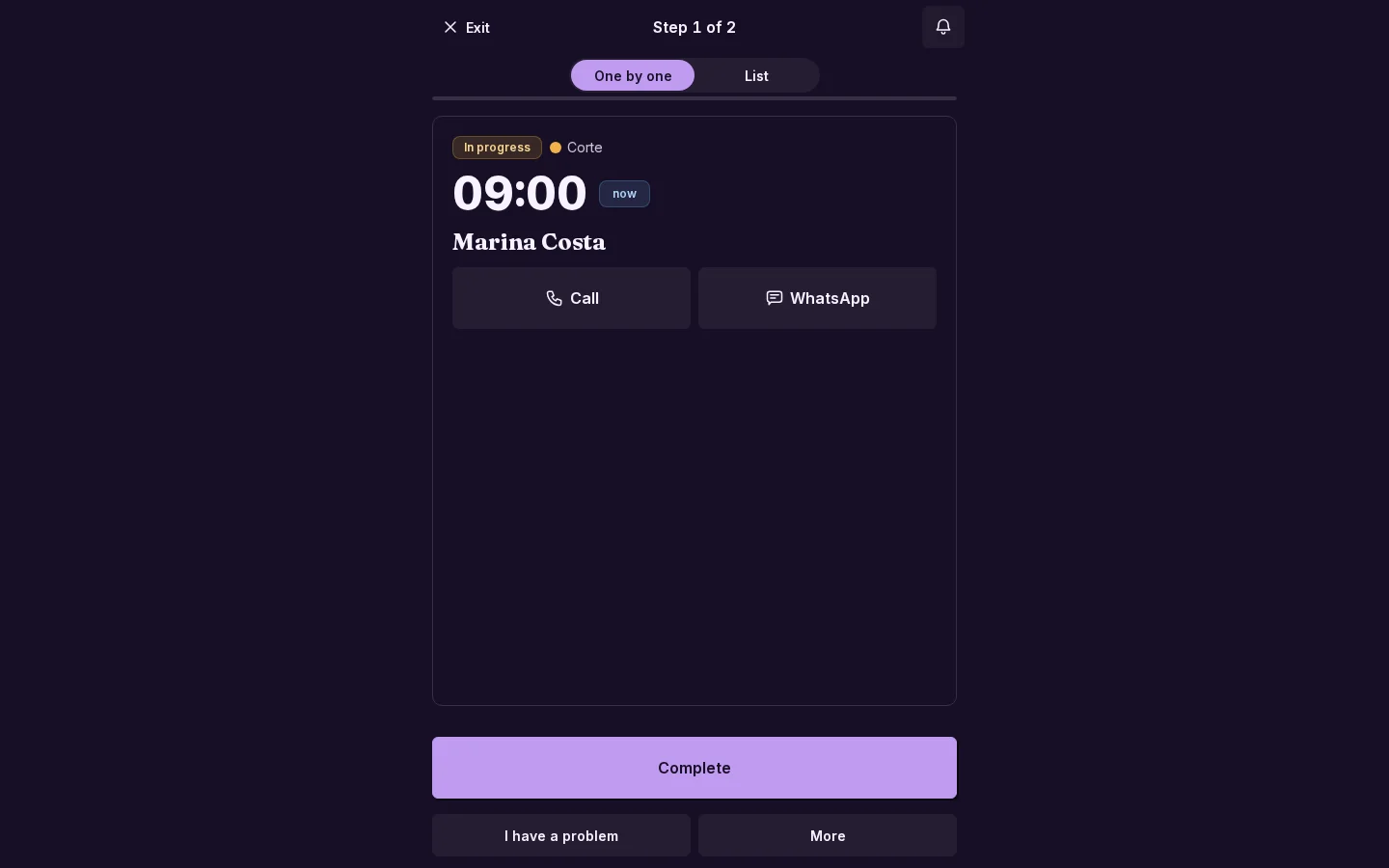
Focus shows your open tasks full screen, in the order of the Today list. Built for the phone and for a tablet at the counter or the kitchen.
How to open it
In Today, tap the ▶ Focus button (next to View on a phone). It appears when you have open tasks and permission to act on them. Leave with the ✕, with Esc or with «back», without changing anything.
One task and «Up next»
- You see the current task with the button for its stage action. When you finish it, the next one comes in.
- Below, Up next: the following tasks, one line each.
- Each stage says who did it and when.
- If there is a destination, you see the address with Go and a map; if there is a balance, the payments stay in view.
Gestures
With the One by one | List selector:
- Right: Done (5 seconds to Undo).
- Left: Later (goes to the end of the queue).
- Down: the day's list.
The card adds Call, WhatsApp and «I have a problem». The selector sits at the top: One by one shows the single card and List, several cards at once. It is remembered per person.
Do any task without being blocked
Tap any task in Up next to do it now: the other goes back to the list. If the order can't be followed, you aren't stuck.
The whistle
- A new task joins Up next, without interrupting the current one, with the «A new task came in» notice and vibration if the device supports it.
- A short «fiuít» whistle plays where the phone respects silent mode (today, iPhone).
- The sound switch (the bell) whistles once when turned on, so you can test it. Turned off, it stays silent.
- With the iPhone on silent it doesn't play: the notice stays, and it lights up for a moment.
- If «Tap to enable sound» appears, tap inside Focus.
Reschedule from Focus
Reschedule offers +1 h, +3 h, Tomorrow and +3 days using real availability; if the time is taken, it shows the next free one. The task leaves the queue with a notice and Undo.
Focus in the Telegram Mini App
It works the same in the Telegram Mini App. If the stage has Live location (for example «On the way»), Focus asks for permission and shares your position with the «Sharing your location» notice and Pause. It stops when you leave the stage or close Focus; locking the phone also stops it, so for a full route use Telegram's live location.
The screen stays on while you use Focus and is released after 15 minutes without a touch (except in List on a tablet or computer, where it always stays on).