How it works in a clinic · Health and aesthetics
How a clinic uses Fiuit, from first contact to the return visit.
Eight steps, in the order they happen at Clínica Bem Viver. For each one: what happens, who does it and where it lives in the panel.
Monday, 09:15 · Dr. Lia with a patientIllustration
With Fiuit
- Rescheduled · Friday 9 am
- Booked · Thursday 10 am
- Answered with the catalog price
- Evaluation booked · deposit paid
You: seeing the patient
Set up the clinic
You add the professionals, rooms and machines, and each service with its duration, its hours and what it needs to happen.
- A service can require several groups at once: doctor and office, or aesthetician, laser and cabin.
- A slot is only offered when all of them are free: with a single laser, two laser sessions never land at the same time.
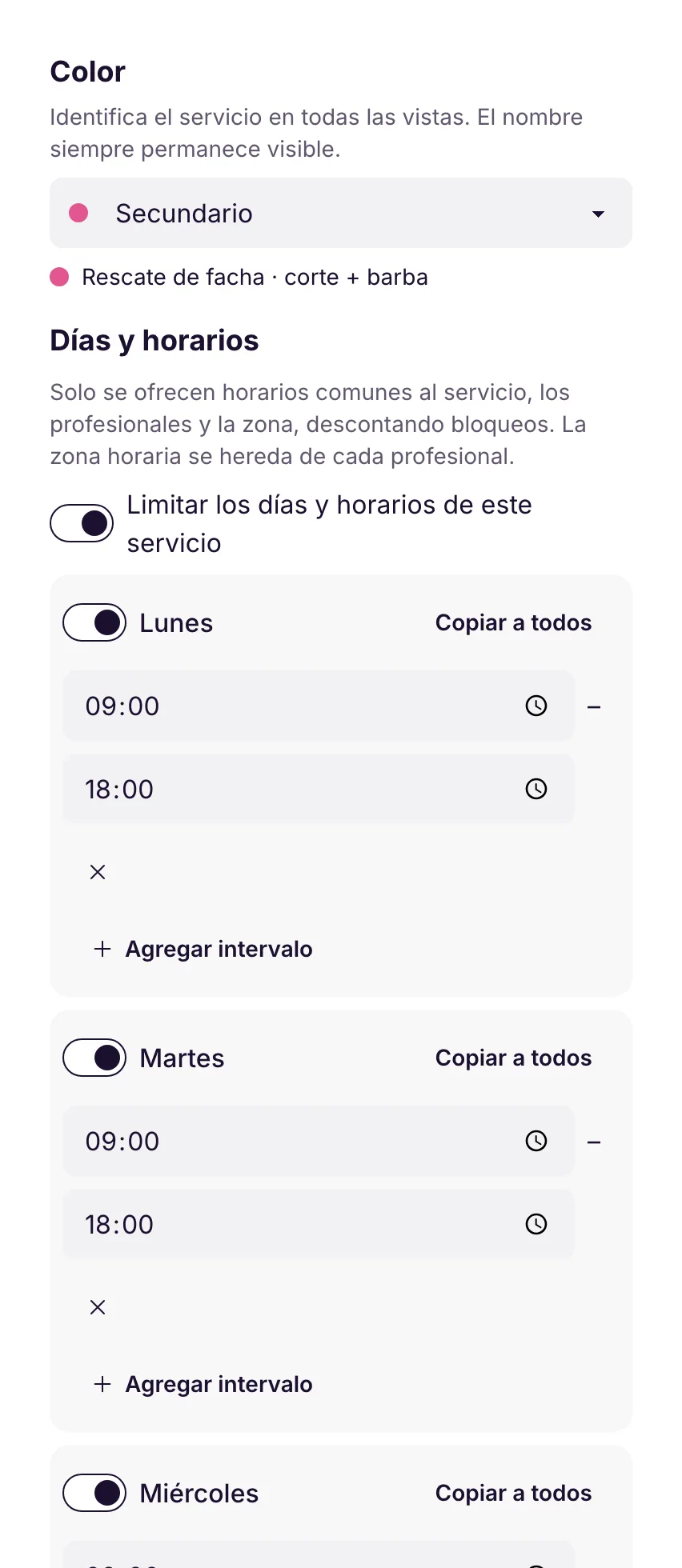
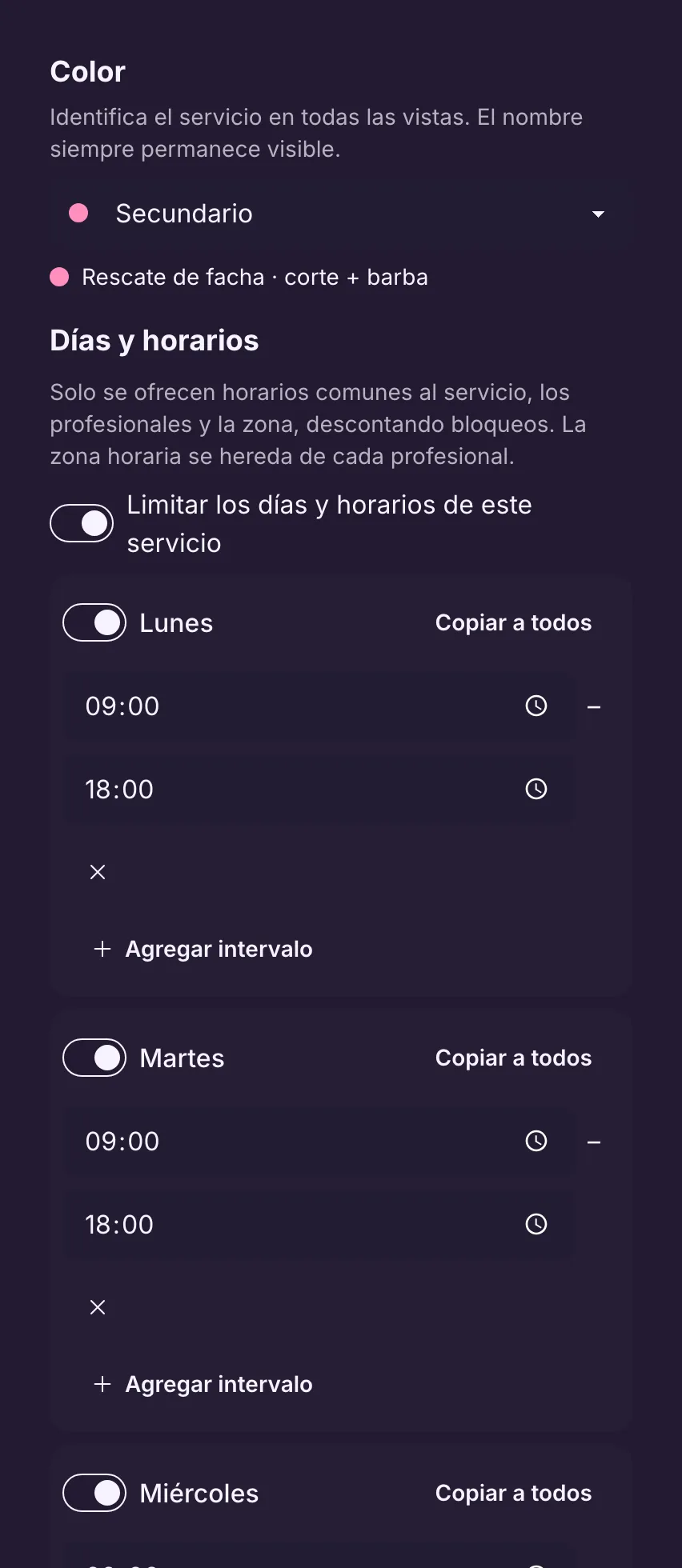
- Each service can have its own days and hours, on top of each professional's hours.
Consultation: Dr. Lia + Room 2, 30 minutes. Laser hair removal: aesthetician + laser + cabin 1, 45 minutes.
Where it lives in the panelMy business → Team and resourcesMy business → CatalogLearn more in the docs See it in the Services and stages module
Also in the docs: The service's own days and hoursSet up a service
Service · Laser hair removal
45 minutesNeeds three things free at the same time
1AestheticianAna or Bia1 of 2
2MachineLaseronly 1
3RoomCabin 1 or Cabin 21 of 2
→Slot offeredOnly when all three are free
With a single laser, two sessions never land at the same time.
A service that needs three things Real panel · demo dataThe service's days and hours The patient writes
On WhatsApp, Instagram, Telegram or the website chat (pilot), the bot answers right away, offers real slots as buttons and only books after the summary and a «Yes».
- It never makes up times or prices: everything comes from the calendar and the catalog.
- When booking it asks the service's questions: the usual ones and up to 3 more, such as «Insurance».
- When the conversation needs a person, the front desk takes over in the same chat.
Camila writes at 10 pm, picks Thursday at 10 with Dr. Lia and gets the confirmation right away.
Where it lives in the panelCustomer care → ChannelsCustomer care → BotLearn more in the docs See it in the Customer service module
CClínica Bem ViverWhatsApp · bot
- Hi! I'd like an evaluation with Dr. Lia.
- Sure! Dr. Lia has these times:Thu 09:00Thu 10:00Fri 14:30
- Thu 10:00
- Evaluation with Dr. Lia, Thursday at 10:00, Room 2. Shall I confirm?YesChange
- Yes
In the calendar
LProfessionalDr. Liafree
2RoomRoom 2free
✓BookingThu 10:00 · Camila · Evaluationbooked
Booking on WhatsApp The day's calendar
The front desk sees the day by professional or by room. Reminders go out on their own, and whoever can't make it reschedules in the same chat.
- A reminder before the appointment, off until you turn it on: «…If you need to reschedule or cancel, just reply here.»
- Optional reconfirmation («Are you keeping your booking…?») with an alert to the team if the patient doesn't answer. Silence or a «no» never cancels on its own.
- To reschedule, the bot lists the appointments, offers free slots for the same service, shows before and after and waits for the «Yes».
- On the tracking link, «Reschedule» and «Cancel» only open that chat with the message ready: there is no separate rescheduling page.
Camila swaps Thursday at 10 am for Friday at 9 am in five messages, and Thursday is free again.
Where it lives in the panelWork → CalendarCustomer care → Automatic messagesLearn more in the docs See it in the Views and organization module
Also in the docs: Reschedule and cancel in the chatCalendar by person
CClínica Bem Viverchat with Camila
- I need to change Thursday's appointment.
- Sure, Camila. You have an appointment with Dr. Lia on Thursday at 10:00. These times are free:Friday 9 amFriday 3 pm✓ Answered in the chat
- Friday 9 am
- Before: Thursday at 10:00 After: Friday at 9:00 Shall I confirm the change?YesNo
- Yes
- Rescheduled. See you Friday!✓ Camila · Friday 9 am
In the business
- Answered1Answered in the chat
- Calendar1Camila · Friday 9 am
- Payments
- Today · team
- For you
Rescheduling in the chat Thursday · Dr. Lia · Room 2
909:00 · PedroConsultationconfirmed
↺10:00 · CamilaMoved to Friday 9 am in the chatfree again
!11:00 · JúliaDidn't answer the reconfirmationteam alerted
✓11:00 · JúliaStill booked: silence never cancels
A professional's day The appointment
Each service has its stages, with the items the team fills in. Whatever is visible to the patient, the bot asks for in the chat before they arrive.
- Required fields hold the team back: the stage only moves on once they're filled in.
- Fields visible to the patient are asked for by the bot in the chat; once every required one is answered, the stage moves on by itself.
- A stage can ask for a signature: the patient signs with a finger on the clinic's tablet or phone and it's saved as an attachment. The bot never collects signatures and there's no ready-made consent template.
- With the administrative health calendar on, attachments, the timeline and stage history are turned off: in that mode, signatures don't apply.
Camila answers «Aetna» and her member number; the appointment moves to «Details received» without anyone touching it.
Where it lives in the panelMy business → StagesLearn more in the docs See it in the Services and stages module
Also in the docs: Work evidence
CClínica Bem ViverWhatsApp · bot
- For your visit: what's your insurance?Self-payAetnaOther
- Aetna
- Thanks! And your member ID?
- W123 456 789
- All set, Camila. See you Thursday at 10:00.bot
Stage «Before the visit»
✓InsuranceAetnapatient
✓Member IDW123 456 789patient
→StageDetails receivedmoved on its own
The bot asks for the stage details Stage · Before the procedure
Consent form
I have read and agree to the laser hair removal procedure.
Client's signatureSave and continue
On the visit
✓AttachmentConsent signatureprivate
→Next stageIn session
Signed on the clinic's tablet: the bot doesn't collect signatures.
Signing on the clinic's tablet Get paid
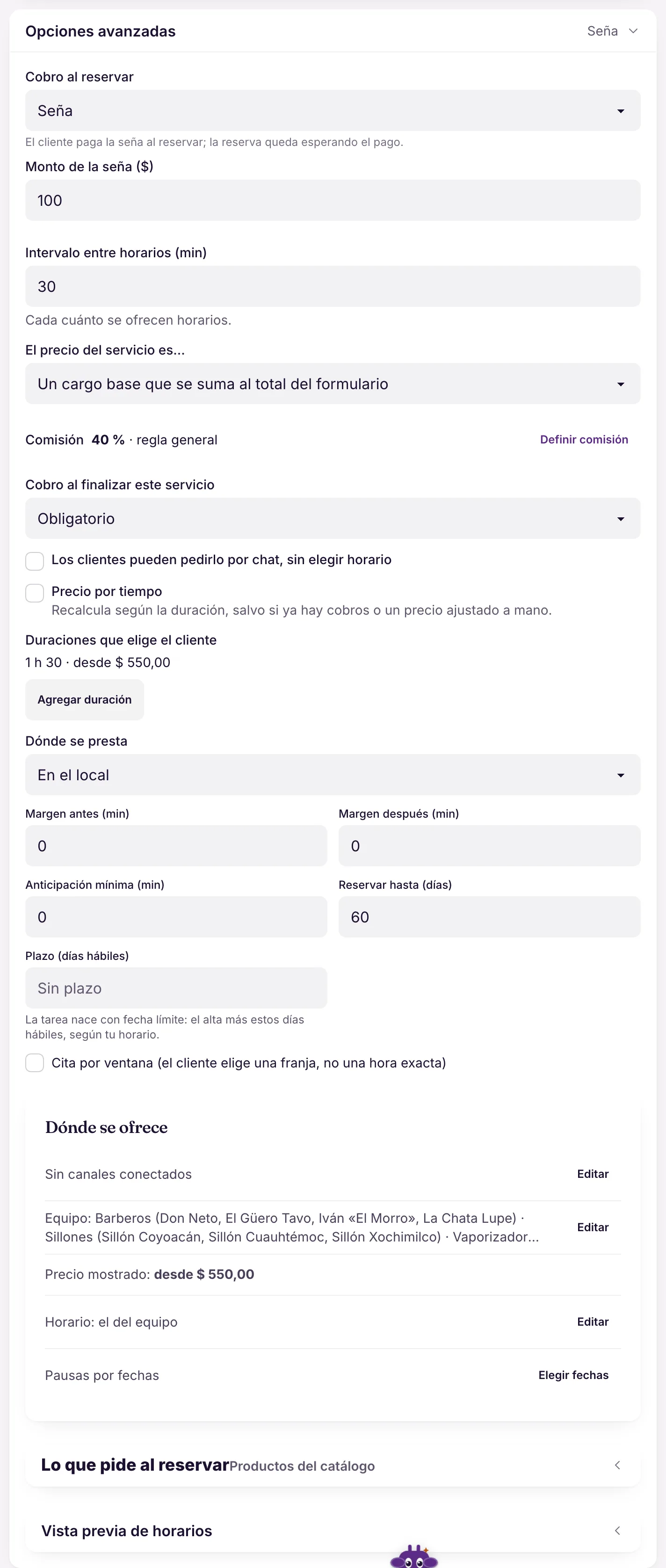
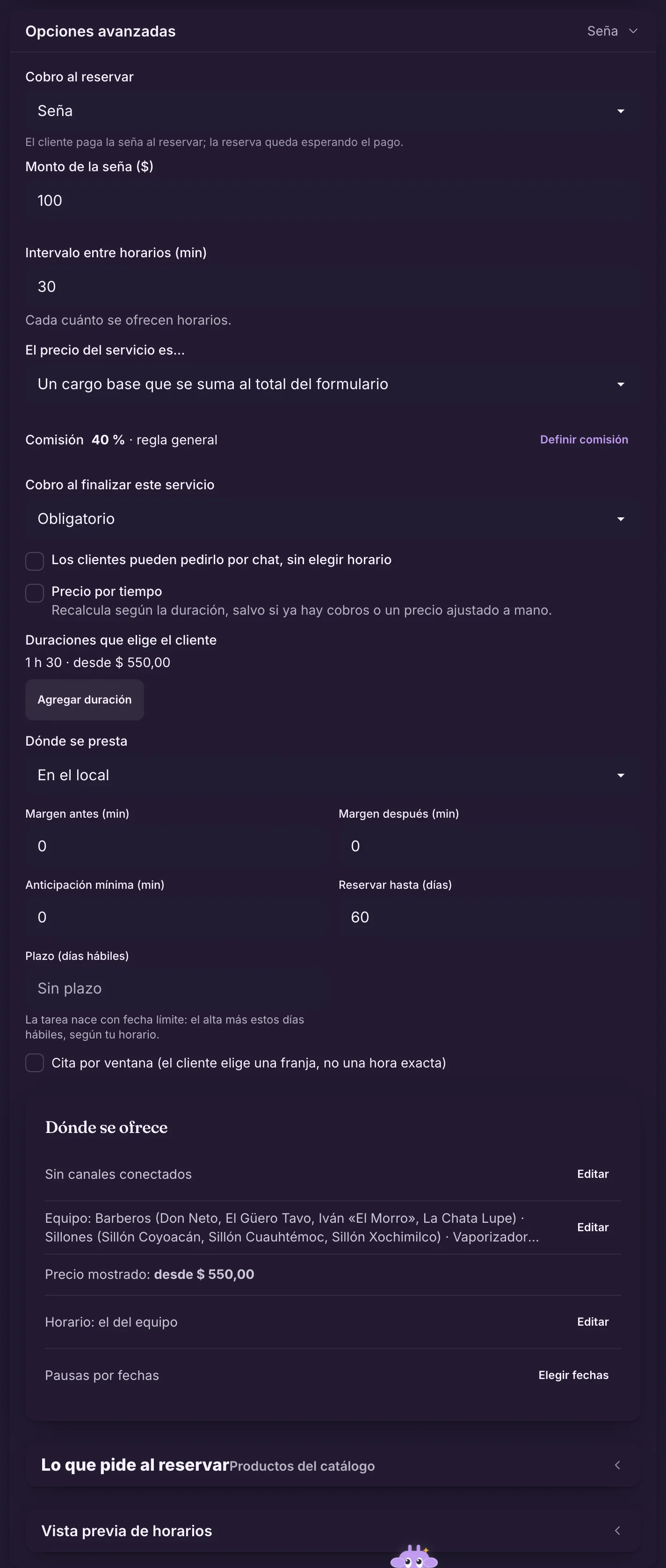
Each service says whether it charges when booking: nothing, a deposit or the full amount. When it does, the bot sends the payment link in the same chat.
- Deposit or full amount when booking; charging the full amount needs Mercado Pago.
- Mercado Pago link (in Brazil, with Pix inside).
- At the front desk, the Point card machine takes the charge.
- Without Mercado Pago, the bot sends the «Payment details» you set up.
For the evaluation, the clinic asks for an R$ 50 deposit; the rest is paid at the front desk.
Where it lives in the panelMy business → Catalog → service → Edit service → Advanced options → Charge when bookingFinance → ChargesMercado Pago: accounts in Brazil and Argentina.
Learn more in the docs See it in the Services and stages module
Also in the docs: Charge with a linkCharge with PointPayment details without Mercado Pago
CClínica Bem ViverWhatsApp · bot
- To confirm Thursday's Evaluation at 10:00, the clinic asks for an R$ 50.00 deposit. Pay with this link (Pix or card), valid for 24 h:Pay R$ 50.00
- Done, paid with Pix.
- Got it, Camila! See you Thursday.bot
Charge
✓DepositR$ 50.00 · Pixpaid
→BalanceR$ 150.00 · at the front deskto collect
The deposit in the chat Real panel · demo dataCharging when booking, in the service After the appointment
The return visit doesn't depend on someone remembering: Fiuit knows each patient's rhythm and keeps the history on their page.
- With 3 or more visits it works out the frequency; «Shall we book the next one?» goes out when it's time (off until you turn it on).
- A review request after the appointment, as a recommended automation (also off until you turn it on).
- On the patient's page: appointments, conversations, team notes and the details you keep with «Add a detail». It's not a place for clinical data.
Six months later, Camila gets the invitation for her next evaluation and replies with a time.
Where it lives in the panelCustomer care → Automatic messagesCustomers → patient pageLearn more in the docs See it in the Wagy and automations module
Also in the docs: Recommended automationsAdd a detail
CClínica Bem ViverWhatsApp · automatic
- Hi, Camila! Your next evaluation with Dr. Lia is coming up. Shall we book it? Reply to this message and we'll help.automatic · time to come back
- Yes! Thursday morning.
- Done: Thursday at 10:00 with Dr. Lia. See you then!bot
After each visit
↻RhythmEvery ~6 months · Evaluation with Dr. Liadue
★Review requestGoes out after the appointment, if you turn it onoptional
The invitation to come back Customer record
Camila RochaPatient since 2025
→Next appointmentThu 10:00 · Evaluation · Dr. Lia
✓Last visit08/12 · Cleaning · done
…ConversationWhatsApp · yesterday, 22:14
✎Team notePrefers morning times
+Detail addedInsurance: Aetnasaved
Operational history, no clinical data.
The patient's page The numbers
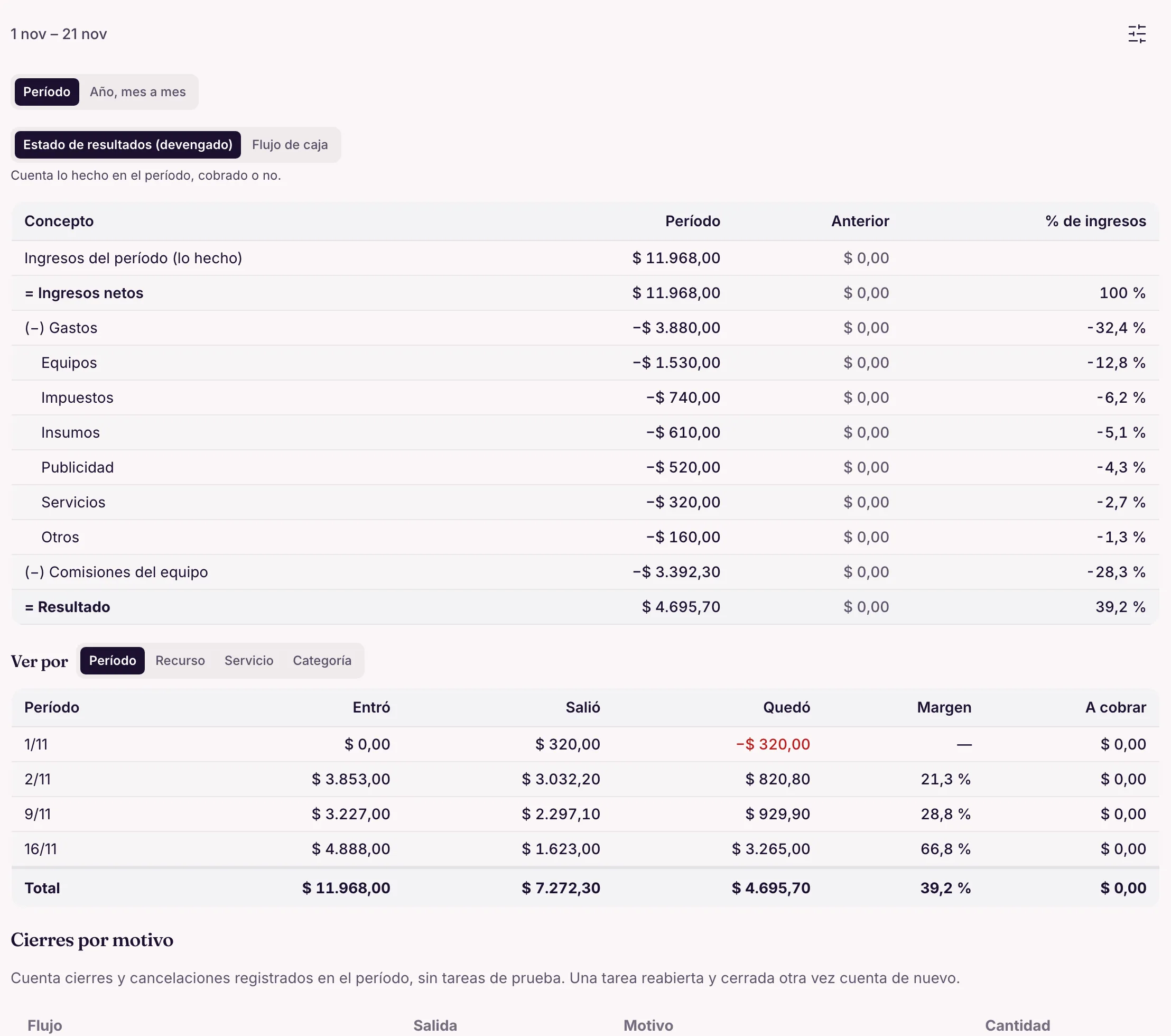
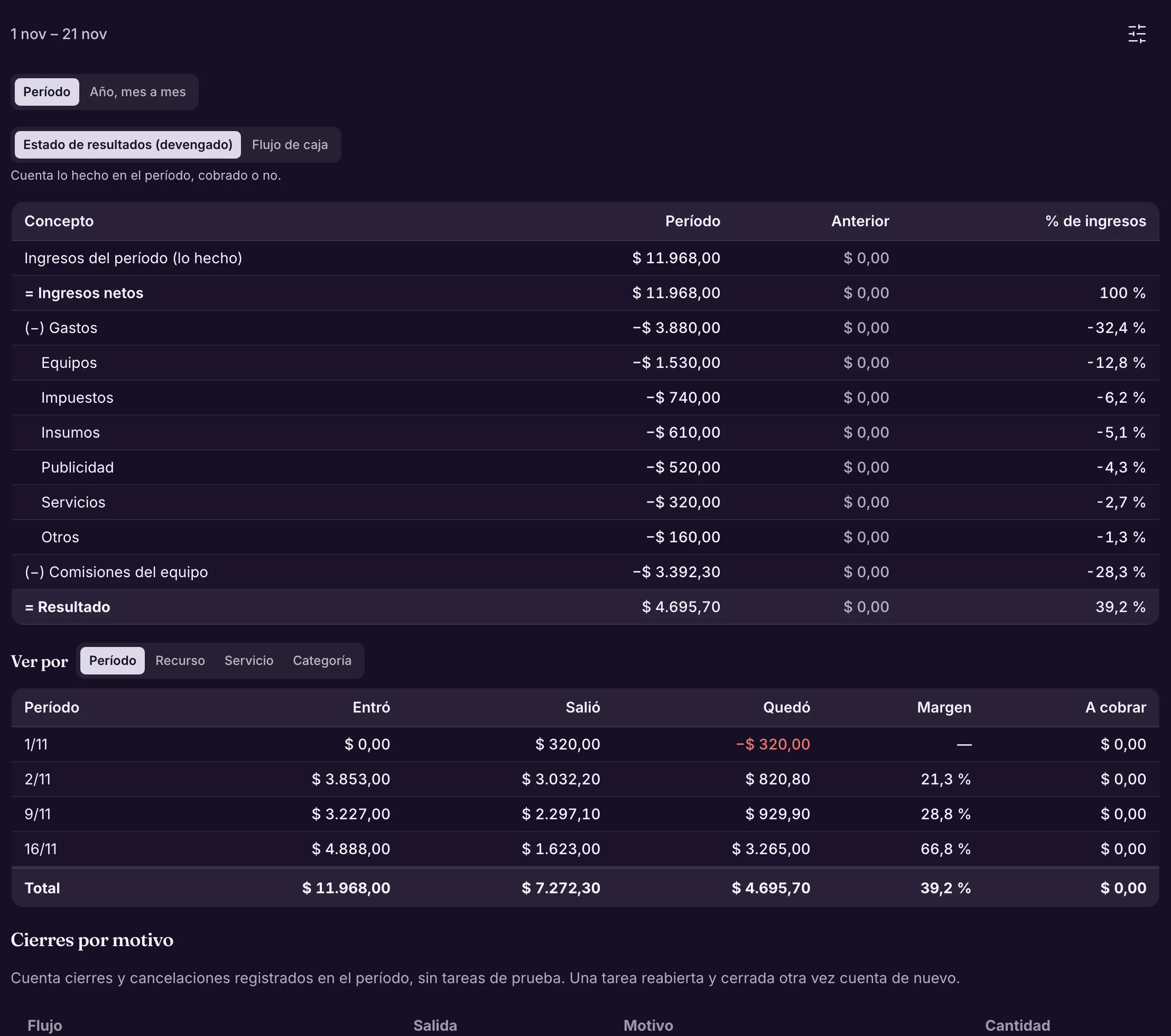
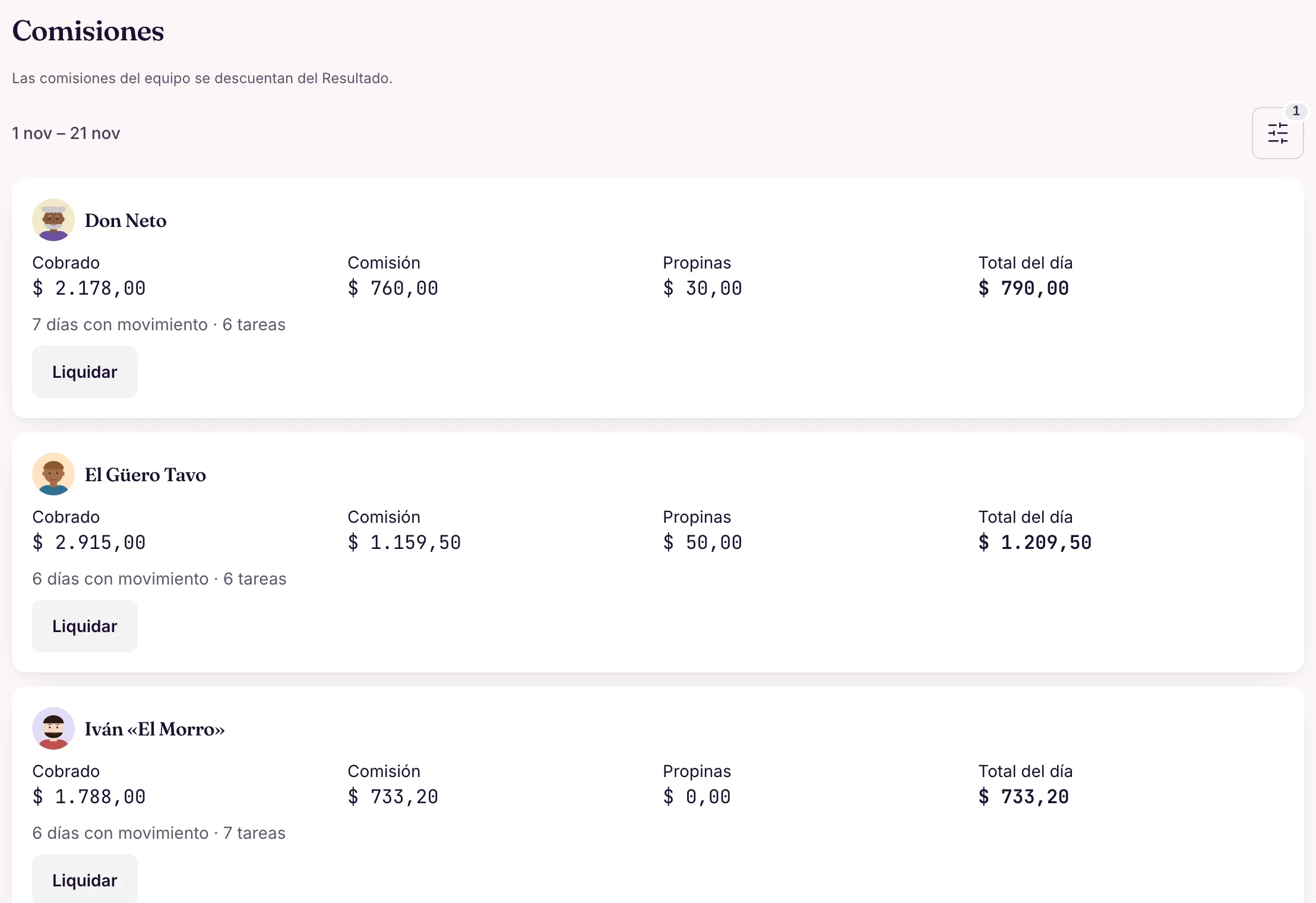
At the end of the month, the owner sees what came in, what went out and what was left, and what each professional is owed.
- Income statement month by month: revenue, direct costs (commissions and fees), expenses and result. «View by» resource shows each professional.
- Cash flow by day, week or month, with a running balance.
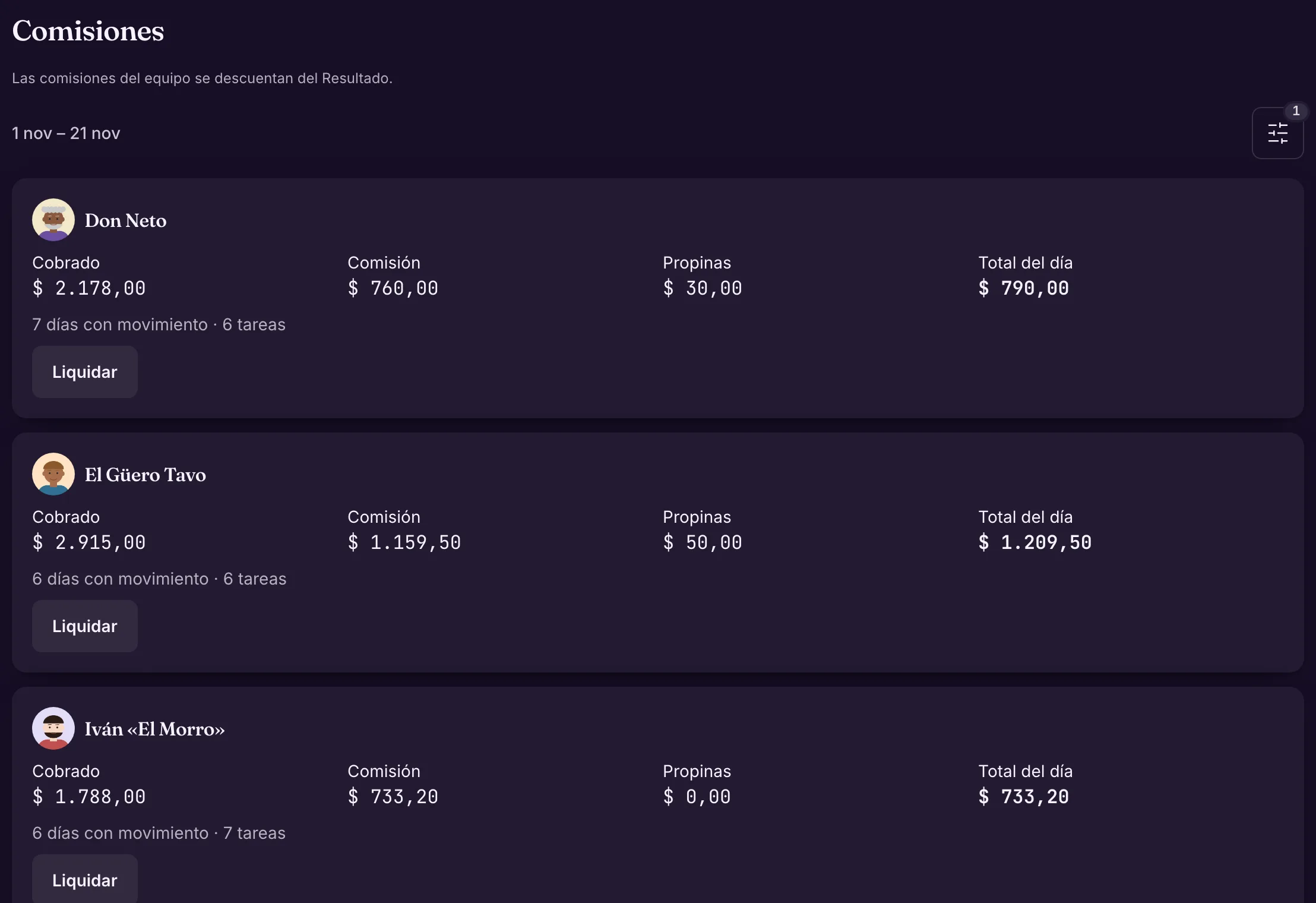
- Team commissions: what each person is owed, and the settlement.
Dr. Lia sees her month's commission settled, no spreadsheet.
Where it lives in the panelFinance → Reports → Income statementTeam commissionsLearn more in the docs See it in the Finance module
Also in the docs: How commission is calculated
Real panel · demo dataThe income statement Real panel · demo dataTeam commissions Adjust by chatting
When something changes, you ask Wagy in your own words. It shows the proposal with the changes and only applies it when you confirm.
- It works for services, hours, notices and more: the same tools as the panel, with your permissions.
- You can undo it for up to 24 h.
- With the administrative health calendar, operational Wagy is turned off.
«Dr. Lia now works Friday mornings» becomes new hours, confirmed with one tap.
Where it lives in the panelThe Wagy button, on any screen of the panelLearn more in the docs See it in the Wagy and automations module
WWagyPanel assistant
- Dr. Lia now works Fridays from 8 to 12. And create the Follow-up, 20 minutes, with her in Room 2.
- Sure. Here's what will change:ConfirmCancel
Proposal · 2 changes
+HoursDr. Lia · Fri 08:00–12:00new
+New serviceFollow-up · 20 min · Dr. Lia + Room 2new
Applied. You can undo it for up to 24 h.
Asking Wagy for a change
Frequently asked questions
Does it work for dentistry, physiotherapy, psychology and aesthetics?
Yes. Set up services, professionals, durations and rooms or machines. The wording can be about patients and appointments, to match your practice.
Is Fiuit an electronic health record?
No. It's an operational history of appointments, conversations and team notes. It doesn't replace a health record and makes no clinical decisions.
Do reminders guarantee the patient shows up?
No. They help people remember and give notice in advance. An appointment is never cancelled for lack of an answer: the team follows up on changes, cancellations and no-shows.
Can patients reschedule on their own?
Yes, in the chat: the bot offers free slots for the same service and only changes it with a «Yes». The tracking link opens that chat; there is no separate rescheduling page.
Can I collect a signature on a consent form?
Yes, as a stage of the appointment: the patient signs on the clinic's tablet or phone. Fiuit doesn't include a consent template, the bot doesn't collect signatures and, in administrative health calendar mode, signatures don't apply.
What changes with the administrative health calendar?
Reminders show only the professional and the time, the chat reminds people to protect their privacy and carries on with the booking, and operational Wagy, attachments, surveys and campaigns are turned off. Fiuit stores no clinical data.
Is your business different? Talk to us and we'll see how we can help.Talk to us
Start with the first step.
Professionals, rooms and services: the rest of the journey follows from there.
Request access