Product

Customer service

WhatsApp, Instagram, Telegram and your customers' AI in the same inbox. The bot answers with what your business knows, and whatever needs a person reaches whoever is on duty.

Every conversation in one place

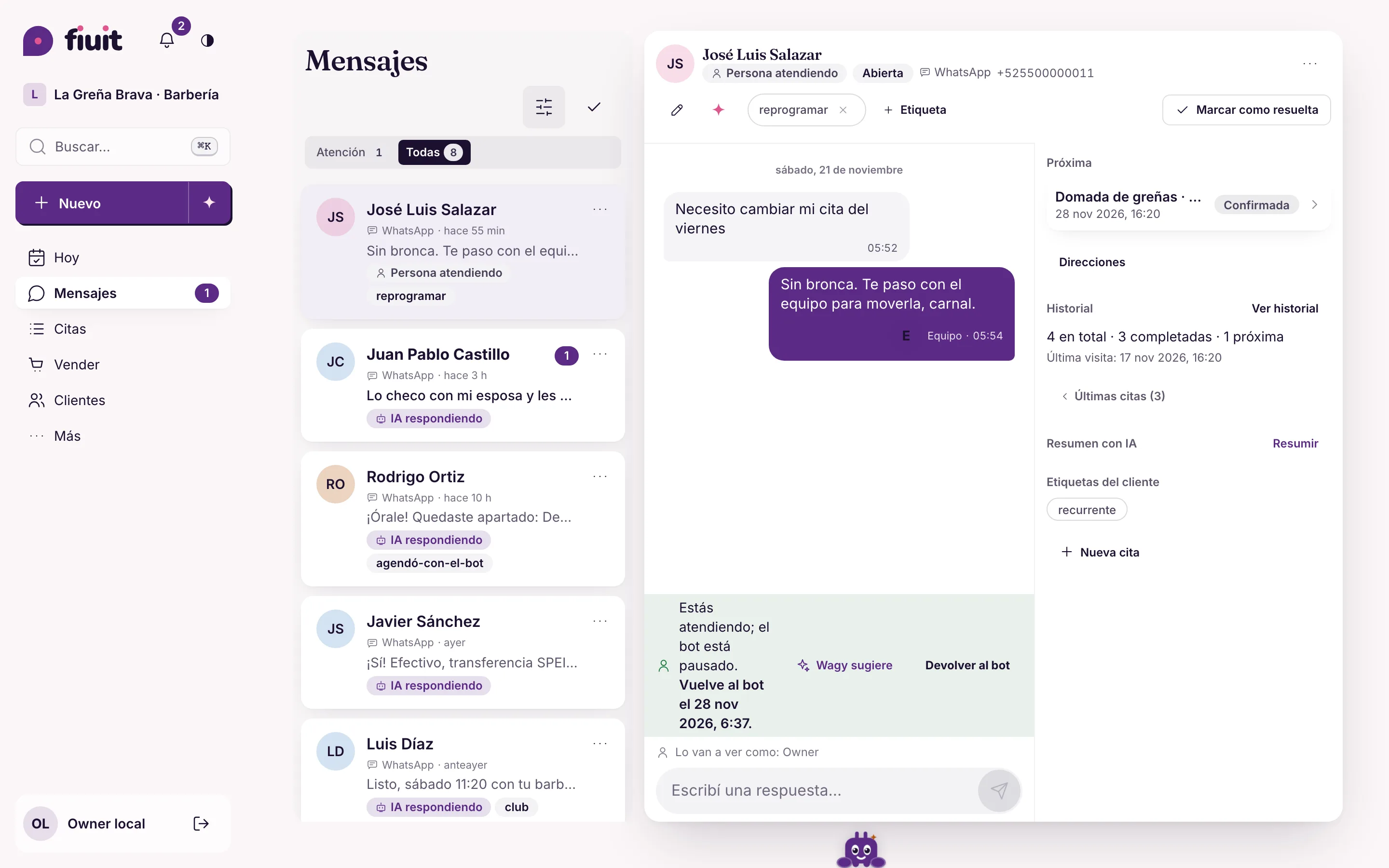
Each conversation with its status, the customer alongside, and one tap to take over or hand it back to the bot.

One inbox for every channel

Conversations from every channel land in Messages, each with its status. Filter by channel, by who is handling it, unread or tags.

  1. 1Each conversation shows whether the AI is answering, it needs attention or a person is handling it.
  2. 2Alongside, the customer: the next booking, the history and an AI summary.

Nobody has to open three apps to know who is waiting for an answer.

Example At Barbearia do Tavo, Instagram and WhatsApp land in the same list, and whoever asks for a person is flagged as "Needs attention".

More in the docs →
Take over and hand back to the bot

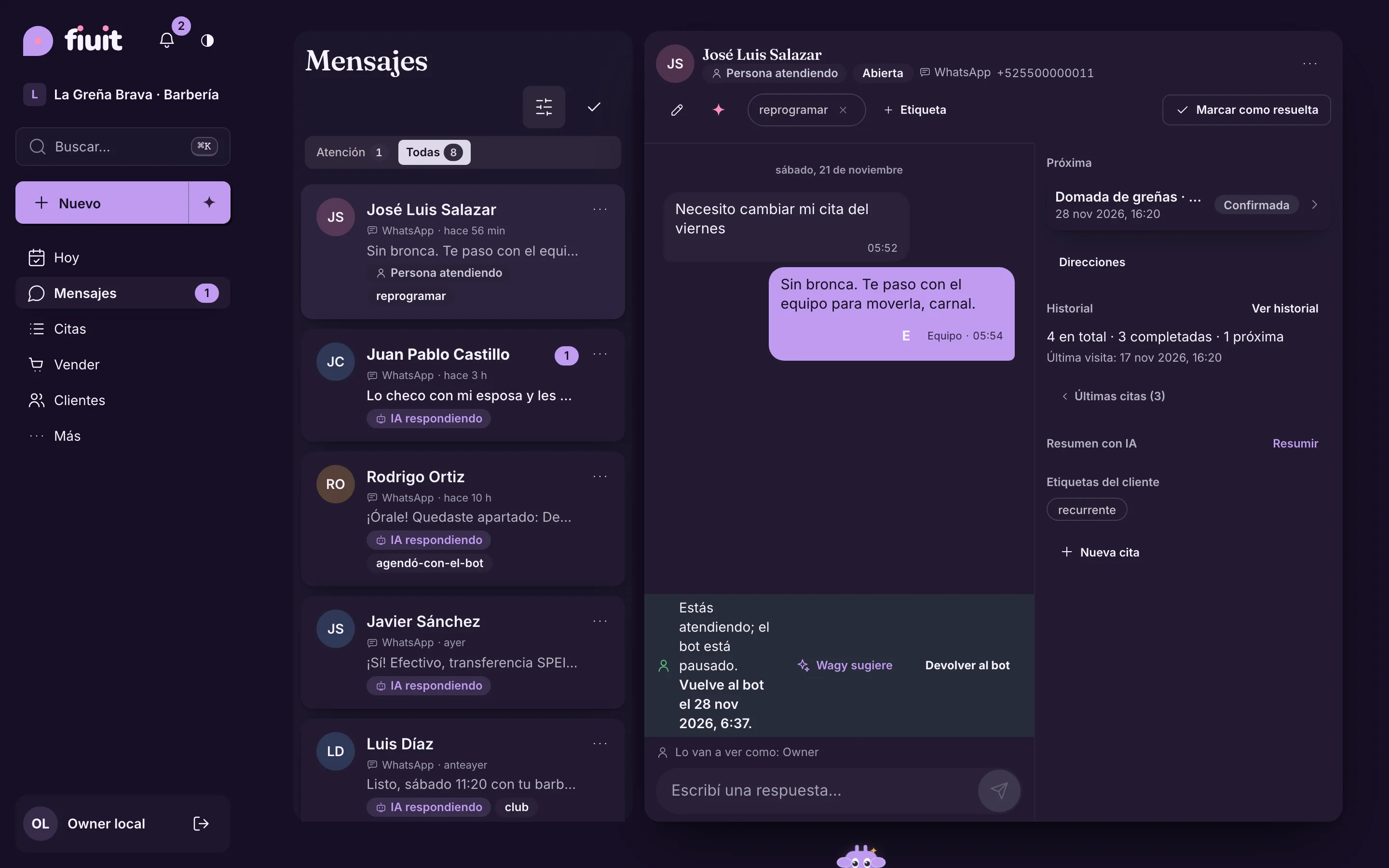
When you write, the bot pauses in that conversation. When you are done, tap "Give back to the bot"; if nobody on the team writes for 2 hours (default, adjustable per channel), it comes back on its own. With "Wagy suggests", the bot drafts the reply and you send, edit or discard it.

The bot and the team never answer at the same time, and the customer is not left hanging when someone forgets to hand it back.

Example A customer wants to negotiate a quote: the front desk takes over, agrees on the discount and hands the conversation back to the bot.

More in the docs →

When the customer asks for a person

They just write "human", "agent" or ask in their own words, even halfway through an order. The conversation moves to "Needs attention" and the bot stops answering. If nobody replies within 10 minutes during business hours (default, adjustable or off per channel), the people in charge get an alert, which can include Wagy's suggested reply.

Whoever wants to talk to someone gets someone, and you find out before the customer gives up.

Example At Clínica Bem Viver, a patient asks for the front desk; the front desk gets the alert on their phone and replies from there.

More in the docs →

The channels you already use

WhatsApp connected by QR code, Instagram, Telegram, your website form and customers' AI. Official WhatsApp (Meta's API) and the website chat are in pilot.

Customers write where they already are, and you handle everything from the same dashboard, with the same rules.

Example Arena Vila takes bookings on Instagram and WhatsApp, and the website form lands in the same inbox.

More in the docs →

A bot that knows your business

You give it the personality and the knowledge; hours, prices and the calendar come from your data, never made up.

Name, tone and way of talking

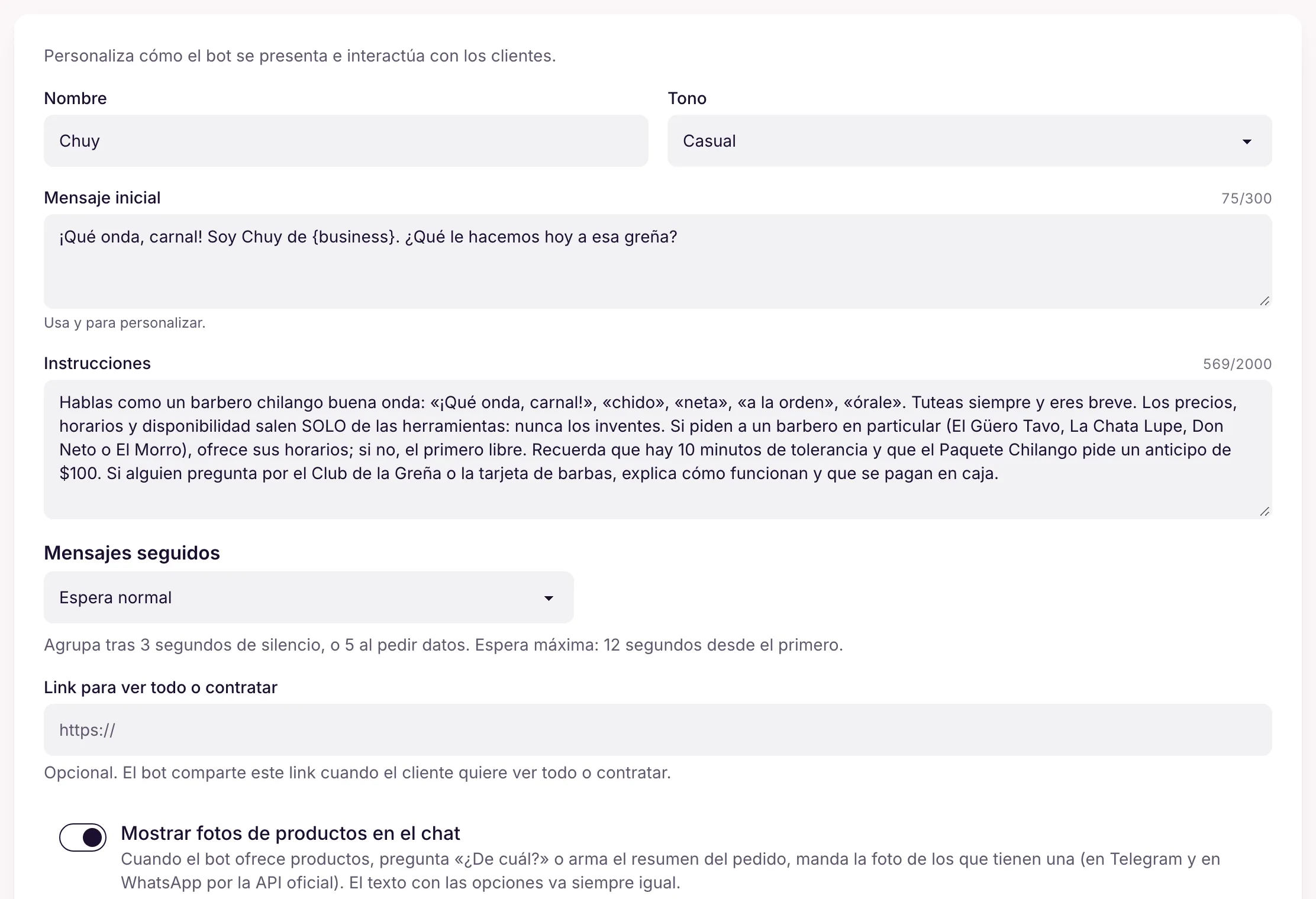
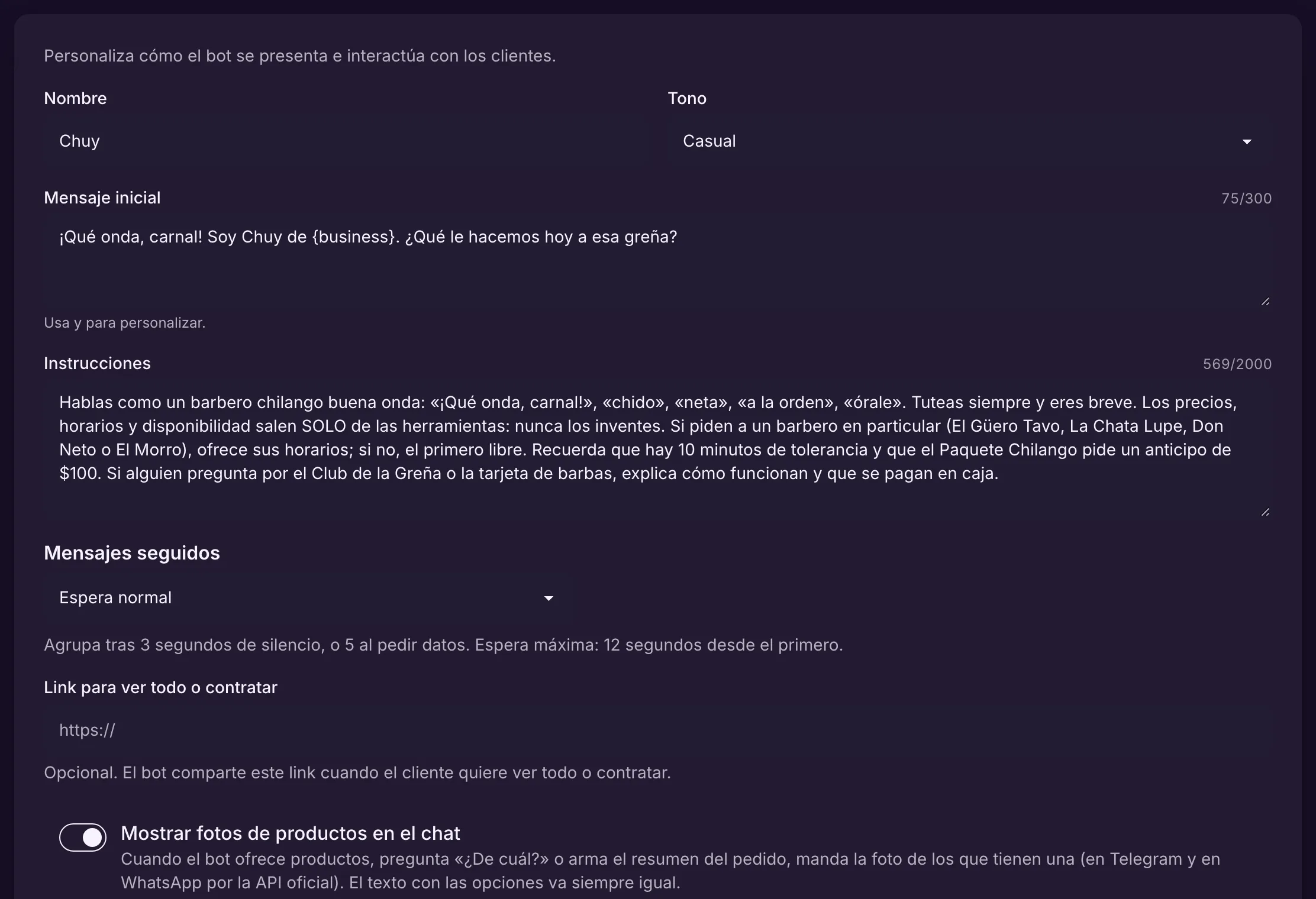
Name the bot, pick the tone (friendly, professional or casual), write the greeting and your business's instructions. What it can and cannot do comes from its tools: it never promises a price or a time that does not exist.

The bot sounds like your brand, without making up what only the system knows.

Example In the demo barbershop, the bot is called Chuy and talks like a laid-back Mexico City barber, but prices and slots always come from its tools.

More in the docs →

Live queries to your system

The bot asks one of your APIs for up-to-the-minute data (stock, an order's status) and answers with it. It is read-only: it never changes prices or confirms anything, and if the API does not answer, it hands over to a person.

Things that change all the time do not need to be copied into the bot.

Example At Auto Box 12, "do you have brake pads for a 2019 Onix?" is answered with the parts system's stock, that very minute.

More in the docs →

What it knows, and where from

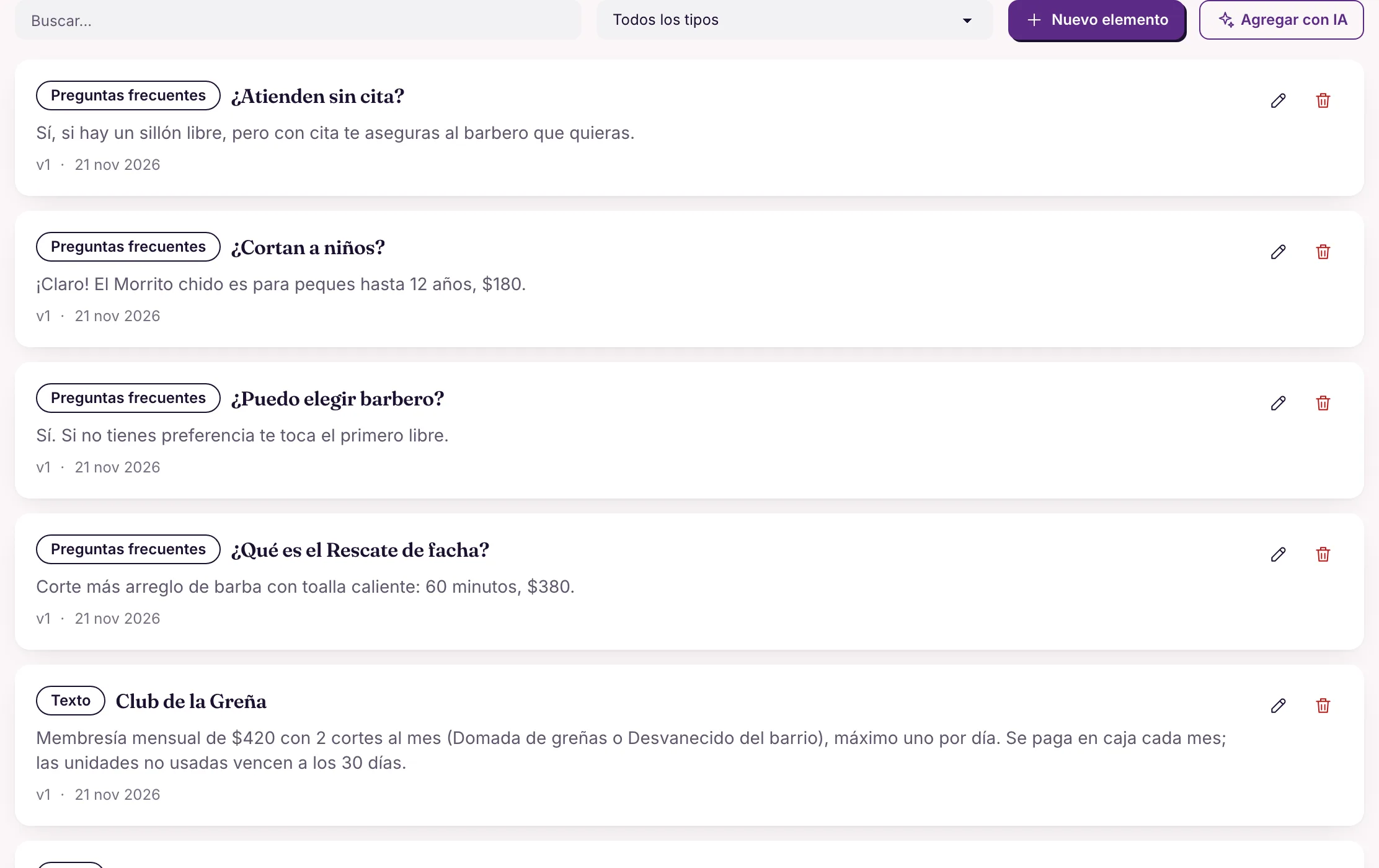
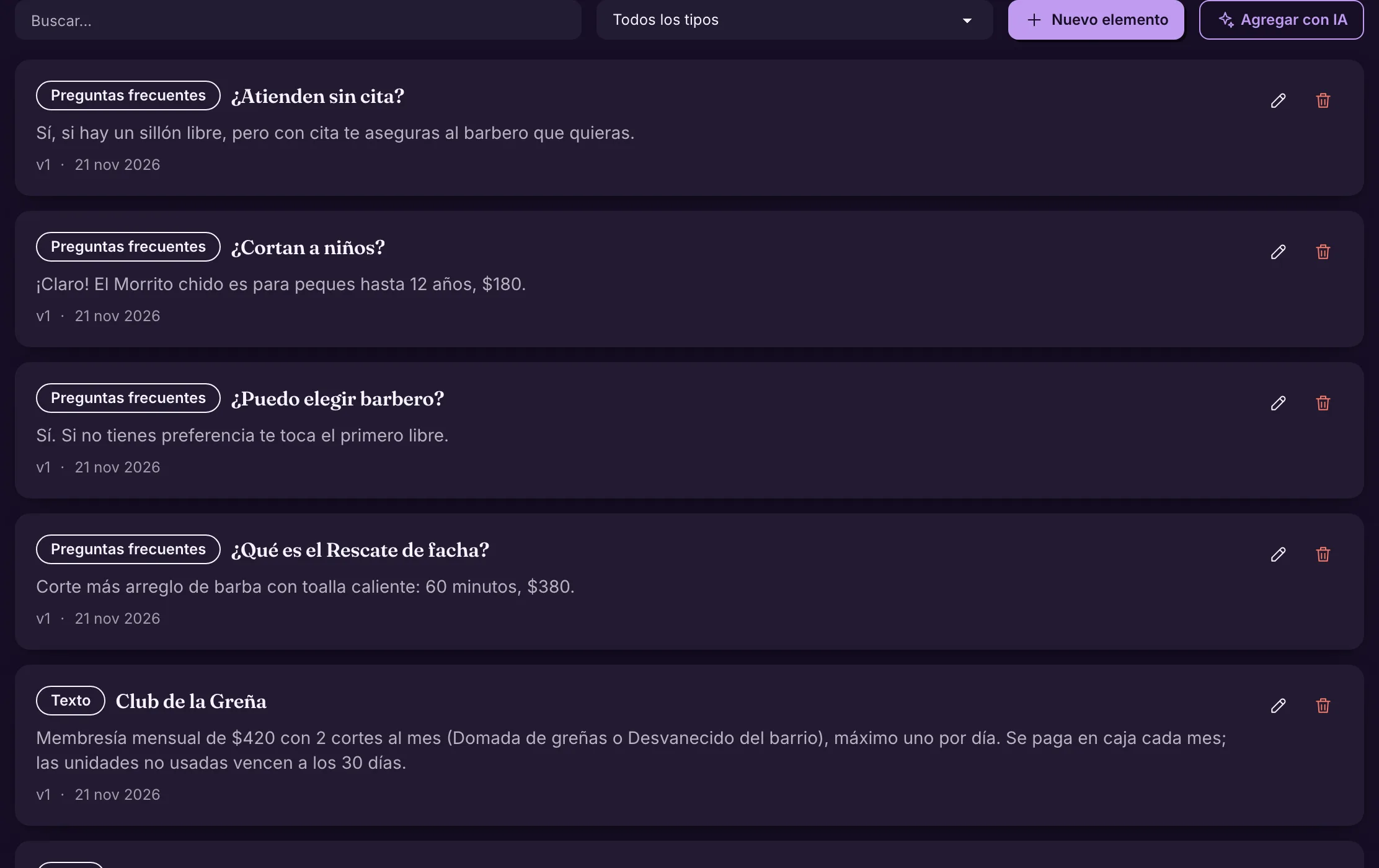
FAQs and texts you write, plus sources that update themselves: a web page, a section of your site, a spreadsheet, CSV, JSON or RSS. When two or more customers ask something the bot could not answer, "Your customers asked this" appears so you can approve the answer.

The bot answers what your business would answer, and learns from what is missing.

Example "Do you take walk-ins?" becomes an FAQ, and the bot answers exactly what the team would.

More in the docs →

Test it before switching it on

Chat with the bot as a new or returning customer, with test data. The Inspector shows, for each reply, the tools it used, the knowledge it looked up and whether it would hand over to a person.

You see why the bot said what it said, and fix it before a customer sees it.

Example Before opening chat sales, Ateliê Flor de Sal tests "do you have the dress in M?" and checks the bot only offers sizes in stock.

More in the docs →

When the one writing is an AI

More and more customers ask ChatGPT or Claude to book for them. Your business already serves that AI.

Your customers' AI books on its own

A customer's AI assistant (ChatGPT, Claude and others) finds your business, sees the free slots, places a hold and talks to your bot. The person confirms with a code sent by WhatsApp, Telegram or email.

You serve people who already ask their AI for everything, with no new integration and the same rules as the chat.

Example A customer asks ChatGPT "book me a cut with Tavo on Saturday morning"; the booking lands in Barbearia do Tavo's calendar like any other.

More in the docs →