Product

Integrations

Connect ChatGPT, Claude or whatever AI you use in a few clicks, with your permissions. For developers: an API with keys and scopes, signed webhooks and the bot searching your online store.

Your AI, connected to the business

The AI you already use looks up and runs Fiuit with your permissions, and the tokens come from your own subscription, not Fiuit's credits.

Connect your AI in a few clicks

In Settings → Developers, pick ChatGPT, Claude, Gemini, Cursor, VS Code, Kimi or another. In Cursor and VS Code it installs with one click; for the rest it takes three steps: paste the address, connect and authorize in Fiuit.

You ask your business questions and give it tasks from the AI you already use every day, with no new tool to learn.

Example At Clínica Bem Viver, the front desk asks Claude "who has an appointment tomorrow and hasn't confirmed yet?".

More in the docs →


Permissions your way

On the permissions page you choose the projects and what the AI can do: see schedules, edit customers, reply to conversations, change services. Seeing money, charging and recording expenses can only be granted by the owner. Under "Connected apps" you see and revoke each connection.

An AI can never do more than the person who connected it, and you can switch it off anytime.

Example The Auto Box 12 manager connects ChatGPT just to see the calendar and customers; money stays out.

More in the docs →

Set up the business by chatting

Ask your AI for ready-made tasks: import the catalog from a spreadsheet, create services in bulk, add customers. It shows what will change and only applies it when you confirm.

What would take an afternoon of forms becomes a few minutes of conversation.

Example Barbearia do Tavo sends its price list to Claude and reviews the 12 services before confirming.

More in the docs →

Fiuit in the ChatGPT and Claude directories Coming soon

Find Fiuit right in ChatGPT's and Claude's app lists, without pasting any address. Until then, connecting takes three steps from Settings → Developers.

Connecting will be as simple as installing an app.

Example The owner searches for "Fiuit" in ChatGPT and connects with their Fiuit account.

For developers

Keys with scopes, signed events and ready-made connectors for online stores.

API with keys and scopes

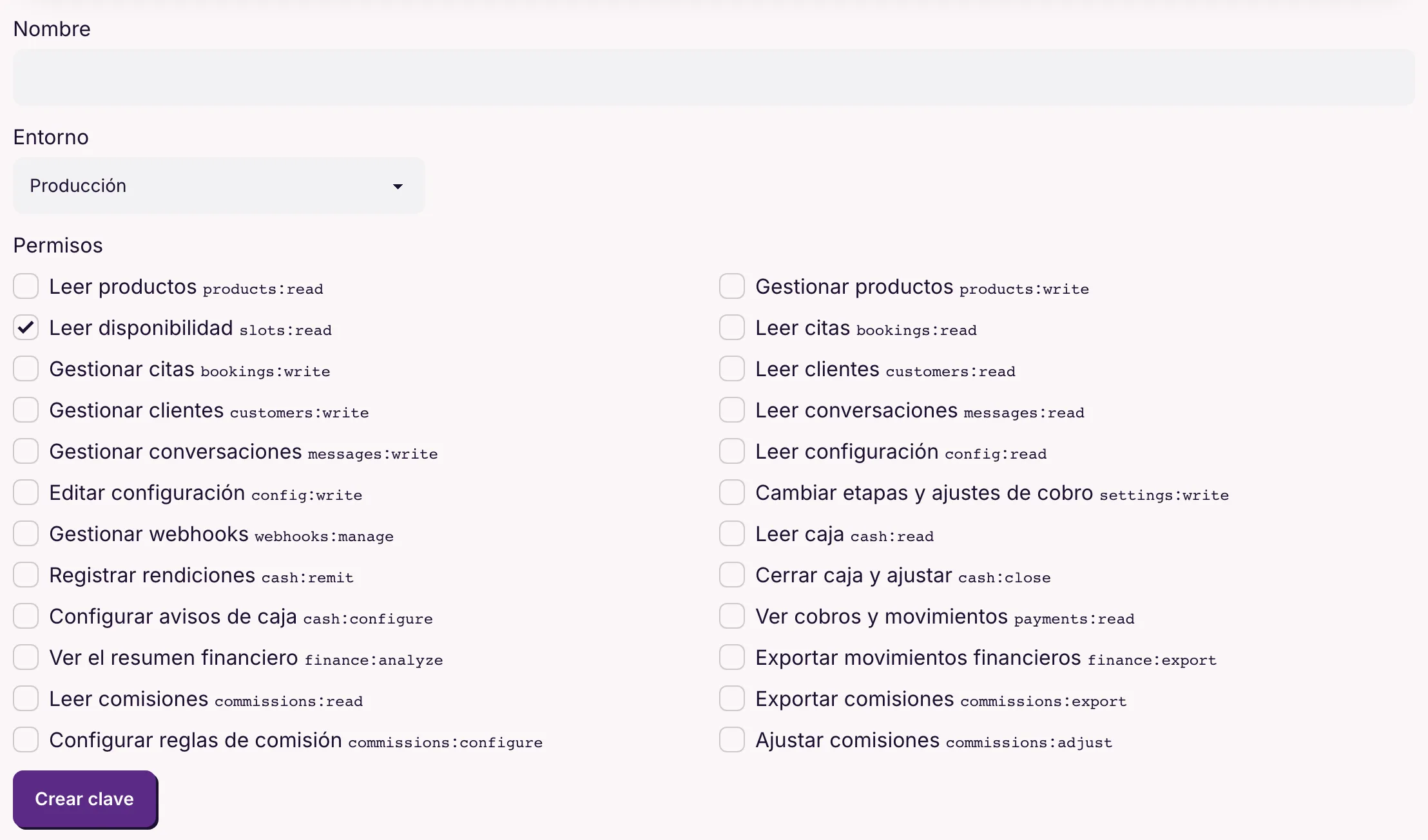
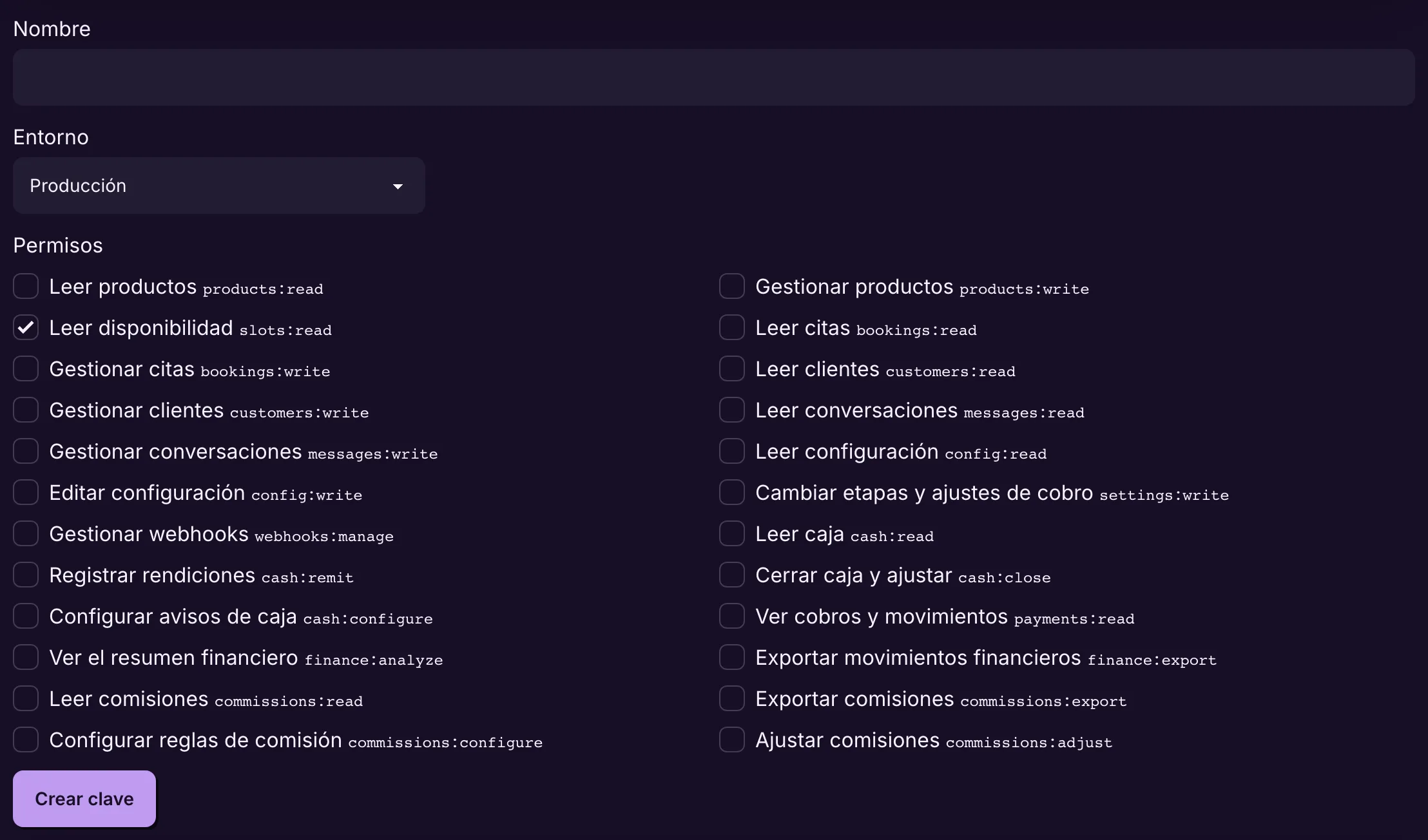
The owner creates live or test keys and ticks only the scopes needed: products, slots, bookings, customers, conversations, cash, commissions and more. The token is shown once and can be revoked. There are SDKs for TypeScript and Python.

Each integration reaches only what it needs, and a leaked key does not open the whole business.

Example Ateliê Flor de Sal's website uses a key with only "Read products" to show the catalog.

More in the docs →

Webhooks for every event

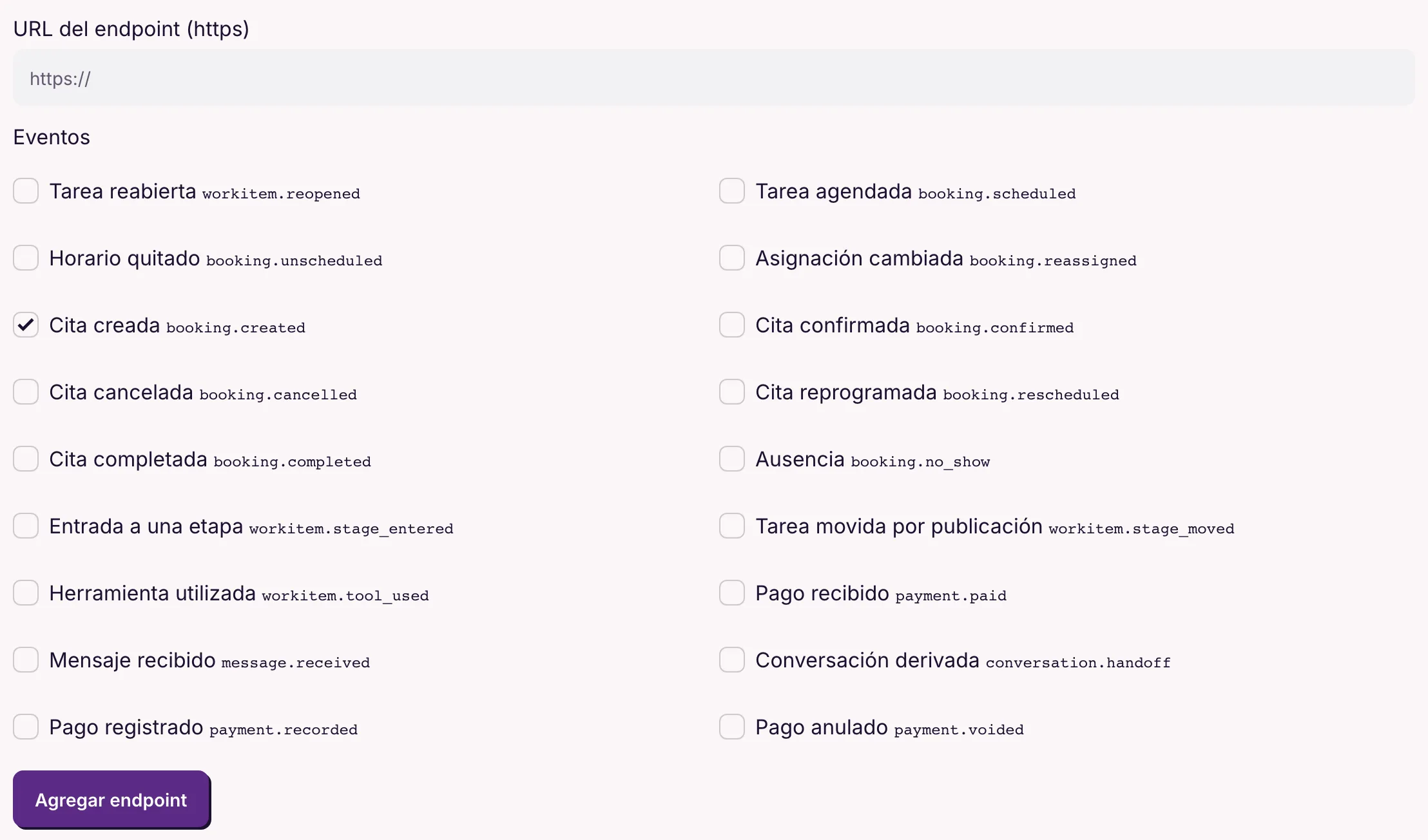
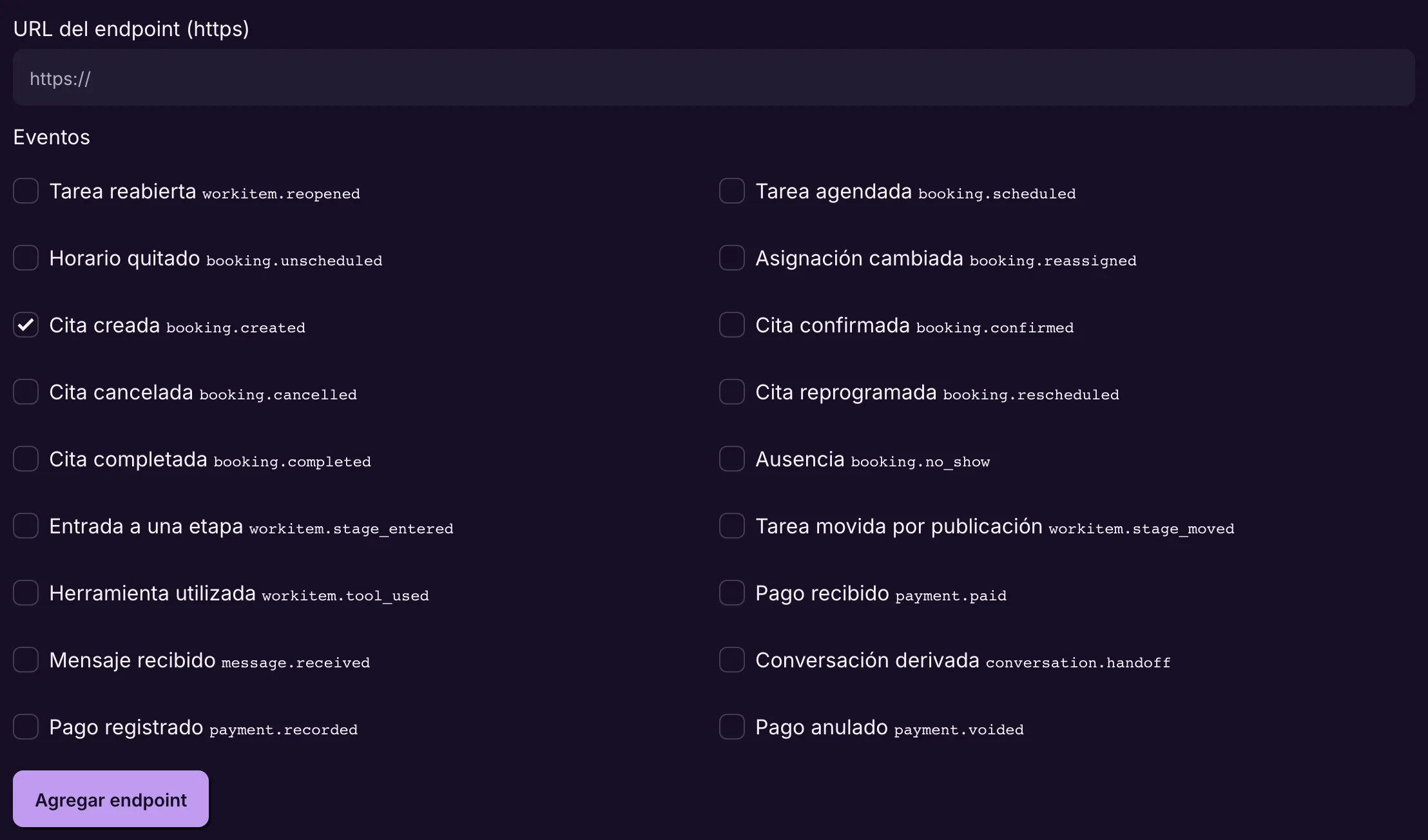
Choose the events (booking created, confirmed, cancelled, stage entered, payment received, message received, conversation handed off and more) and the HTTPS address. Every delivery is signed, retried automatically and logged, with manual resend.

Your system finds out right away, without polling every minute.

Example At Auto Box 12, entering the "Approved" stage tells the ERP to set the parts aside.

More in the docs →

The bot searches your online store

Connect Nuvemshop/Tiendanube, WooCommerce, Shopify, a Make or n8n scenario, or your own address that returns JSON. The bot searches live and offers what it finds; what the customer picks becomes an order, at the price they saw.

The catalog stays in one place, and the bot sells what is in the store right now.

Example Ateliê Flor de Sal connects its store: "do you have a caramel bag?" becomes three options with prices, straight from the store.

More in the docs →