Product

Services and stages

Each service with its rules, and each order with its path: from check-in with photos to delivery with a signature, with the quote approved over WhatsApp in between.

Every detail a service takes care of

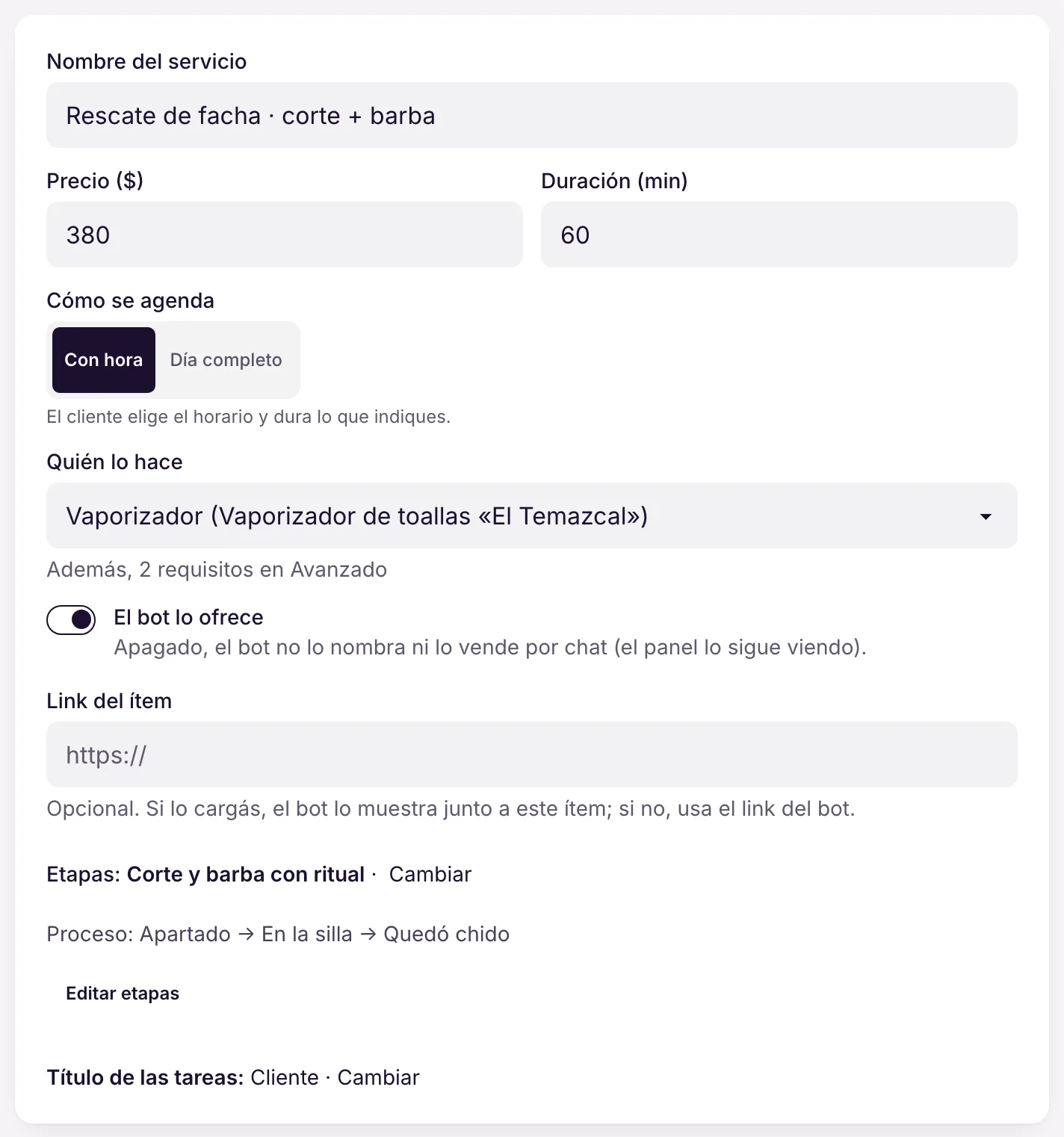
Who serves, when, how long it takes, how much it costs and where. All in the same form, and the calendar only offers what fits all of that.

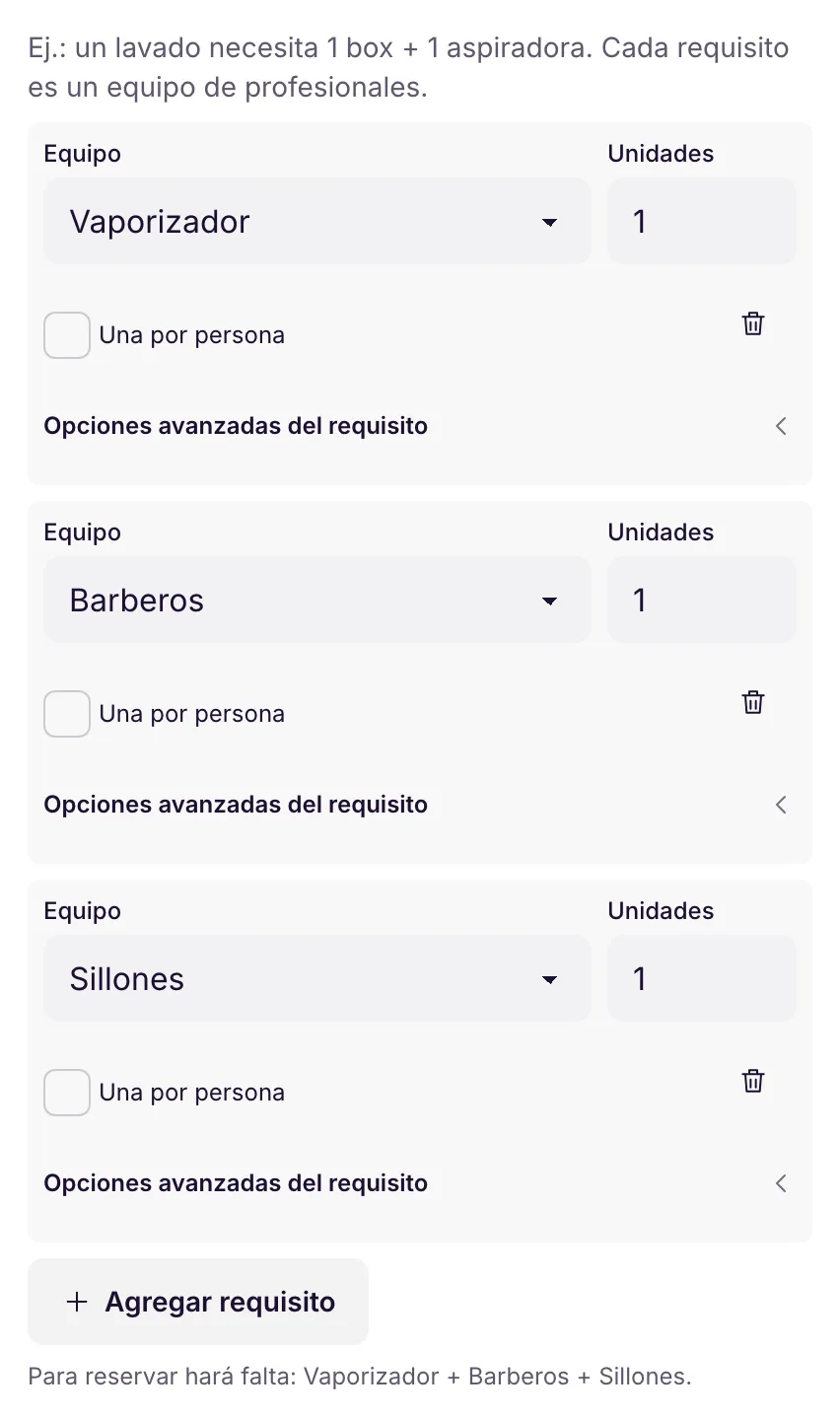
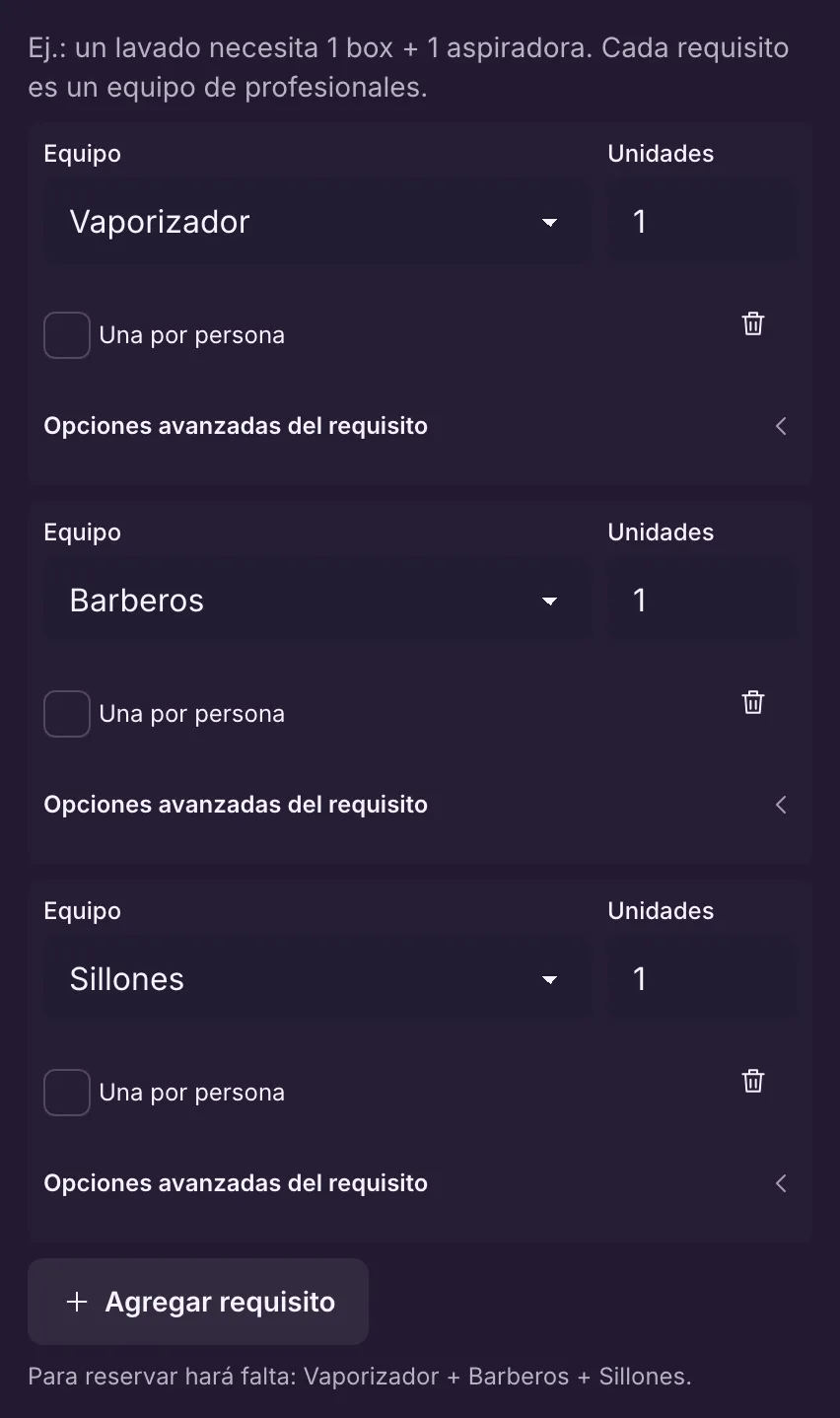
Who or what serves

One professional, one space (bay, room, court), one piece of equipment or several at once, each for as long as needed.

The calendar only offers times when everyone is free: the service, the resources and the zone.

Example At Auto Box 12, the service takes a bay for 4 h and a mechanic only for the first 2.

More in the docs →

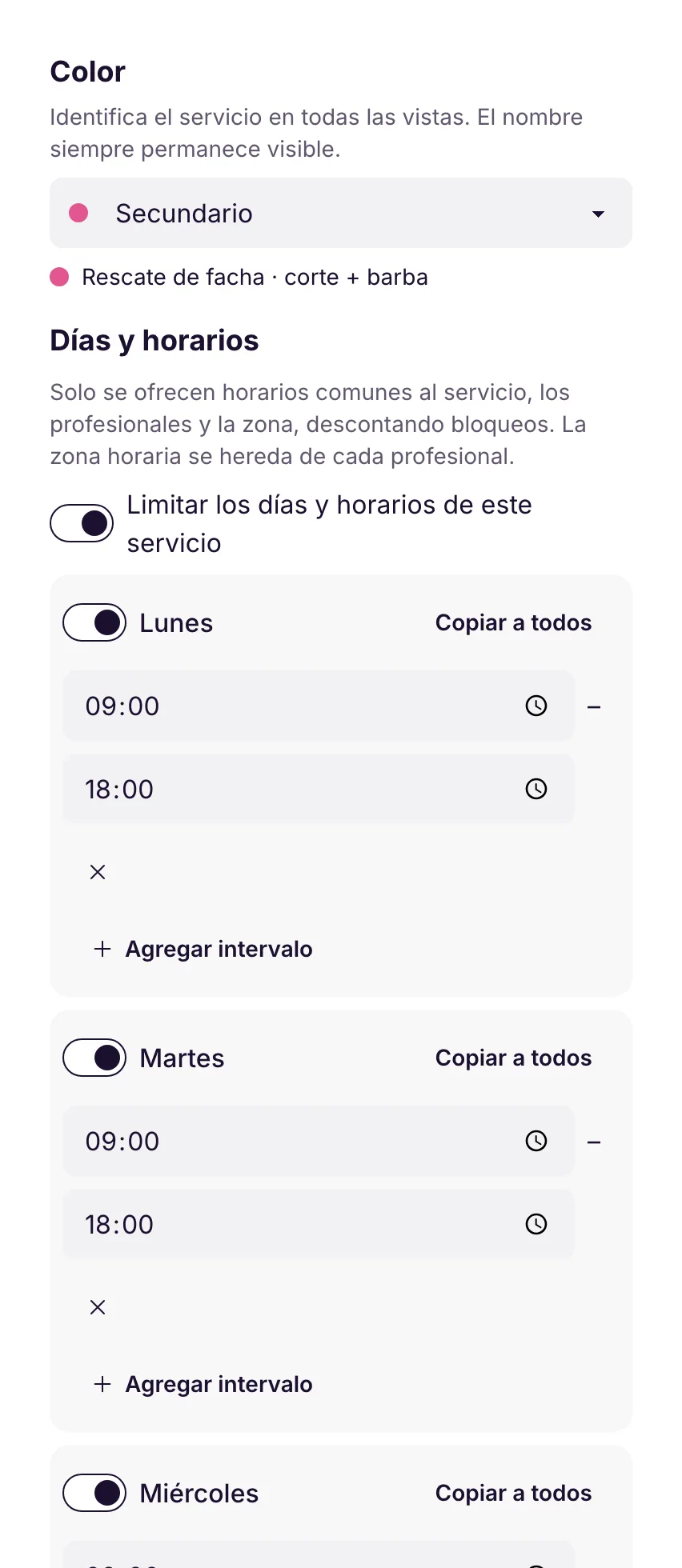
Own hours

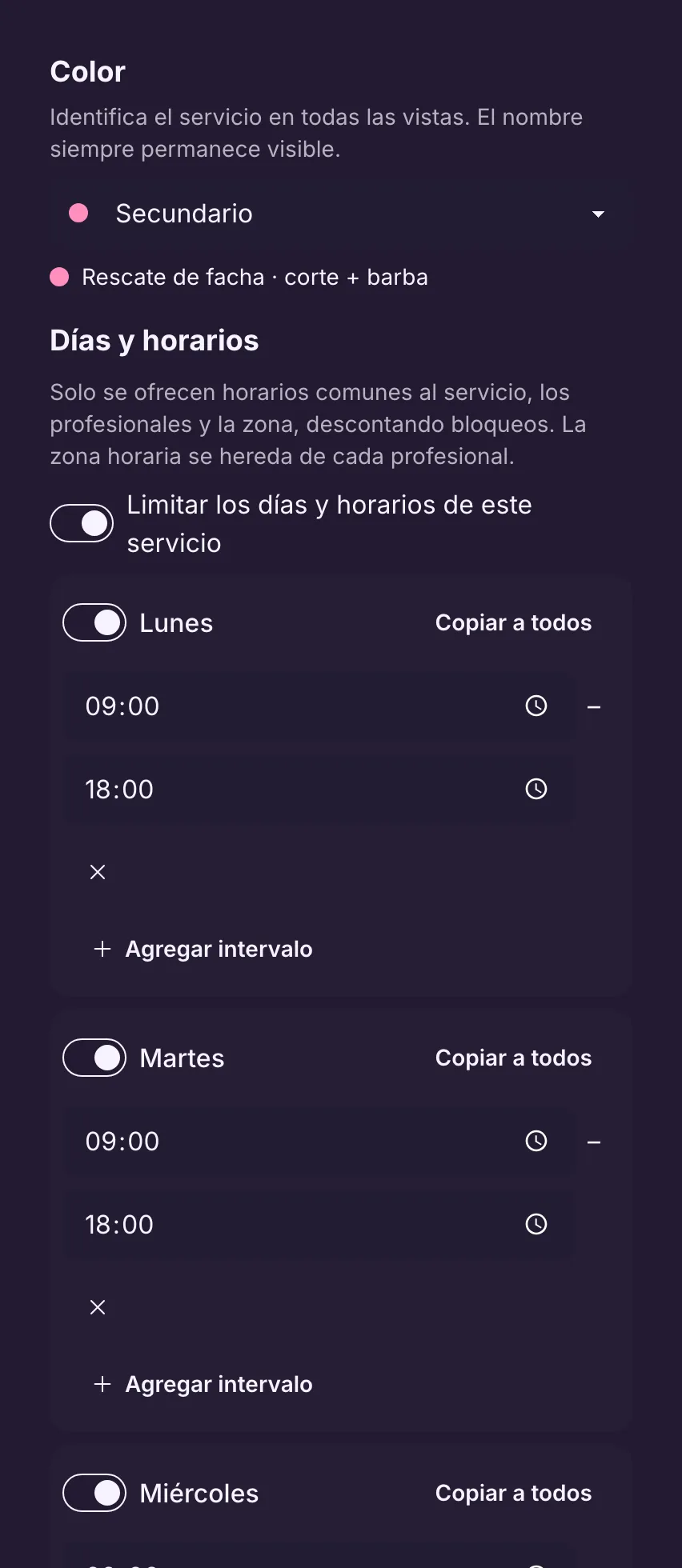
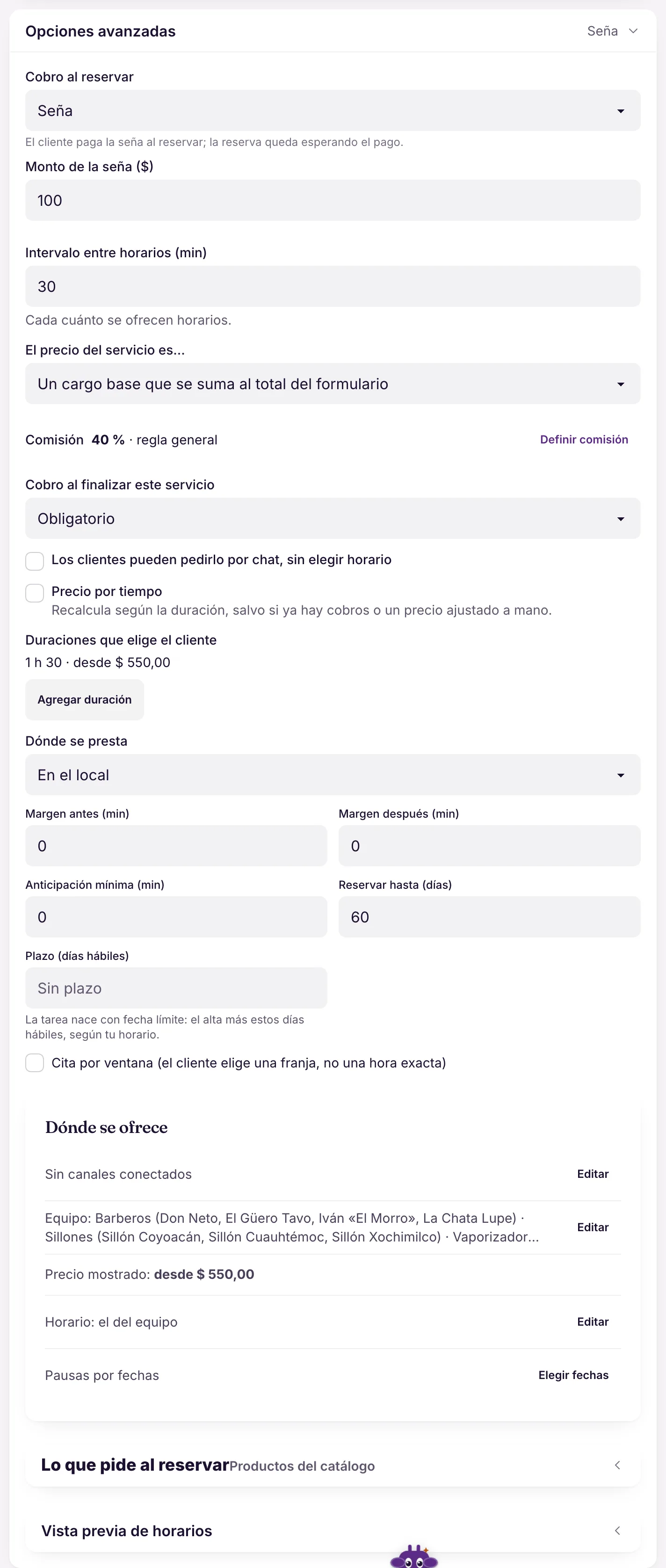
The service follows the team's hours or has its own: several intervals a day (with breaks) and breaks by date.

Offer a service only on certain days without changing anyone's schedule.

Example Arena Vila offers the beach tennis class only in the morning, Tuesday to Saturday.

More in the docs →

Duration, price and full day

A fixed duration or several the customer picks (each with its own price), and full-day services where the customer only picks the day. Right below, who does the service.

The calendar books the right amount of time and only shows what fits.

Example The court can be booked for 60 or 90 minutes, with a price for each.

More in the docs →

Deposit, full amount or on the spot

When booking: no charge, a deposit or the full amount (with Mercado Pago). Fixed price, “from”, or added to what the customer picks in the form.

The deposit reduces no-shows without putting off people who just want to ask.

Example At Barbearia do Tavo, the full 90-minute package asks for a deposit to confirm the slot.

More in the docs →

Where, how far ahead and with what buffer

At your place, at the customer's address (with zones), customer's choice, or online with a link. Minimum notice, how many days ahead people can book, and the buffer before and after each slot.

One catalog works for walk-ins and home visits, and nobody books for five minutes from now.

Example Auto Box 12's tow truck goes to the customer's address and only takes bookings with 1 hour's notice.

More in the docs →

Create a service by writing

Write one line with name, duration and price: duration and price are read by rules, the name by AI, and you check it before saving. You can also import a photo of the price list.

Build the catalog in minutes, without filling in field by field.

Example “Brake pad change 90 min $280 with optional alignment” → the service ready, and the alignment suggested as a separate service.

More in the docs →

Stages: the path of each order

Each service has its flow. Each stage asks for what it needs (photo, signature, checklist, quote) and can notify the customer by itself.

The path from end to end

Check-in with photos and signature, diagnosis with a checklist, quote, approval, service, quality control and delivery. Each service has its own.

The team follows the same process on every order, and you see which stage each one is in.

Example At Auto Box 12, the service goes through 7 stages; the oil change, through fewer.

More in the docs →

The order with the stage open

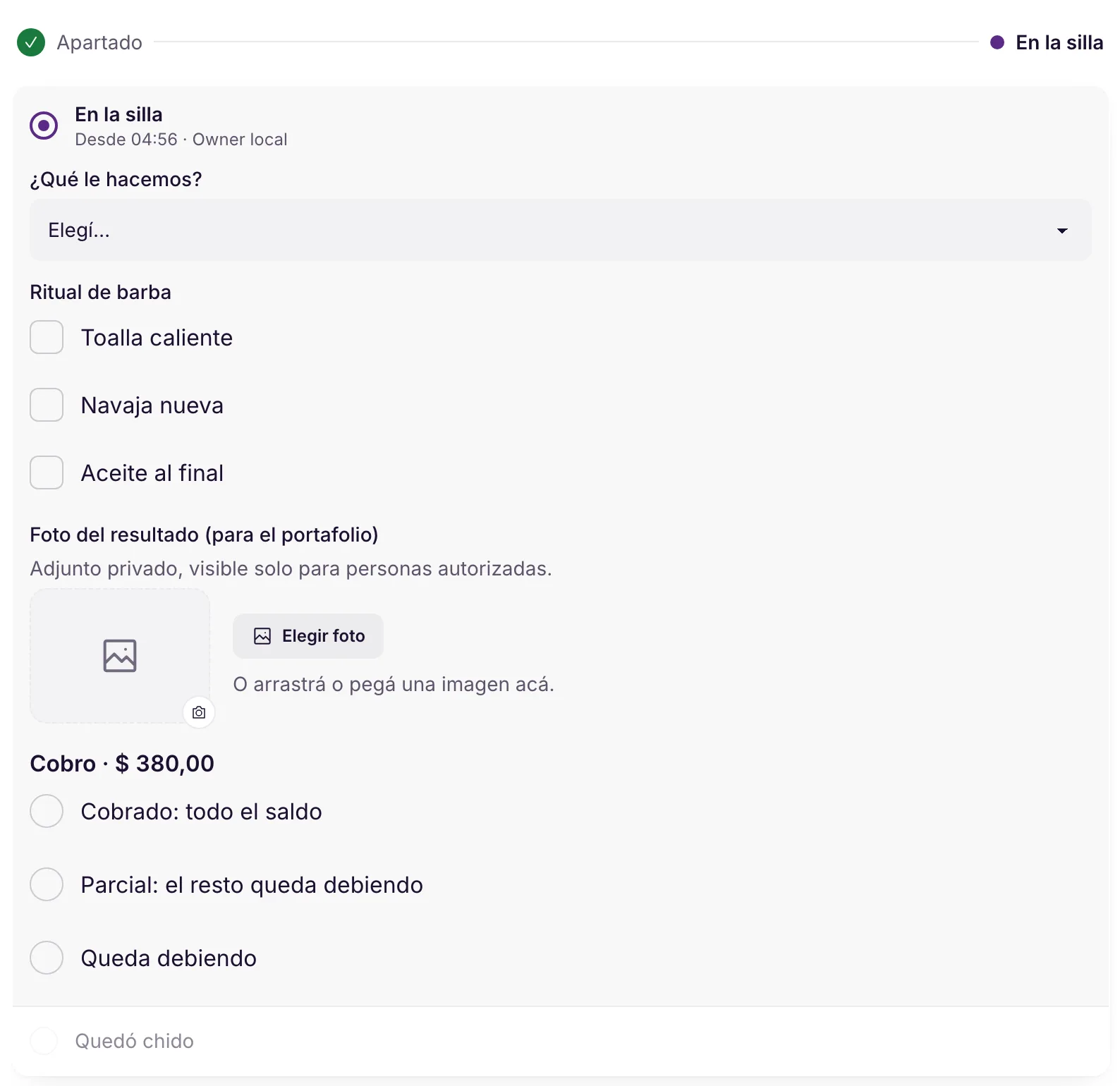
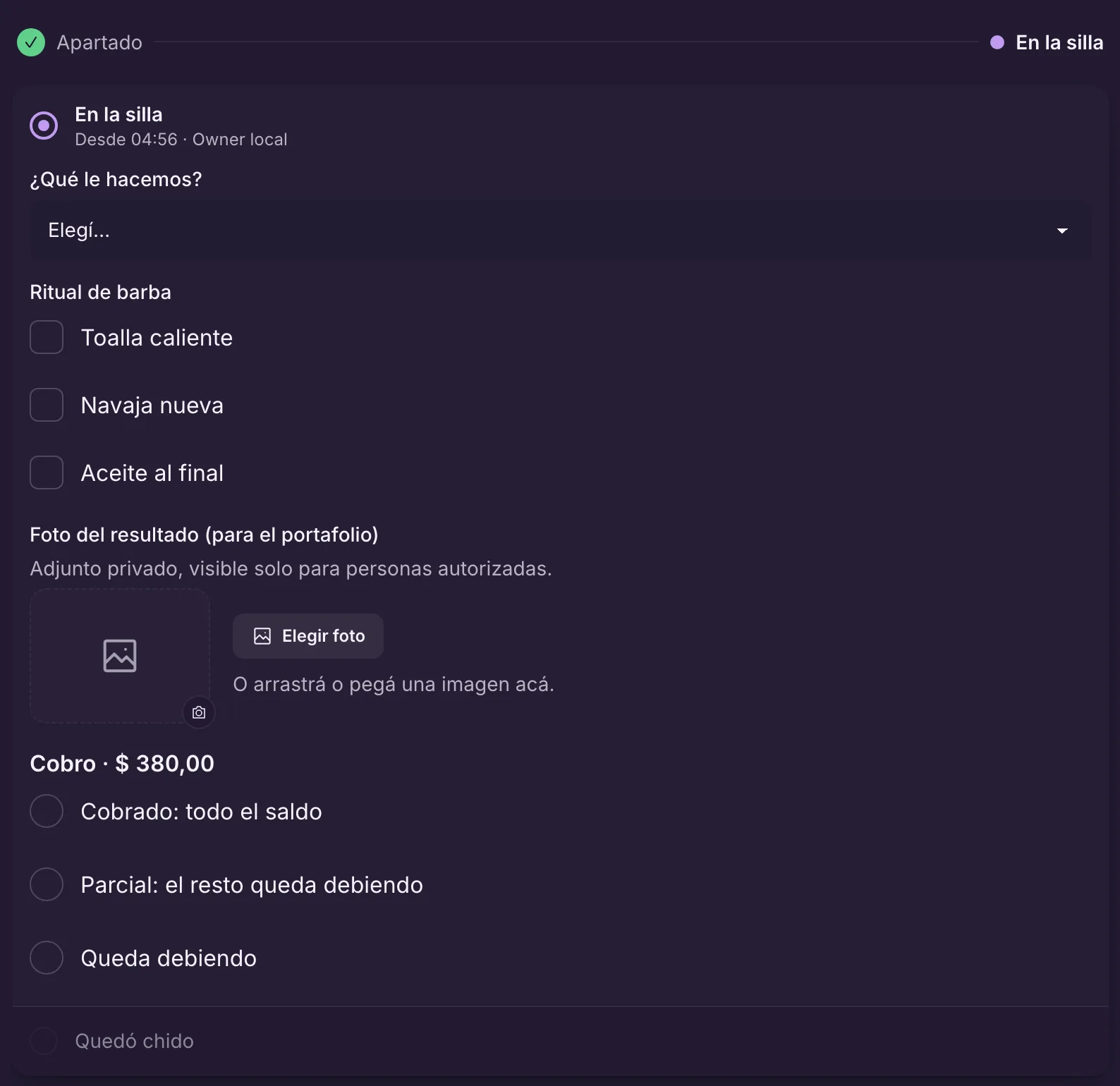
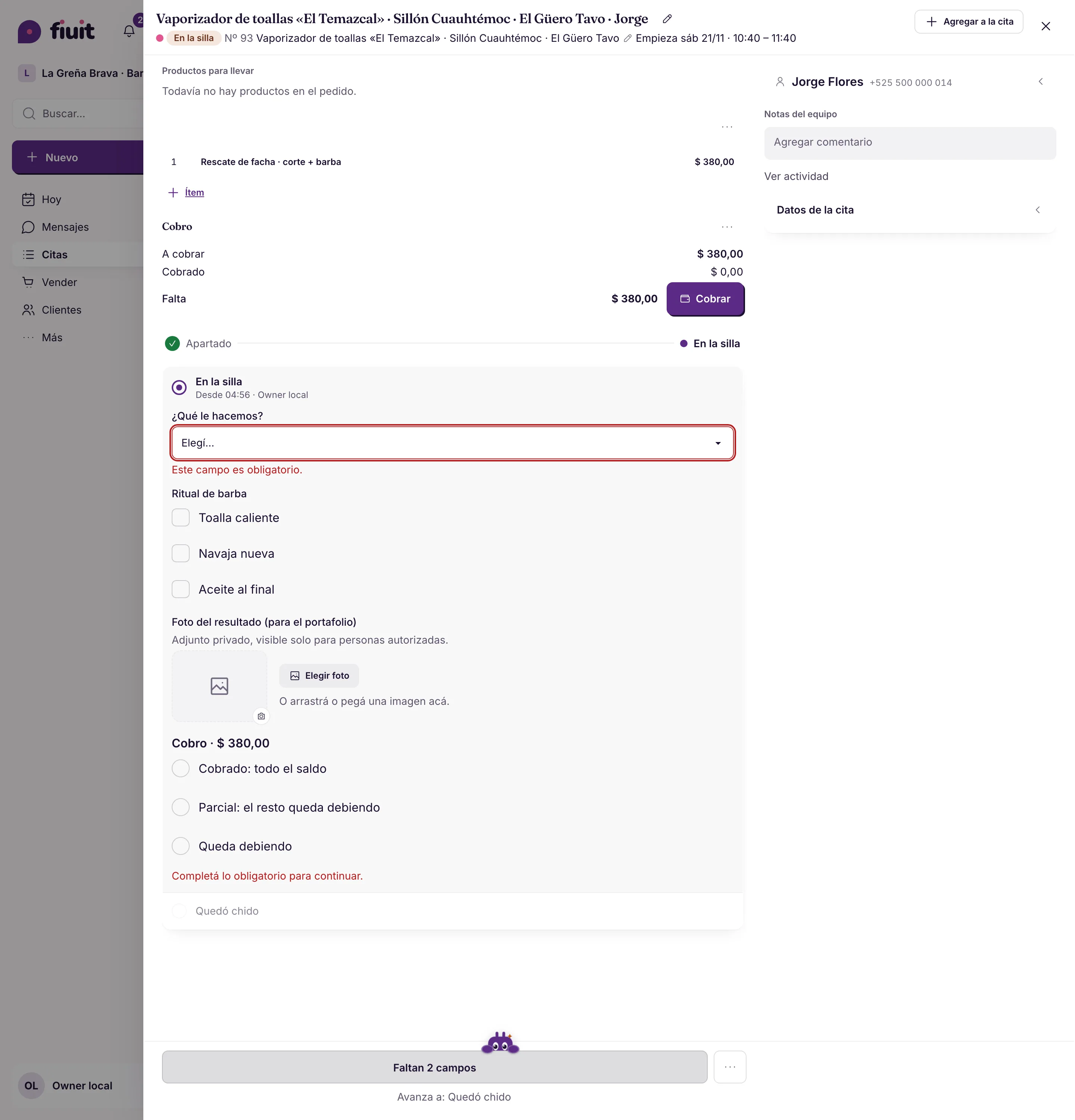
In the real appointment, the current stage shows what it asks for: what we're doing, the beard ritual as a checklist, the result photo for the portfolio, and the payment.

Nobody forgets a step: what the stage asks for is right there, when it's time to do it.

Example When the customer sits down, the barber picks the style, ticks the ritual and uploads the photo before closing.

More in the docs →

The team sees what's missing

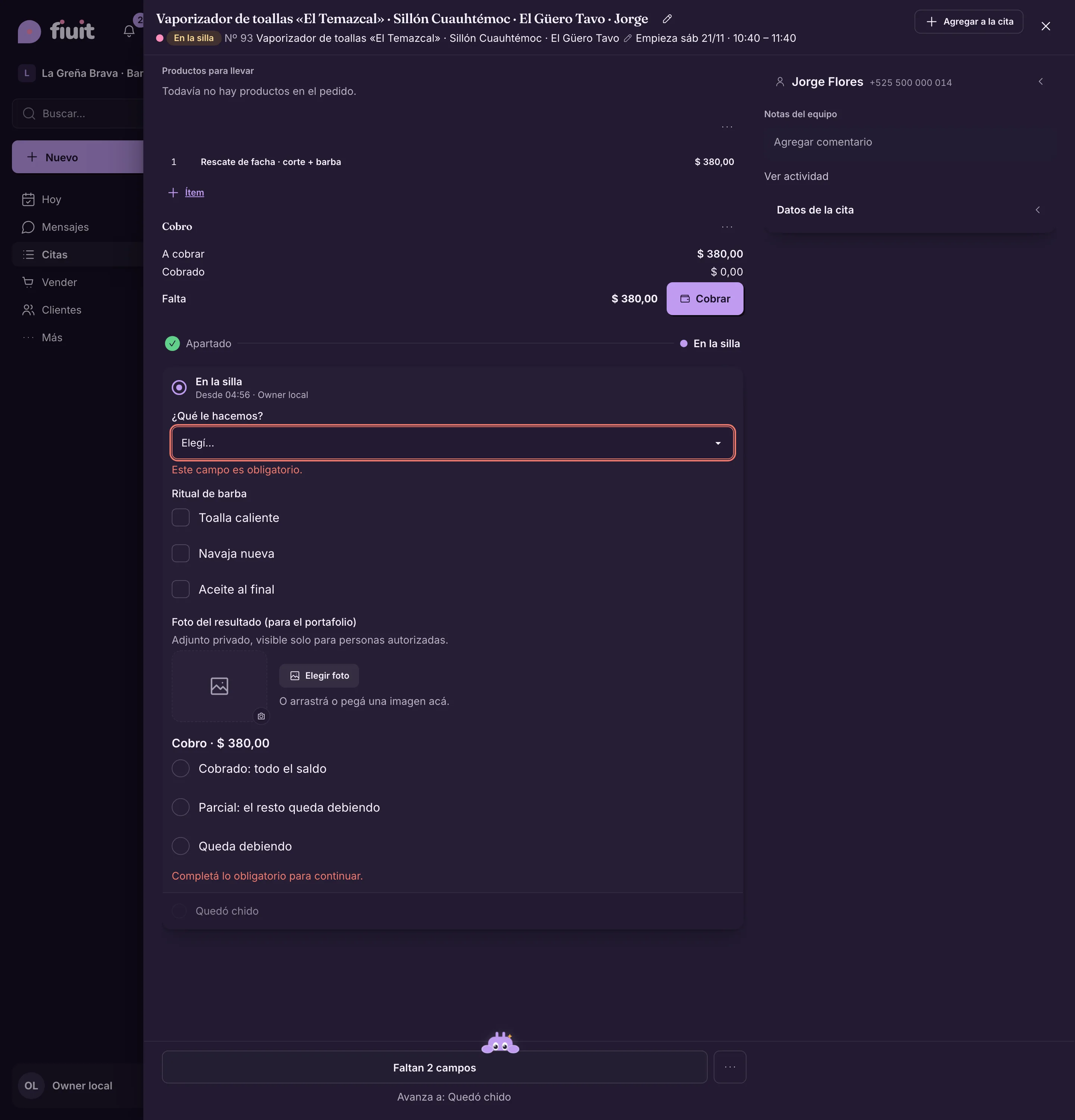
The main button says how many fields are missing, and each required field is flagged before moving on.

The order doesn't move forward half done, and nobody has to ask what was left out.

Example “2 fields missing”: without the style and the payment, the appointment doesn't move to “Done”.

More in the docs →

The customer gets the notice on its own

On entering a stage, Fiuit can send the customer a message, with your business's text and order data.

The customer follows along without calling to ask, and the team doesn't stop to answer.

Example When the car is ready: “Rafael, your Onix is ready for pickup”.

More in the docs →

Forms the AI fills in

Take a photo of the document and check the fields, instead of typing.

Fill from photo

With a photo attached to the order, the AI reads what's written and proposes values for the empty fields. Each field comes marked to check; nothing is saved until you confirm.

Plate, chassis and mileage without typing and without typos. Options, dates and prices are never filled in on their own.

Example A photo of the vehicle document fills in the plate, model, year and mileage at check-in.

More in the docs →

Quote and approval

The quote goes out with your brand, reaches the customer's WhatsApp and the approval moves the order by itself.

Documents with your brand

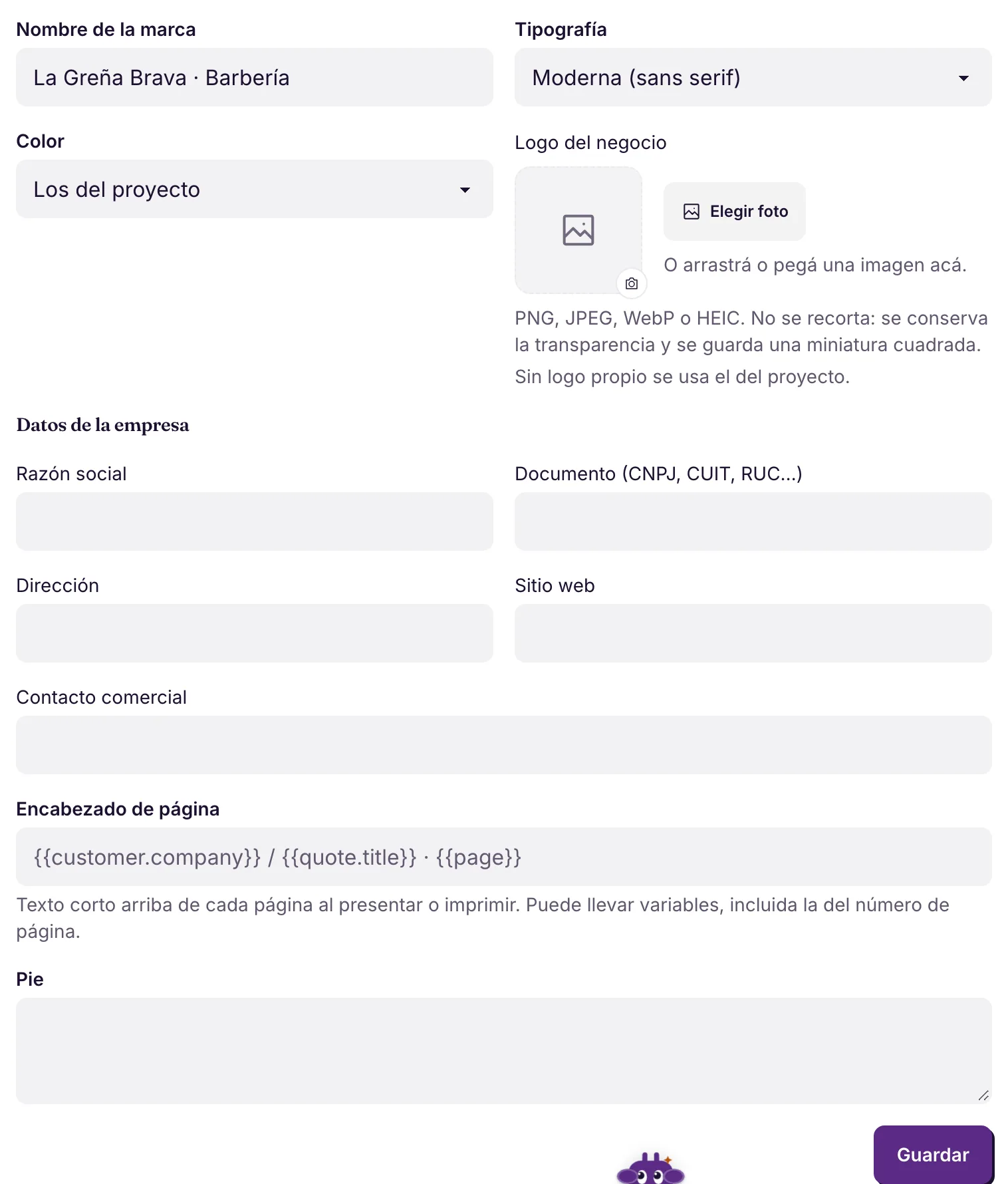
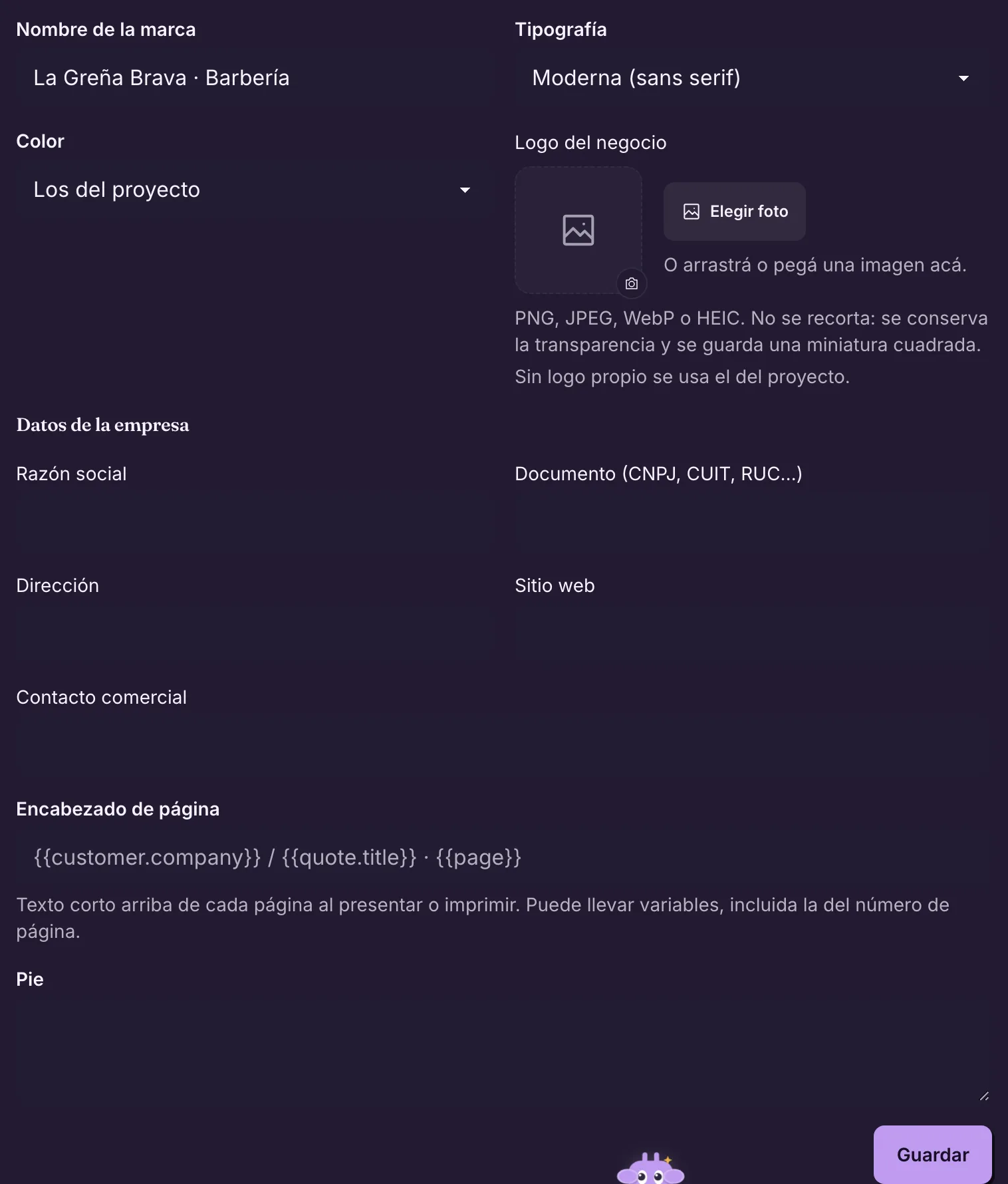
Logo, colors, typography, legal header and fixed texts (terms, warranty) with a live preview. They apply to quotes, receipts and statements.

The documents Fiuit generates come out looking like your business, without building anything by hand.

Example Auto Box 12 puts the 90-day warranty on every quote.

More in the docs →

Approval over WhatsApp

The quote stage sends the items and the total in the chat, with “I approve” and “No, thanks”. The reply moves the order by itself and the team gets the notice.

No calling to ask for authorization: the customer approves from wherever they are, and the service starts.

Example The customer taps “I approve” and the order moves to “Work order”; the mechanic gets “Rafael approved the quote”.

More in the docs →