Improvement
Products now show their photo and price
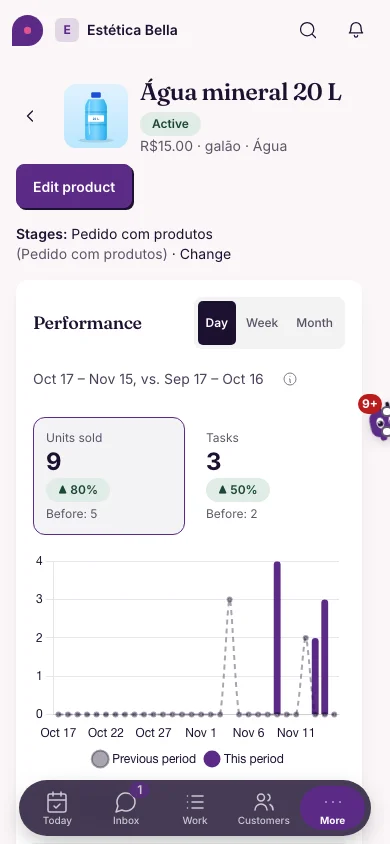
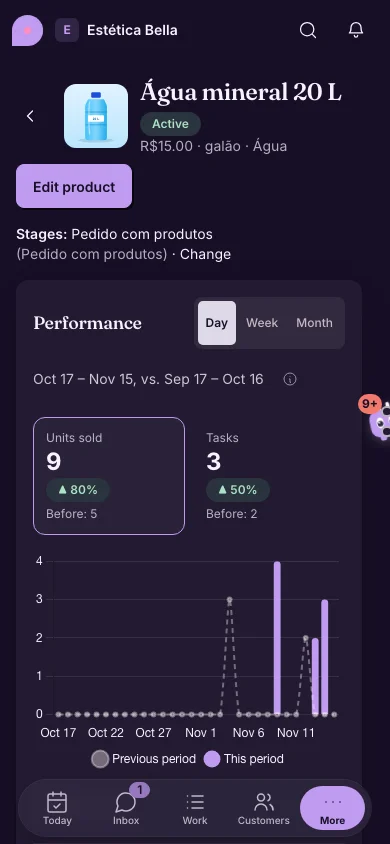
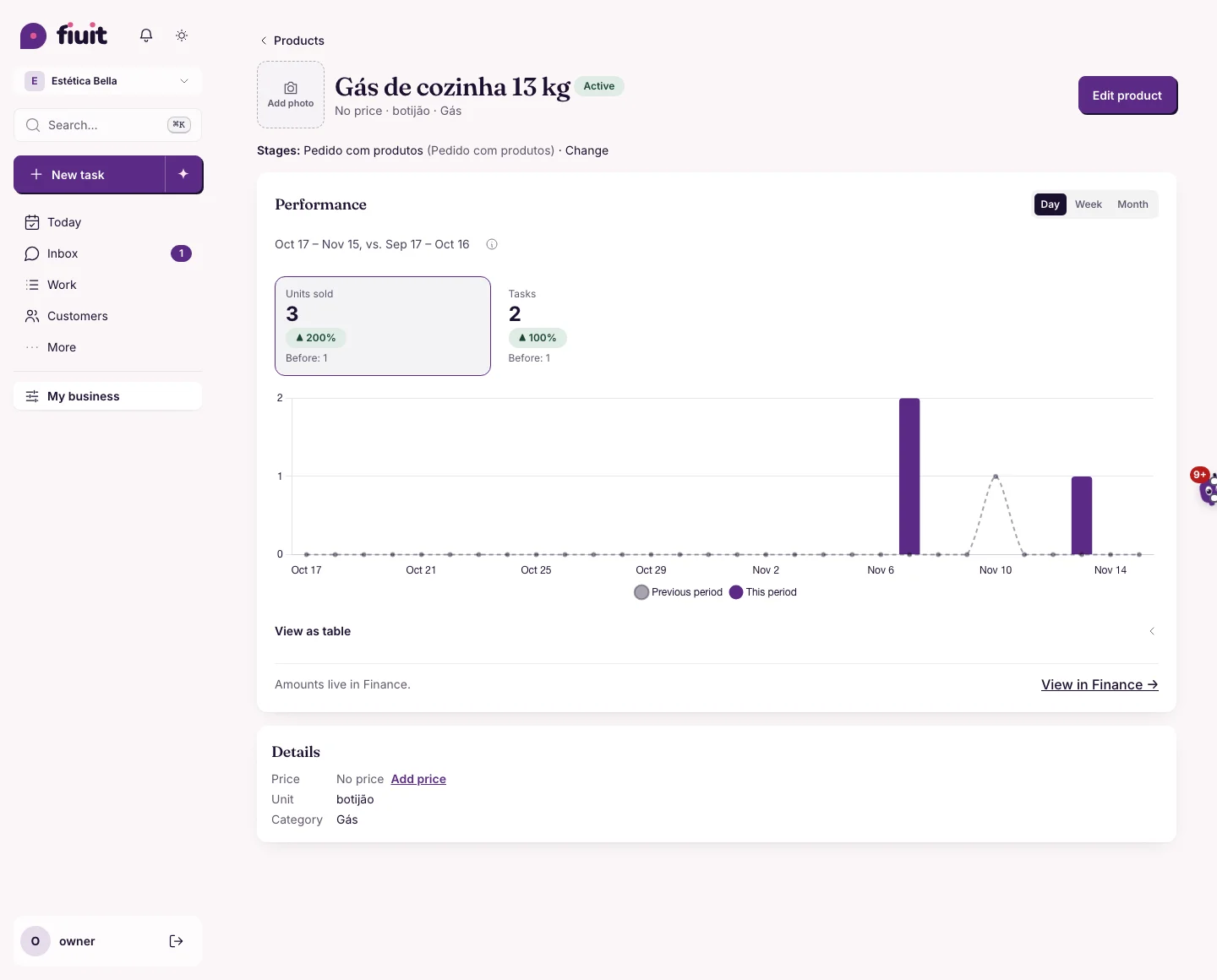
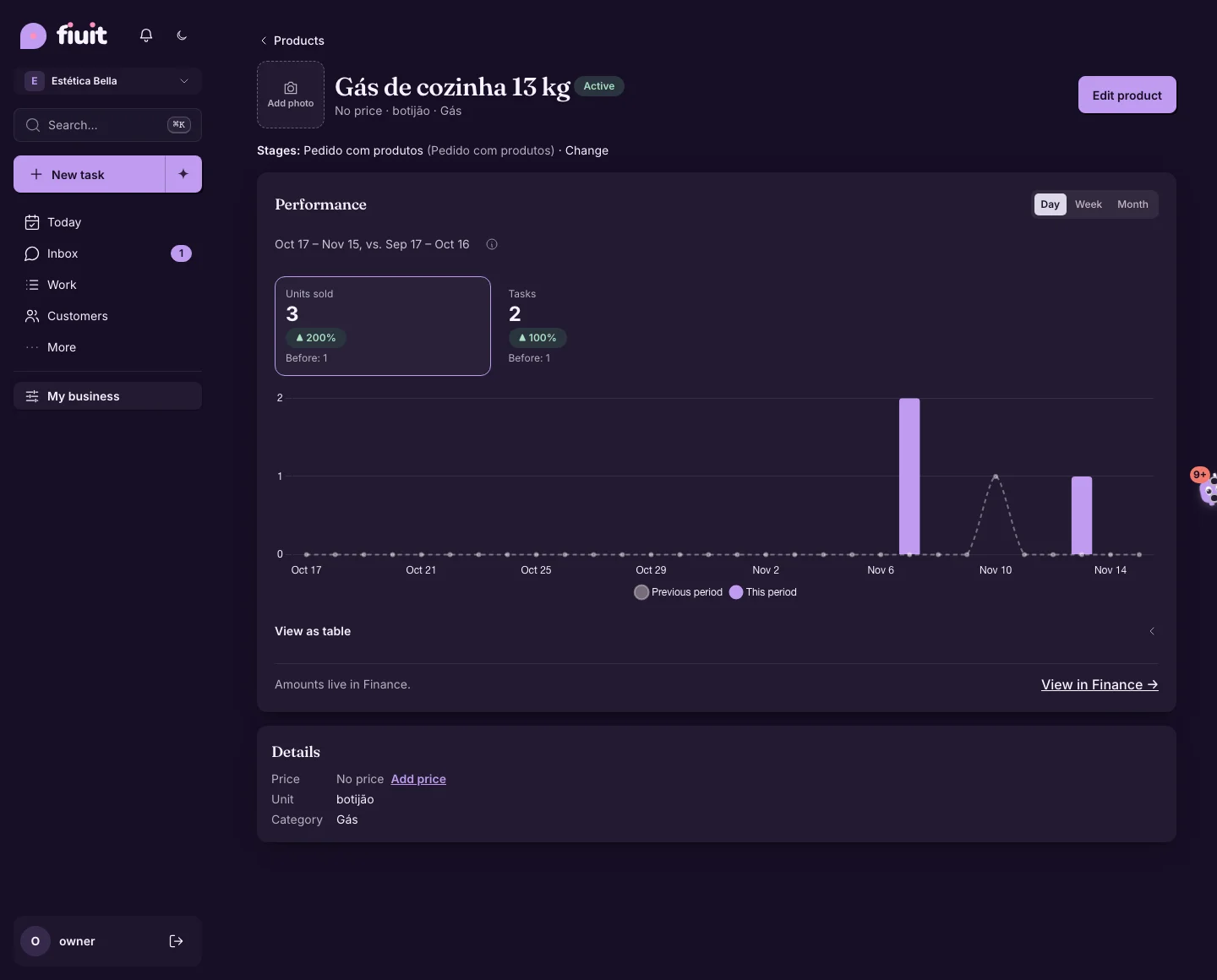
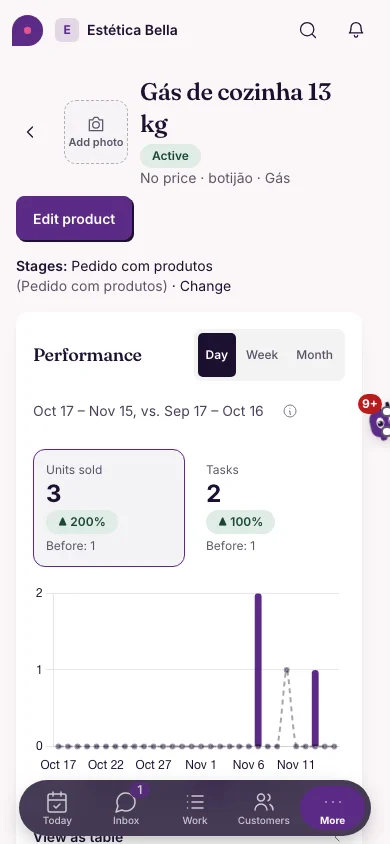
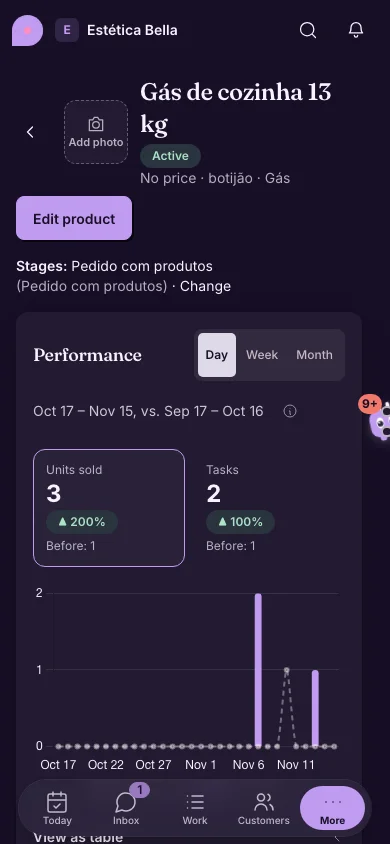
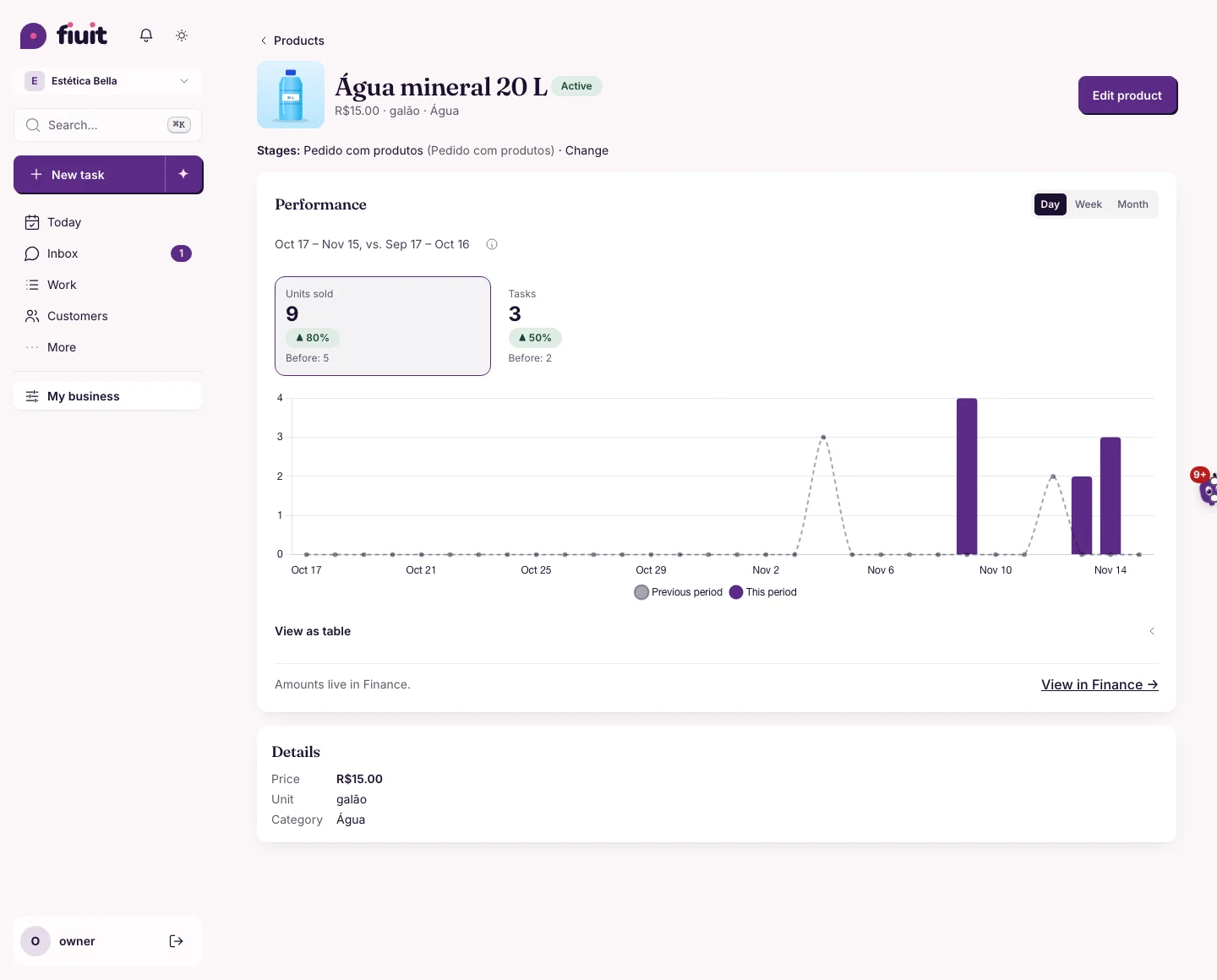
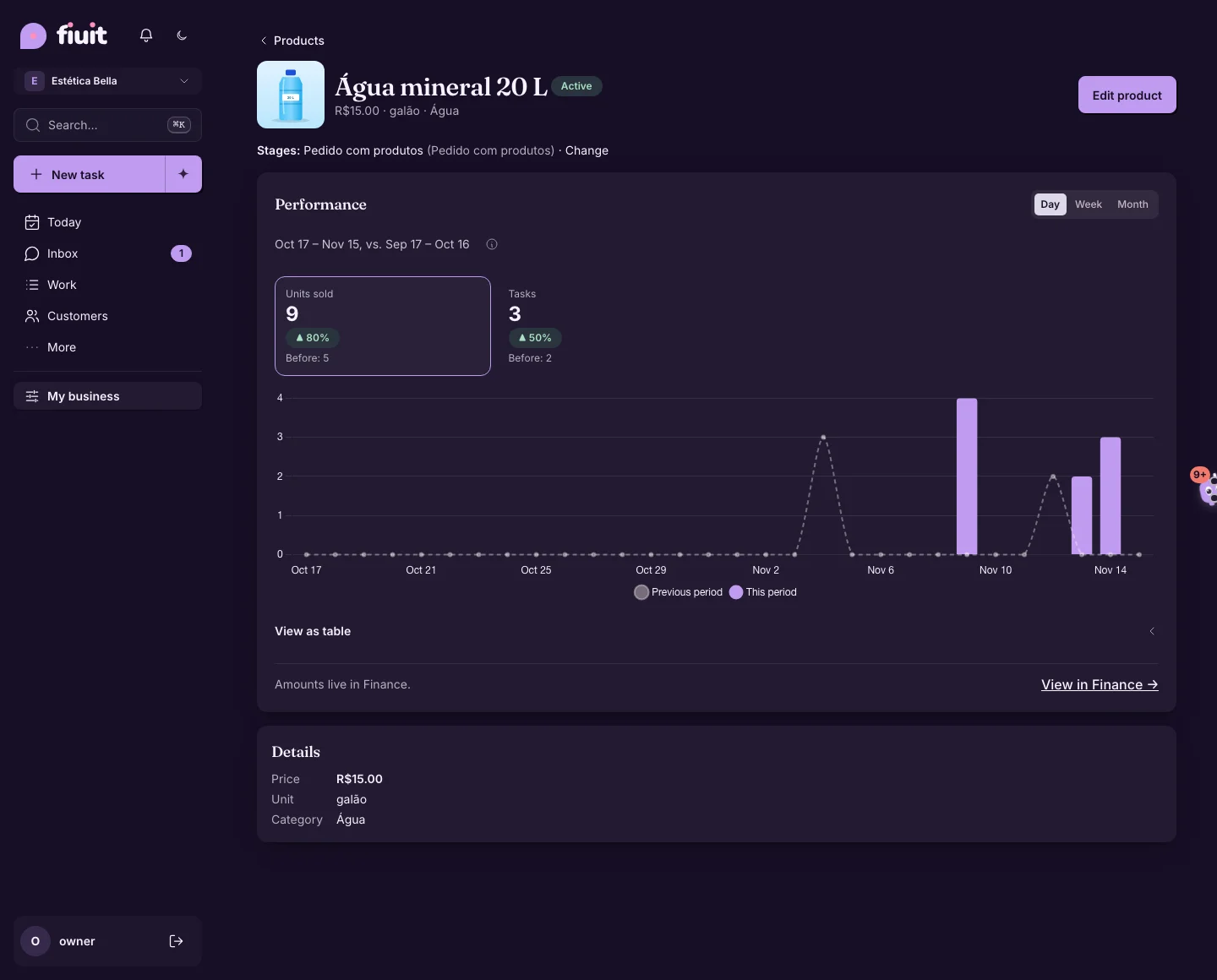
Open a product and see its photo next to the name and its price at the top, no scrolling. No photo or no price? One tap to add it.
A product you can read at a glance
- Photo next to the name: the same one as in the list; tap it to enlarge it.
- Price at the top: next to the unit and category, and also under Details, in the same format as the list.
- What's missing, one tap away: with no photo you get «Add photo»; with no price, «No price» with «Add price» (never «R$ 0.00»).