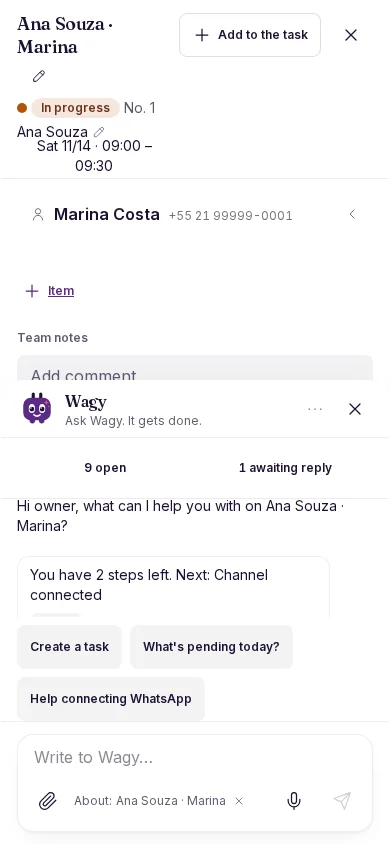
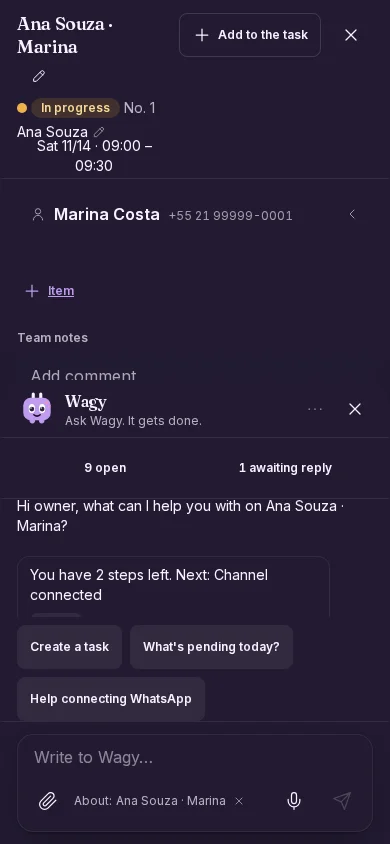
Improvement
Wagy keeps you company with the task open
Wagy peeks in at the edge of the task and opens the chat on top, without closing it.
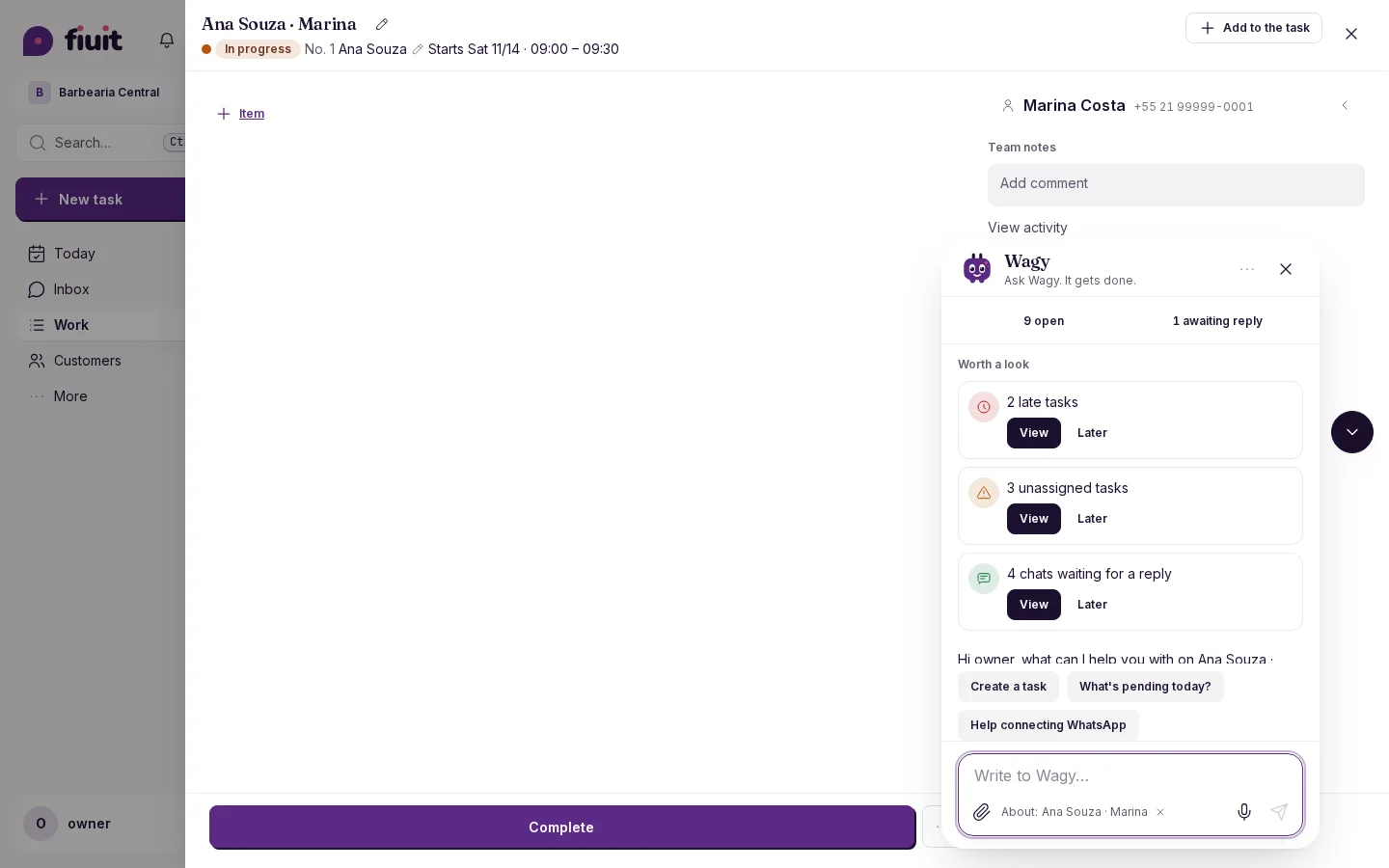
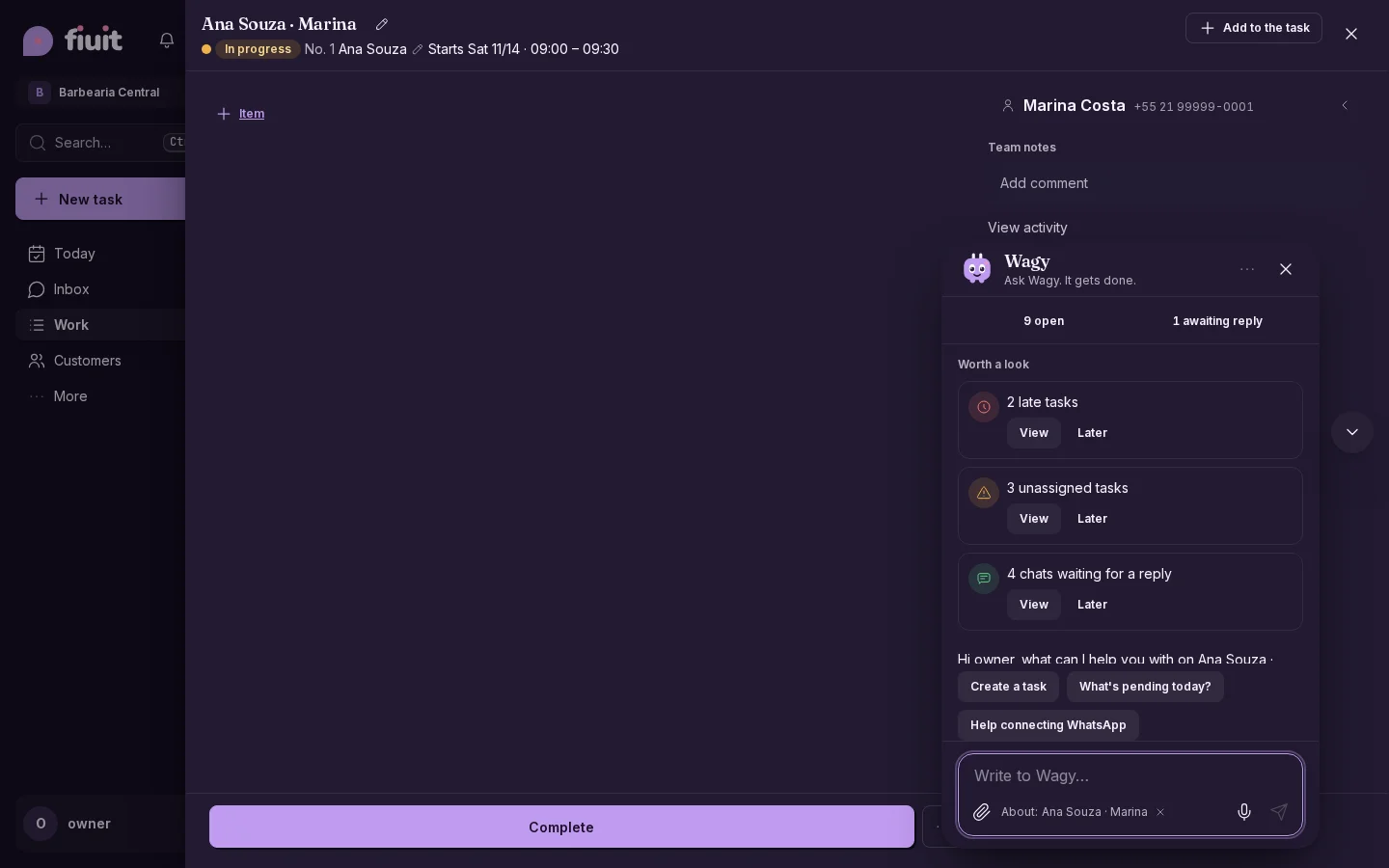
Chat without losing the task
- At the edge: with the task open, Wagy peeks in from the side of the detail. On mobile it sits above the action bar and does not cover it.
- The chat opens on top: the task stays open and pinned as the context of the conversation.
- One Wagy only: while the task is open, the one on the background screen is hidden.
- Your way: on mobile, swipe the chat down to close it and Wagy peeks in again.