Improvement
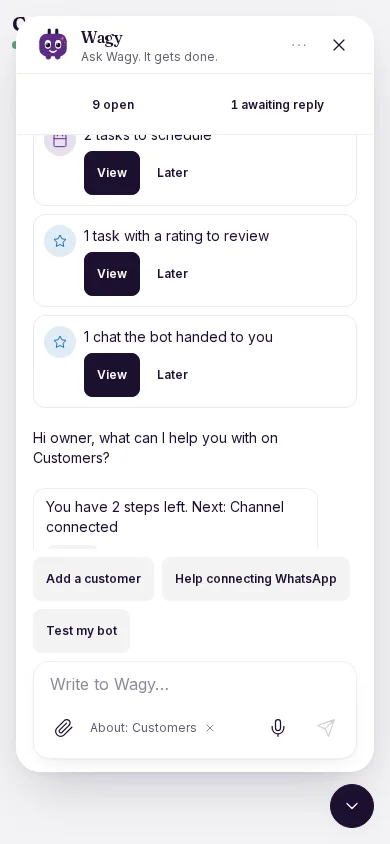
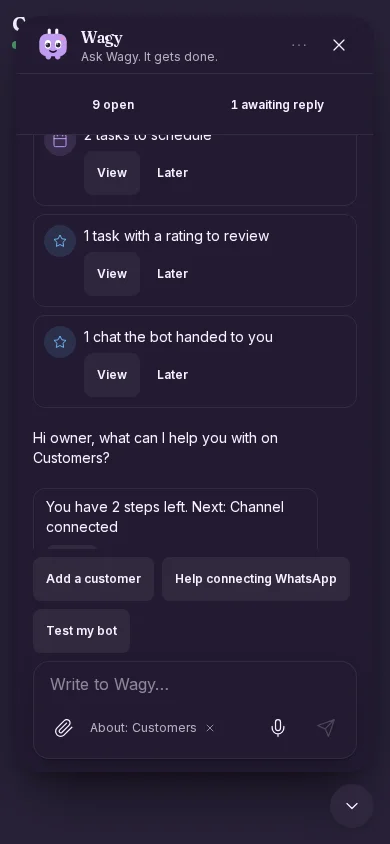
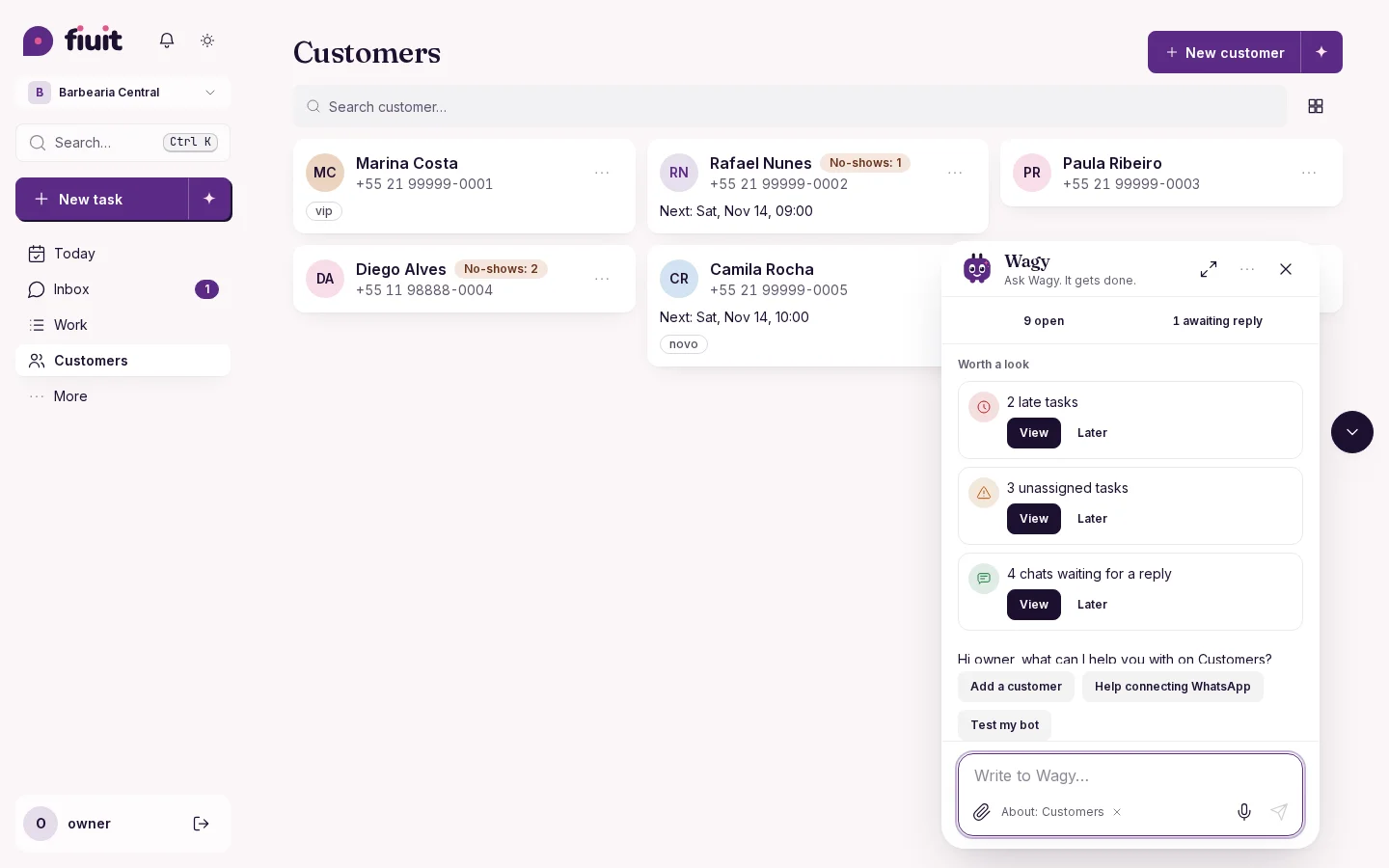
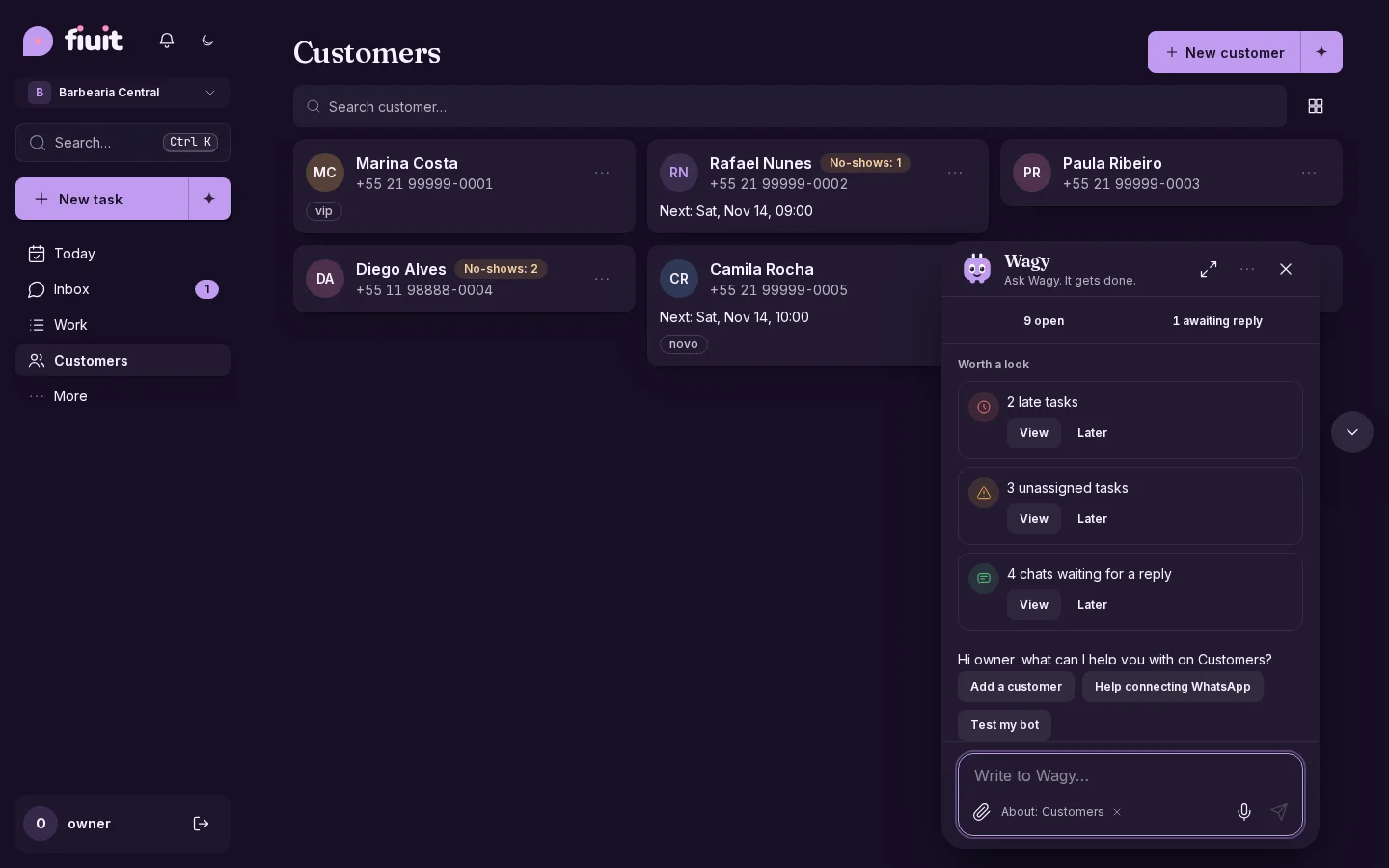
Wagy floats on top and no longer shifts your screen
Your assistant's chat opens as a floating bubble: drag it away if it gets in the way, or dock it to the side if you prefer.
A bubble that stays out of the way
- One tap away: the button beside the chat minimizes it; on phones, the chat fills the whole screen.
- The screen stays put: your tables and cards do not move.
- It adapts: it grows with the chat and, if it covers what Wagy is pointing at, it finds a clear spot.
- Your way: drag it, or dock it to the side; Wagy remembers on that device.