← All updates
Improvement

One-line help, with the next step at hand

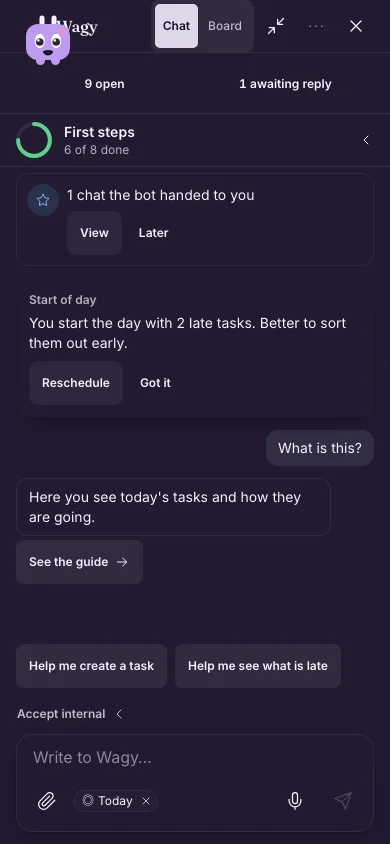
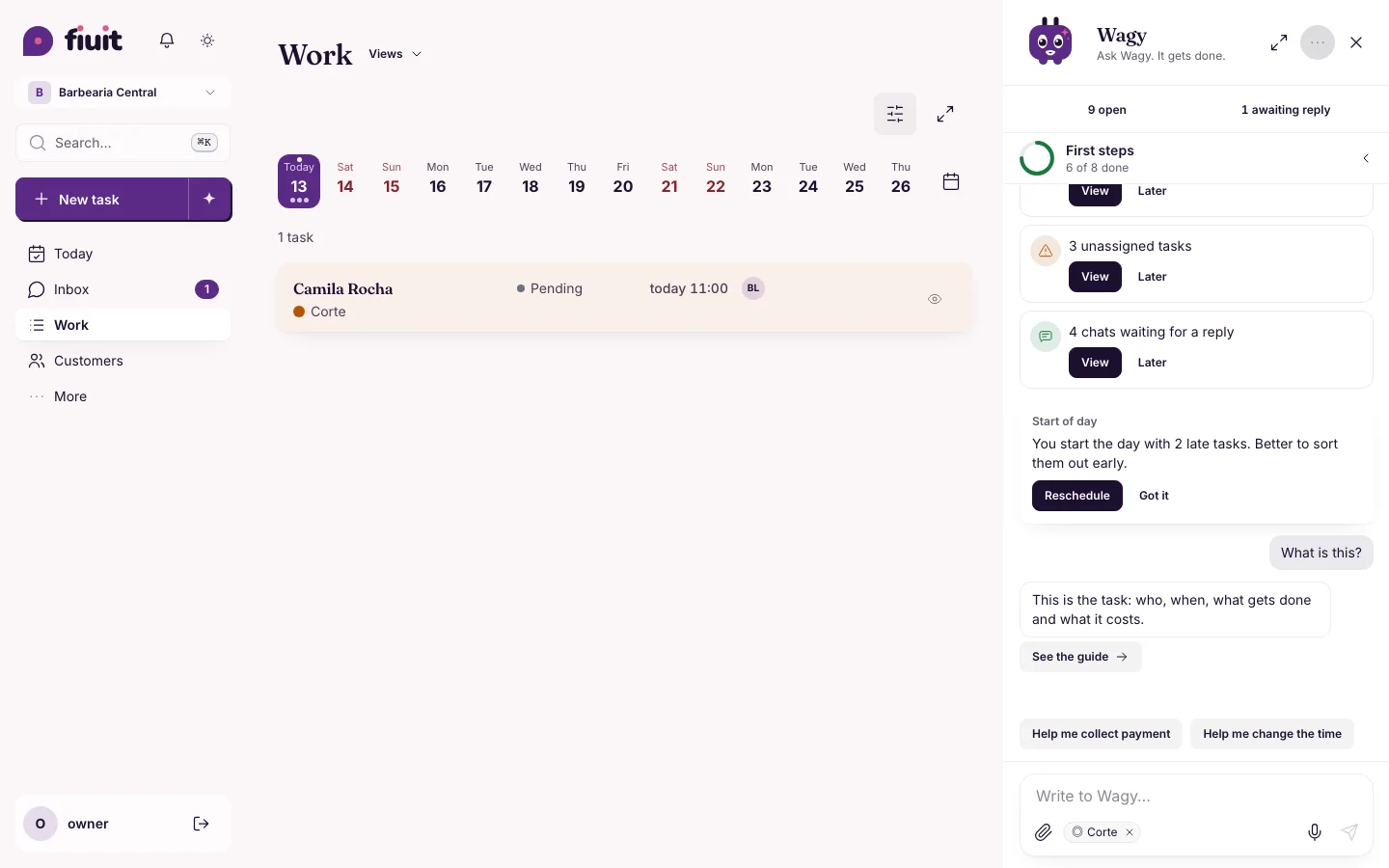
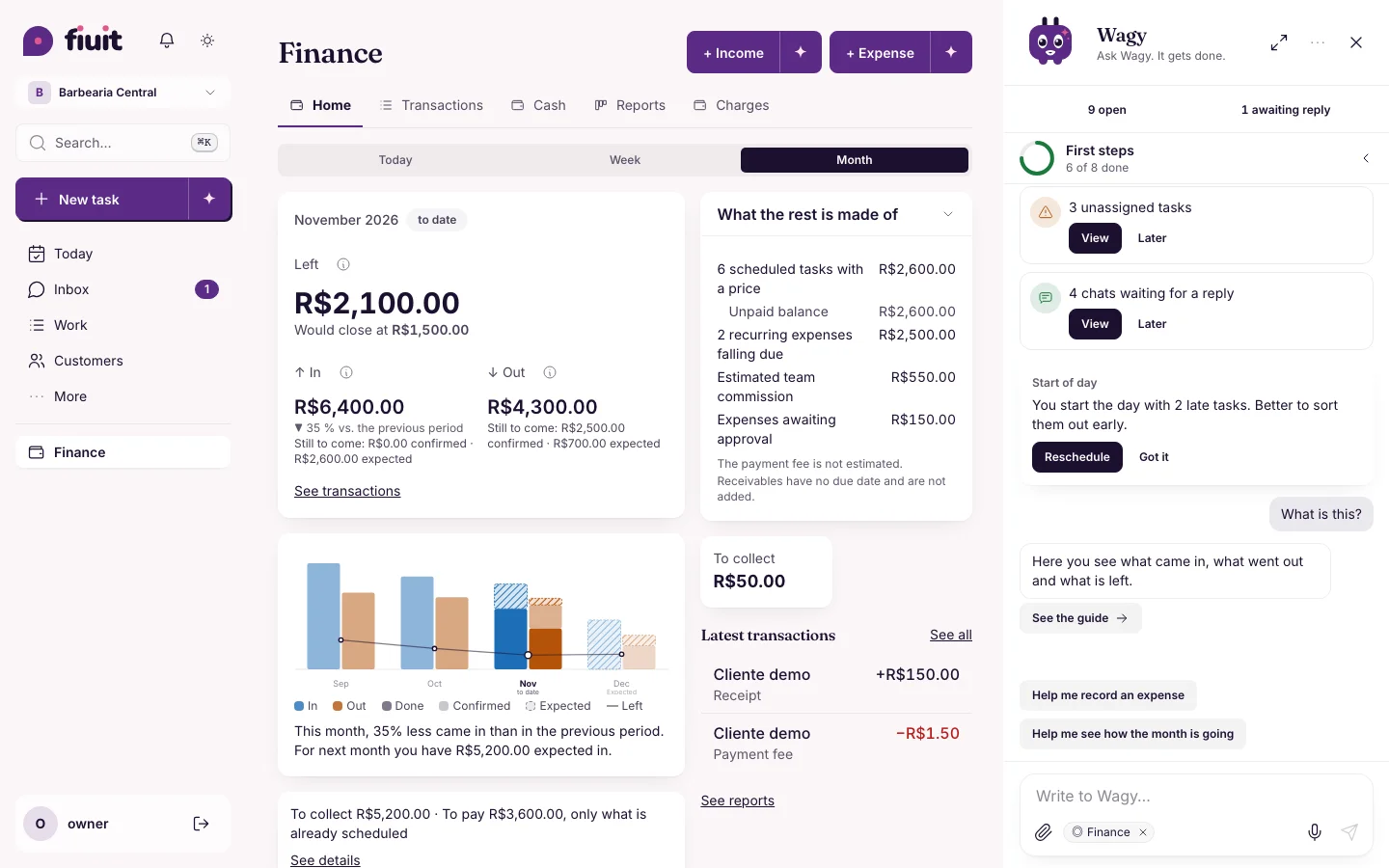
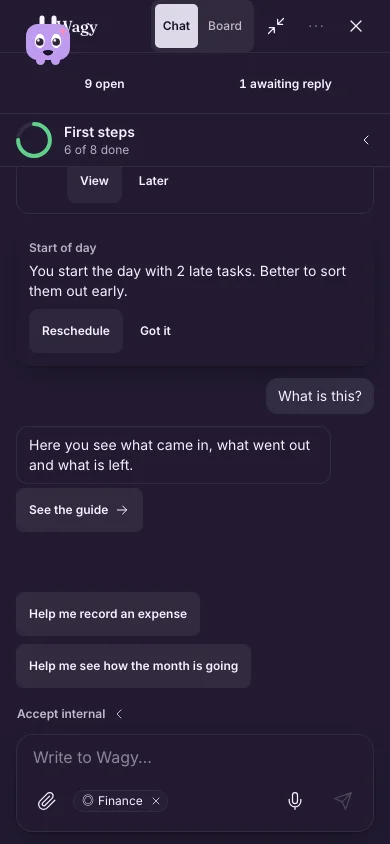
Ask your assistant what a screen is and it answers in one line, with an action to take there or the full guide.
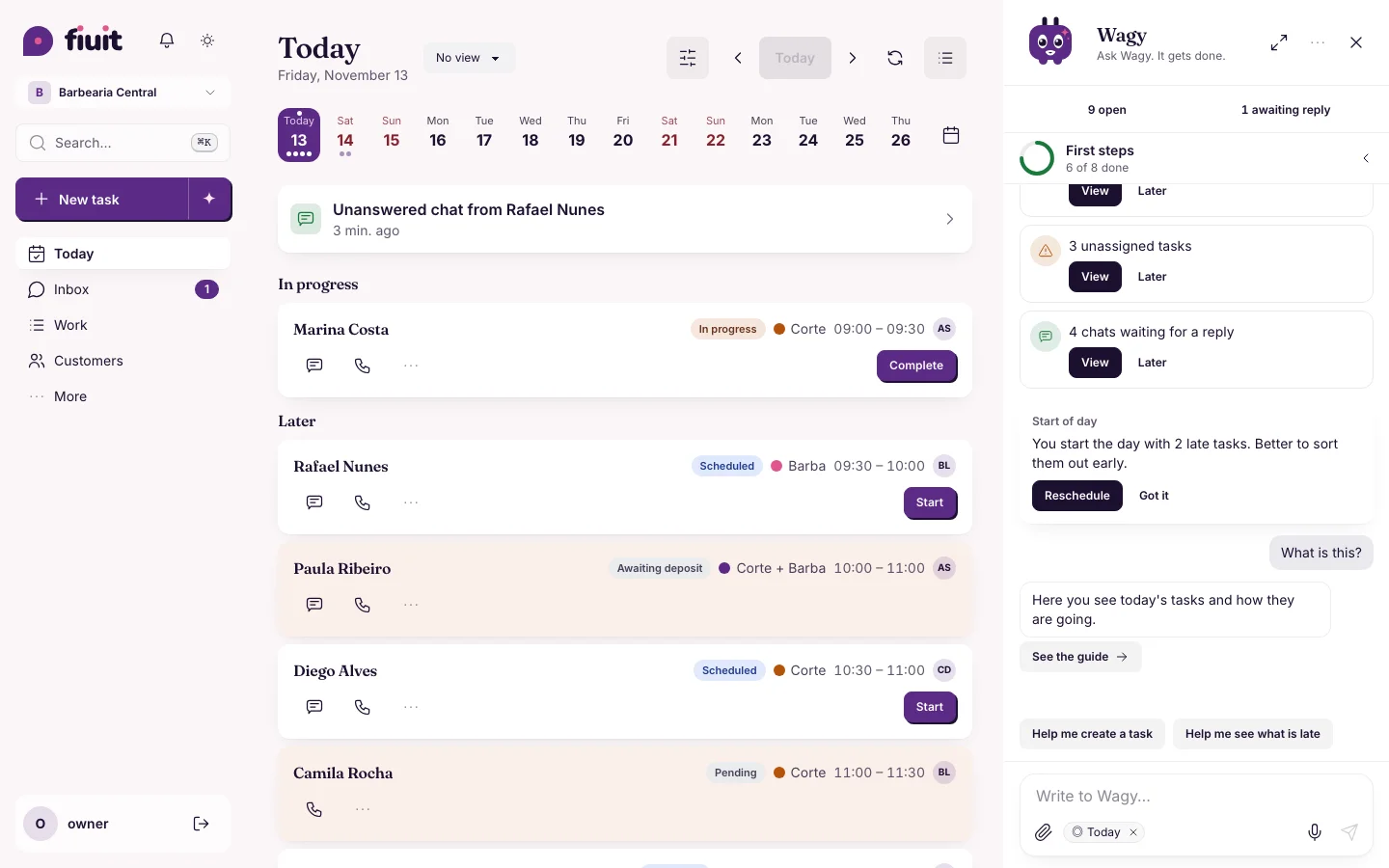
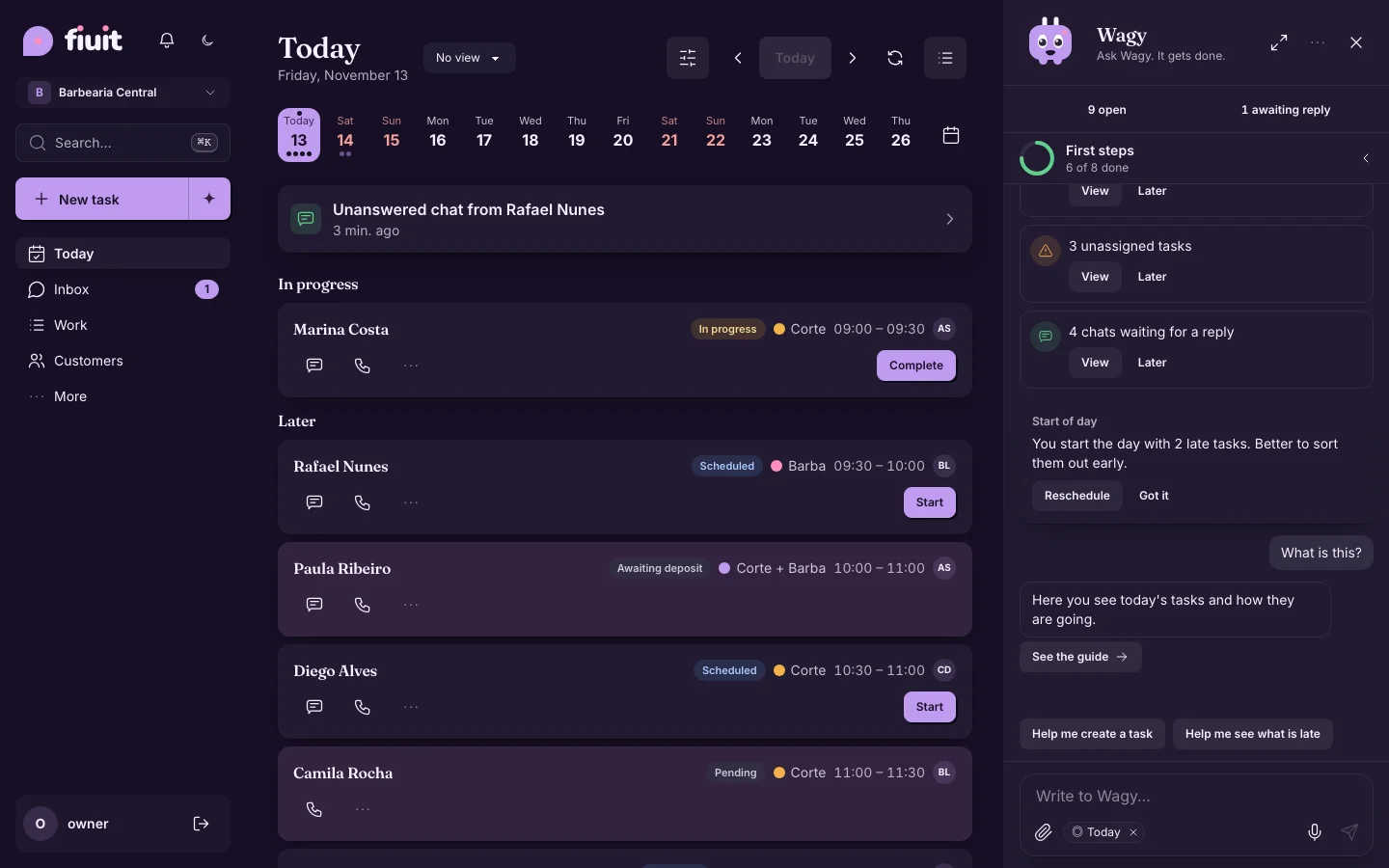
Wagy explains Today in one line, with «Help me…» and «See the guide»Wagy explains Today in one line, with «Help me…» and «See the guide»

Less text, more done

  • One line: your assistant tells you what each screen is, in your business's words.
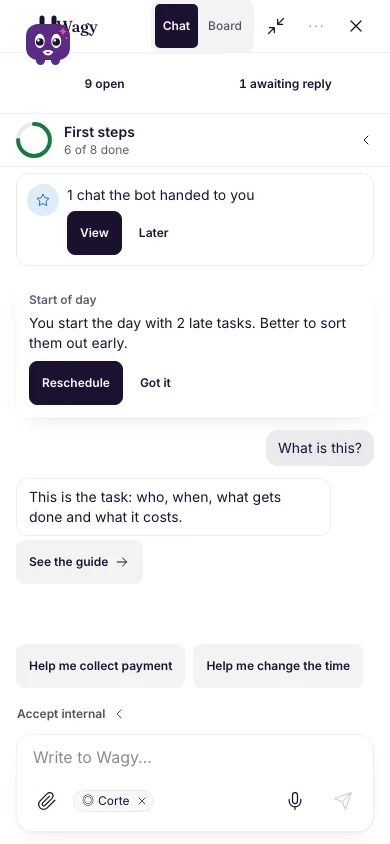
  • The next step one tap away: it offers one or two actions from that screen, like creating a task or collecting a payment.
  • The guide when you want it: long explanations stay in the documentation, one tap away.
  • Cleaner forms: no help icons; what you need to decide is in one line under the field.
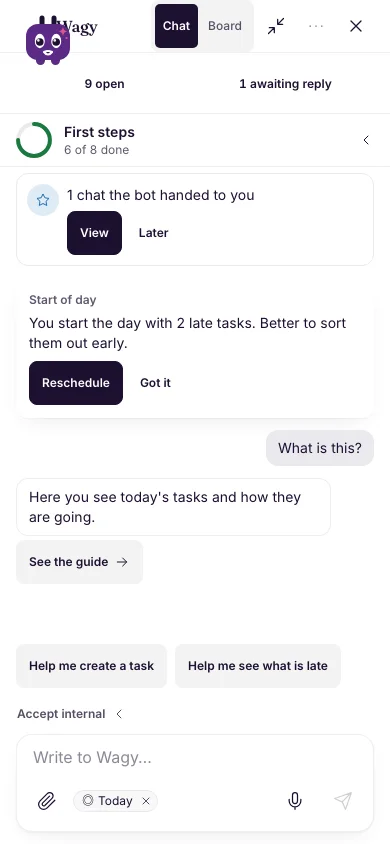
Wagy explains Today in one line, with «Help me…» and «See the guide» (on mobile)Wagy explains Today in one line, with «Help me…» and «See the guide» (on mobile)
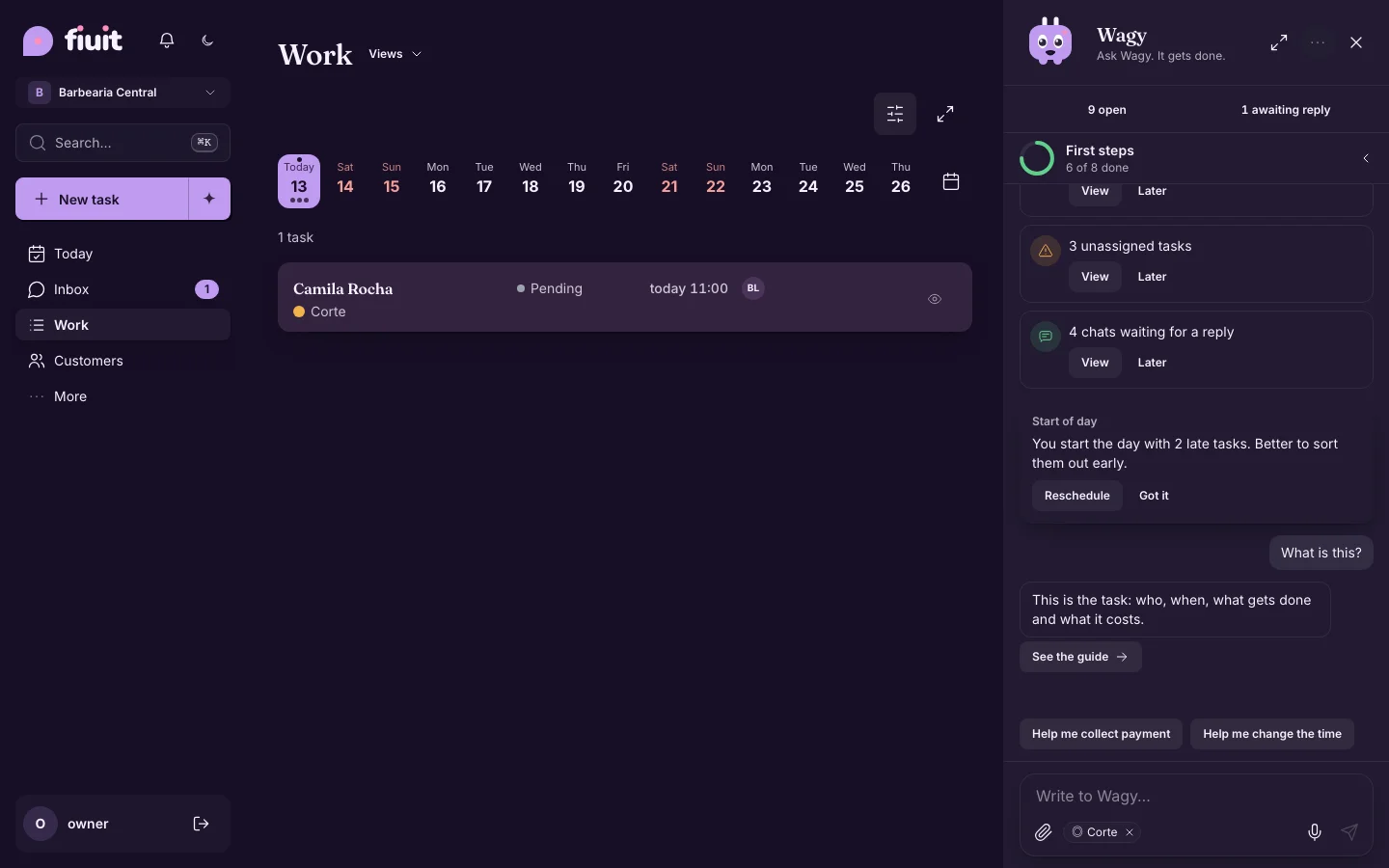
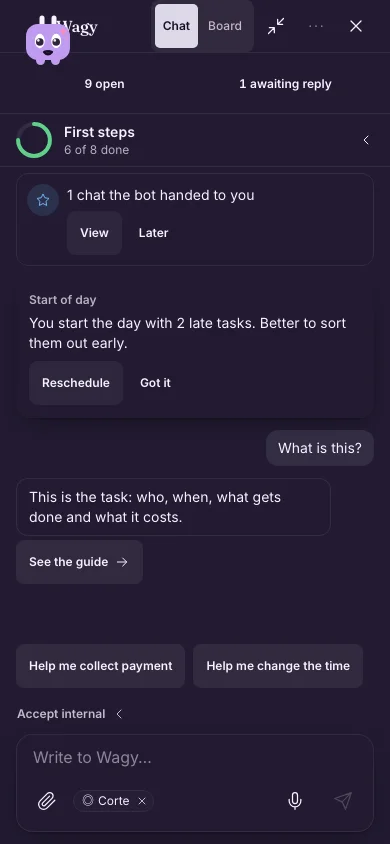
Wagy explains the task in one line, with «Help me collect payment» and «See the guide»Wagy explains the task in one line, with «Help me collect payment» and «See the guide»
Wagy explains the task in one line, with «Help me collect payment» and «See the guide» (on mobile)Wagy explains the task in one line, with «Help me collect payment» and «See the guide» (on mobile)
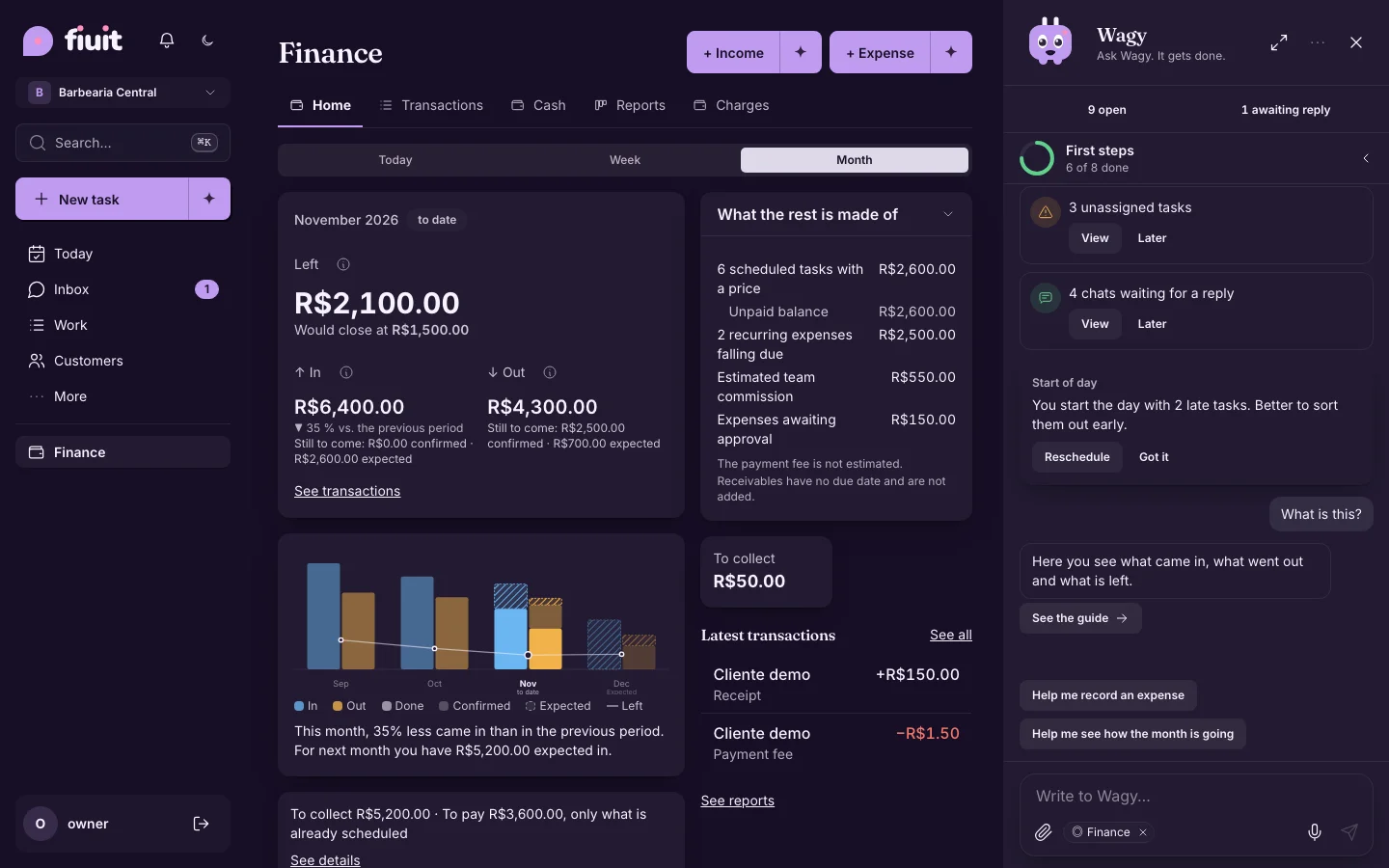
Wagy explains Money in one line, with «Help me…» and «See the guide»Wagy explains Money in one line, with «Help me…» and «See the guide»
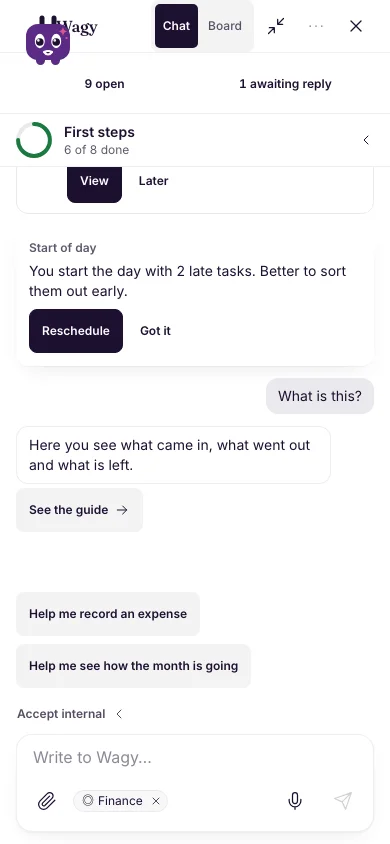
Wagy explains Money in one line, with «Help me…» and «See the guide» (on mobile)Wagy explains Money in one line, with «Help me…» and «See the guide» (on mobile)