New
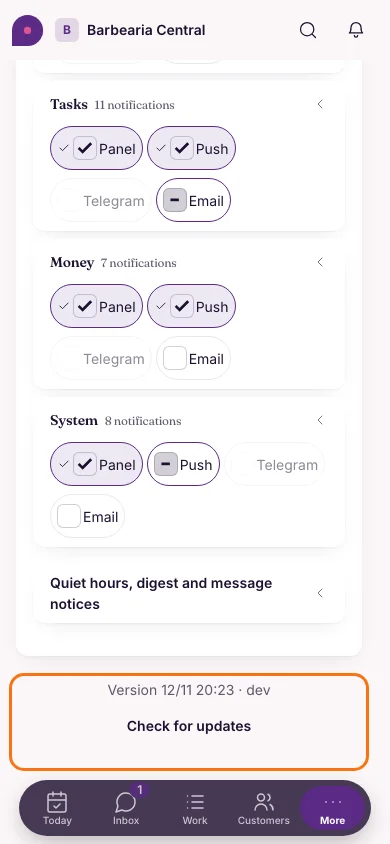
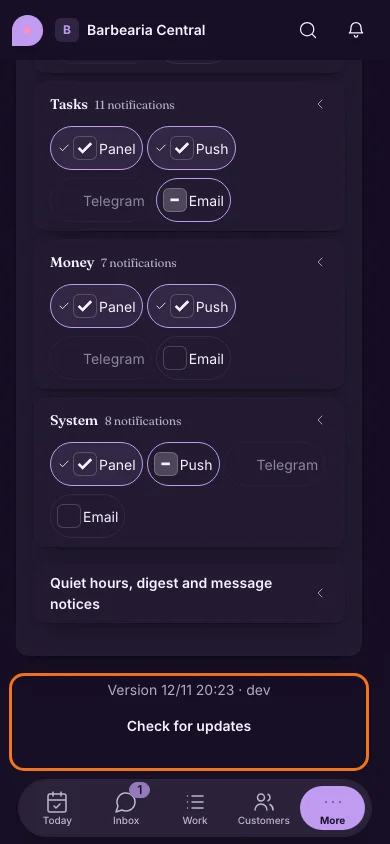
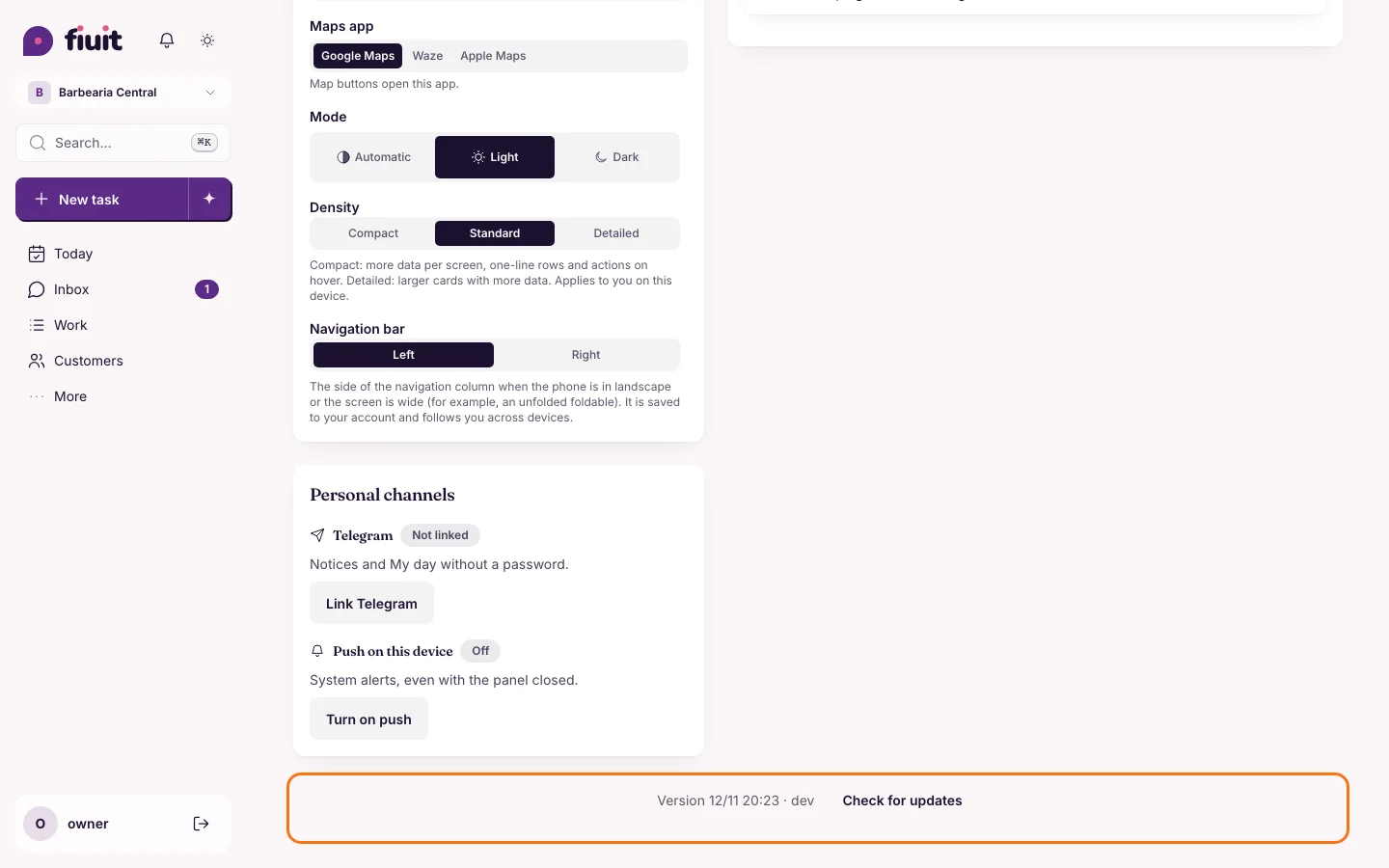
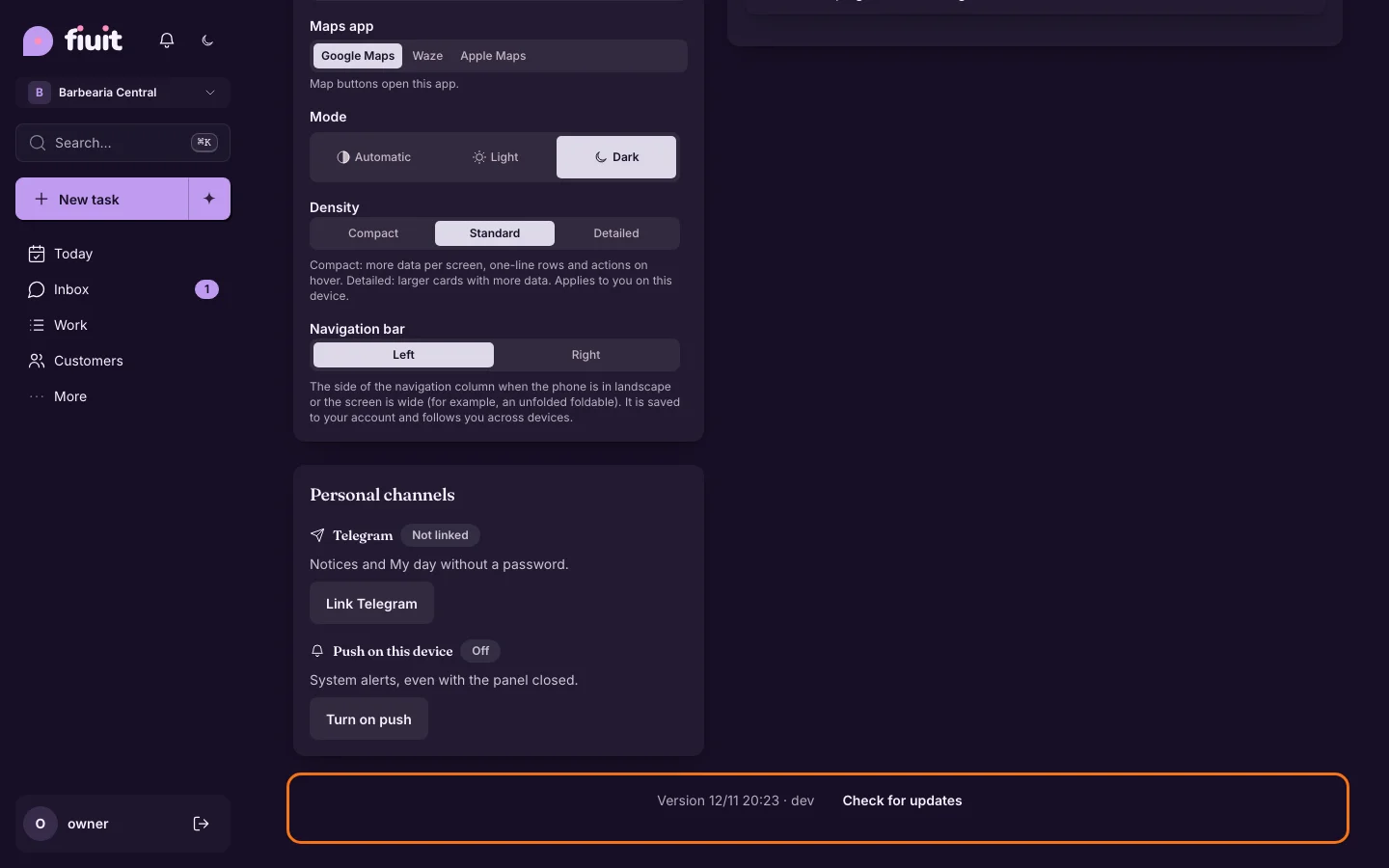
Always know which version you're on
You can check your version in My account and look for the latest with one tap, so nobody is left out of date.
What you get
- No doubts: if something looks different on two devices, check the version and fix it right away.
- Always up to date: the new-version notice also shows when you open the app on your phone.