Improvement
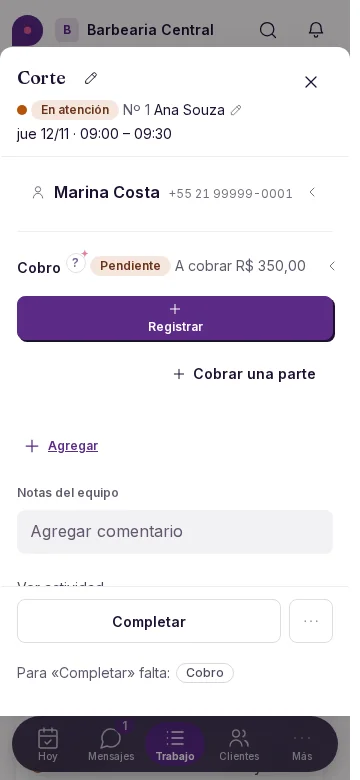
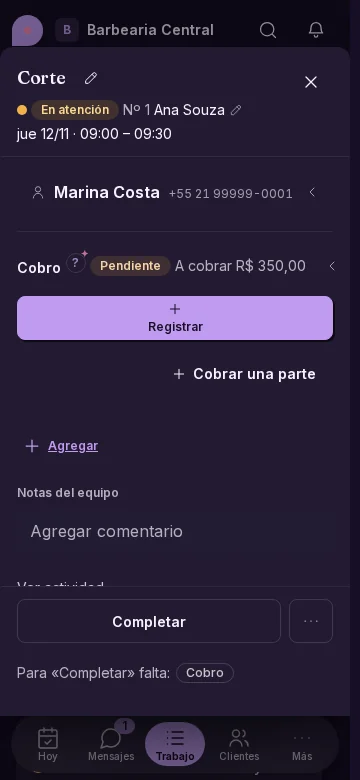
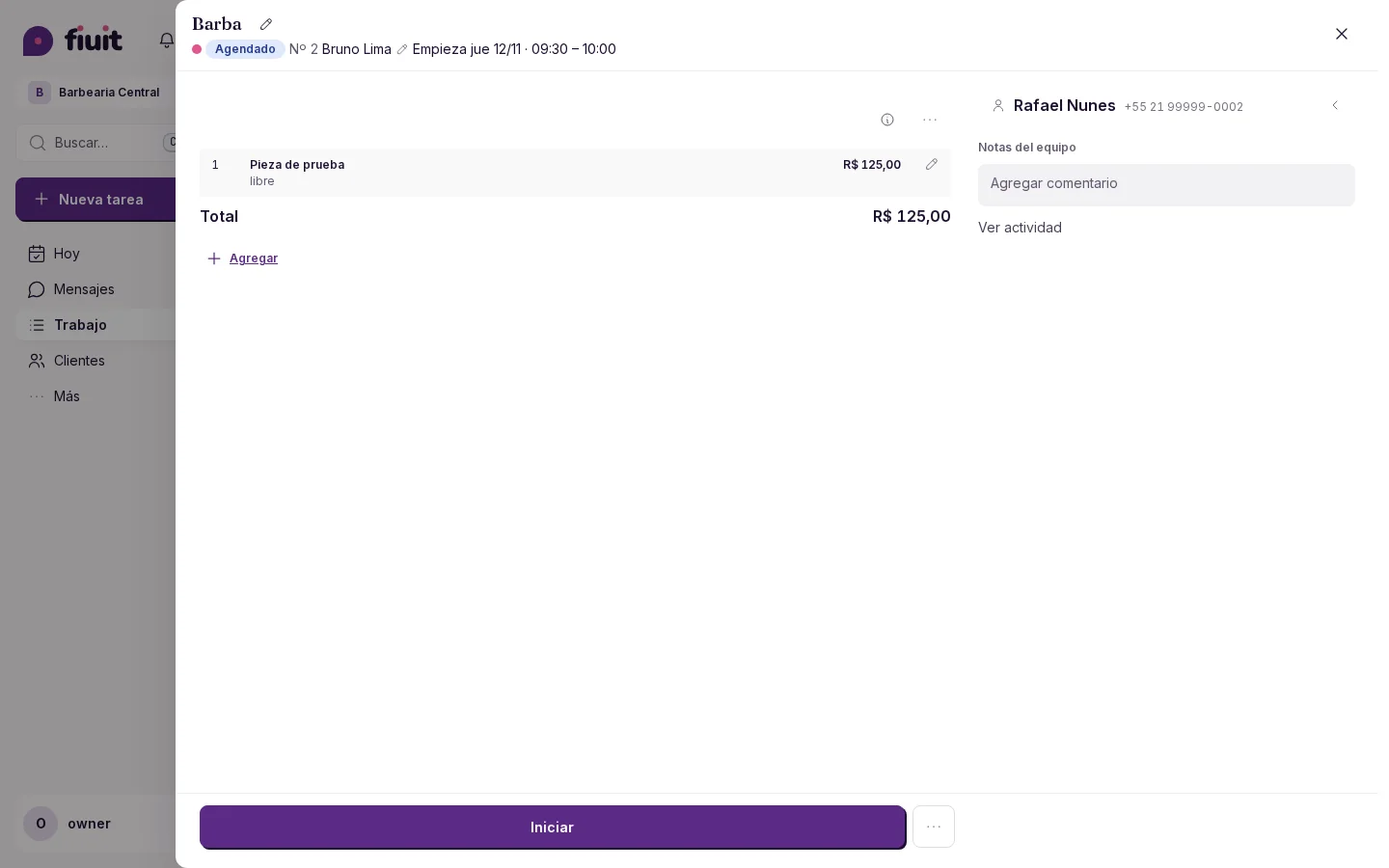
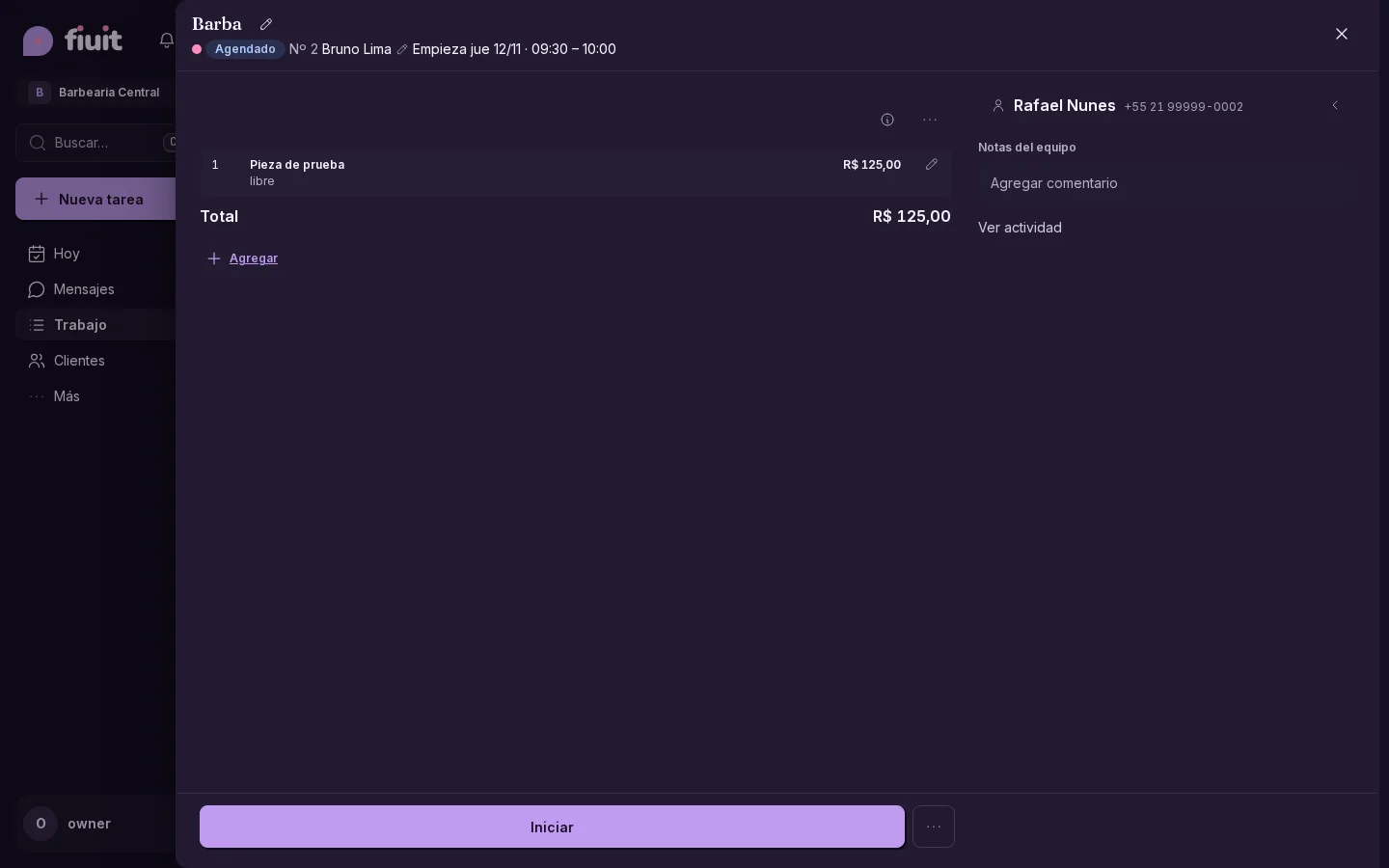
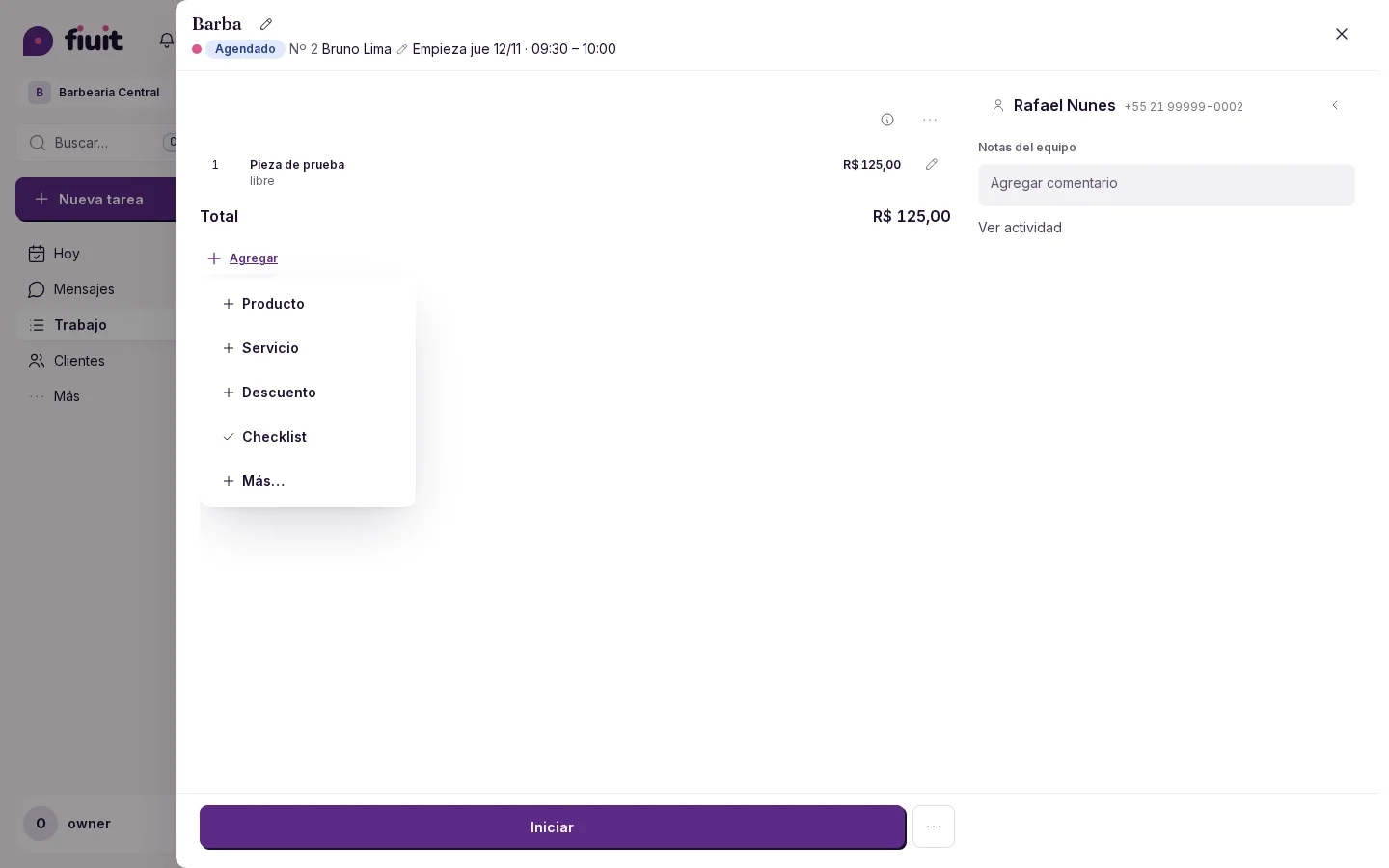
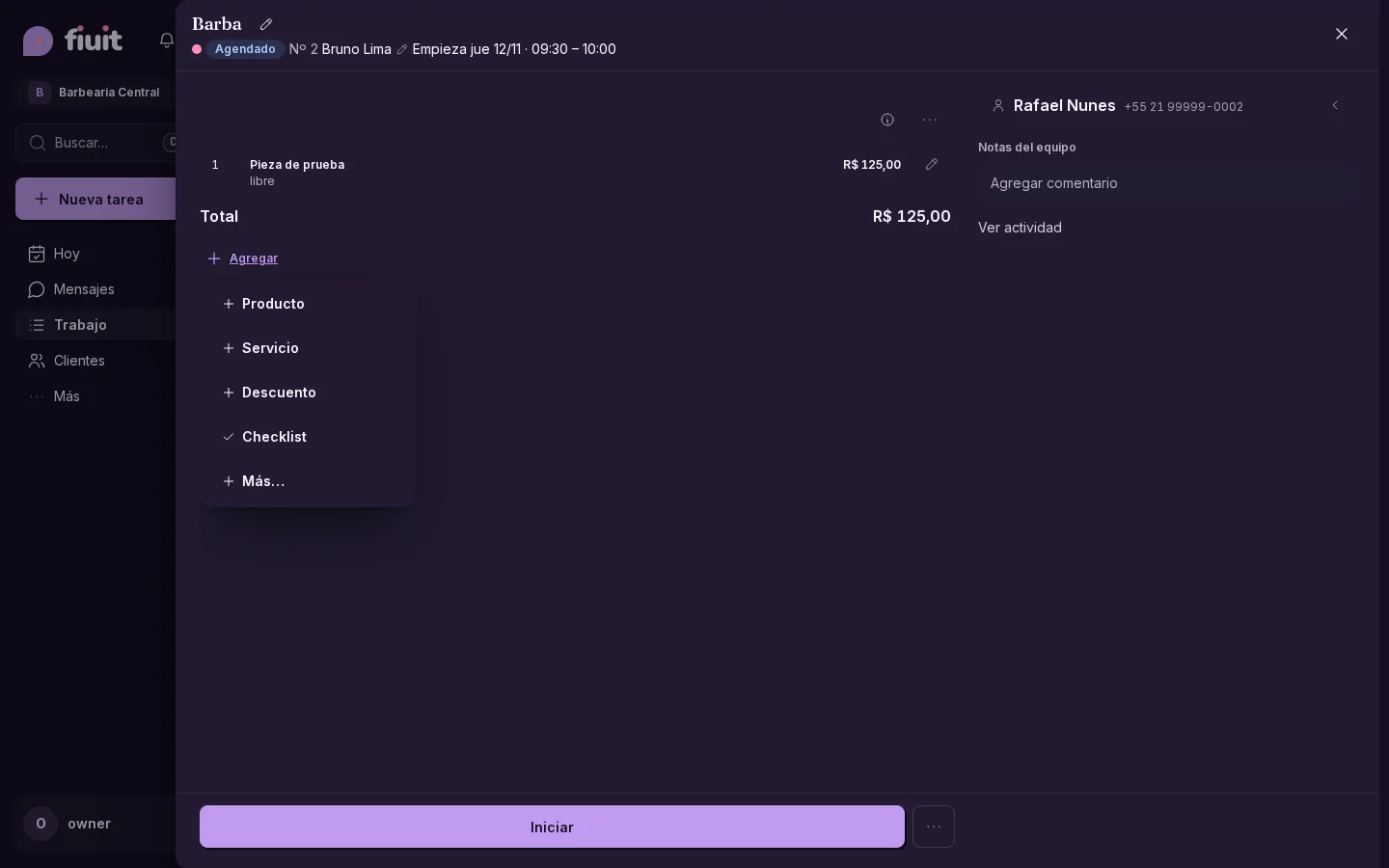
Cleaner tasks, with everything in Add
Add items or set an amount from one menu, without empty rows in your tasks.
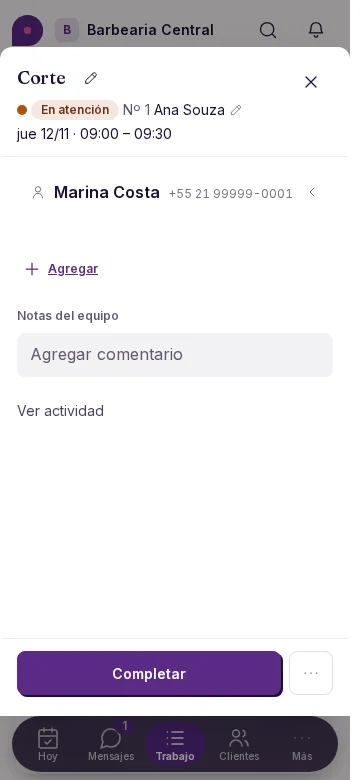
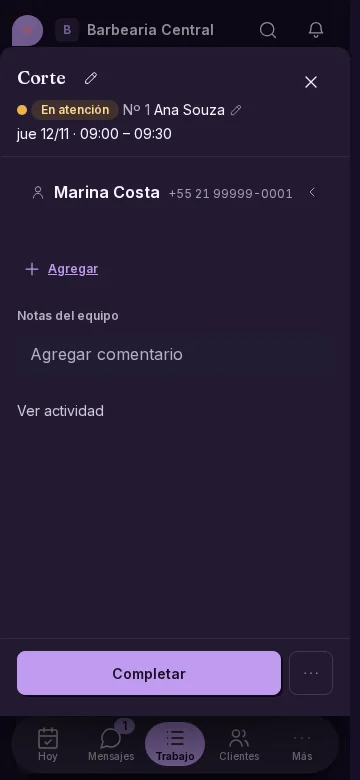
Less empty space
- One menu to start adding details to a task.
- Amounts and items appear as you add them, with Add below.
- Product, service and discount are also available from Add, without an «Items» heading or a separate gray button.