Improvement
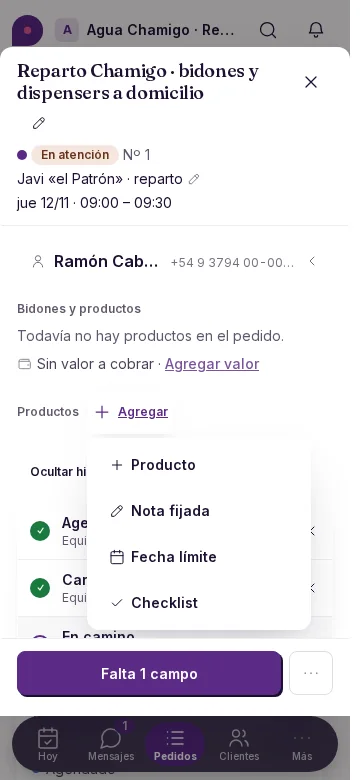
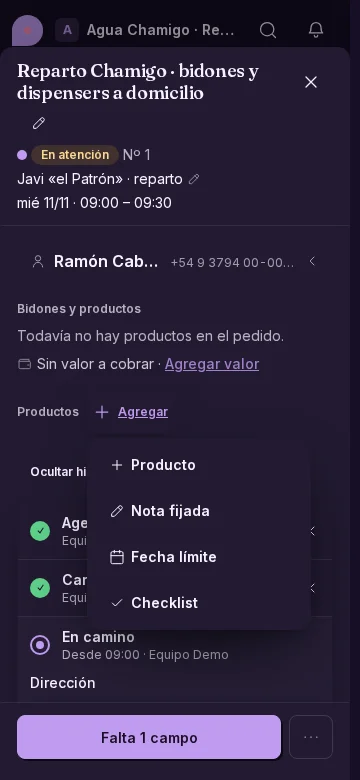
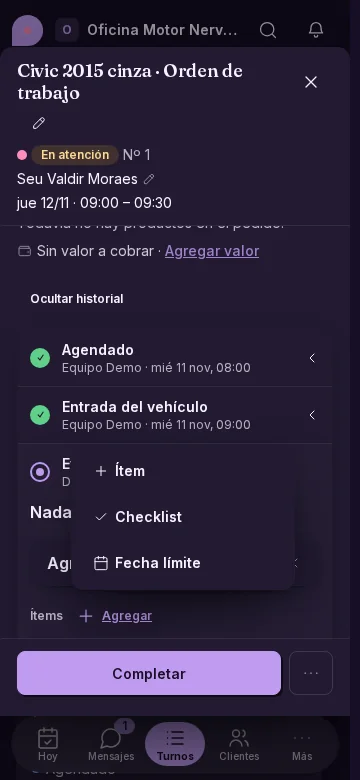
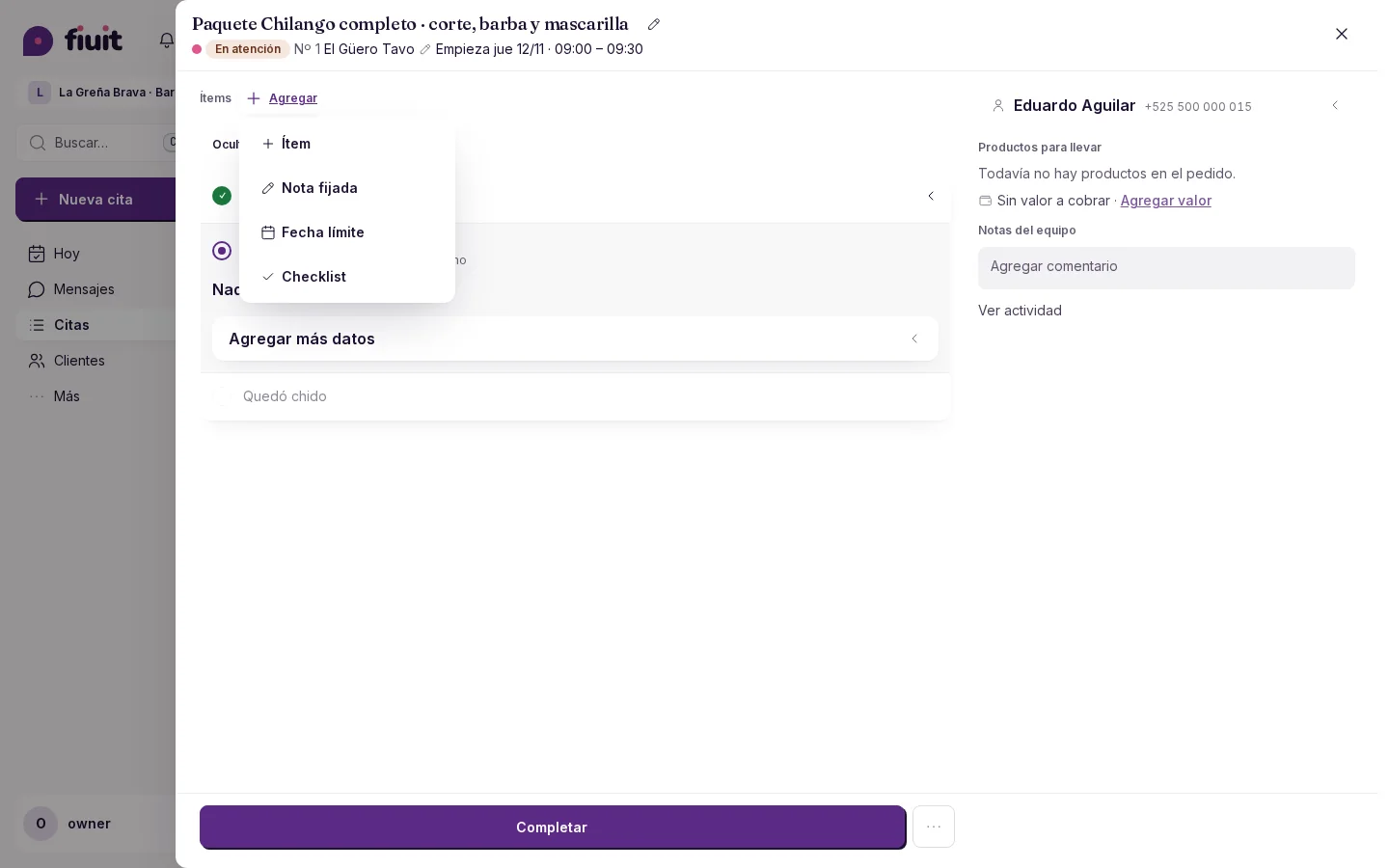
Options for your activity
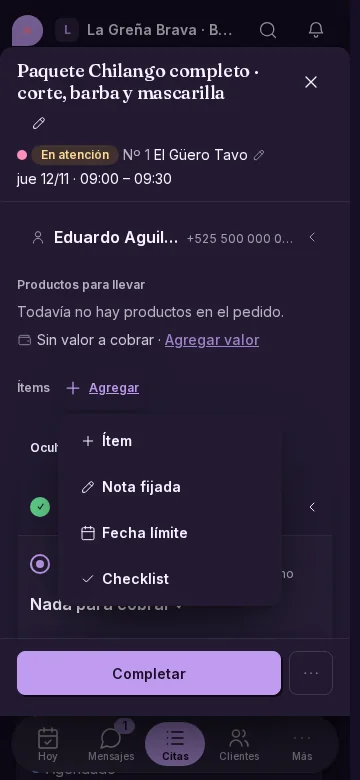
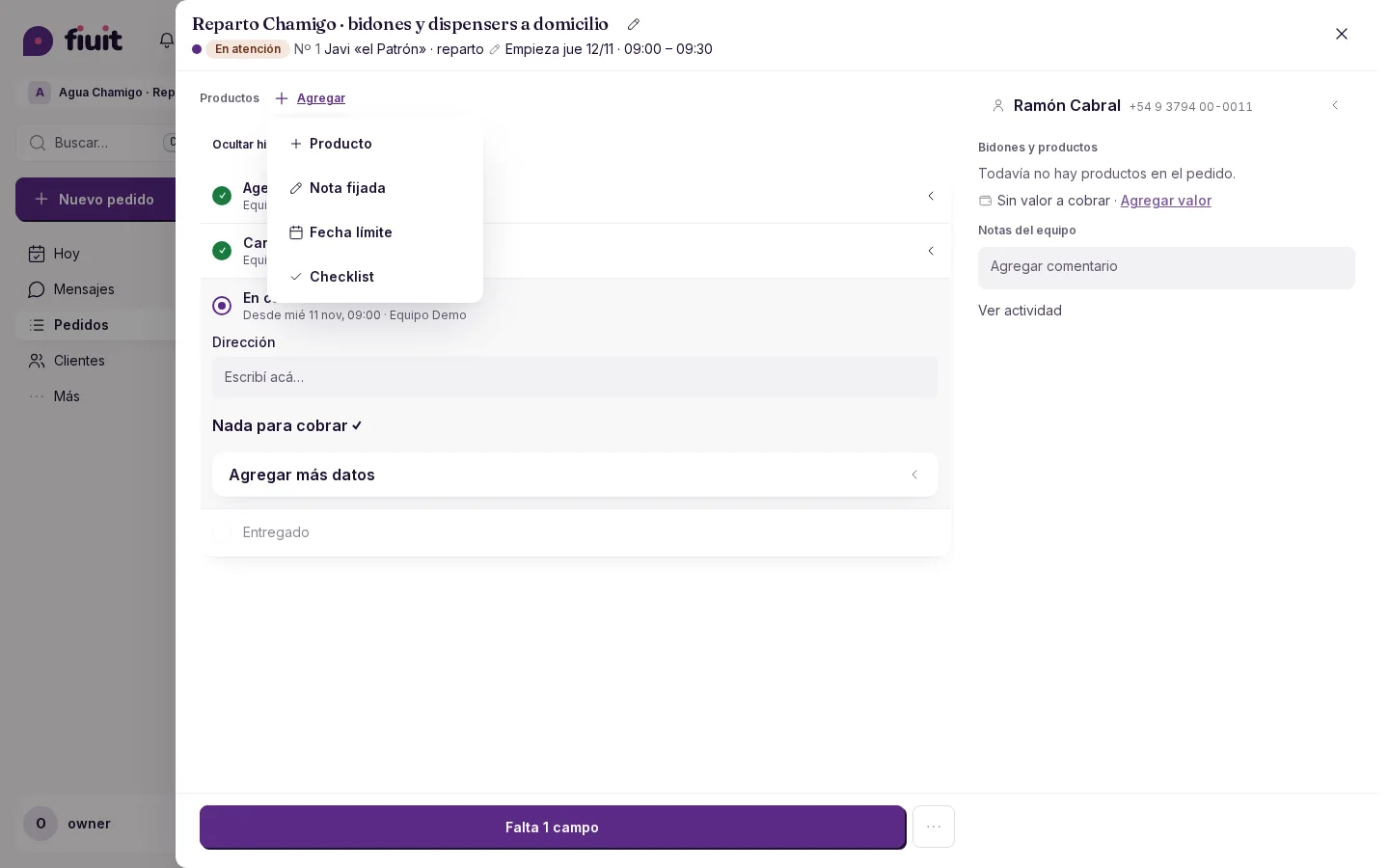
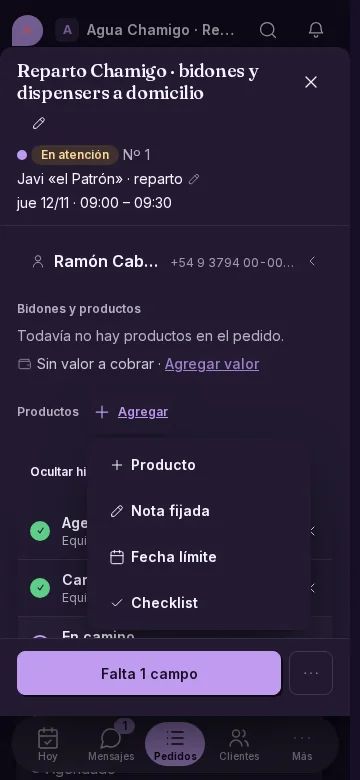
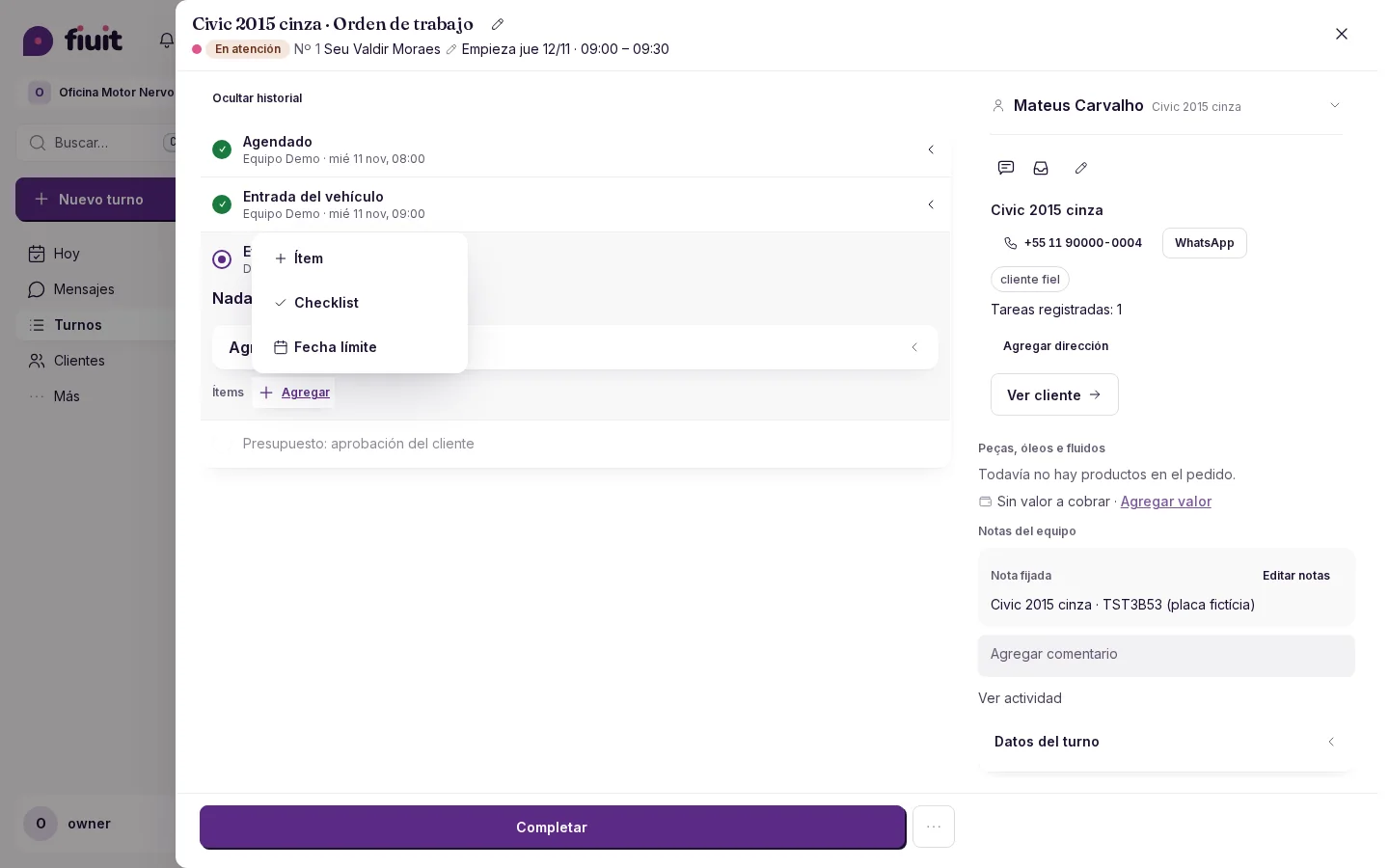
Tasks offer actions you can use, ordered by your business activity.
Options for your activity
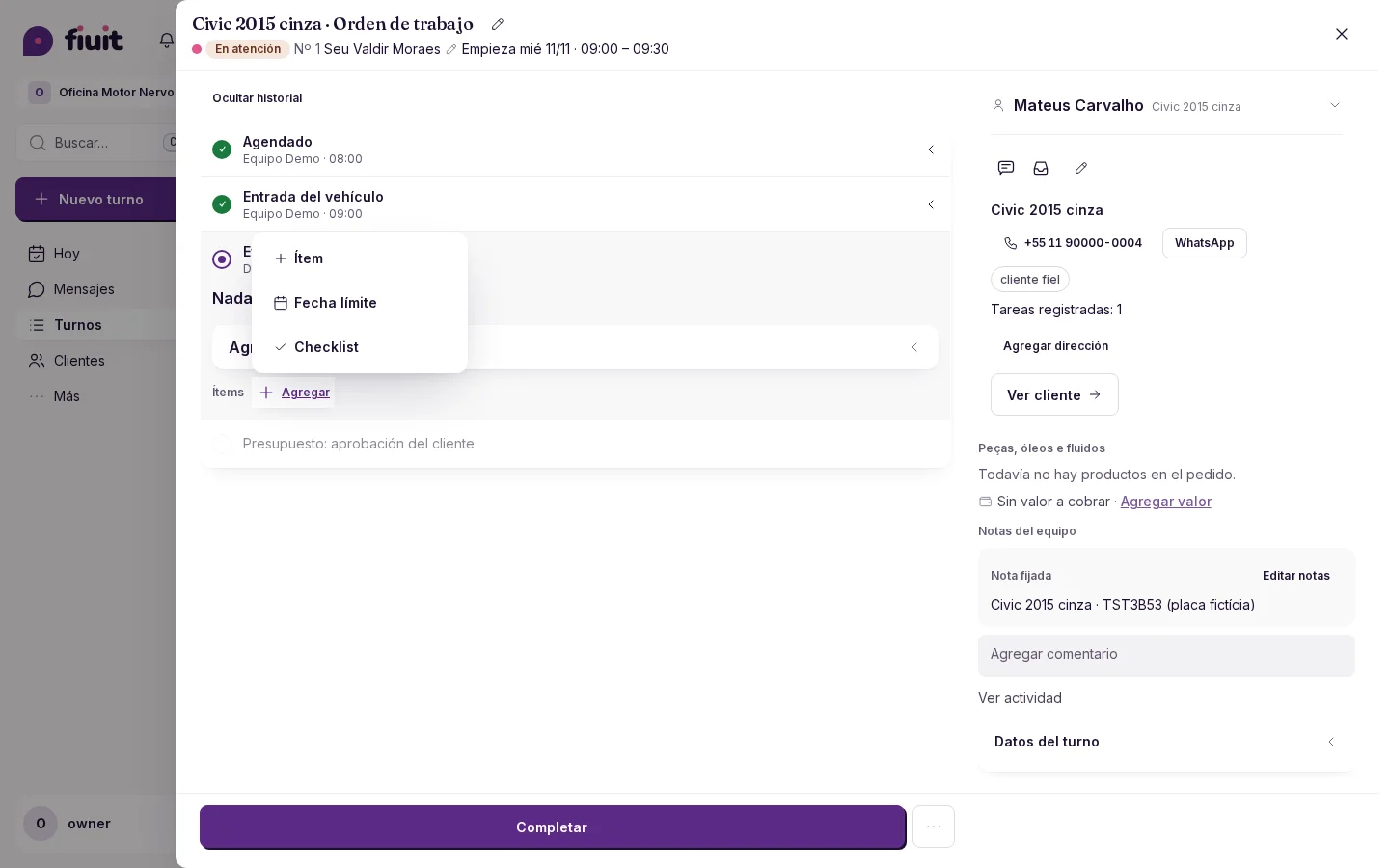
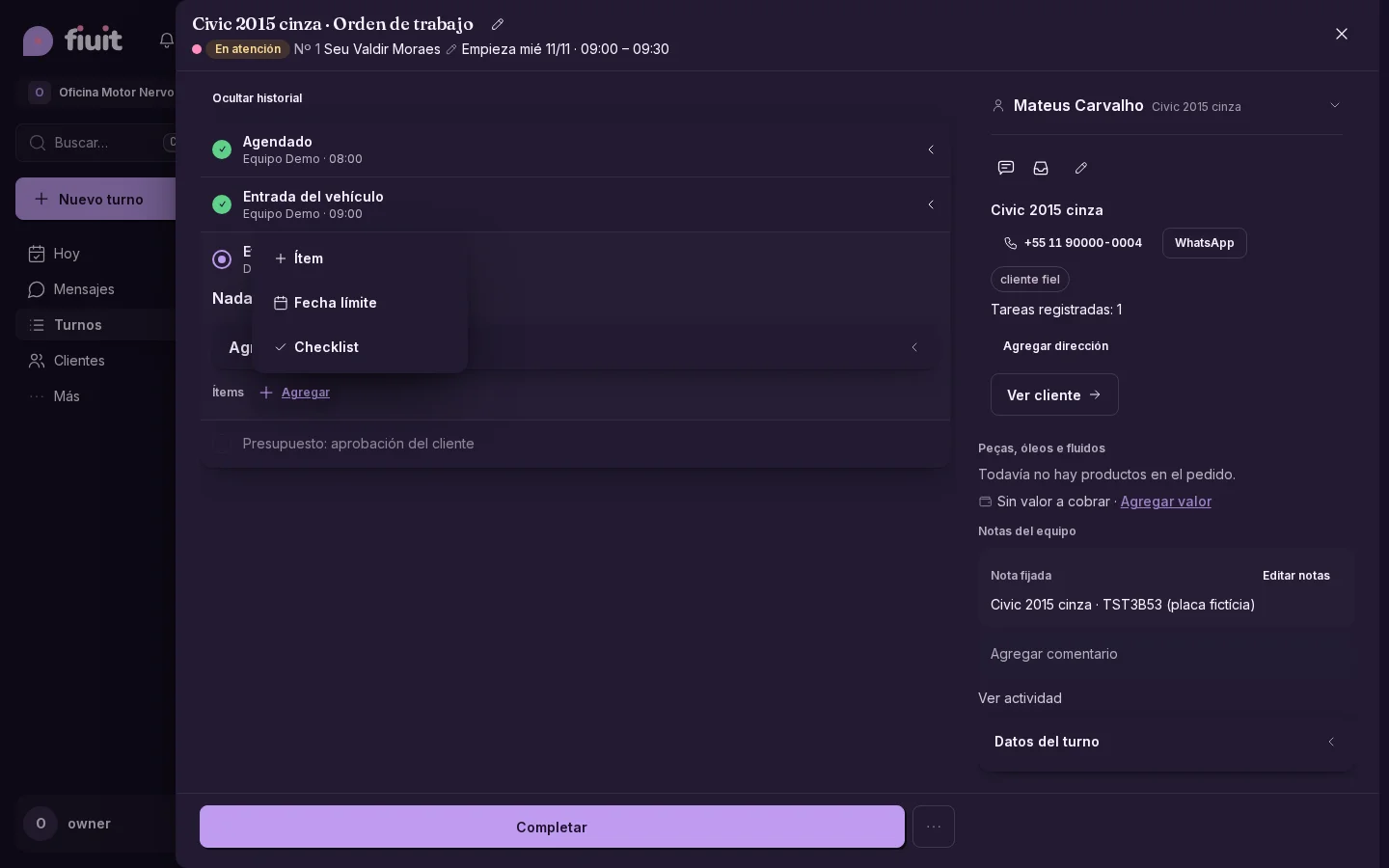
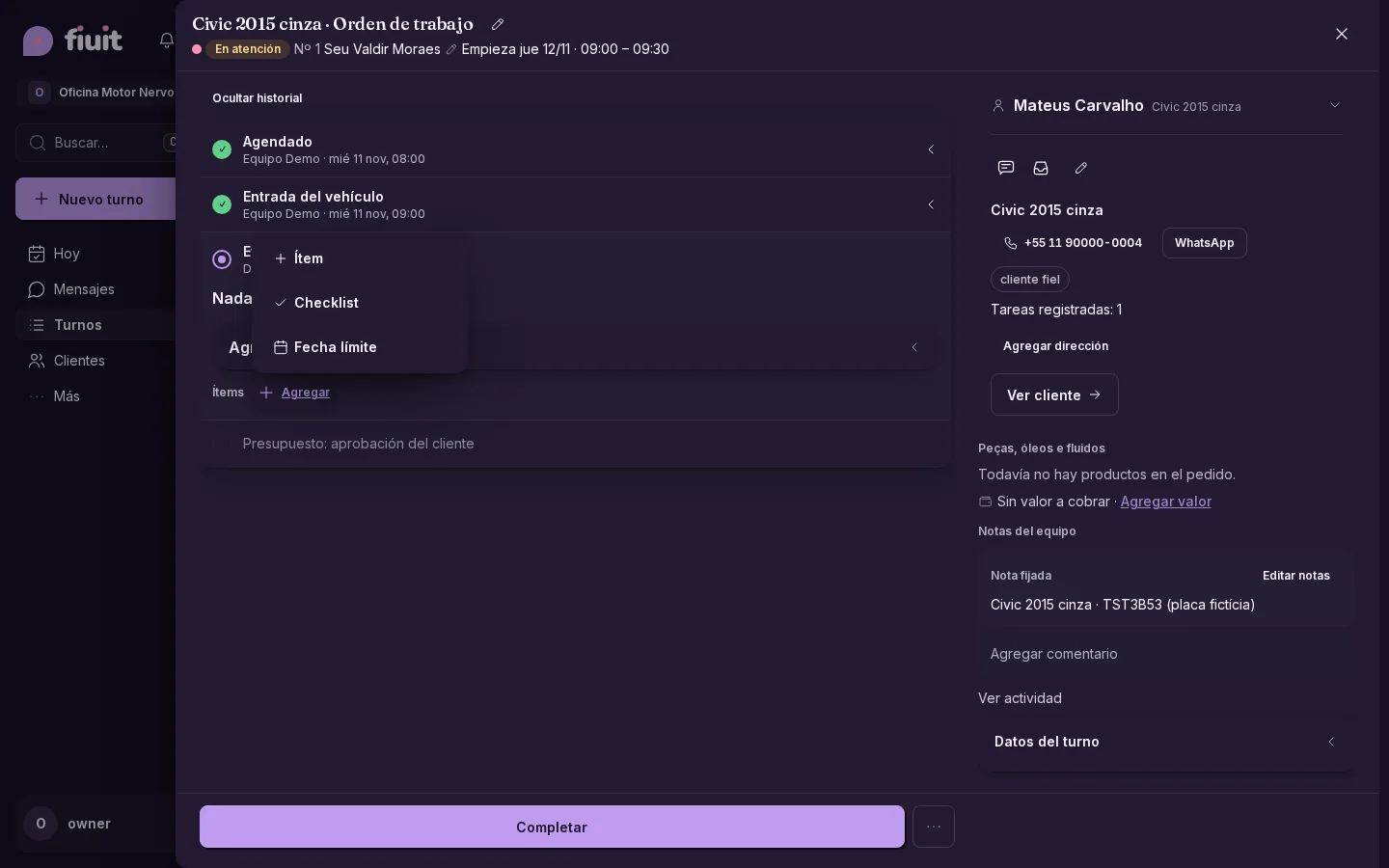
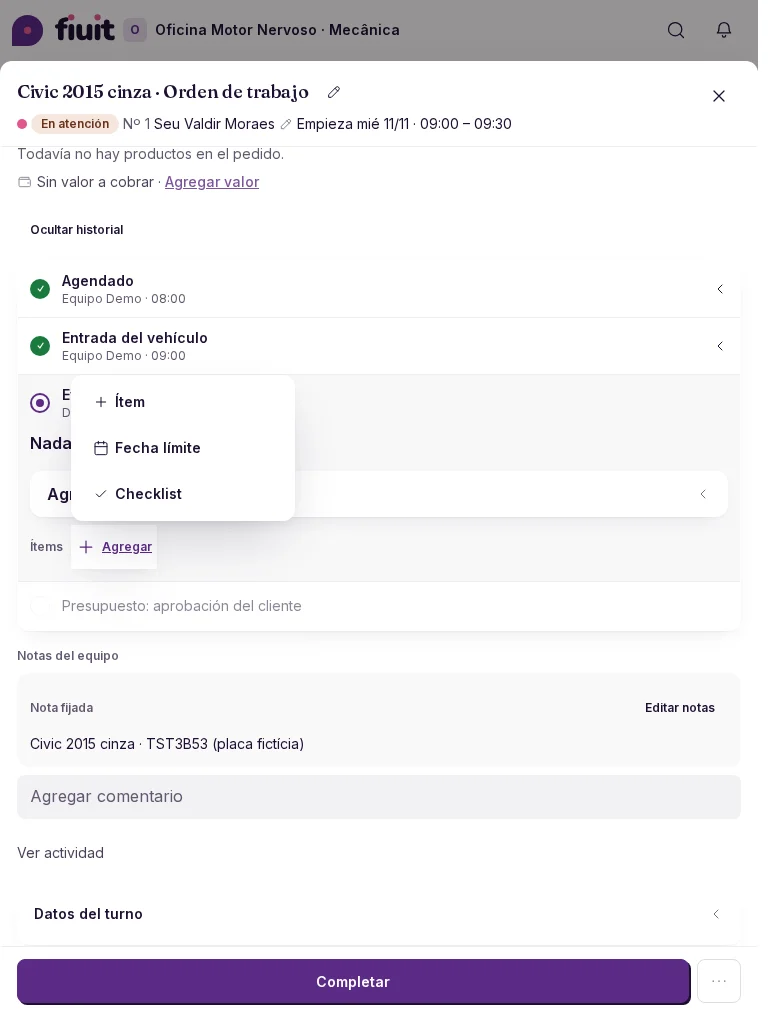
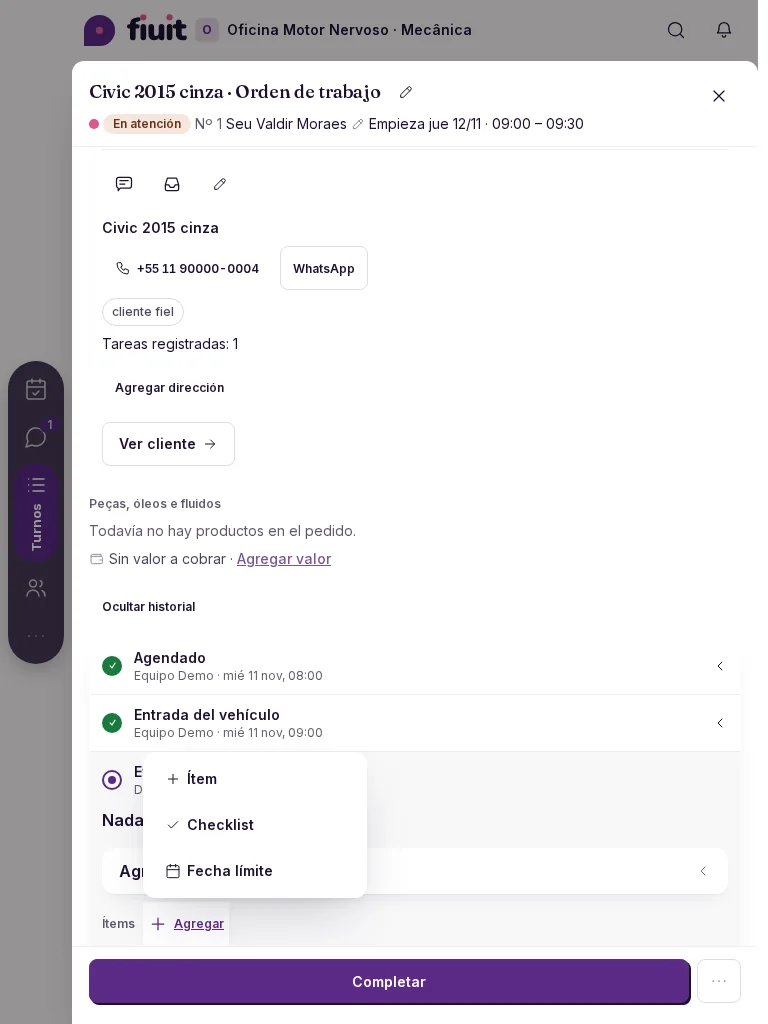
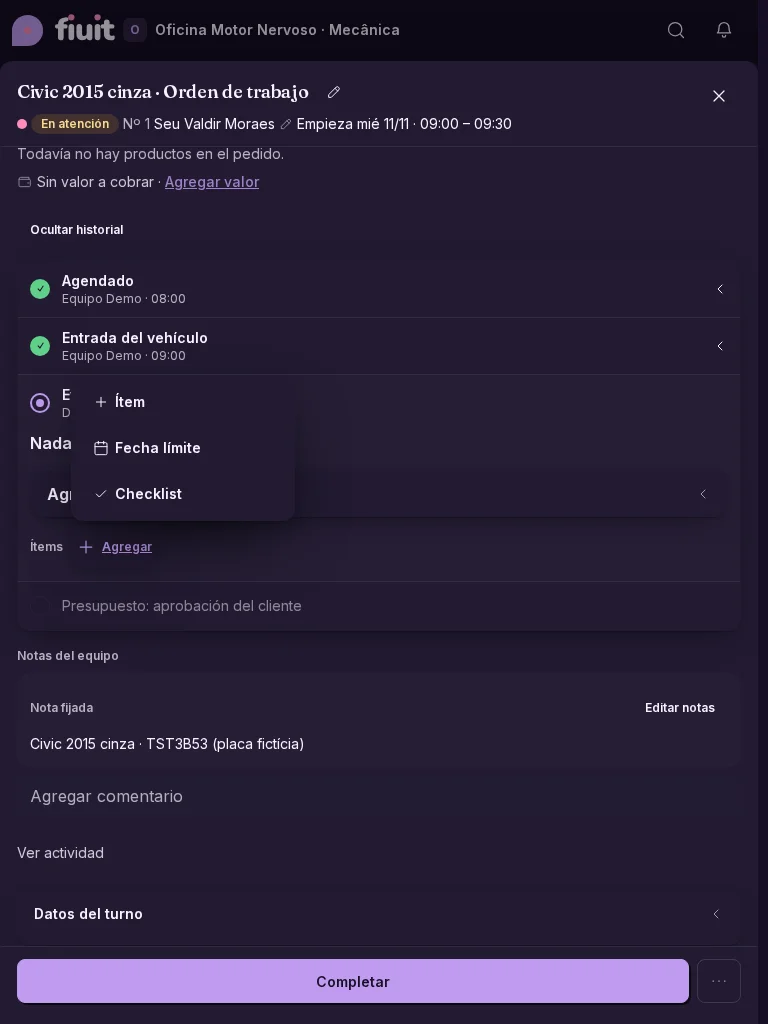
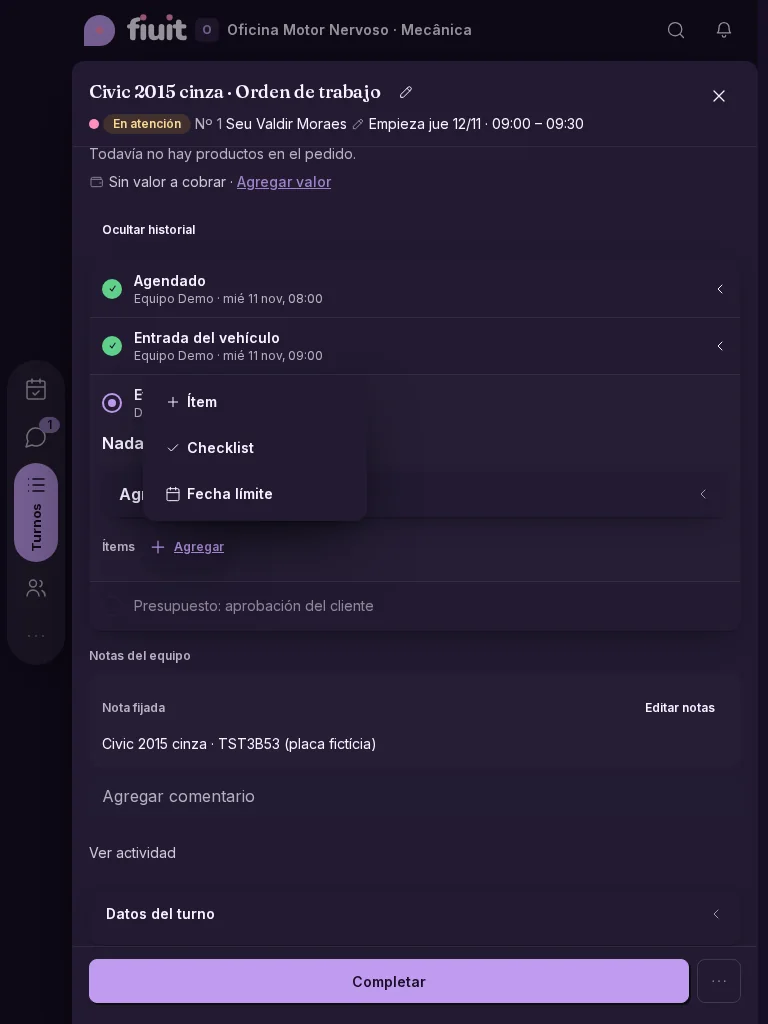
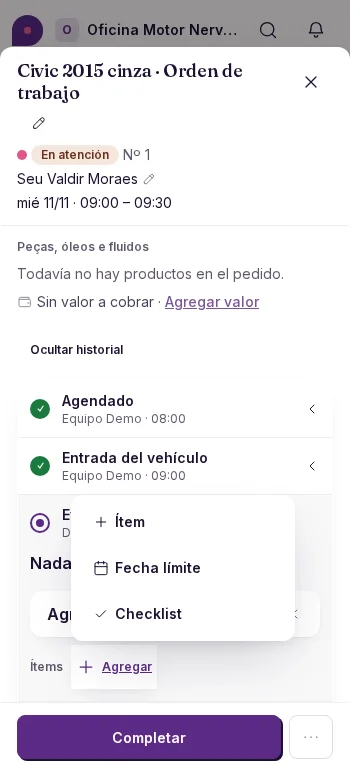
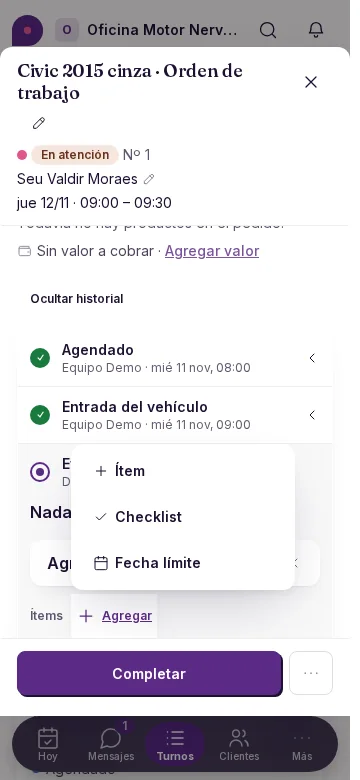
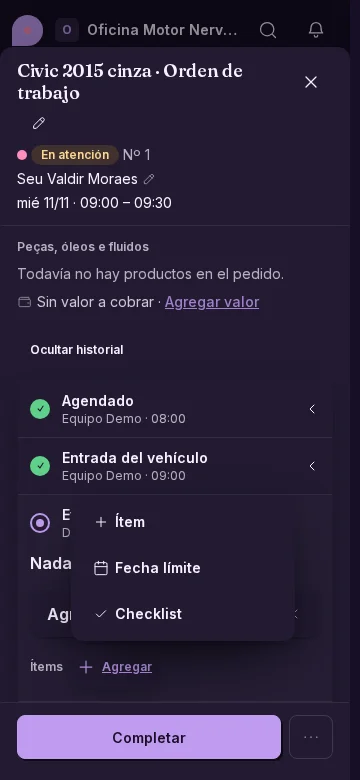
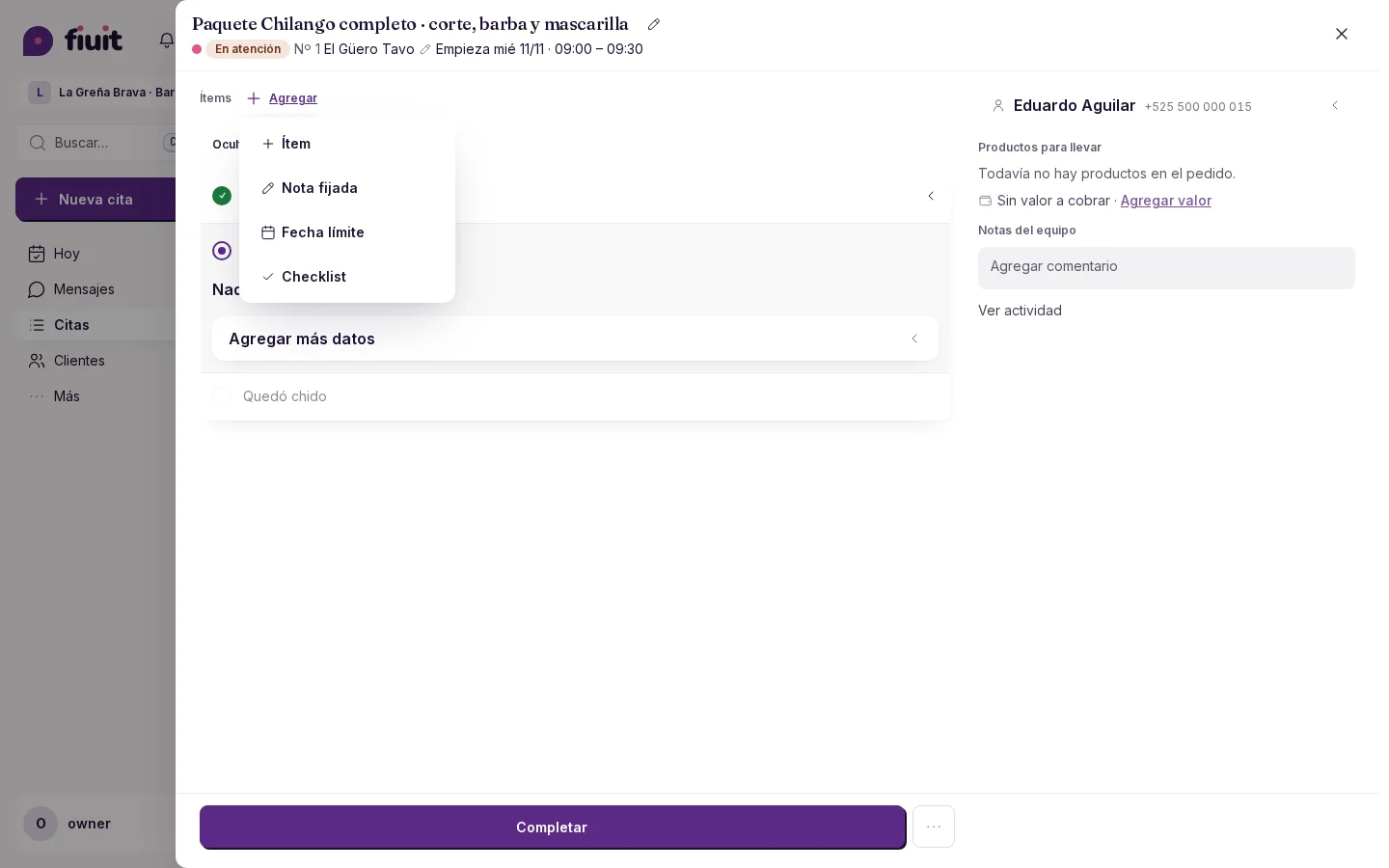
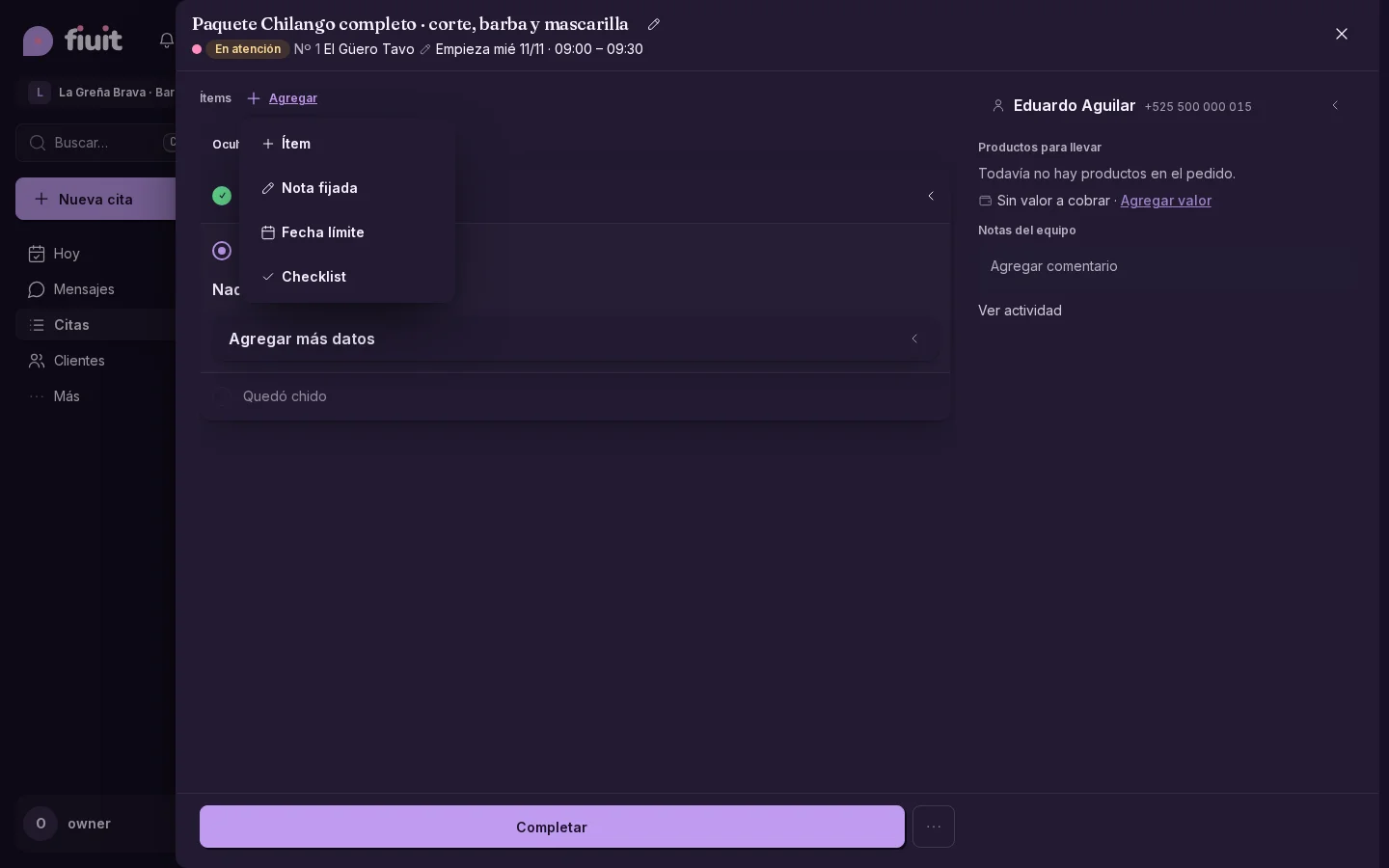
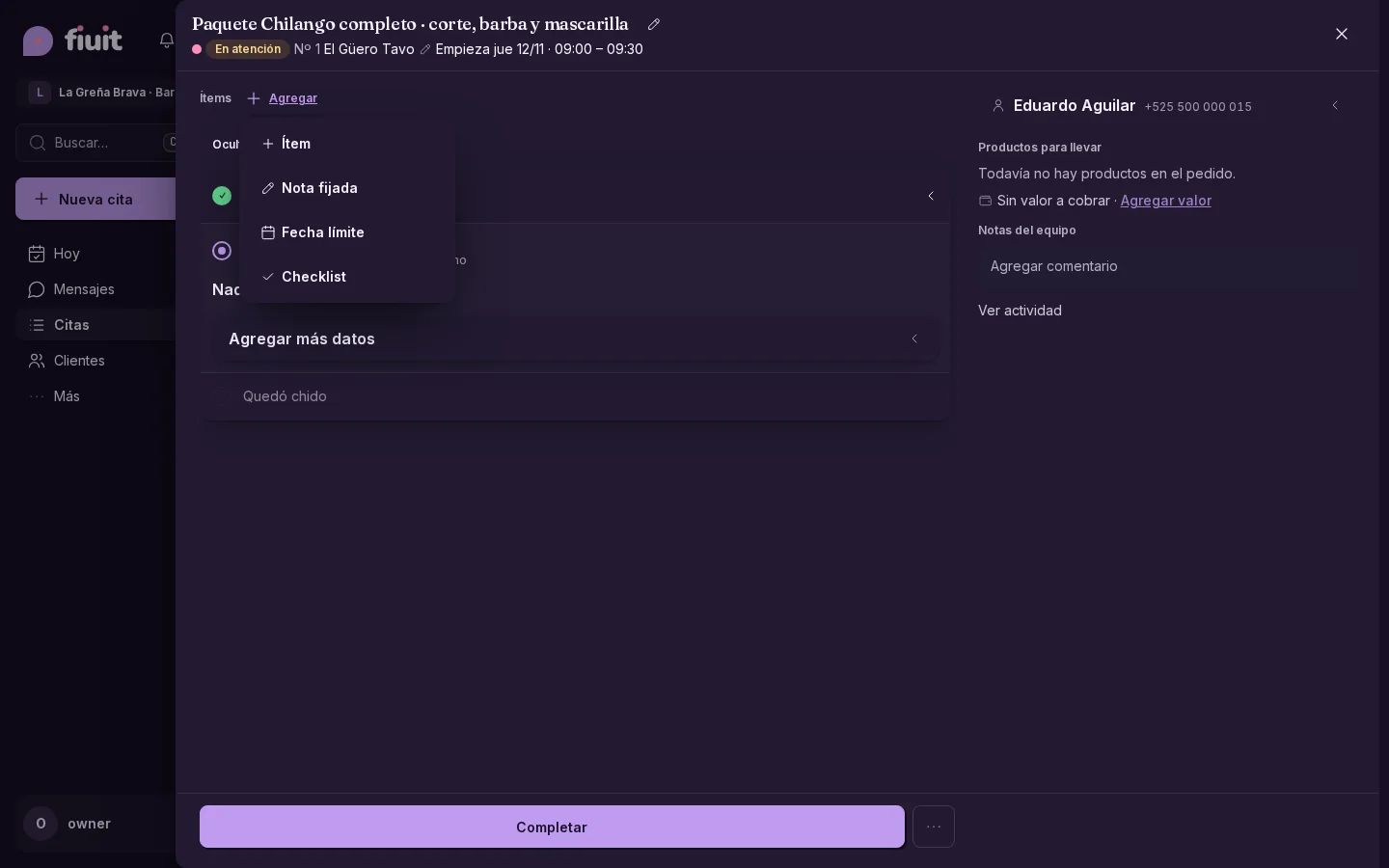
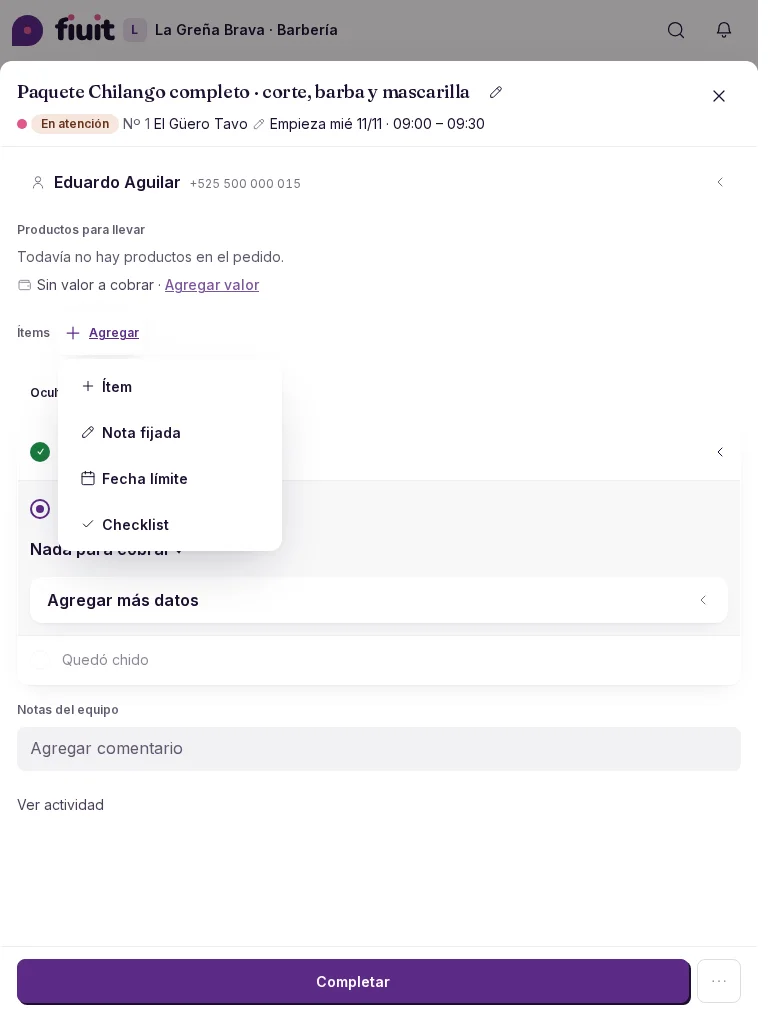
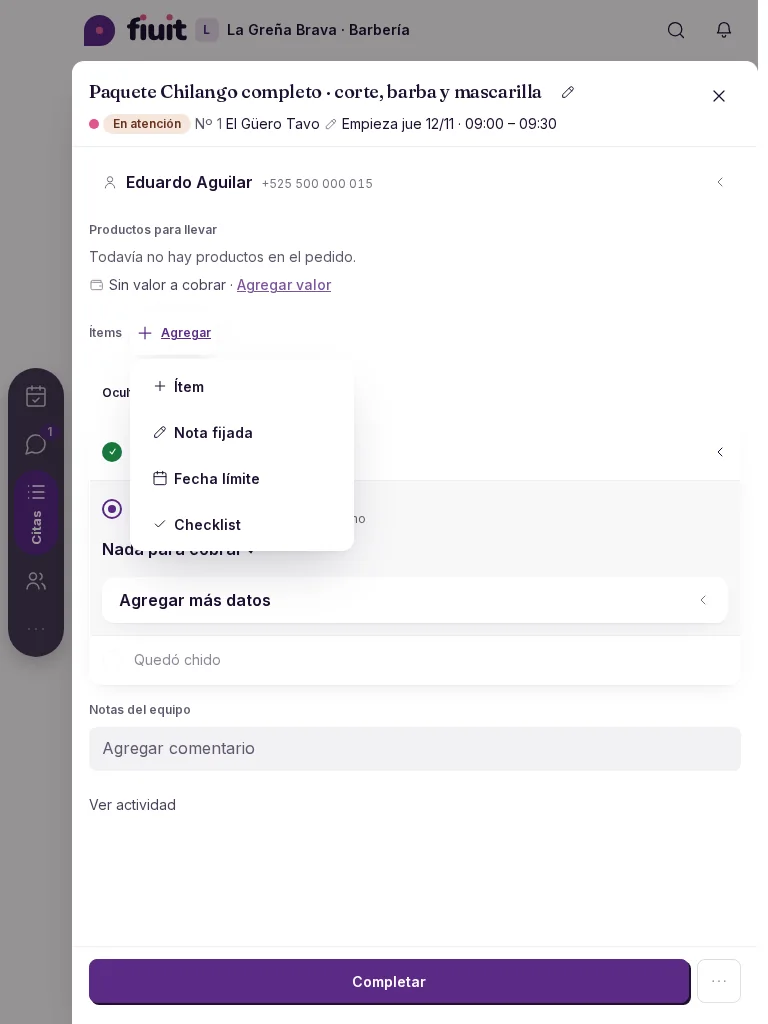
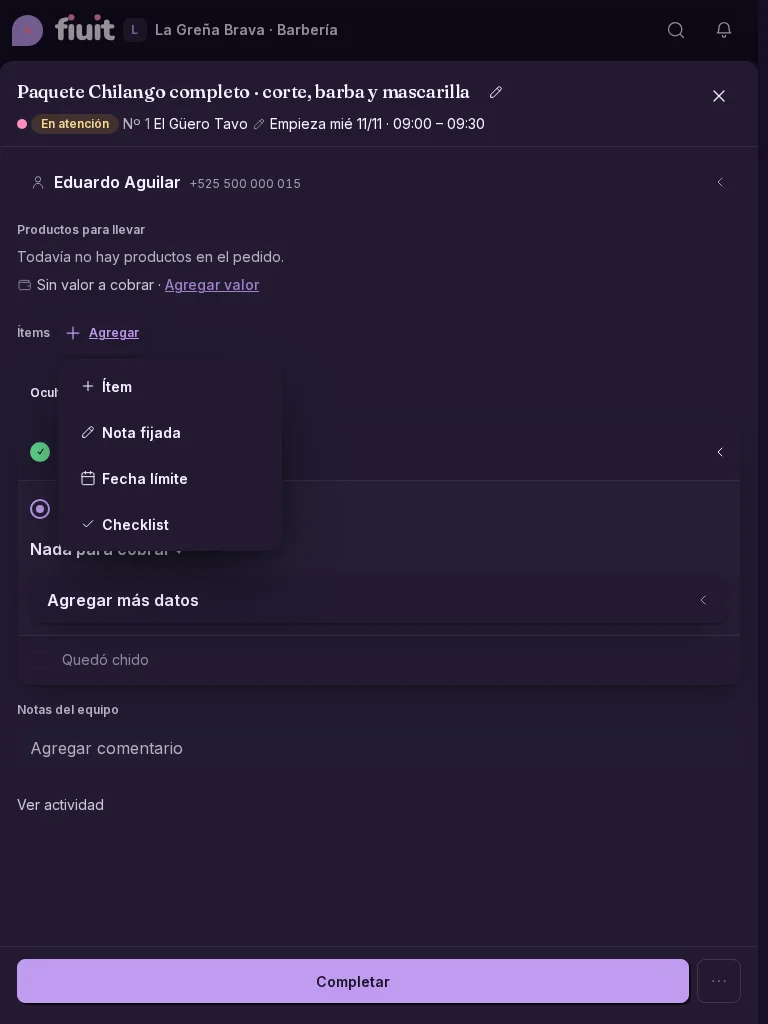
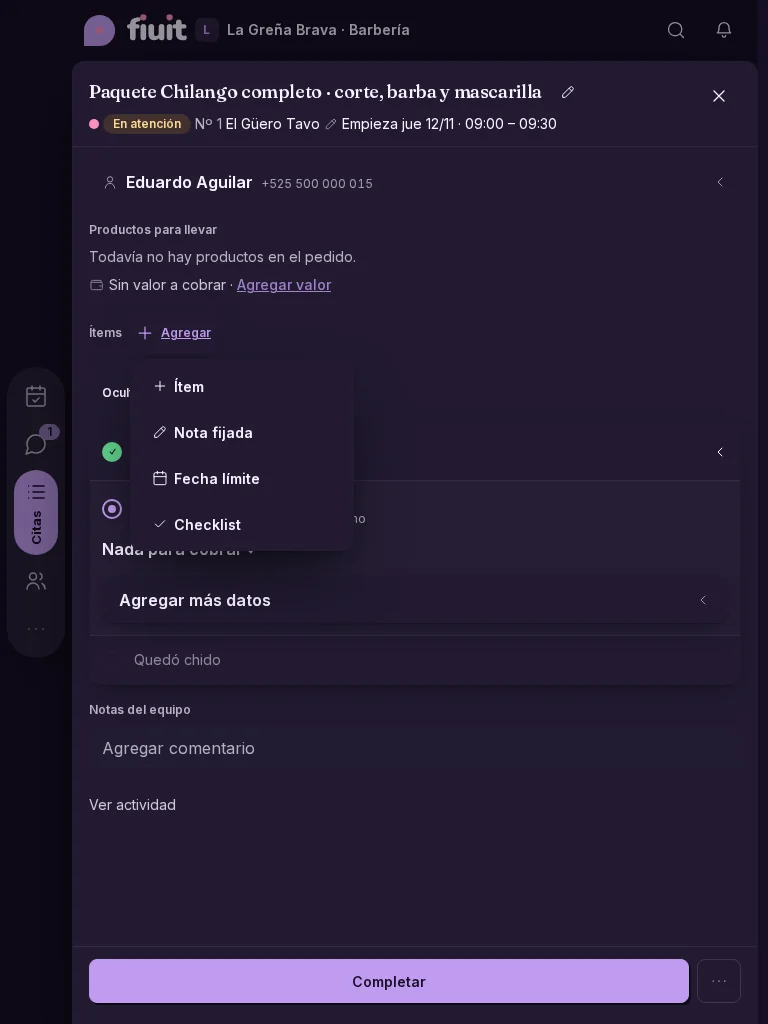
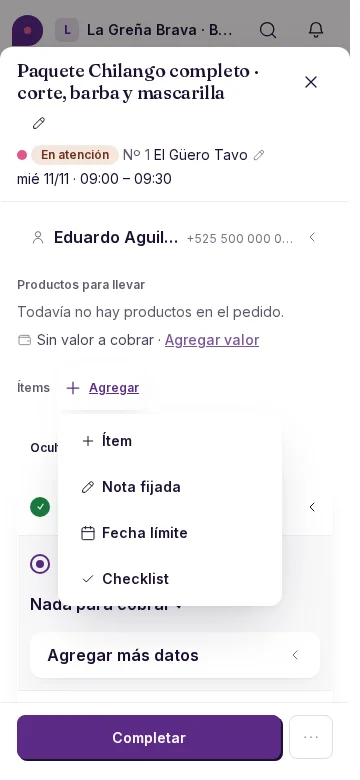
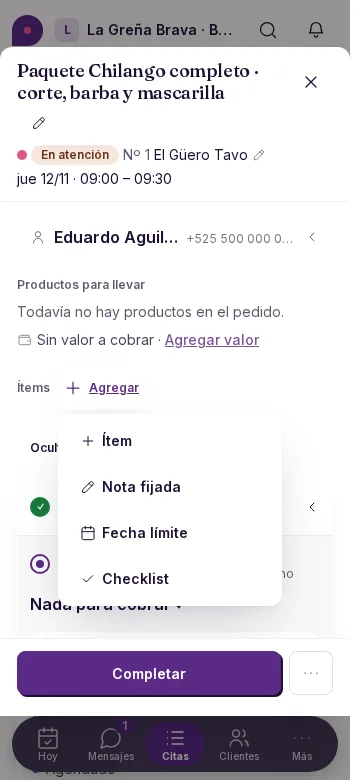
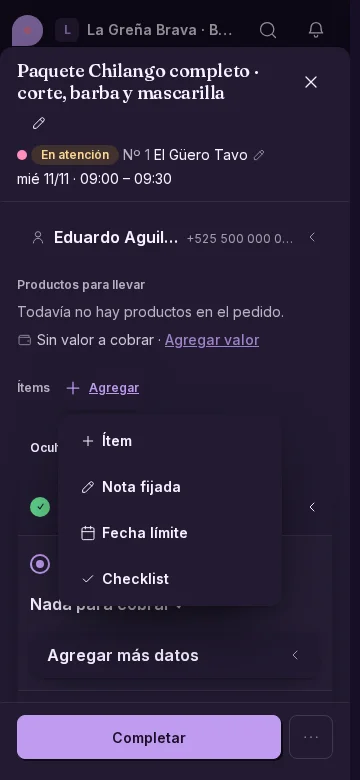
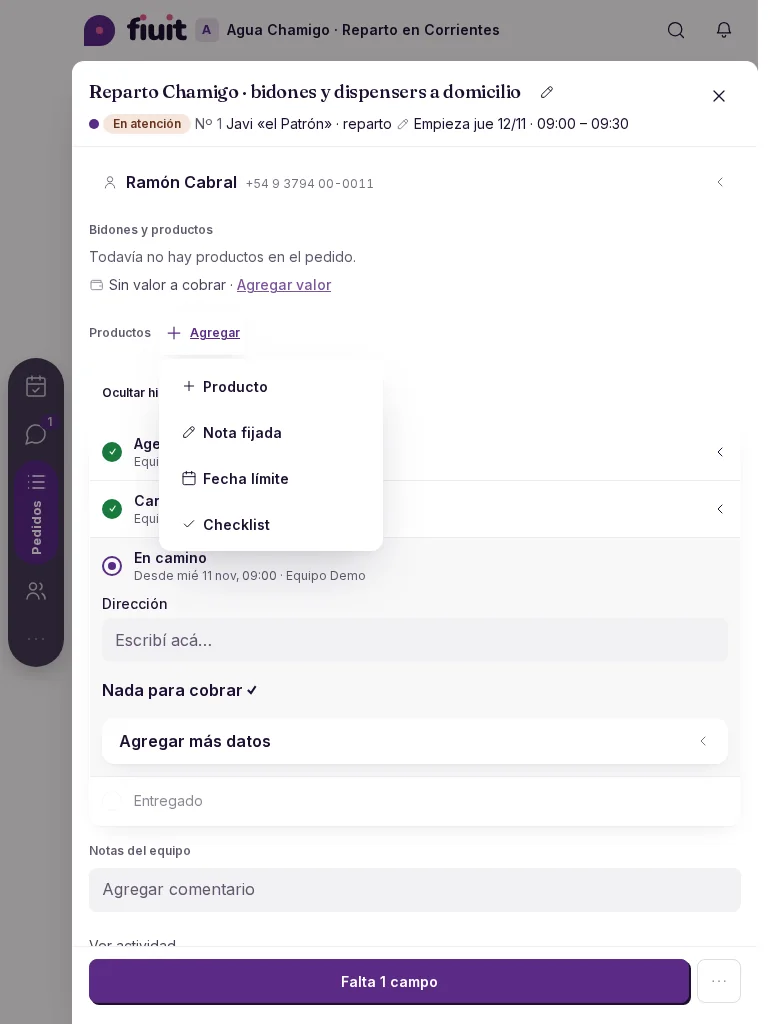
- The task menu is ordered by the business activity. Changing its words only changes names: it does not enable actions. Each option respects your permission, the task state and its data; photos and signatures appear if the service declares them. With Items turned off, you can use the other blocks and edit existing lines, without adding new ones.
- When payment is the main step and no payment link is available, «Record payment» is highlighted; once paid, the stage becomes the main action again.
- The main action stays fixed at the bottom, above the phone navigation bar. When you rotate the phone or use a wide screen, it leaves the navigation column clear on your chosen side. On desktop, it spans the task column.
Before and after
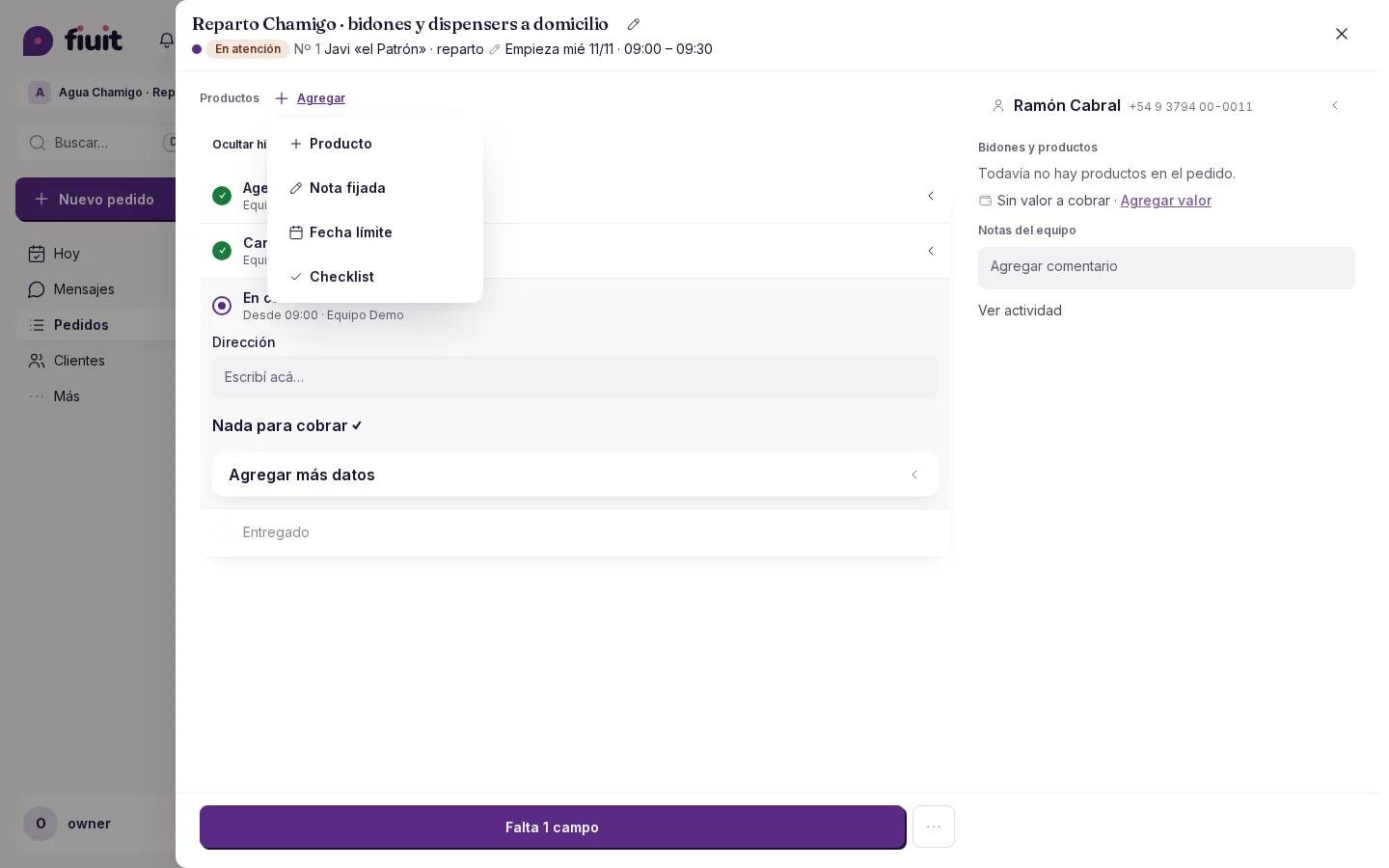
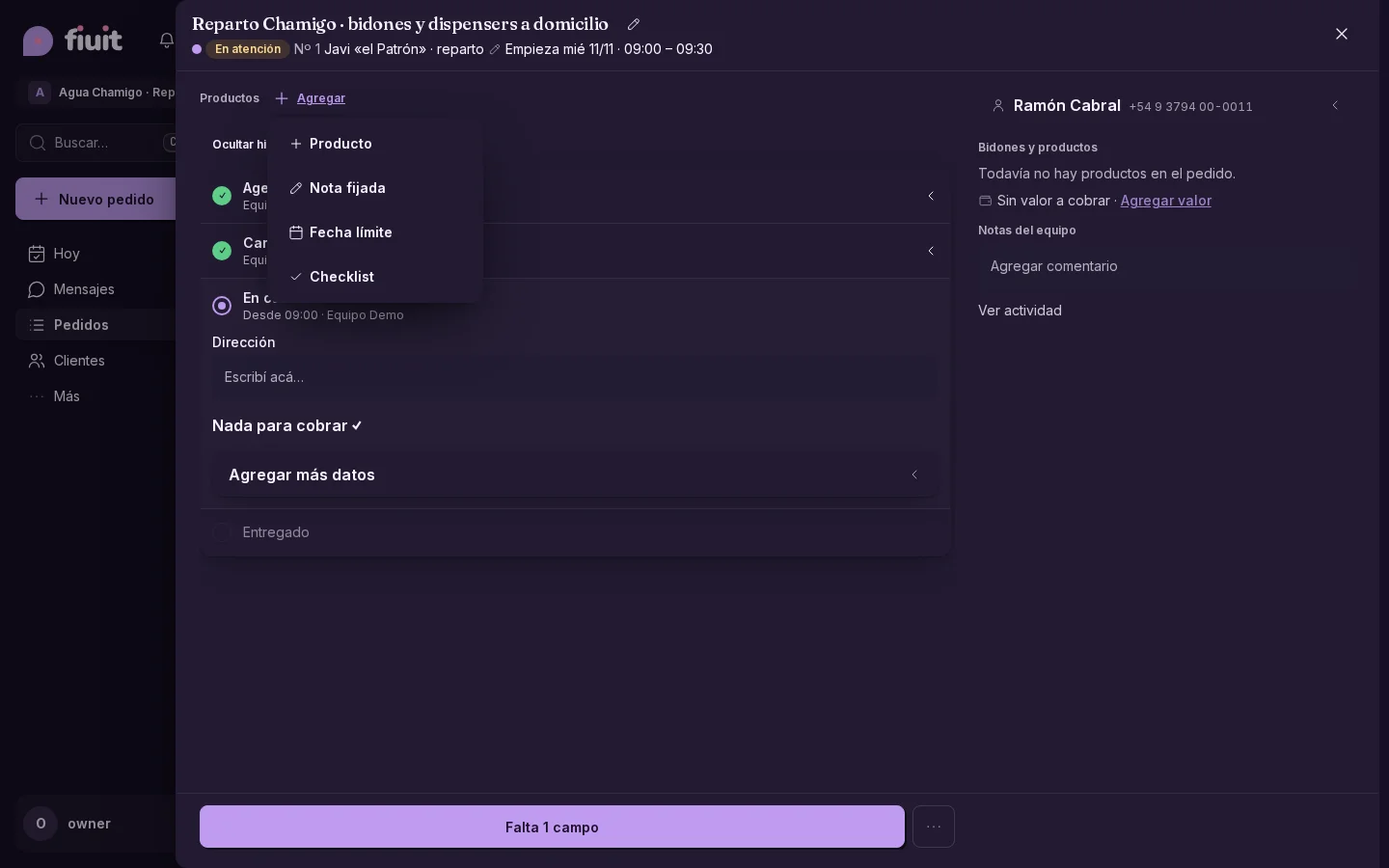
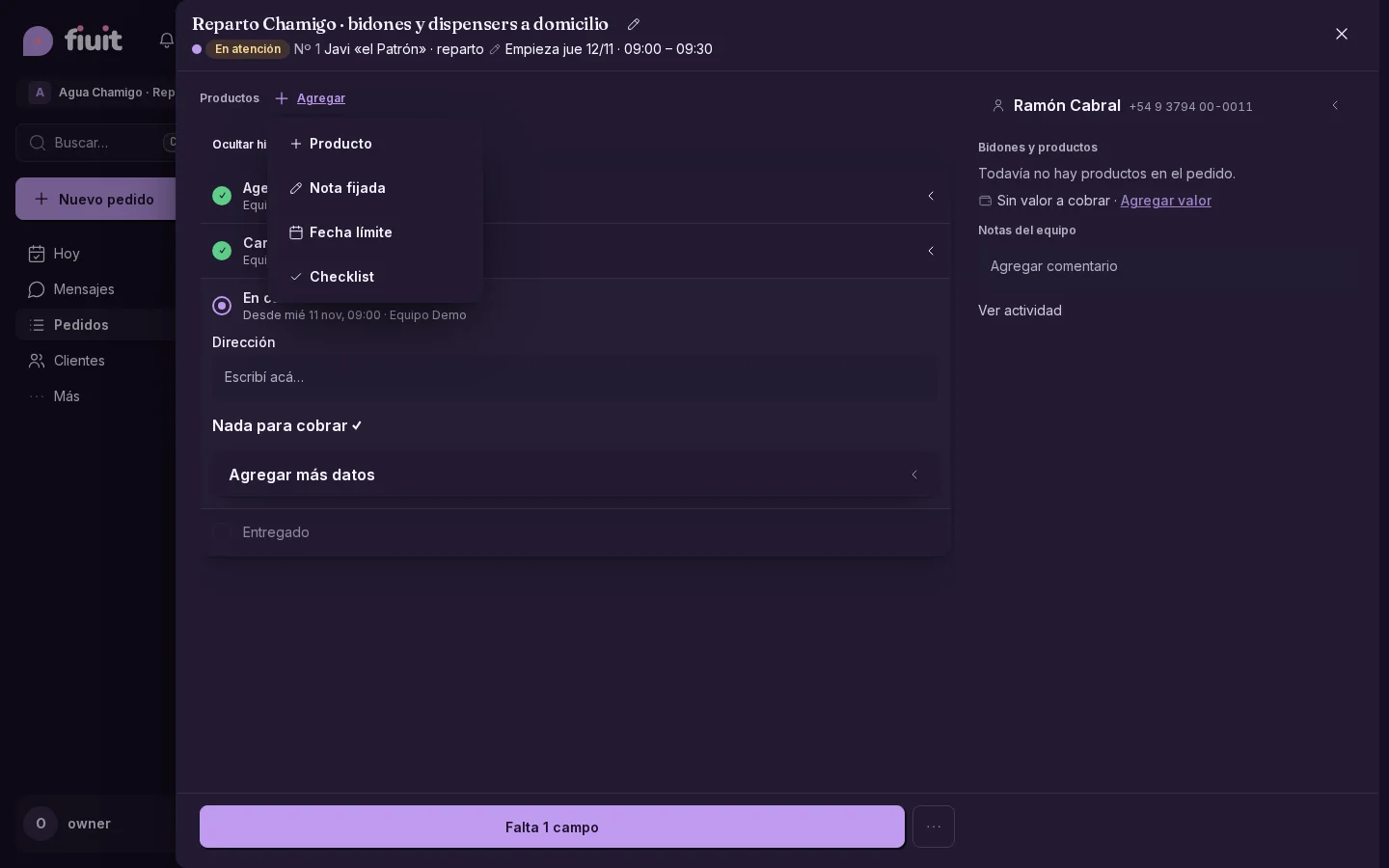
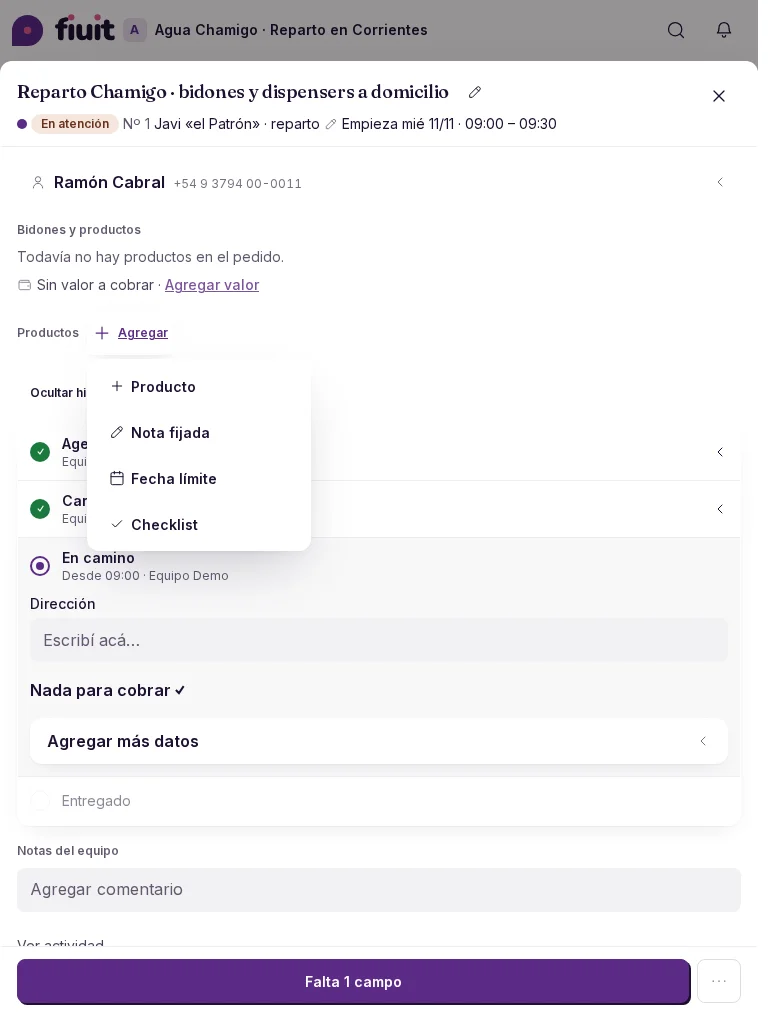
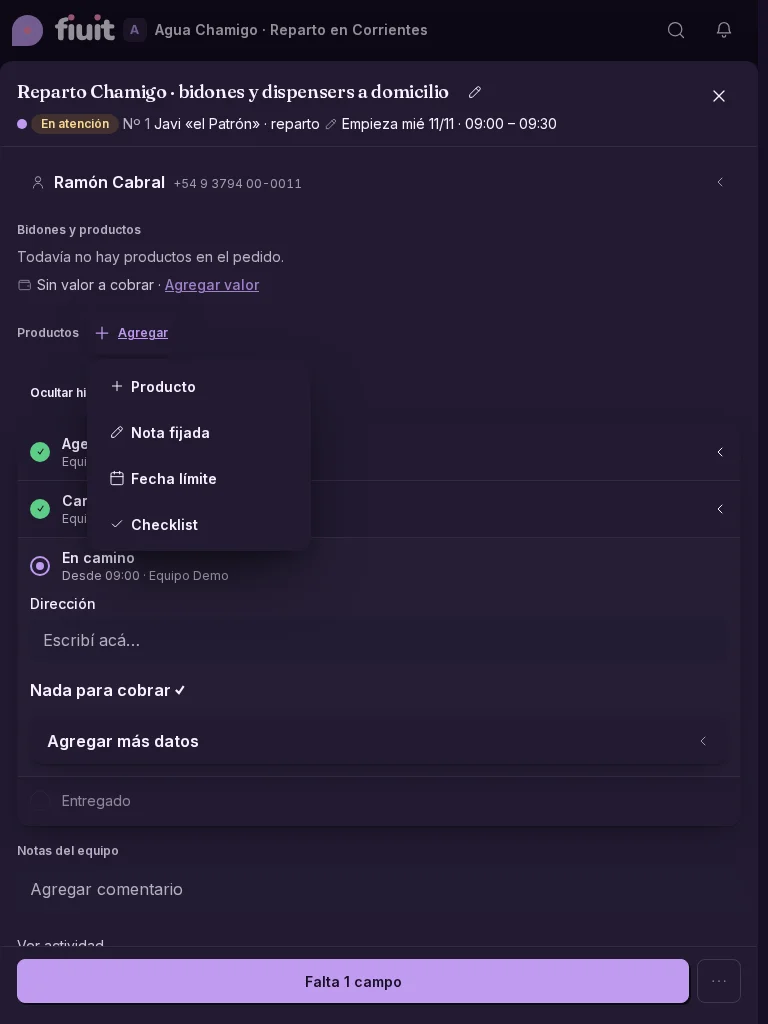
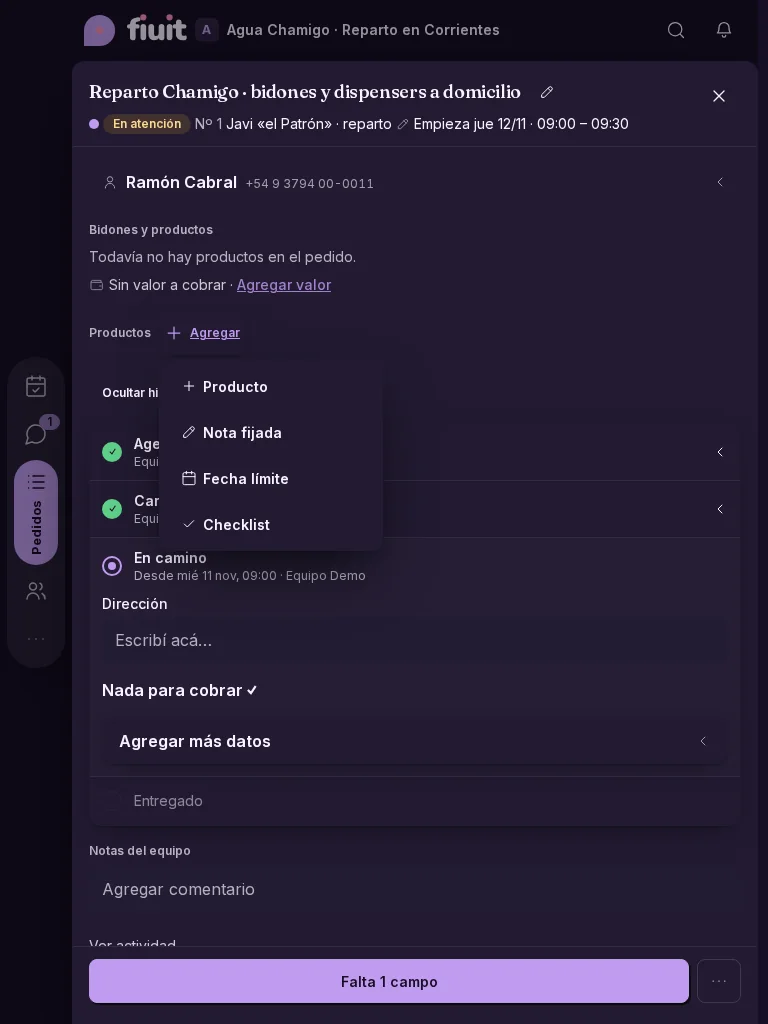
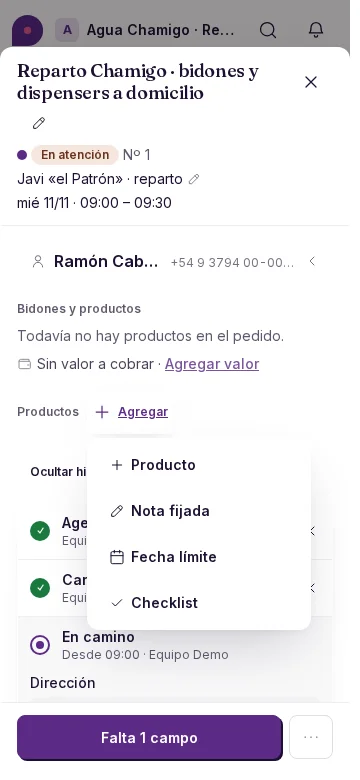
- Compare the same task with its past and current stages at all three sizes.
| Before | After | |||
|---|---|---|---|---|
| Workshop | Desktop | Light | Before | After |
| Workshop | Desktop | Dark | Before | After |
| Workshop | iPad | Light | Before | After |
| Workshop | iPad | Dark | Before | After |
| Workshop | 360 px | Light | Before | After |
| Workshop | 360 px | Dark | Before | After |
| Barbershop | Desktop | Light | Before | After |
| Barbershop | Desktop | Dark | Before | After |
| Barbershop | iPad | Light | Before | After |
| Barbershop | iPad | Dark | Before | After |
| Barbershop | 360 px | Light | Before | After |
| Barbershop | 360 px | Dark | Before | After |
| Delivery | Desktop | Light | Before | After |
| Delivery | Desktop | Dark | Before | After |
| Delivery | iPad | Light | Before | After |
| Delivery | iPad | Dark | Before | After |
| Delivery | 360 px | Light | Before | After |
| Delivery | 360 px | Dark | Before | After |