Improvement
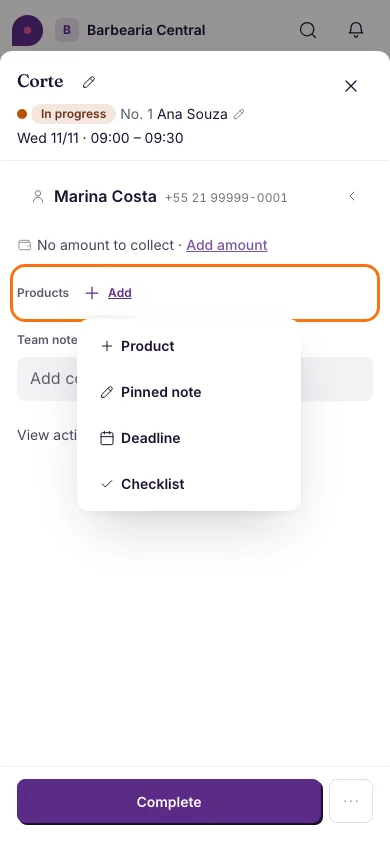
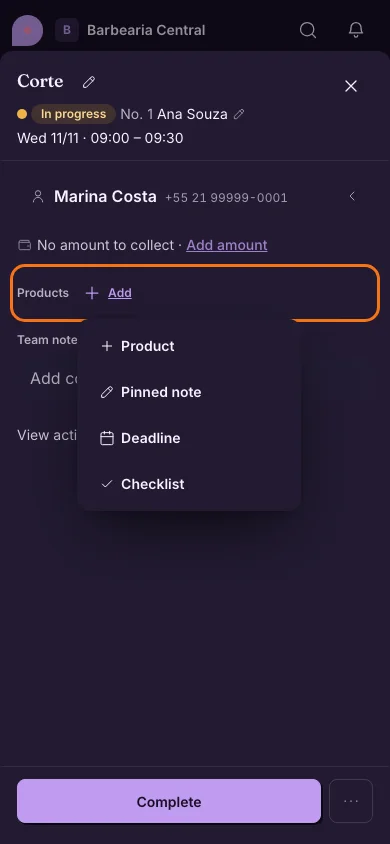
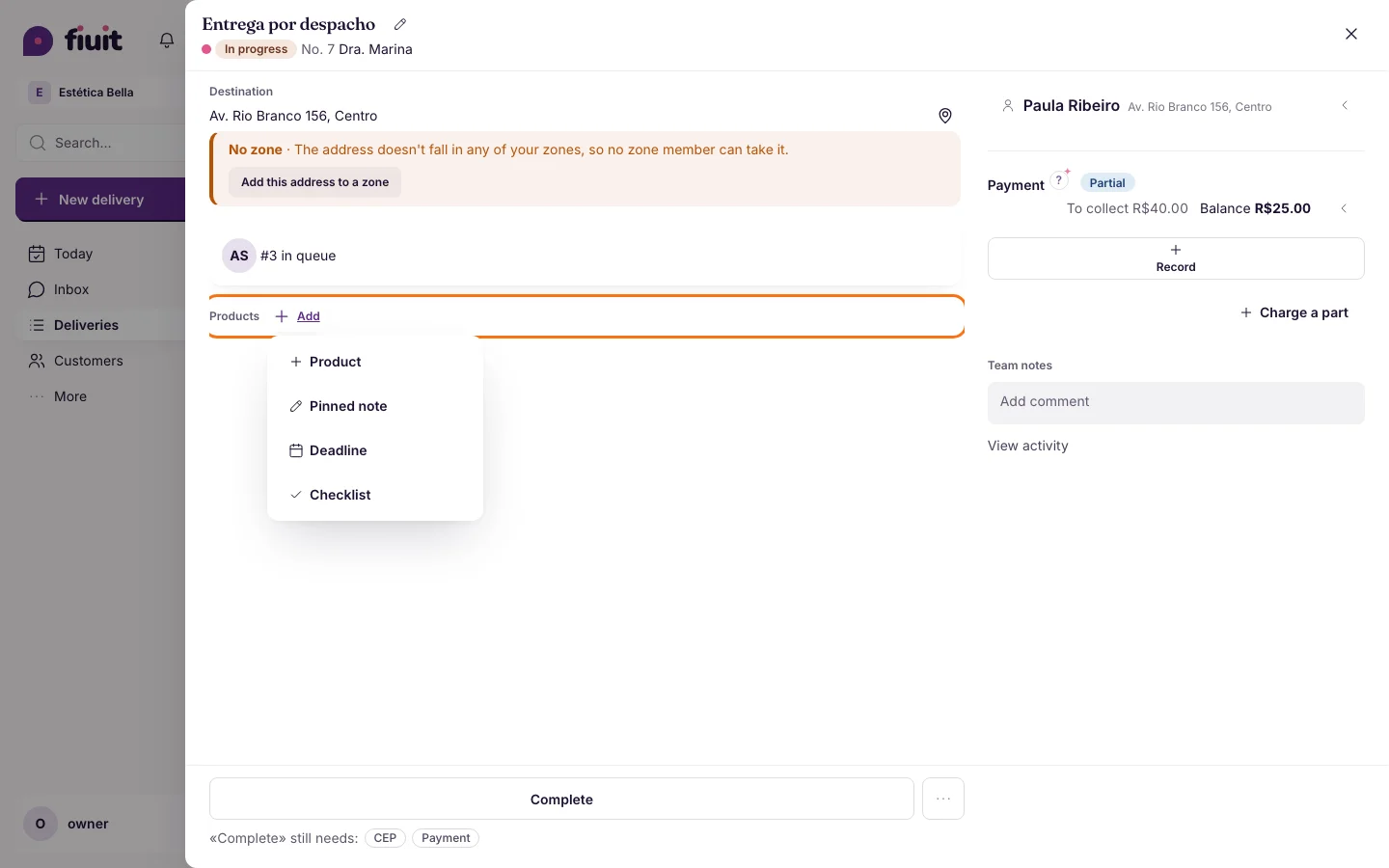
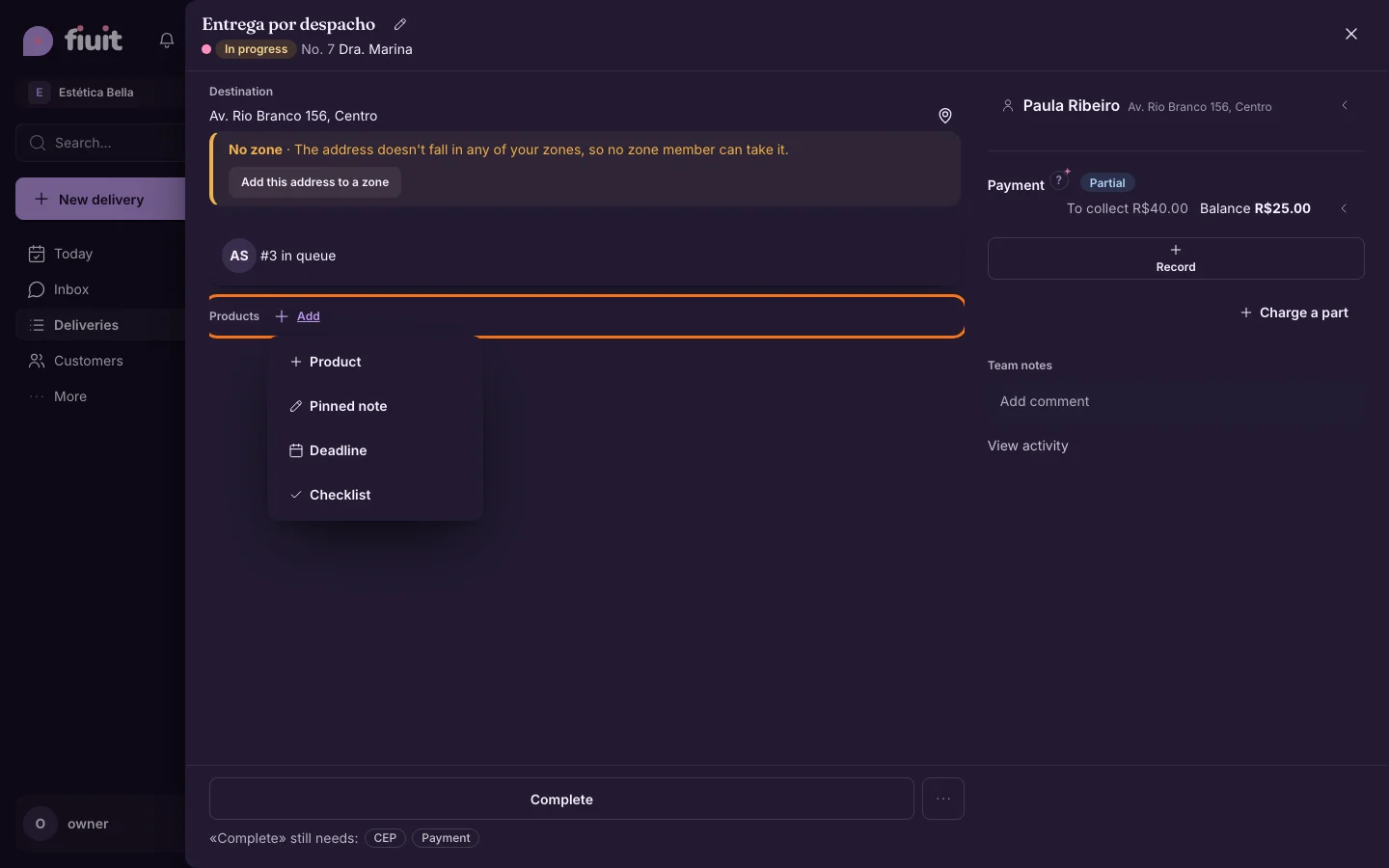
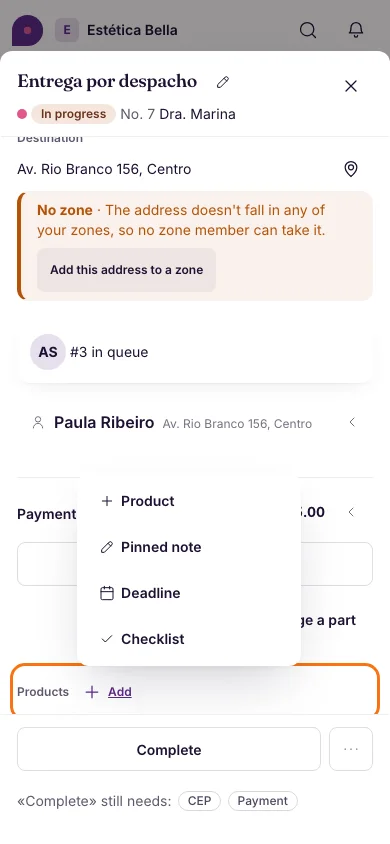
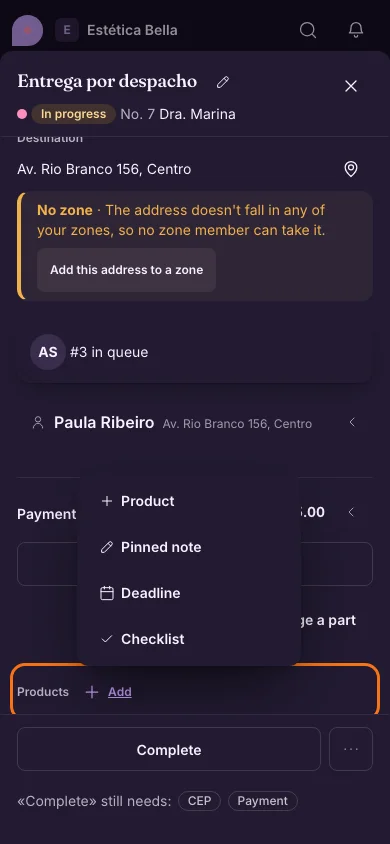
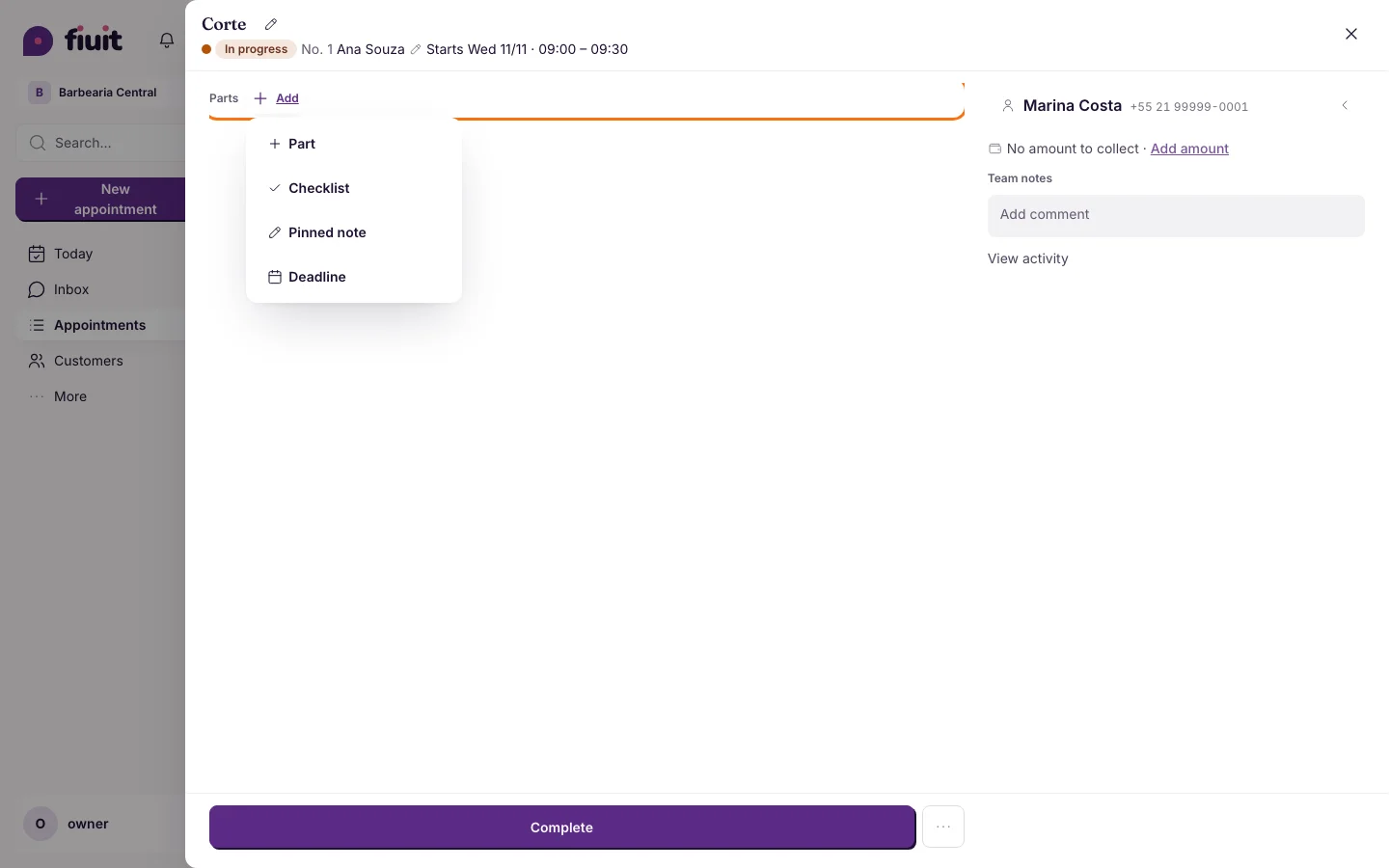
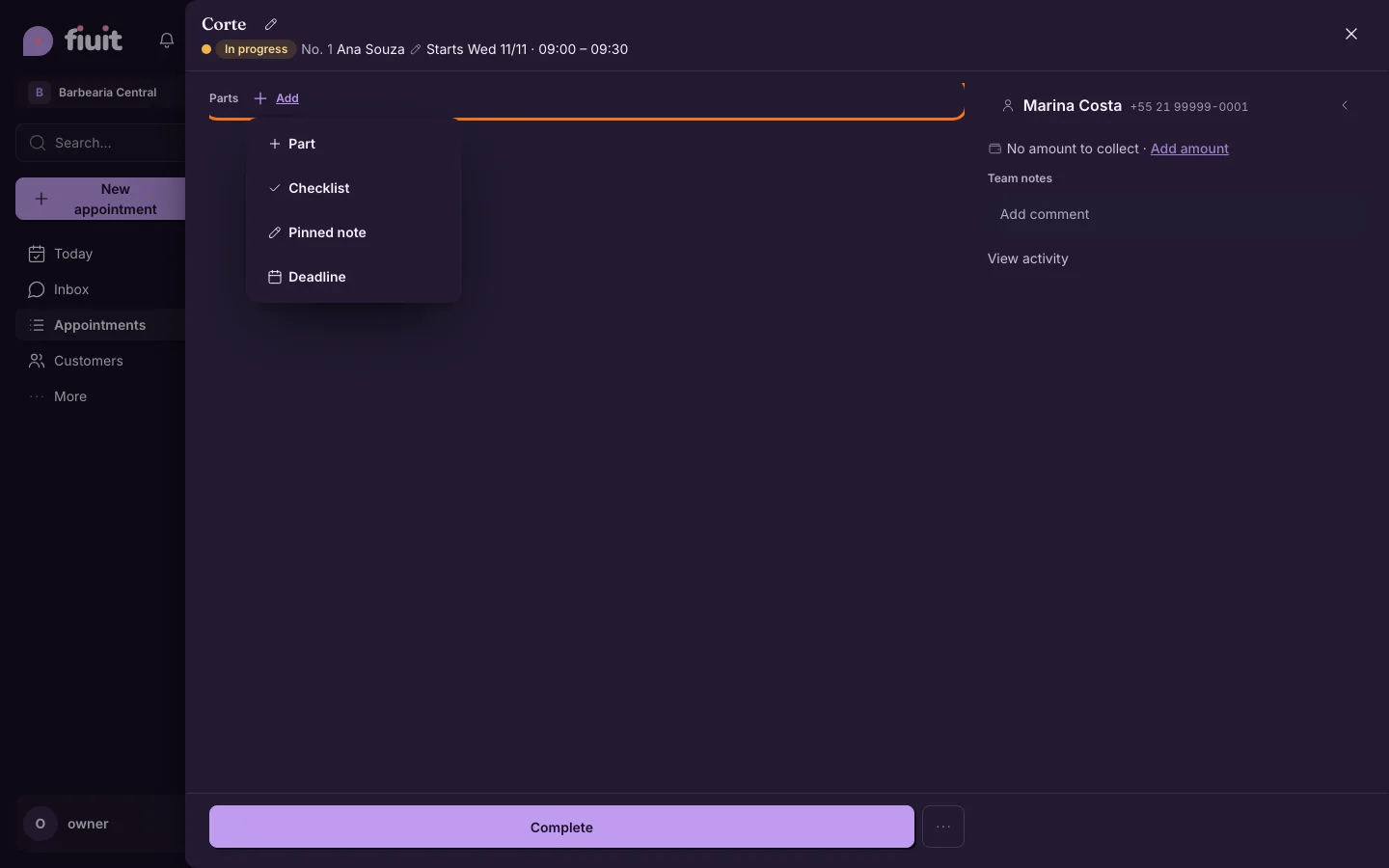
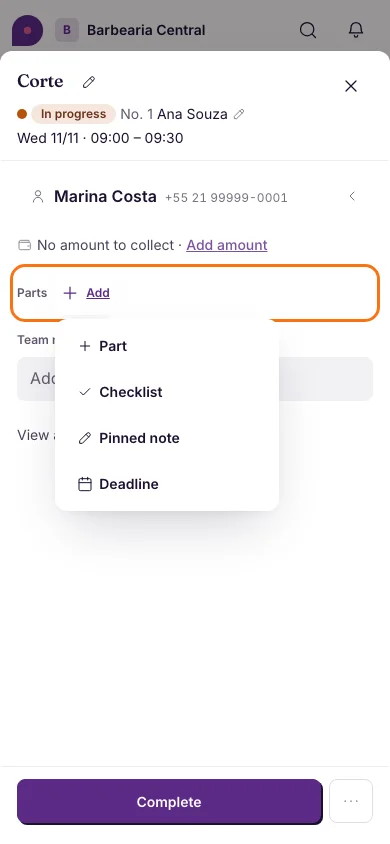
A lighter task: one «+ Add» menu and past stages on one line
The task detail shows only what has content and folds what already happened.
A lighter task
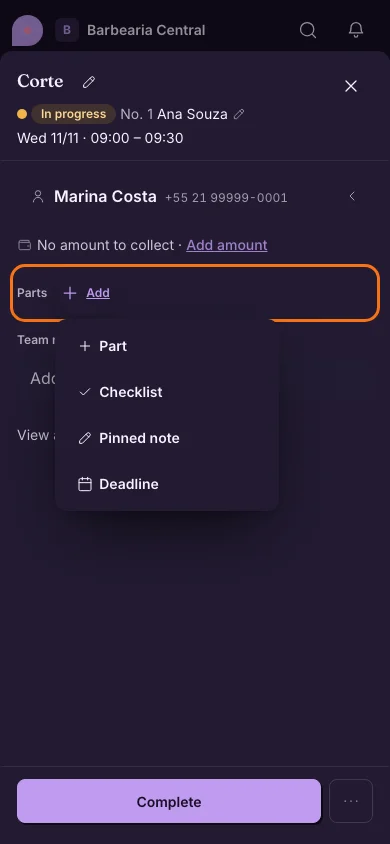
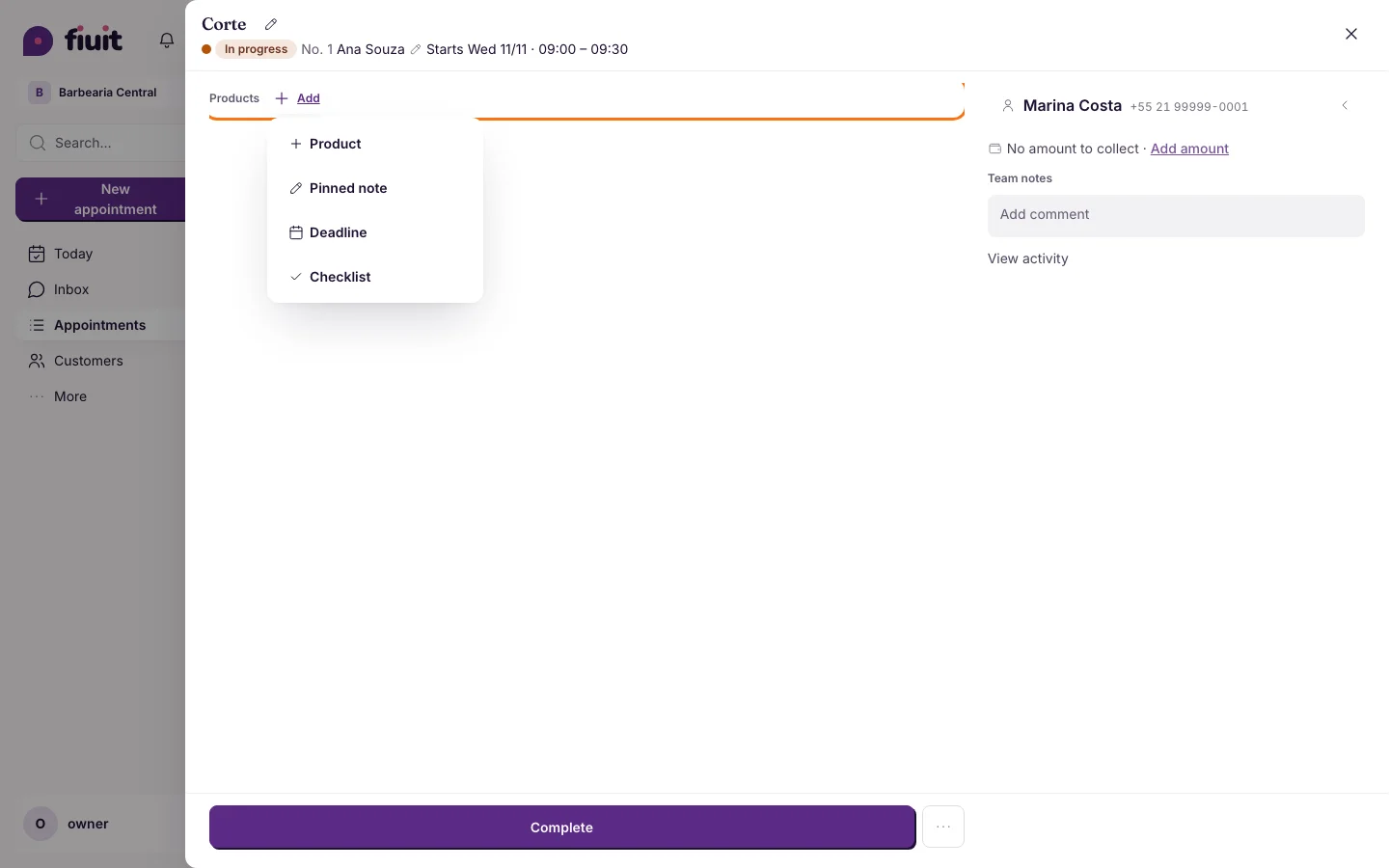
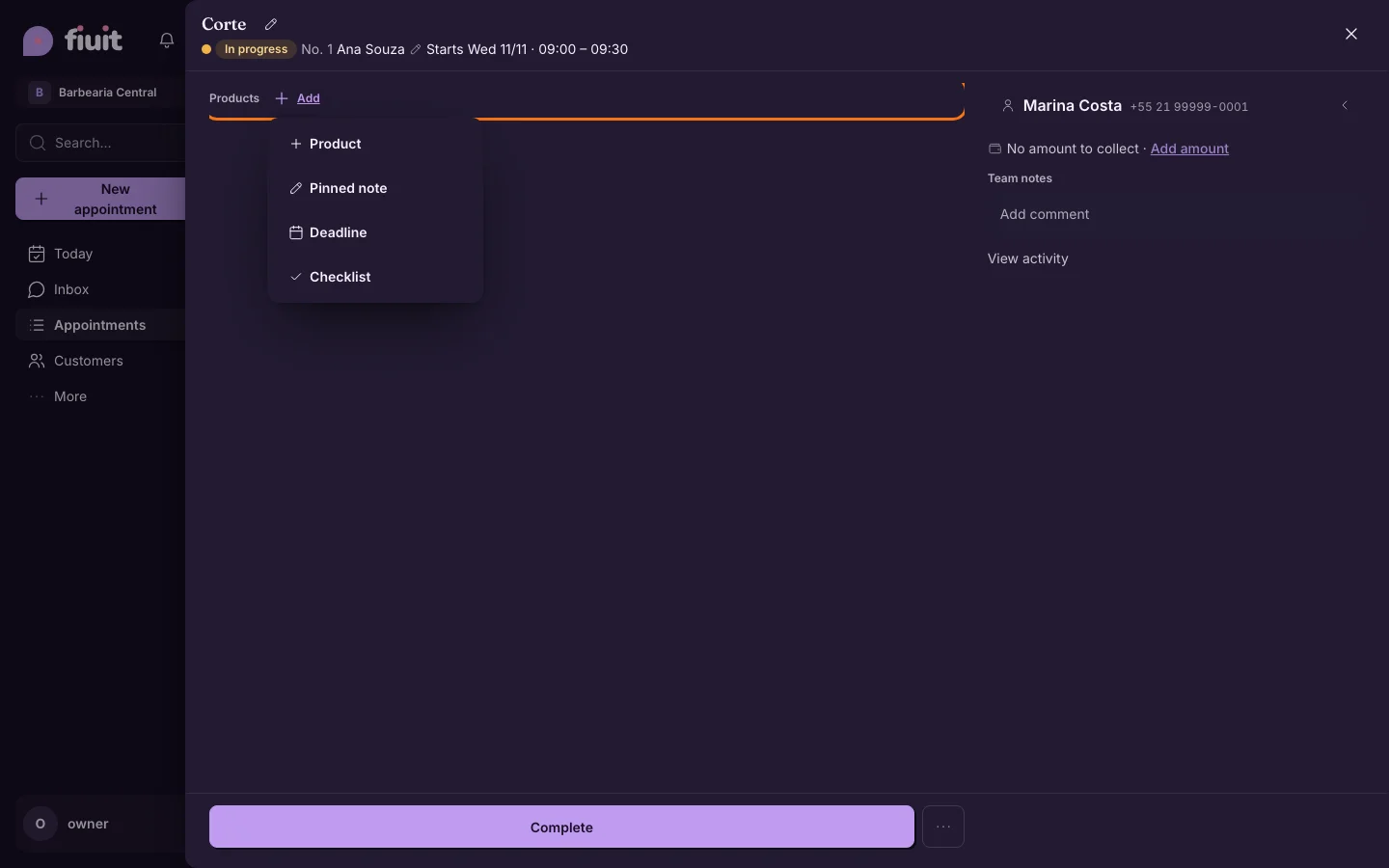
- The single «+ Add» replaces the loose item, checklist and due-date buttons. What the task already has leaves the menu; when a block is emptied it disappears from the task and returns to the menu.
- The item name comes from the business vocabulary: «Part» for the shop, «Consumption» for the club, «Product» for the barbershop and deliveries. Each business can adapt these names with Wagy's help.
- Past stages sit on one line («✓ first —— +N stages —— ● current»); with no stages (a simple appointment) the line does not show.
- No «(required)» on every field: the button says «N fields missing». Photo notices move into a «?».
- Two-line header and a main button as wide as the task column on desktop; on mobile, full width at the bottom.