New
Your year, month by month: what was left and what fell short
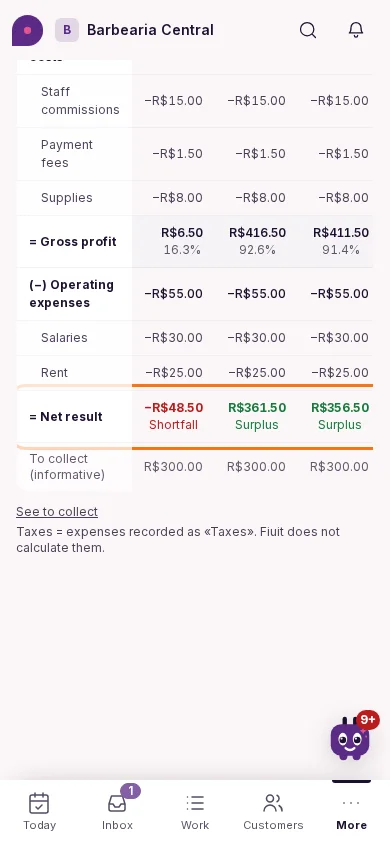
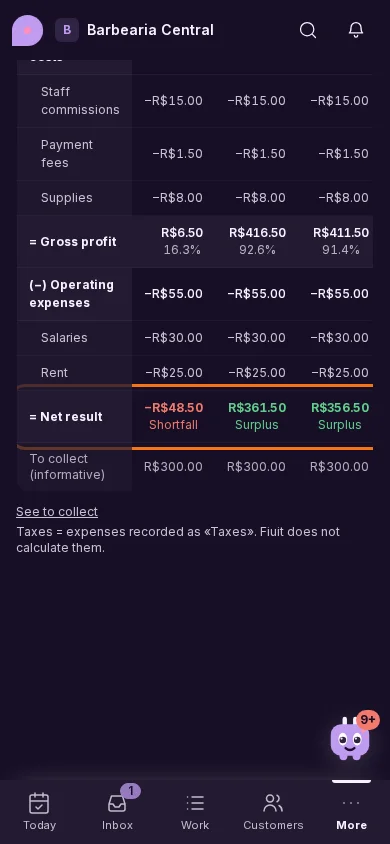
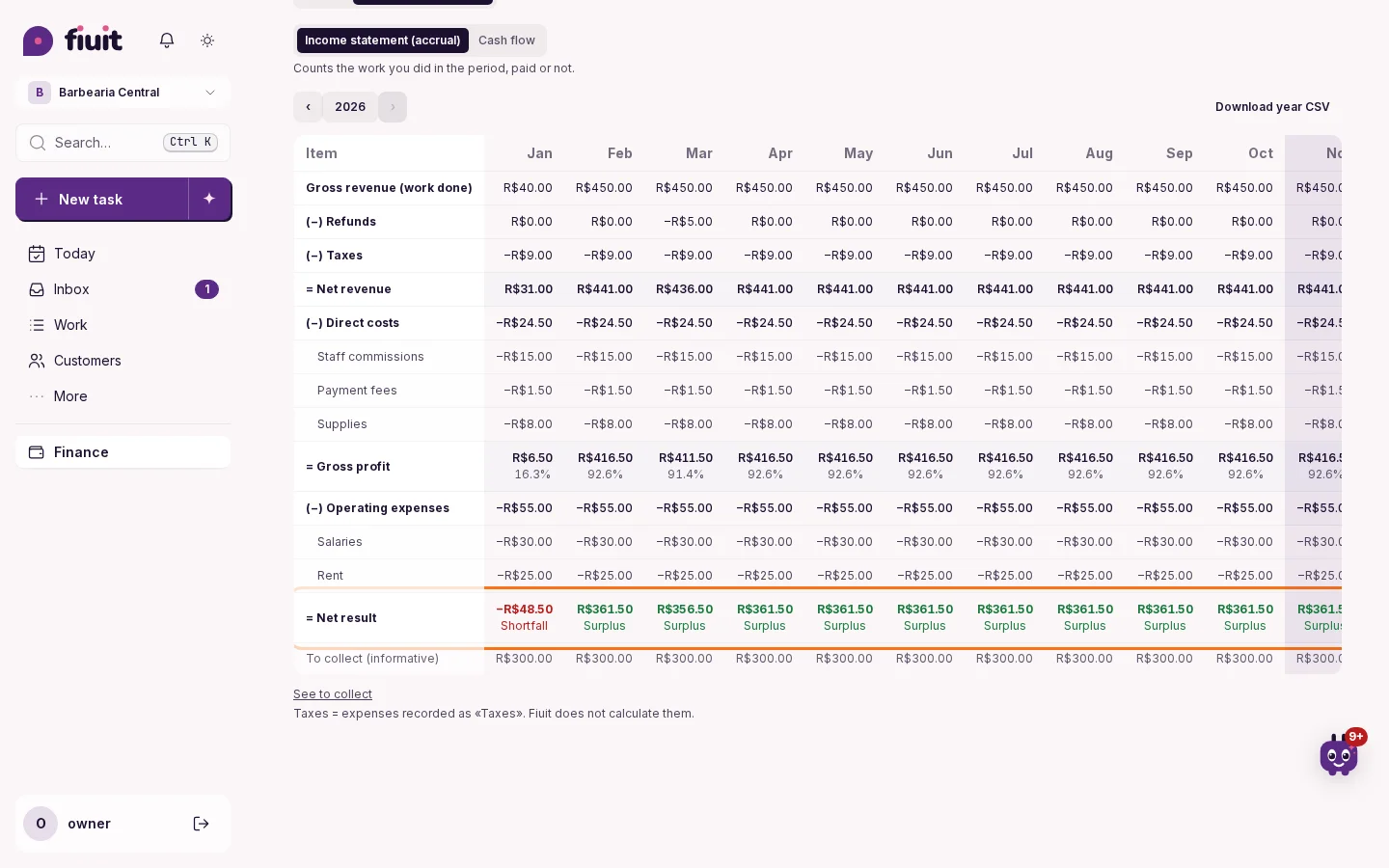
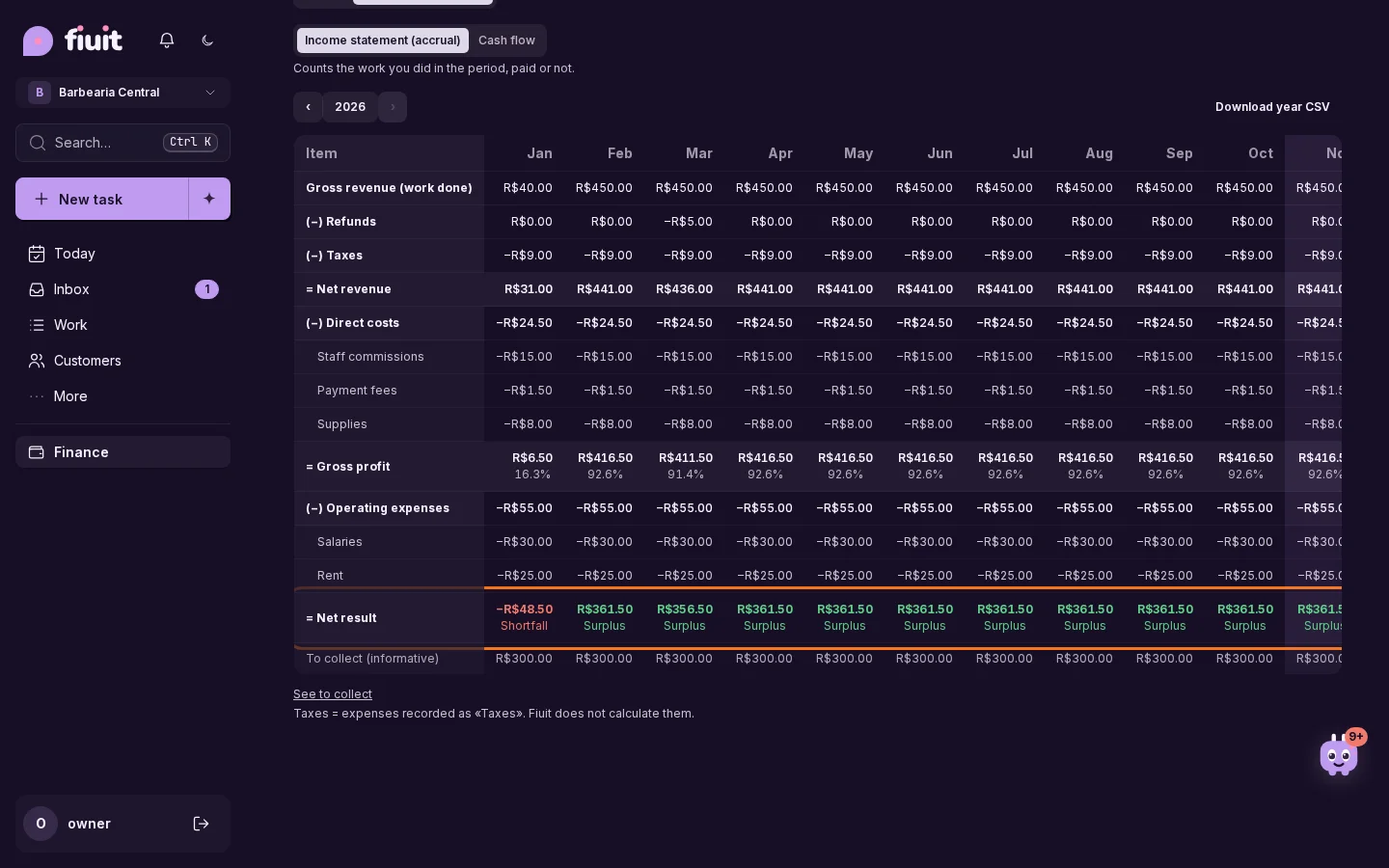
See the year's income statement in monthly columns, with taxes, costs and expenses, and at the bottom whether each month ended up or down.
What you get
- The whole year at a glance: every month side by side, from revenue to result, in the usual income statement order.
- Up or down, no math: the last line shows in green or red how each month and the year ended.
- Taxes where they belong: what you record as taxes comes off before gross profit, apart from everyday expenses.
- By resource, service or category: with «View by» you see what each court, mechanic or service brought in month by month, or what went out per expense category; what belongs to no one, like rent, stays apart under «General / unassigned», and the rows always add up to the total.
- Ready for your accountant: the spreadsheet and the accountant package add an «Annual P&L» sheet, and the year also downloads as CSV.