Improvement
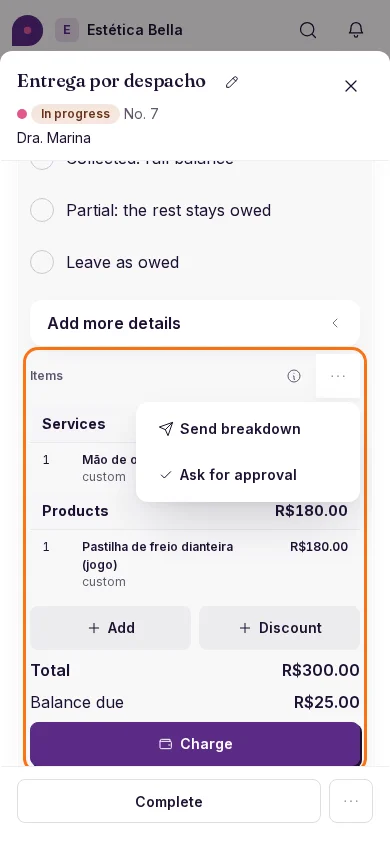
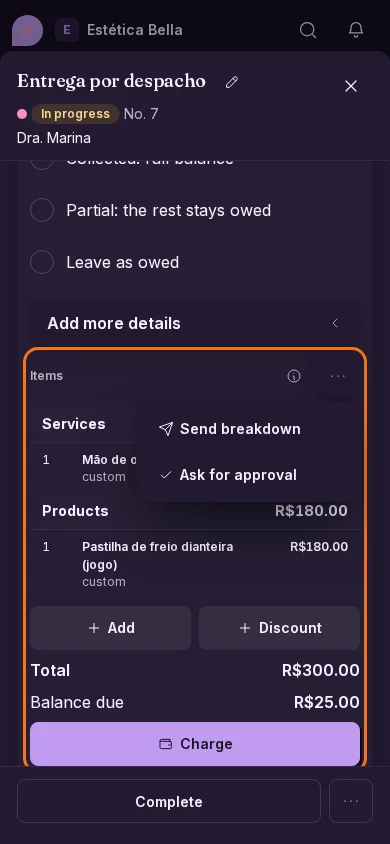
You choose the name of what you send your customer
«Breakdown» by default or the word your trade uses, and two clear actions: send the items and total, or ask for approval.
What you get
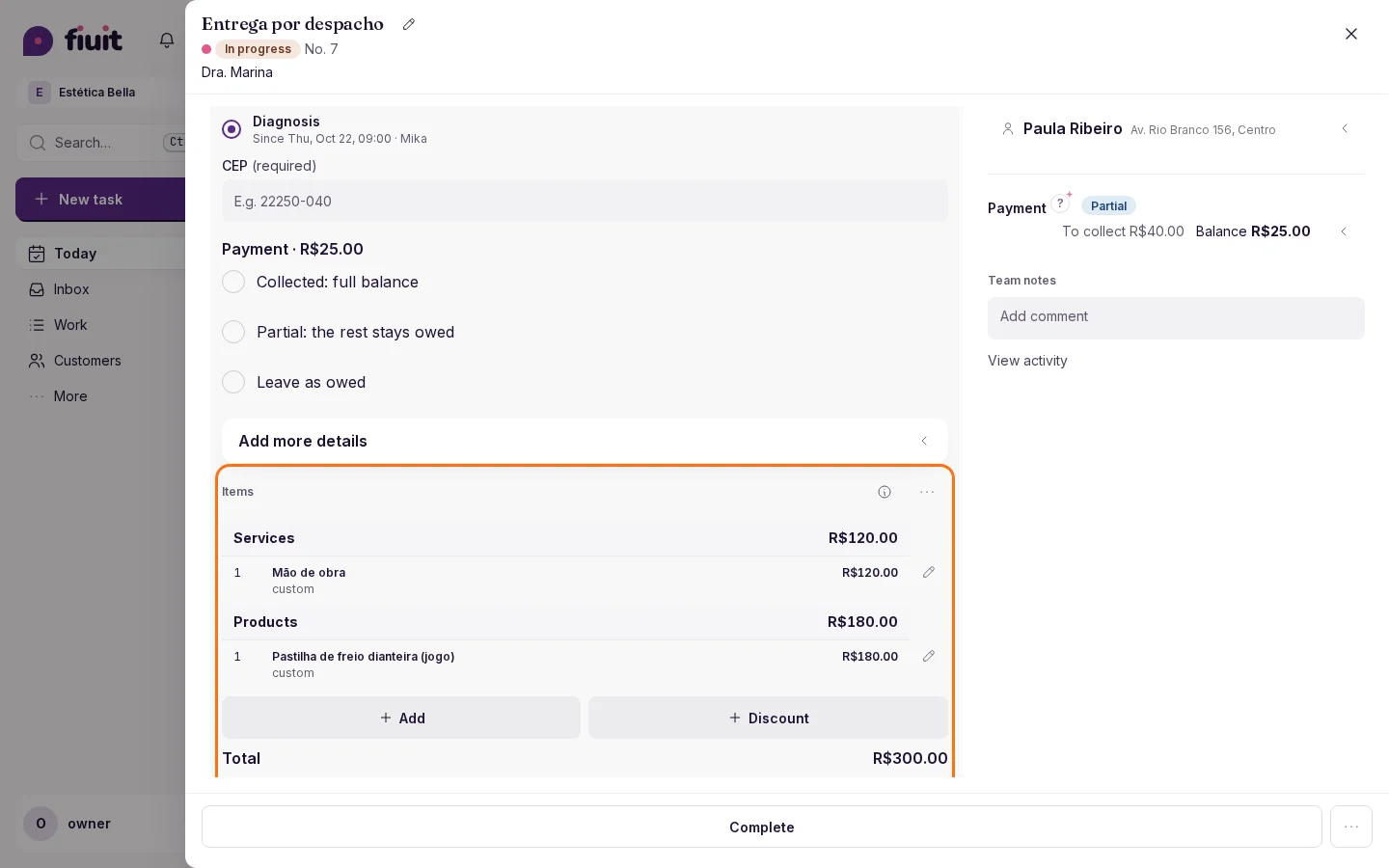
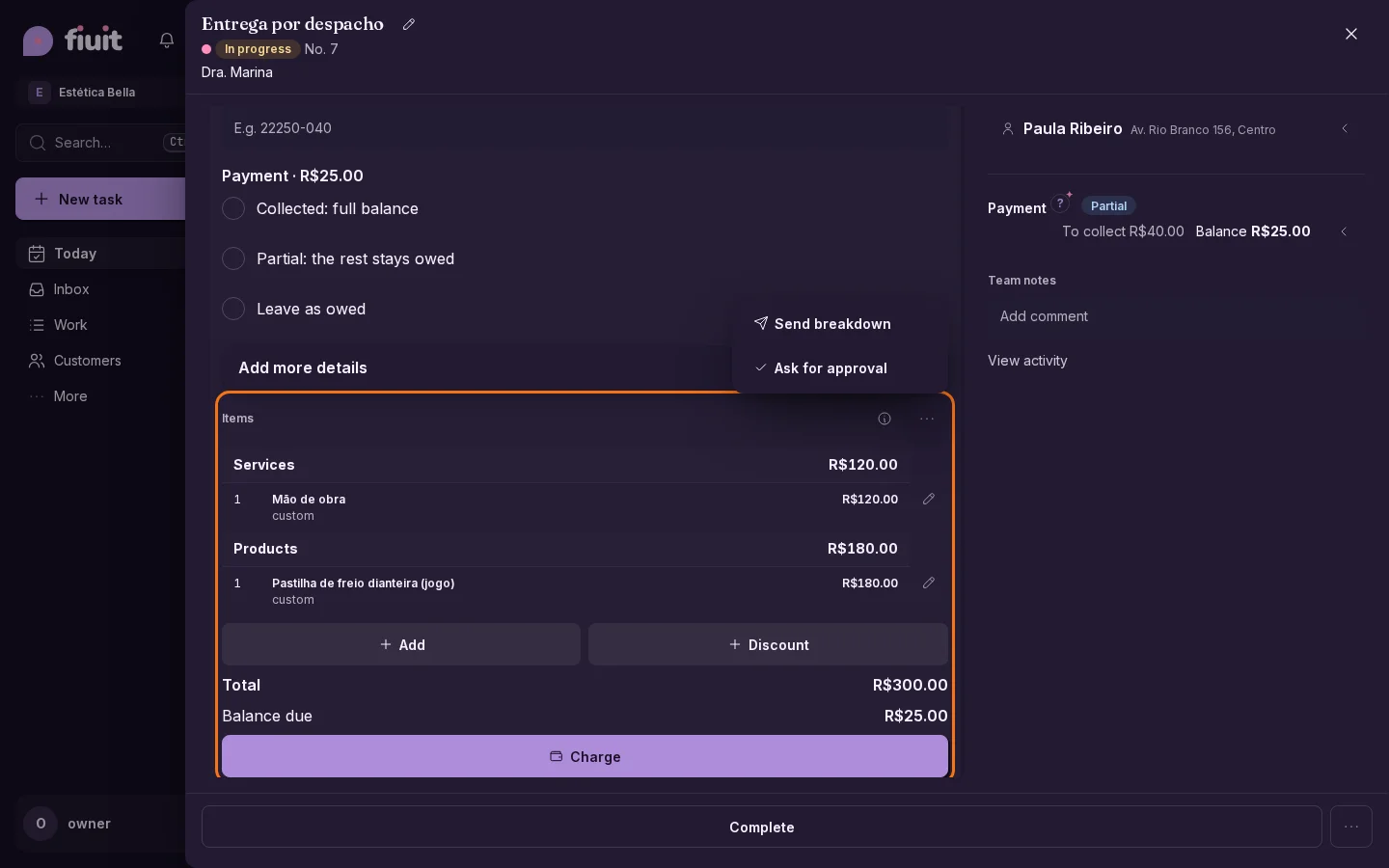
- Your words: breakdown, quote, work order… whatever your trade uses, in the panel and in messages.
- Show without holding things up: you send items and total with nothing left waiting and no payments held.
- Approve when it matters: a stage that asks for approval works just as before.