New
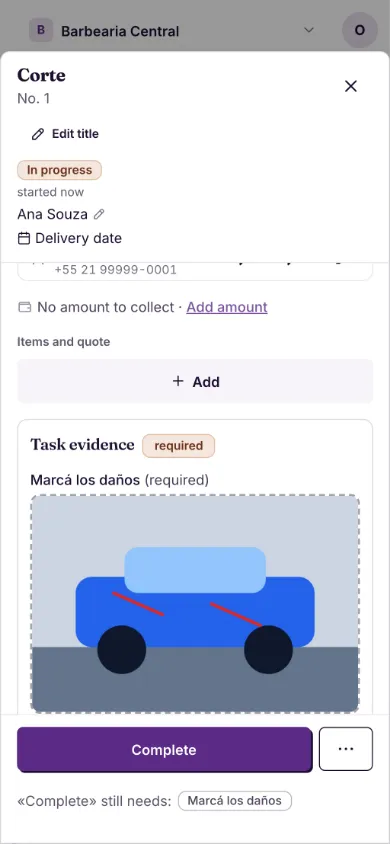
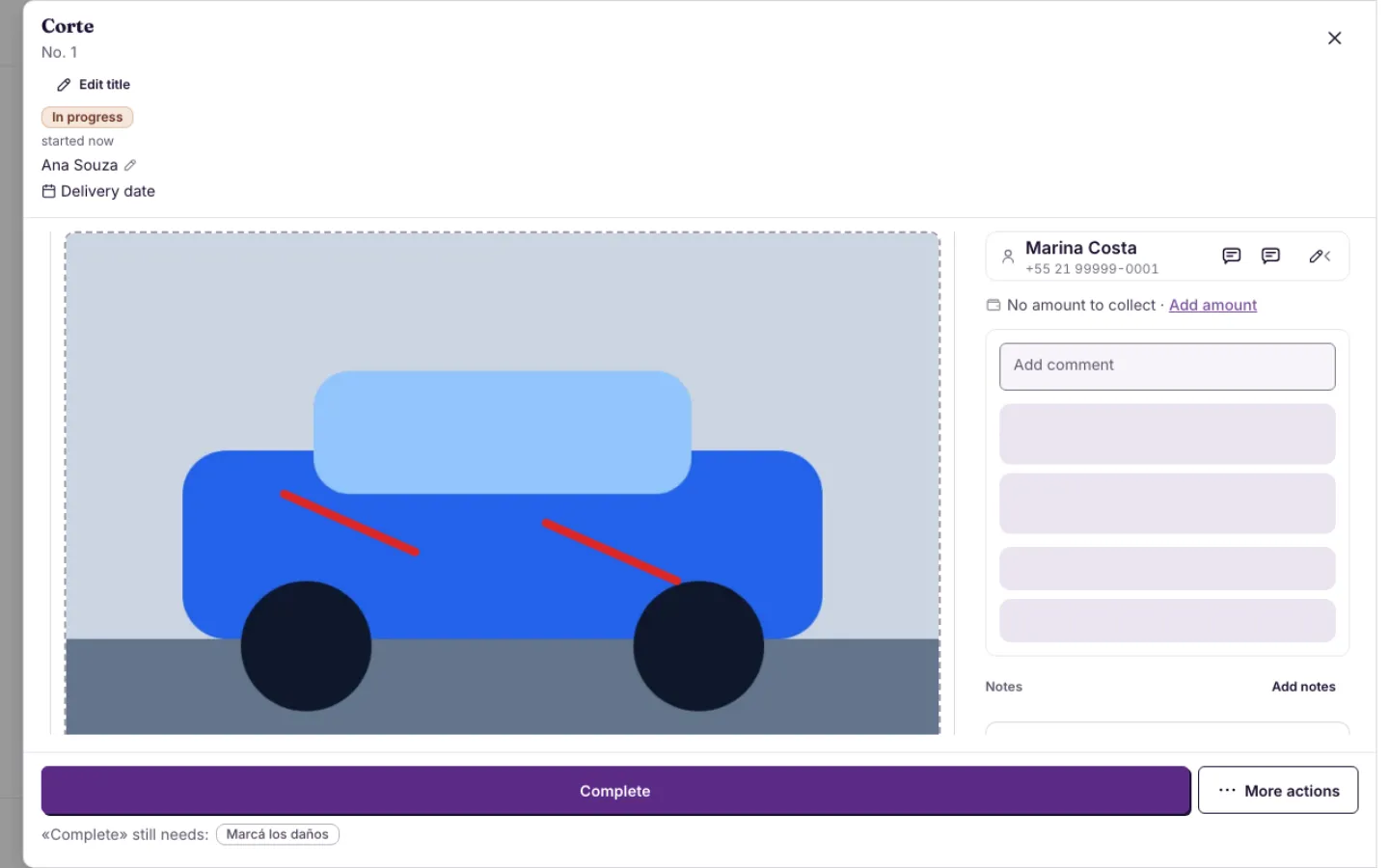
Attach an image and mark on it where the damage is
New «Mark on image» field: whoever completes the stage attaches an image, draws on it with a finger and it is saved as one image on the task.
Mark on a photo, no fuss
- An image and a finger: attach the photo and draw on it in red.
- Undo and Clear: fix one stroke or start over.
- One image: when you lift your finger it is saved in the task attachments, like the signature.
- No setup: add it to the stage and that's it.