New
Tasks with their own name
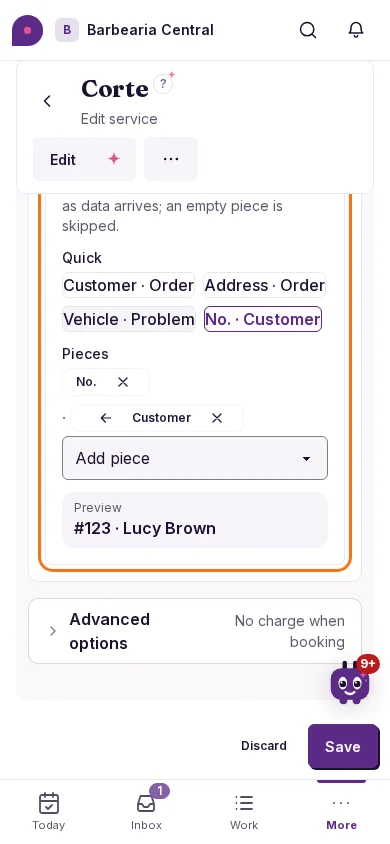
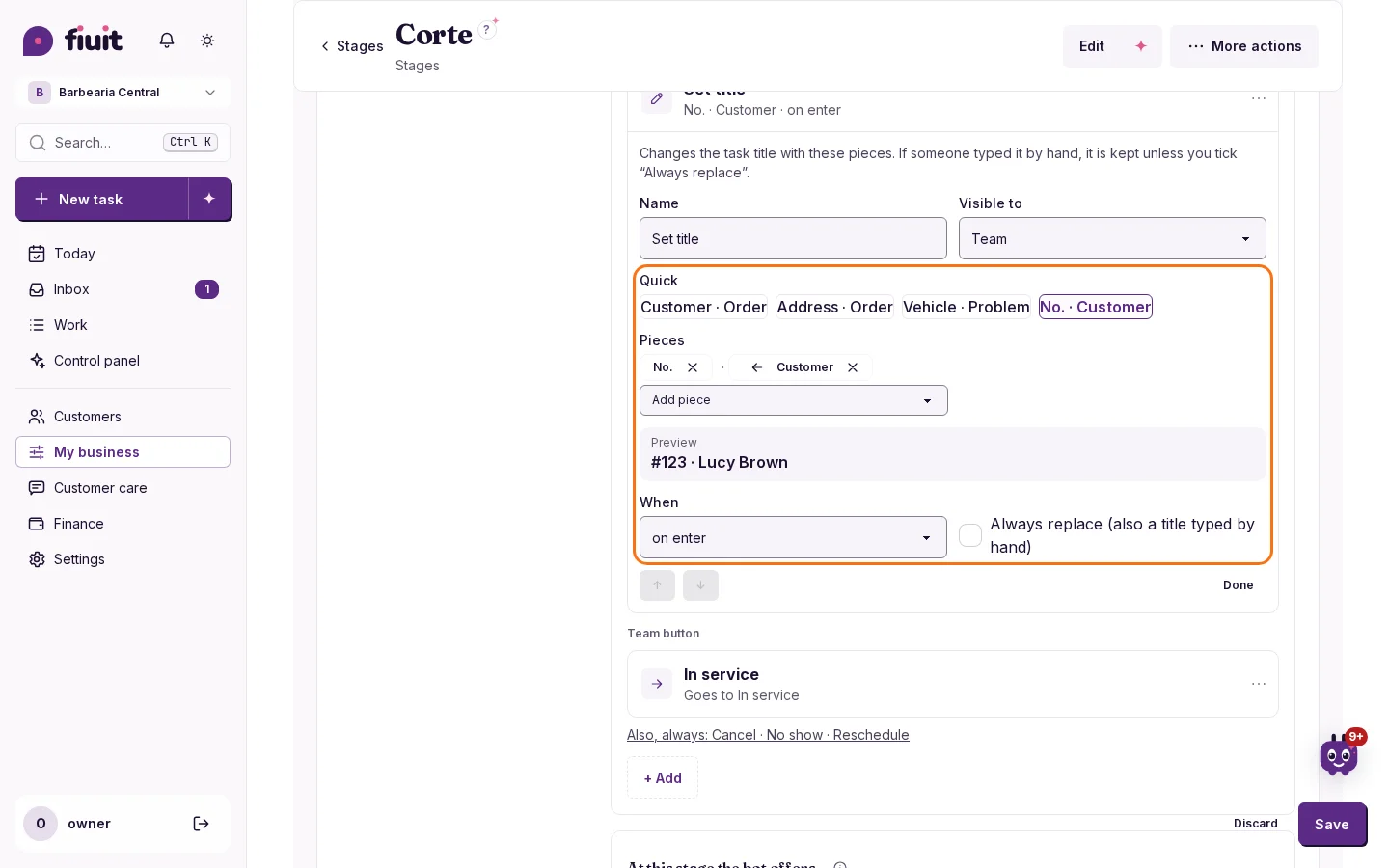
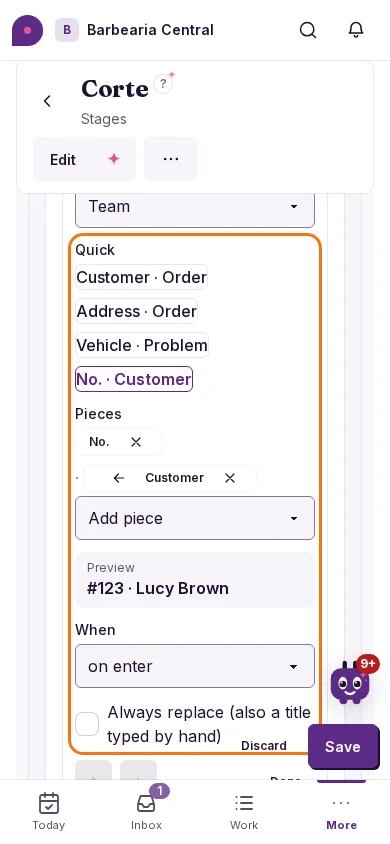
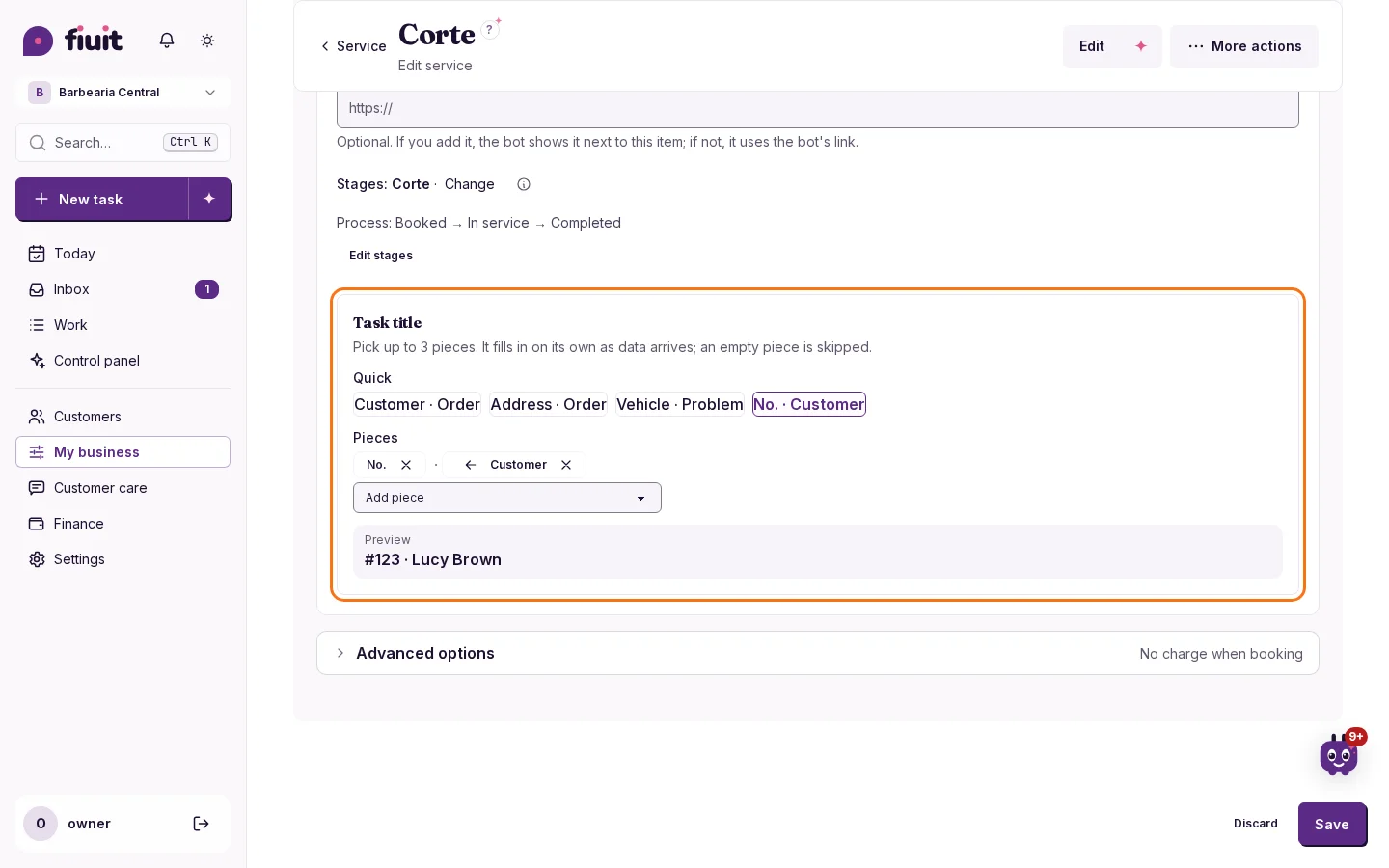
Each service chooses how its tasks are titled: customer, order, address, number or a form field, like the vehicle.
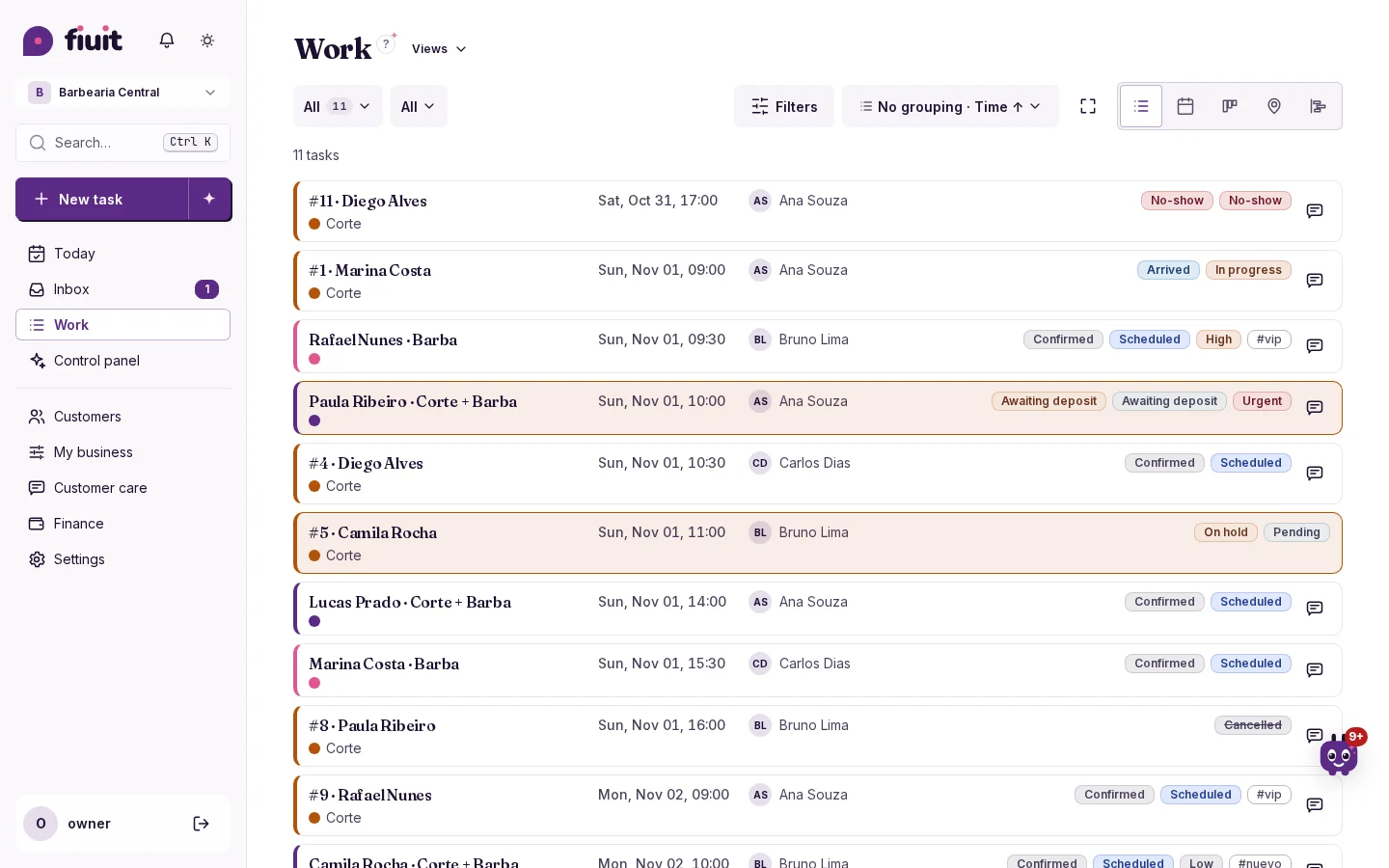
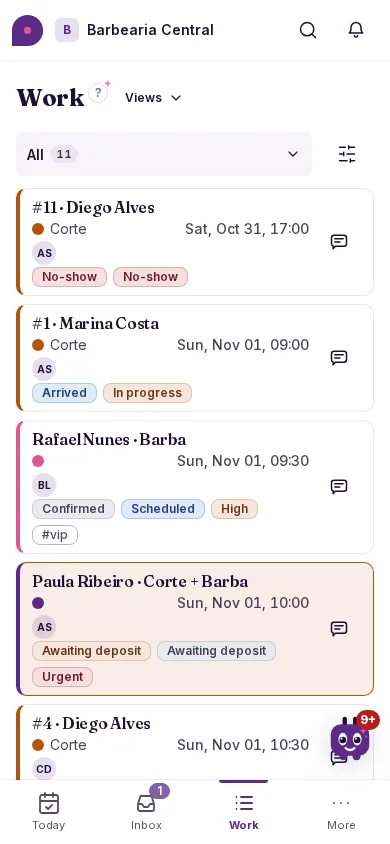
Spot every task at a glance
- The way your business names it: «John · 2 water jugs», «12 High Street · Order», «Golf 2015 · Brake noise» or «No. 123 · Lucy».
- Fills in on its own: when data arrives (for example, the vehicle at check-in), the title updates.
- Everywhere: lists, Today, Work, Focus, the task card, search and team notices.
- Each stage can change it: for example, check-in builds «Vehicle · Problem» and the work order turns it into «No. · Vehicle · WO».
- By hand when needed: type a task's title and it stays fixed.