← All updates
Improvement

The task shows only what already happened and the current stage

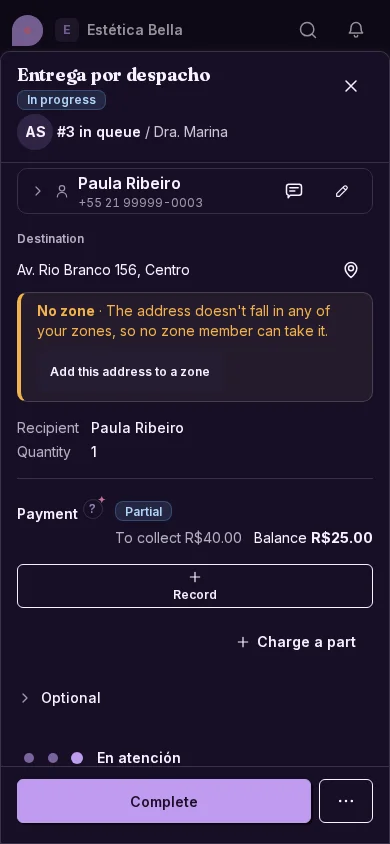
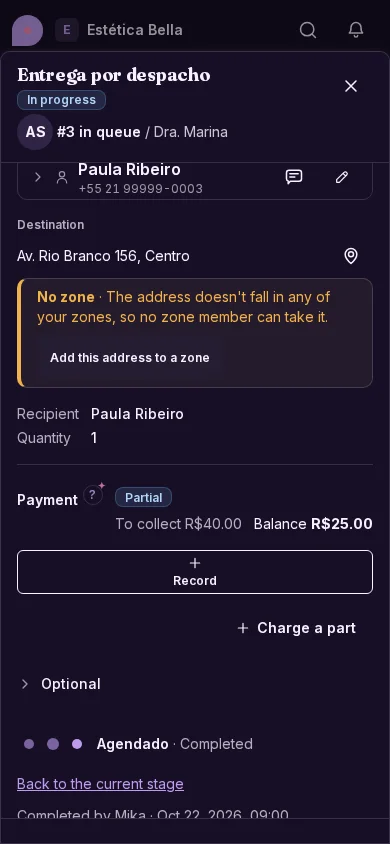
Open a task and you see the stage you are in; going back, what was already done. What is still to come does not appear.
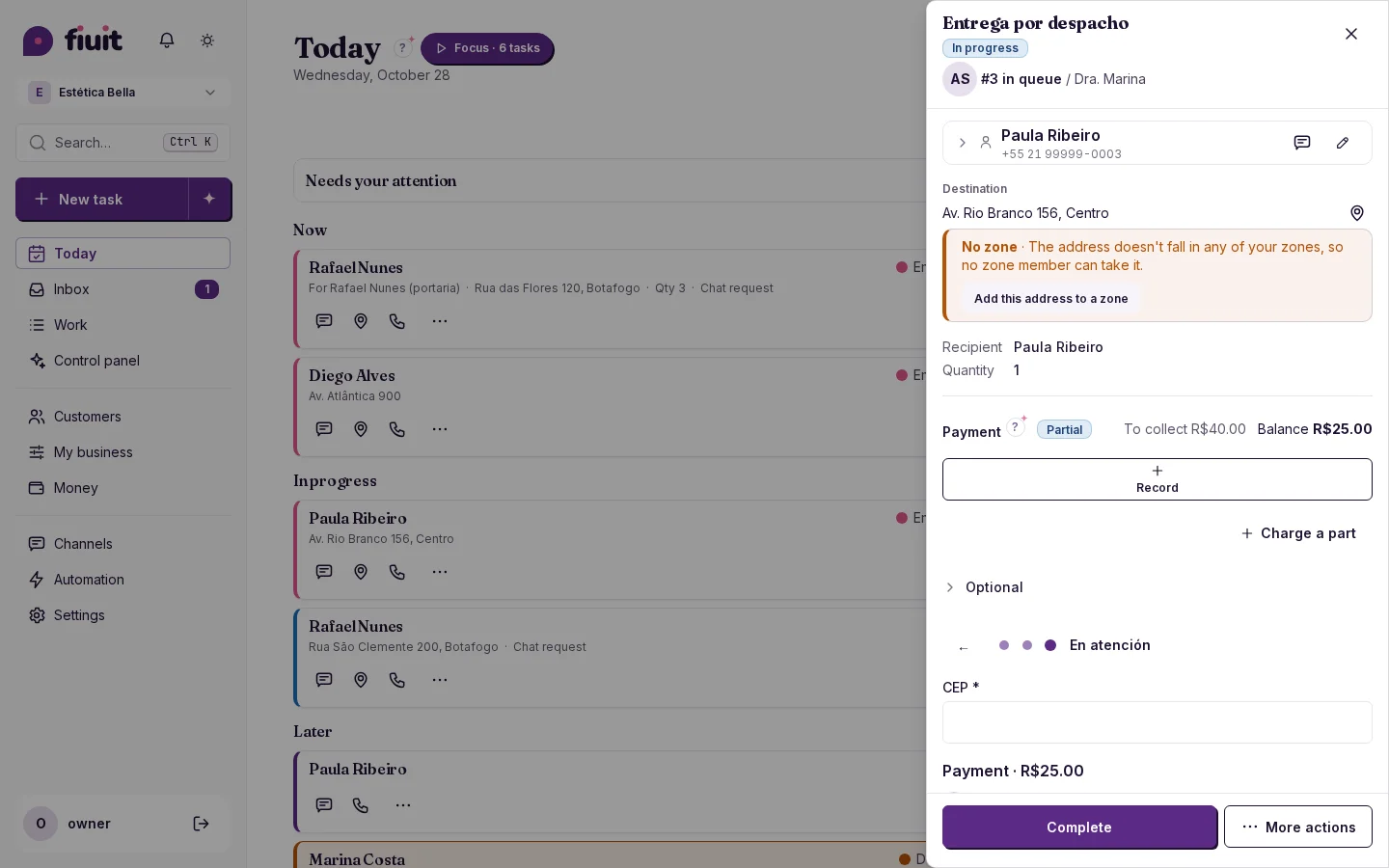
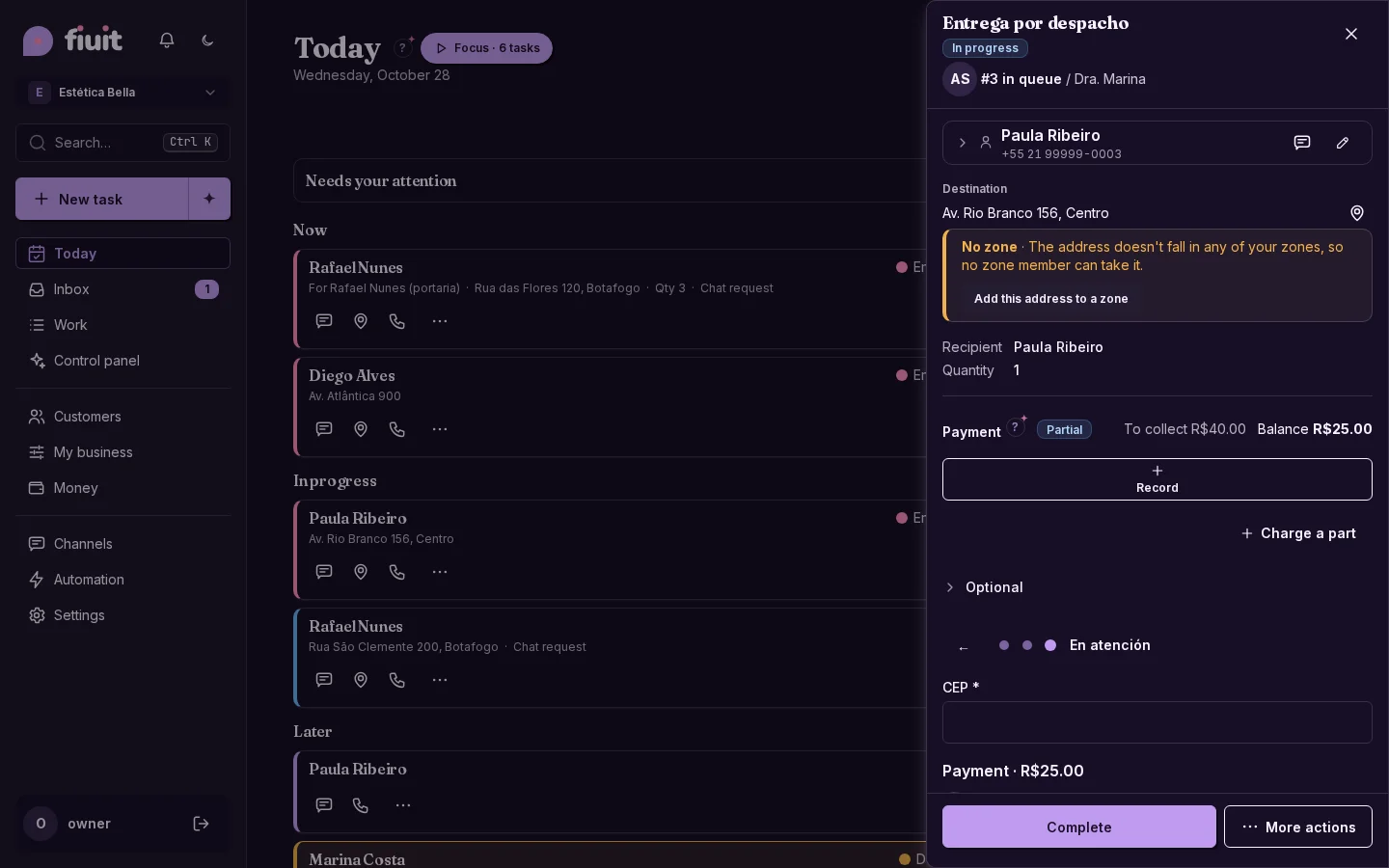
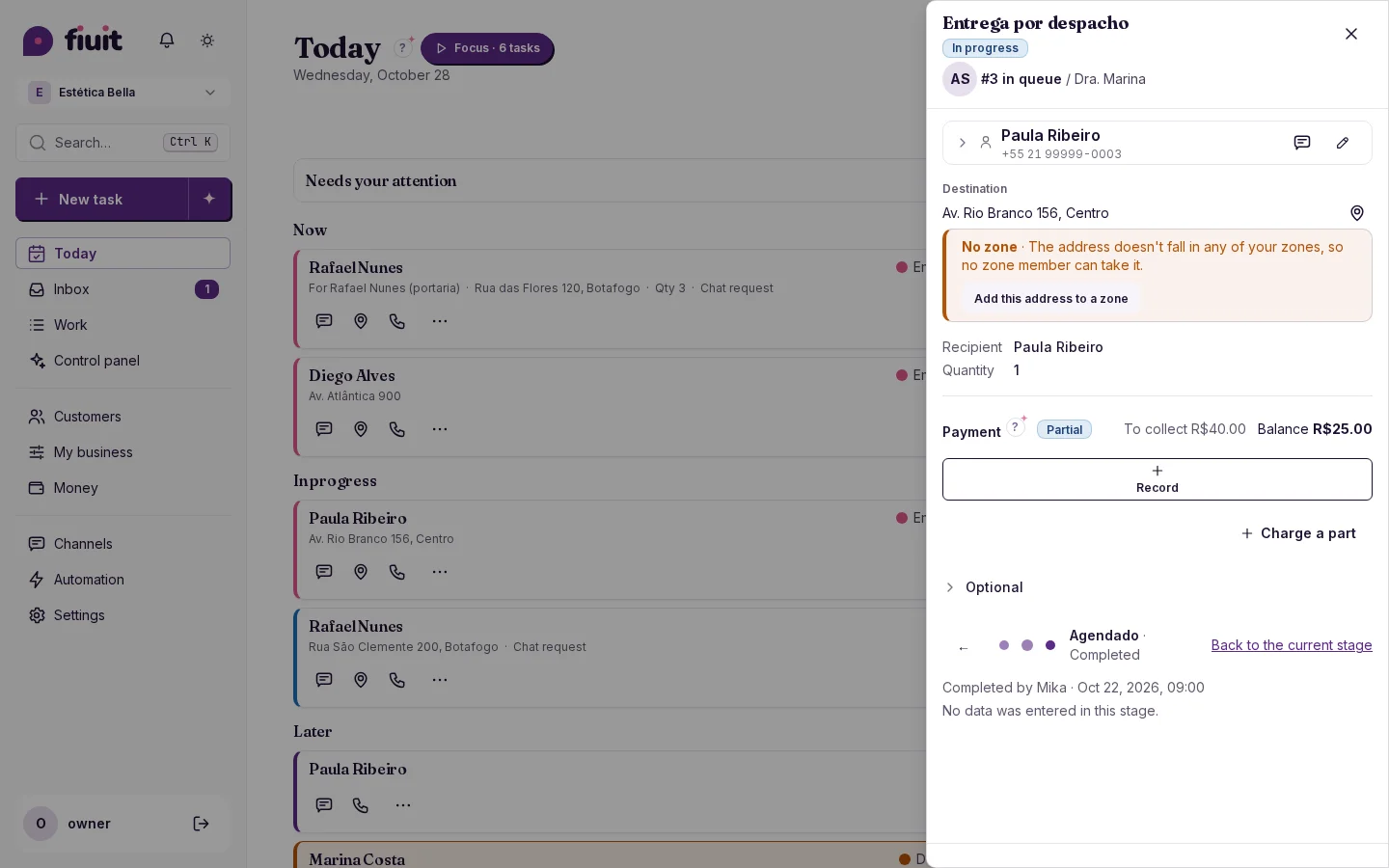
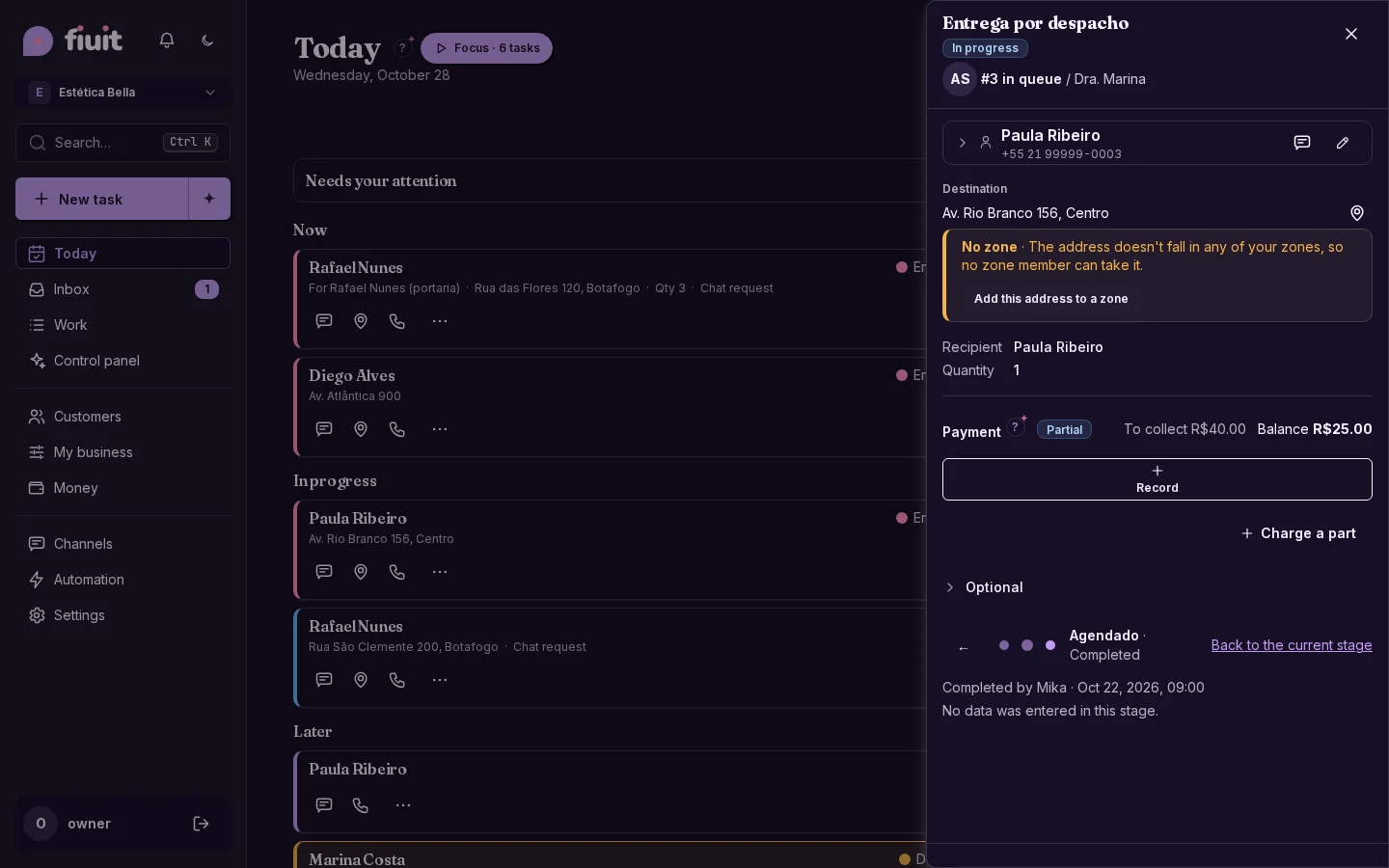
Task on stage 3: the current one in focus, with dots only for what was covered and the action pinned belowTask on stage 3: the current one in focus, with dots only for what was covered and the action pinned below

What you get

  • Always on the current stage: the task opens there and it is the last one in the row.
  • Only what happened: upcoming stages are not shown, so no surprises and no noise.
  • The past, to read: what was done, by whom, when and with what data, with no way to change it.
  • One way forward: complete the current stage's action, the one pinned at the bottom.
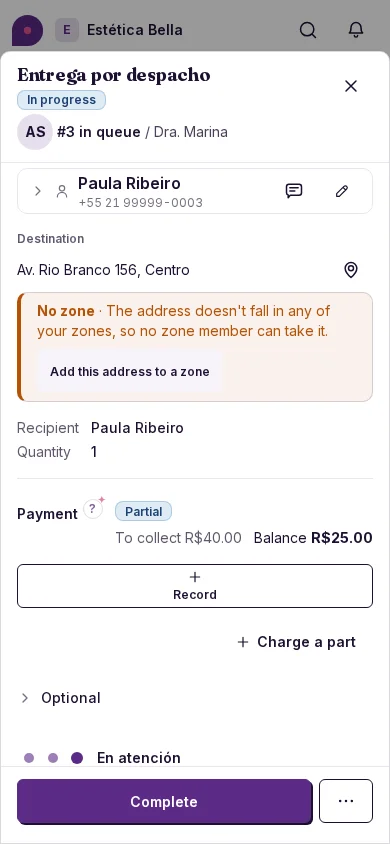
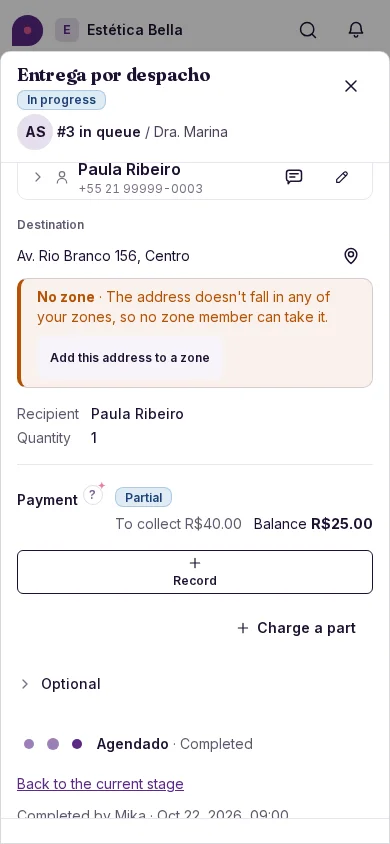
Task on stage 3: the current one in focus, with dots only for what was covered and the action pinned below (on mobile)Task on stage 3: the current one in focus, with dots only for what was covered and the action pinned below (on mobile)
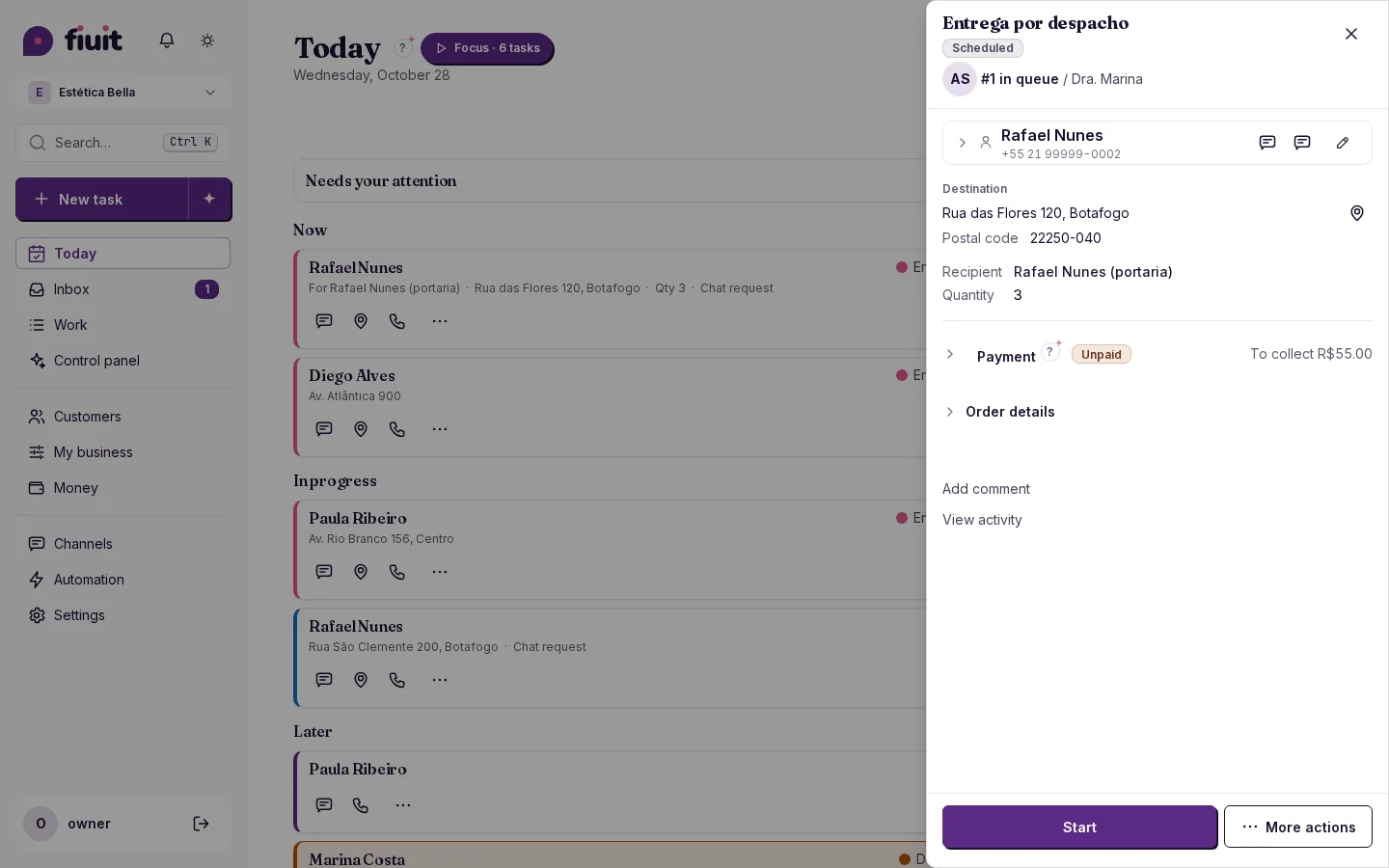
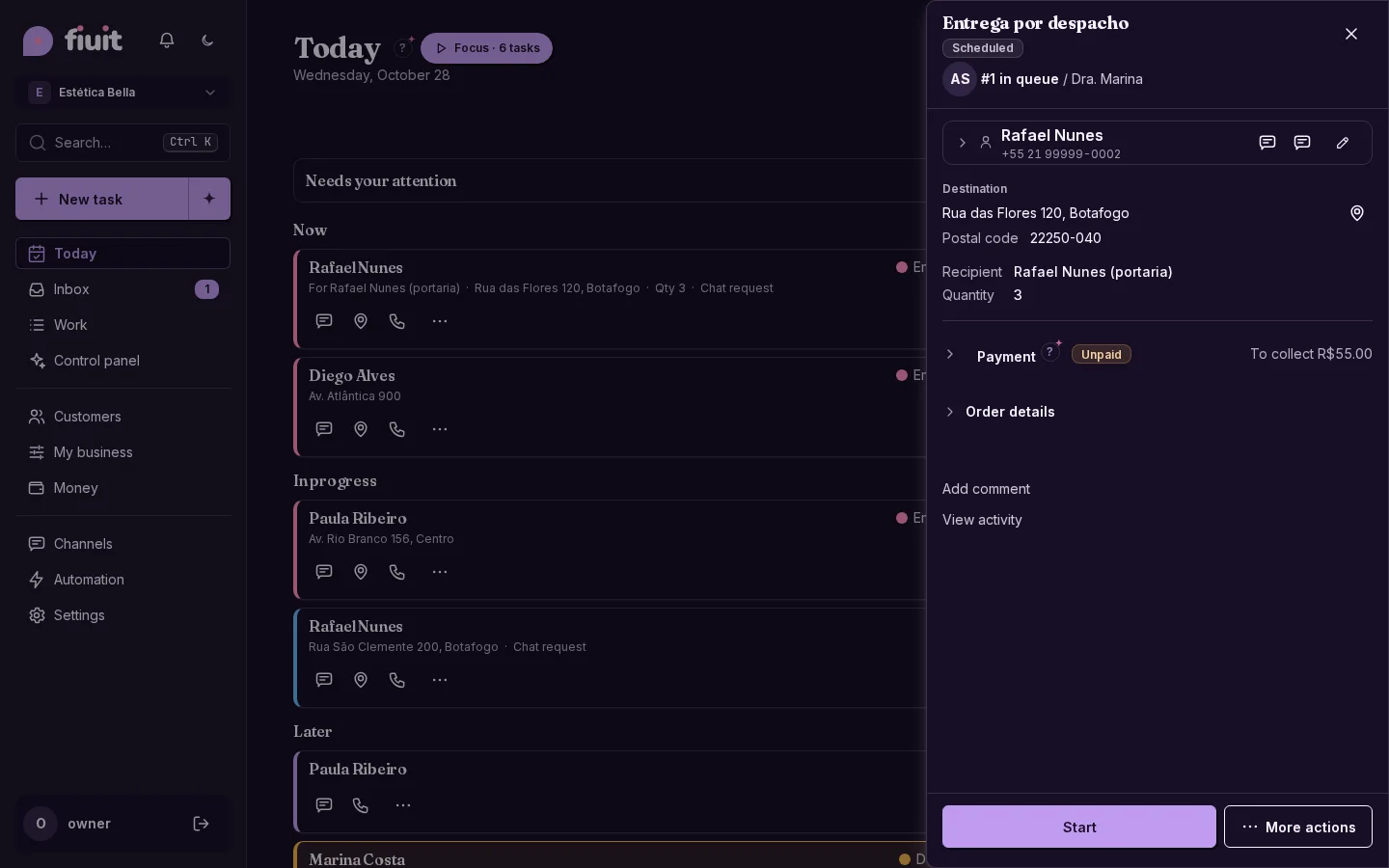
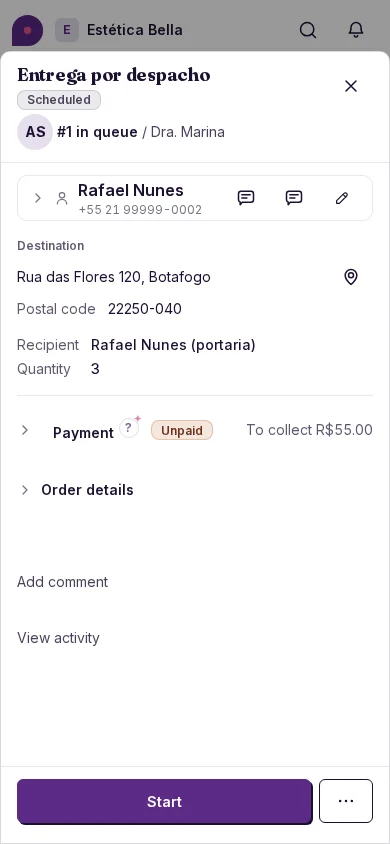
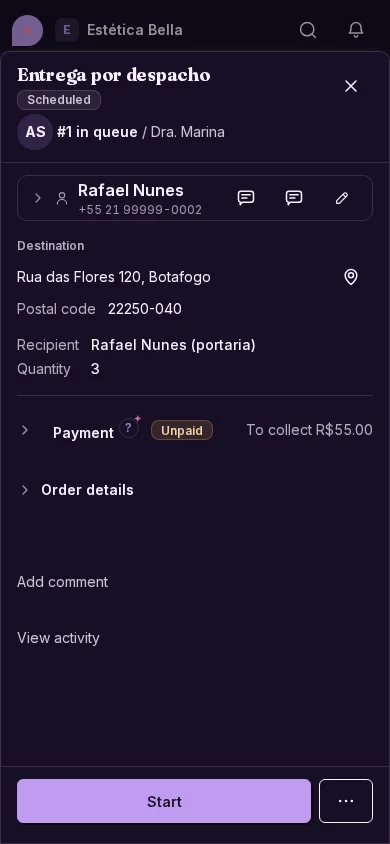
Task on stage 1: a single slide, no navigationTask on stage 1: a single slide, no navigation
Task on stage 1: a single slide, no navigation (on mobile)Task on stage 1: a single slide, no navigation (on mobile)
Viewing a past stage: read-only, with “Back to the current stage” and no pinned actionViewing a past stage: read-only, with “Back to the current stage” and no pinned action
Viewing a past stage: read-only, with “Back to the current stage” and no pinned action (on mobile)Viewing a past stage: read-only, with “Back to the current stage” and no pinned action (on mobile)