← All updates
Improvement

Every task shows what its stage asks for, with the action at the end

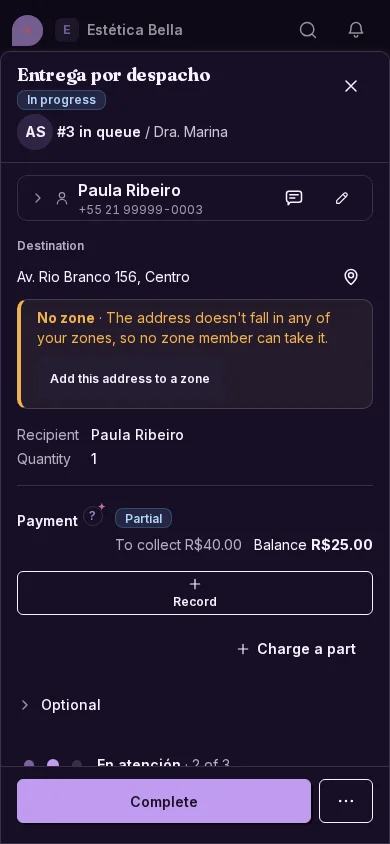
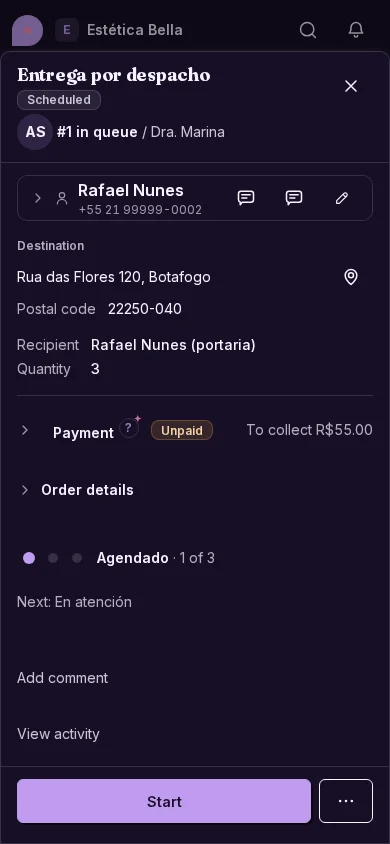
The task reads top to bottom: the summary, what the stage needs to be completed and an action button that is always within reach.
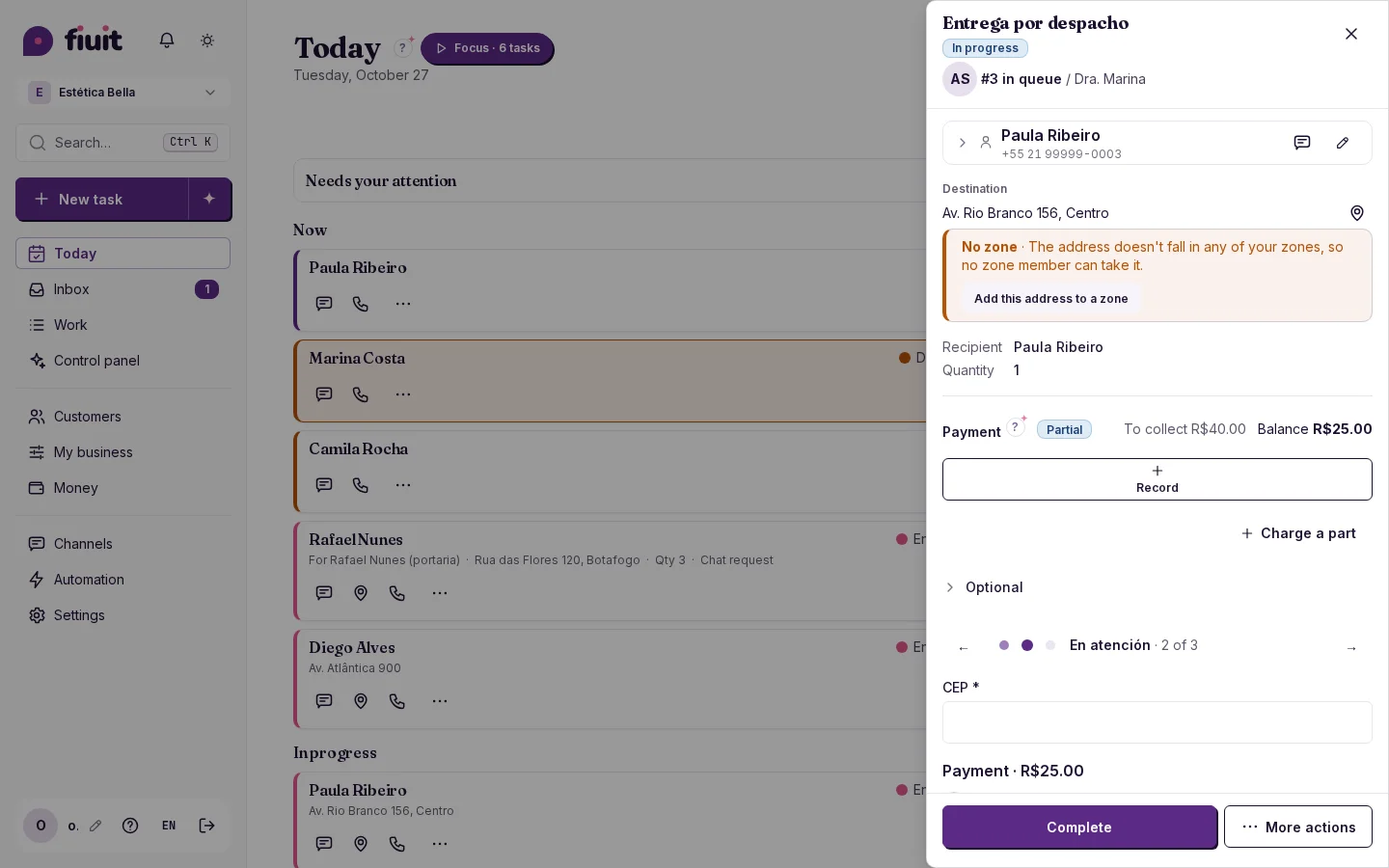
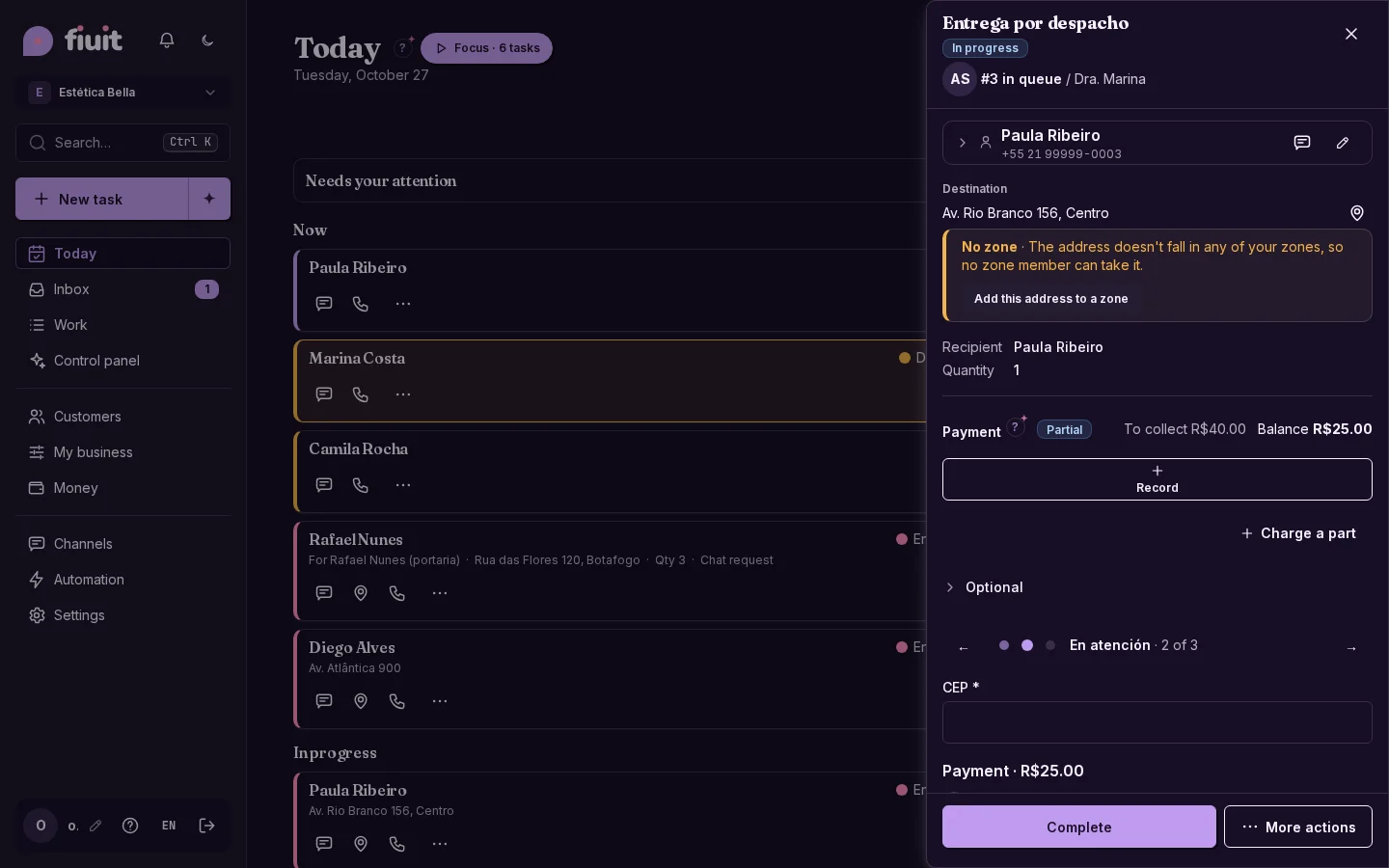
Task with the stage as its body: the form for what it asks, comments as text and the main action pinned at the bottomTask with the stage as its body: the form for what it asks, comments as text and the main action pinned at the bottom

What you get

  • A clear order: customer and order summary, the stage with what needs filling in and, at the end, the action.
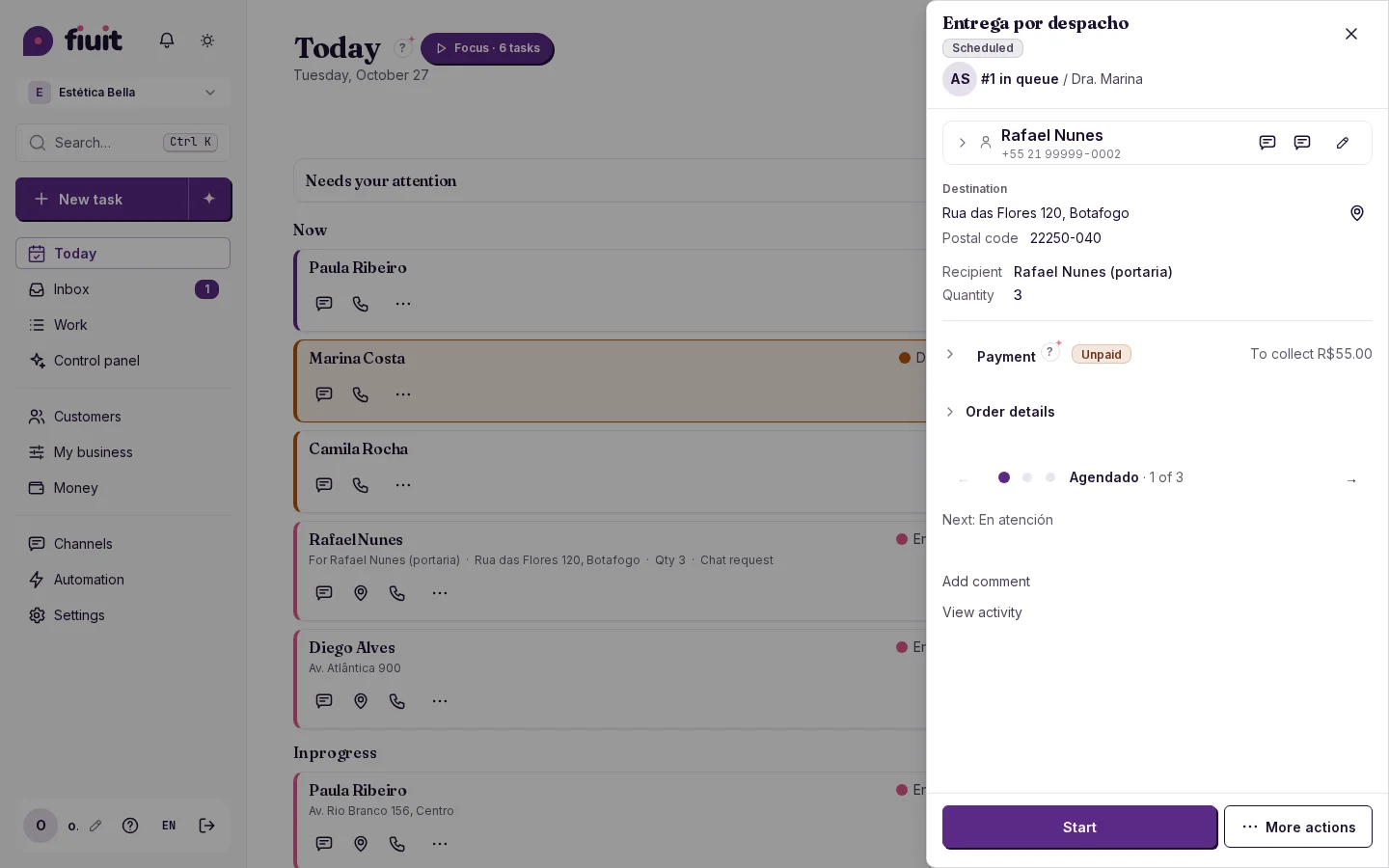
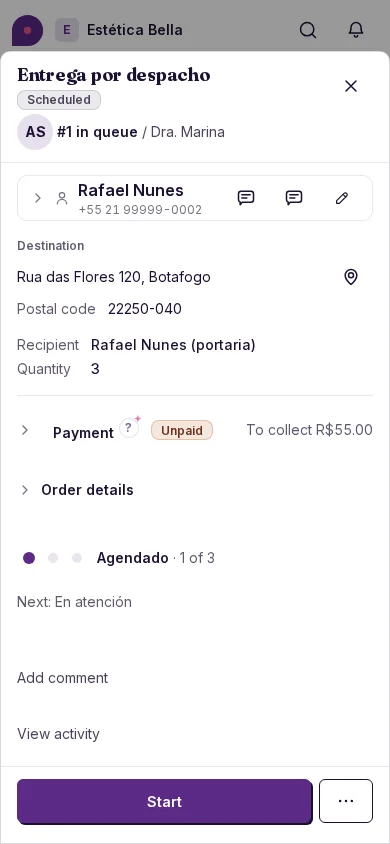
  • Less noise: order details are collapsed, and a stage that asks for nothing just shows which one comes next.
  • No surprises: swipe to the upcoming stages and see, read-only, what they will ask for.
  • Discreet comments: «Add comment» and «View activity» are plain text, with no loud tabs.
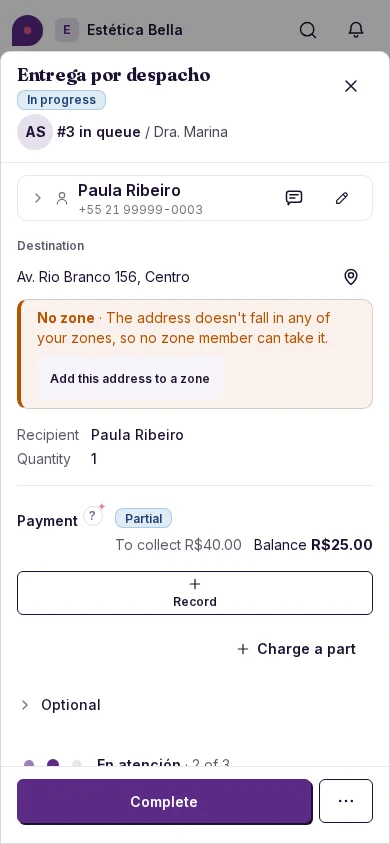
Task with the stage as its body: the form for what it asks, comments as text and the main action pinned at the bottom (on mobile)Task with the stage as its body: the form for what it asks, comments as text and the main action pinned at the bottom (on mobile)
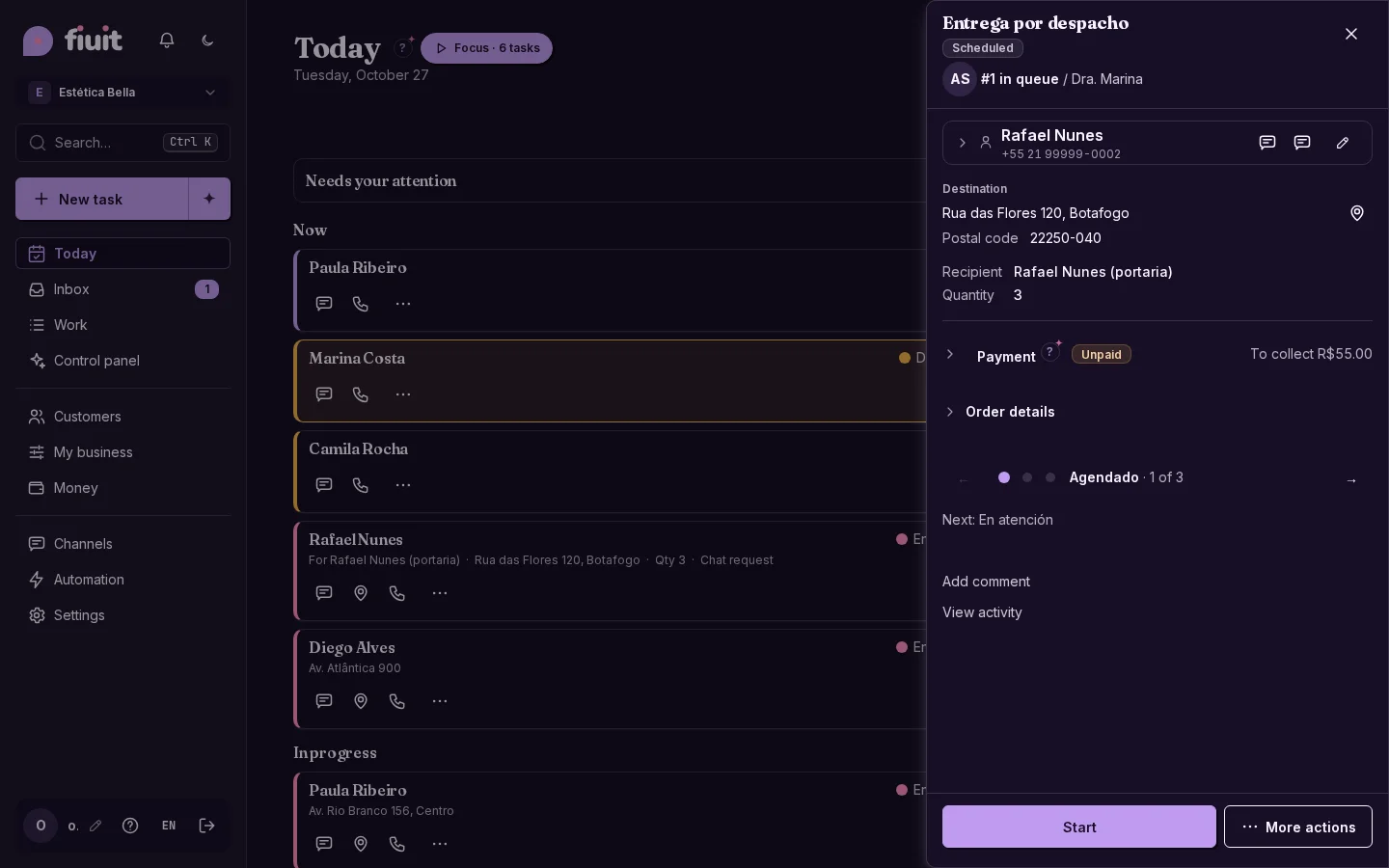
Task whose stage asks for nothing: a single «Next: In service» line and the action pinned belowTask whose stage asks for nothing: a single «Next: In service» line and the action pinned below
Task whose stage asks for nothing: a single «Next: In service» line and the action pinned below (on mobile)Task whose stage asks for nothing: a single «Next: In service» line and the action pinned below (on mobile)