Improvement
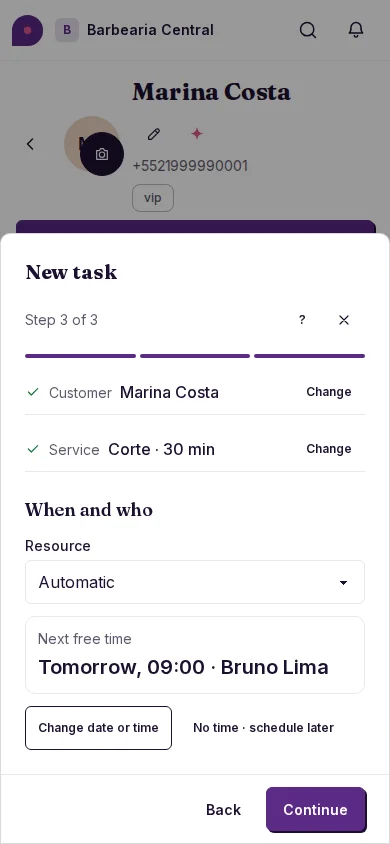
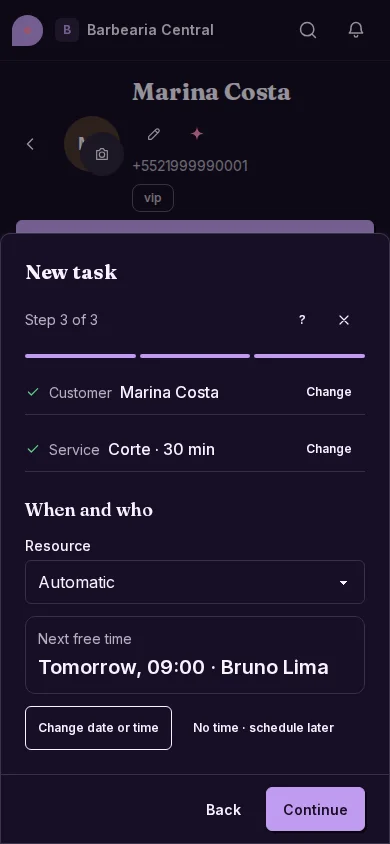
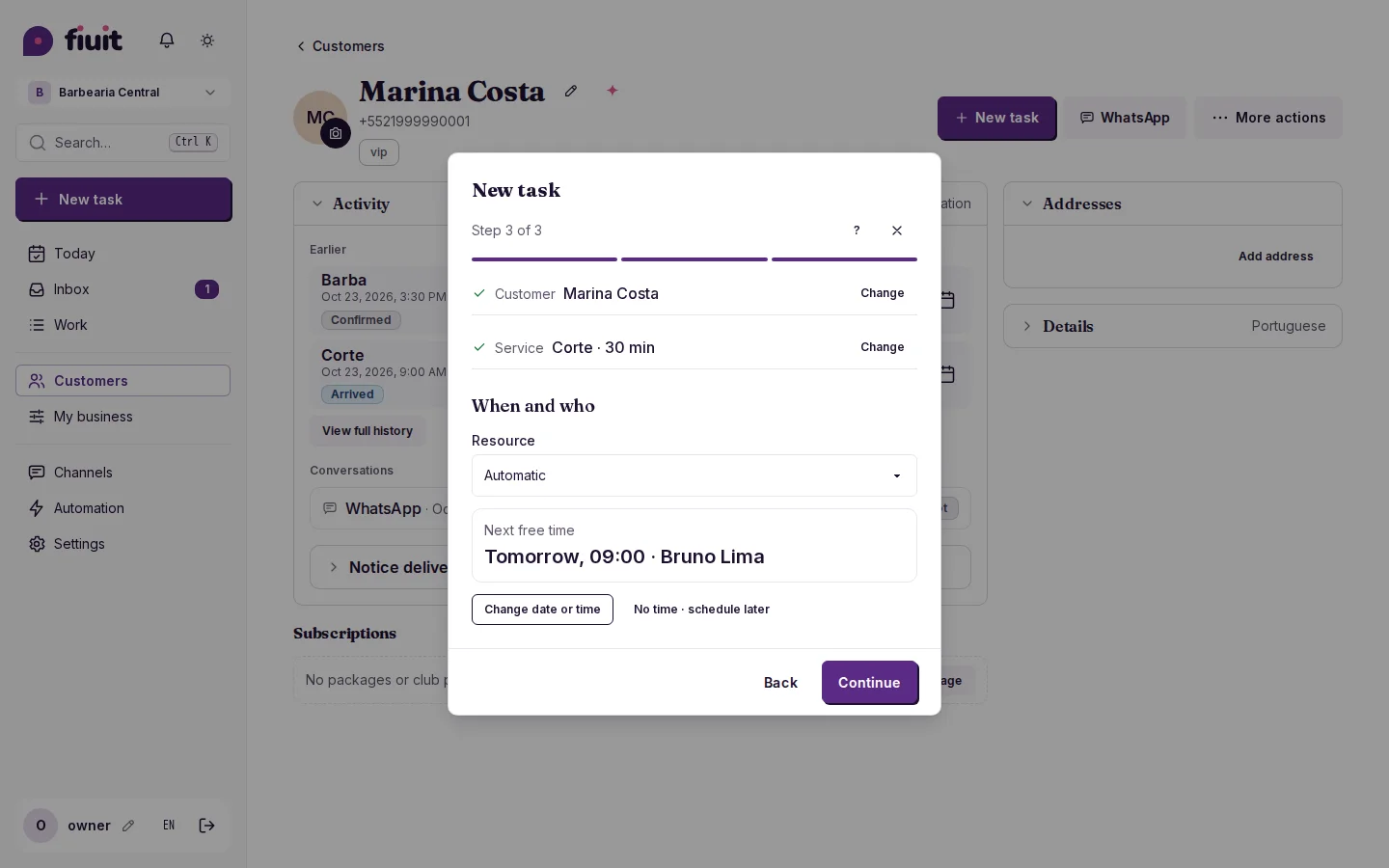
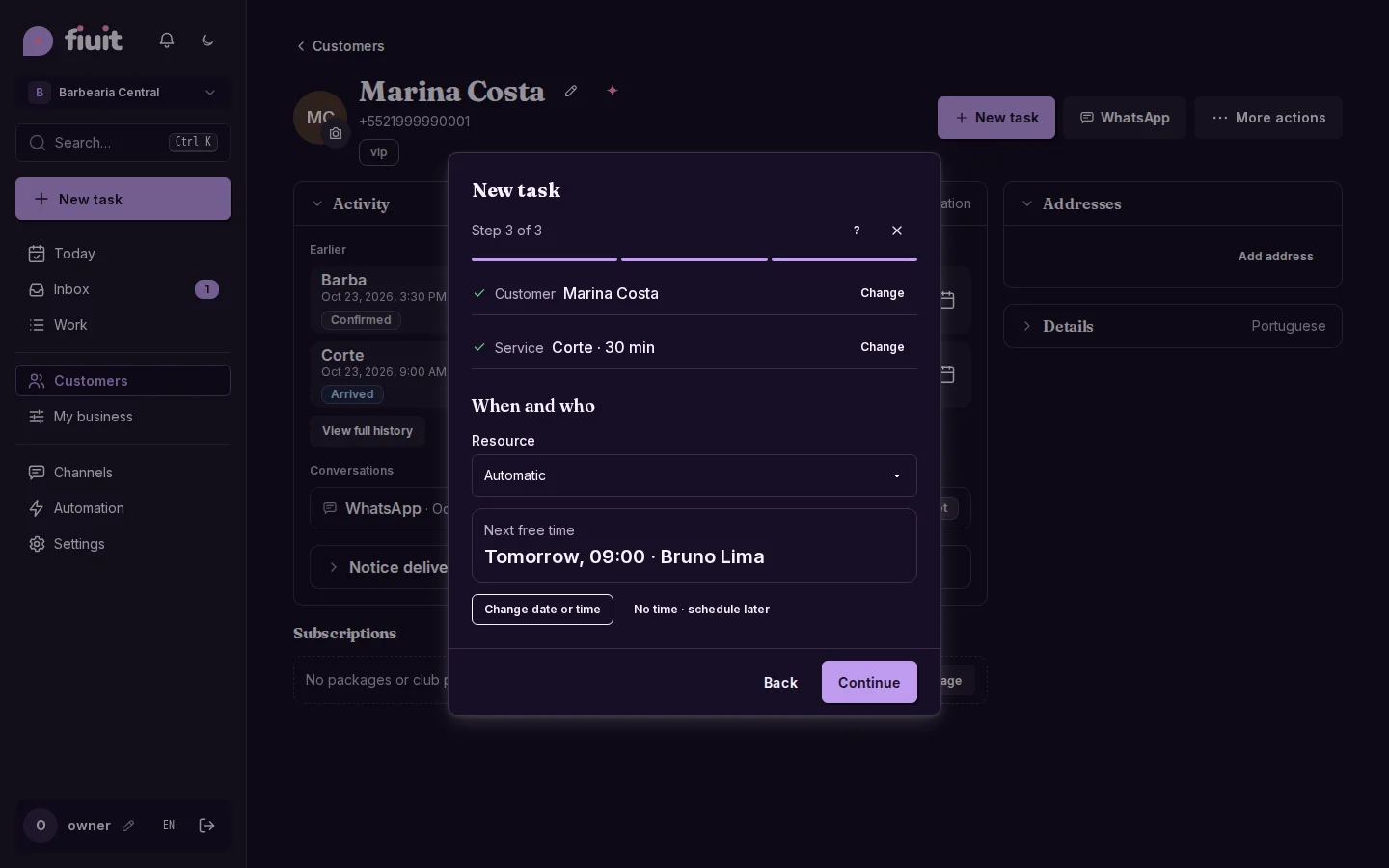
“New task” in steps, with the next free time already suggested
Creating a task is a short walk-through: pick the customer, the service and confirm the time that already comes suggested.
What you get
- Create in a few taps: customer, service and done; the time already comes suggested.
- Less screen, fewer doubts: advanced settings stay under “More options” and stay out of the way day to day.
- The right time: the next free slot comes from your real calendar, not from “now”.
- Comfortable on a phone: one step at a time, with the continue button always in view.
- Team tasks with no customer: “No customer” for what isn't anyone's.
- One step less: if the customer usually orders the same thing, the service comes picked.
- Wagy, just like the panel: if you don't say when, it suggests the next free time.