Improvement
Initial setup no longer falls apart: chat on one side, your business on the other
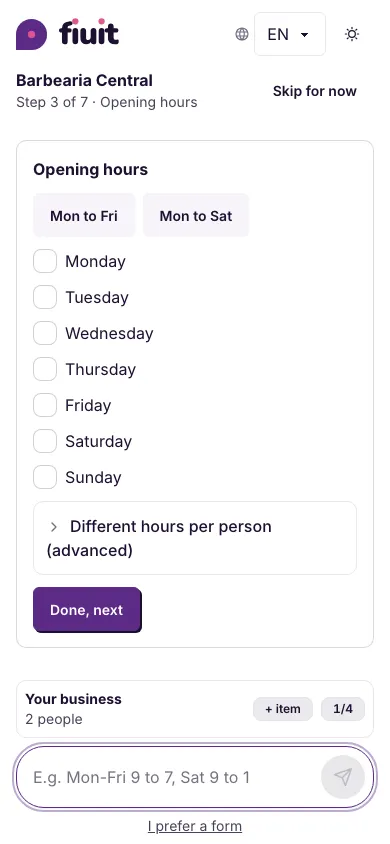
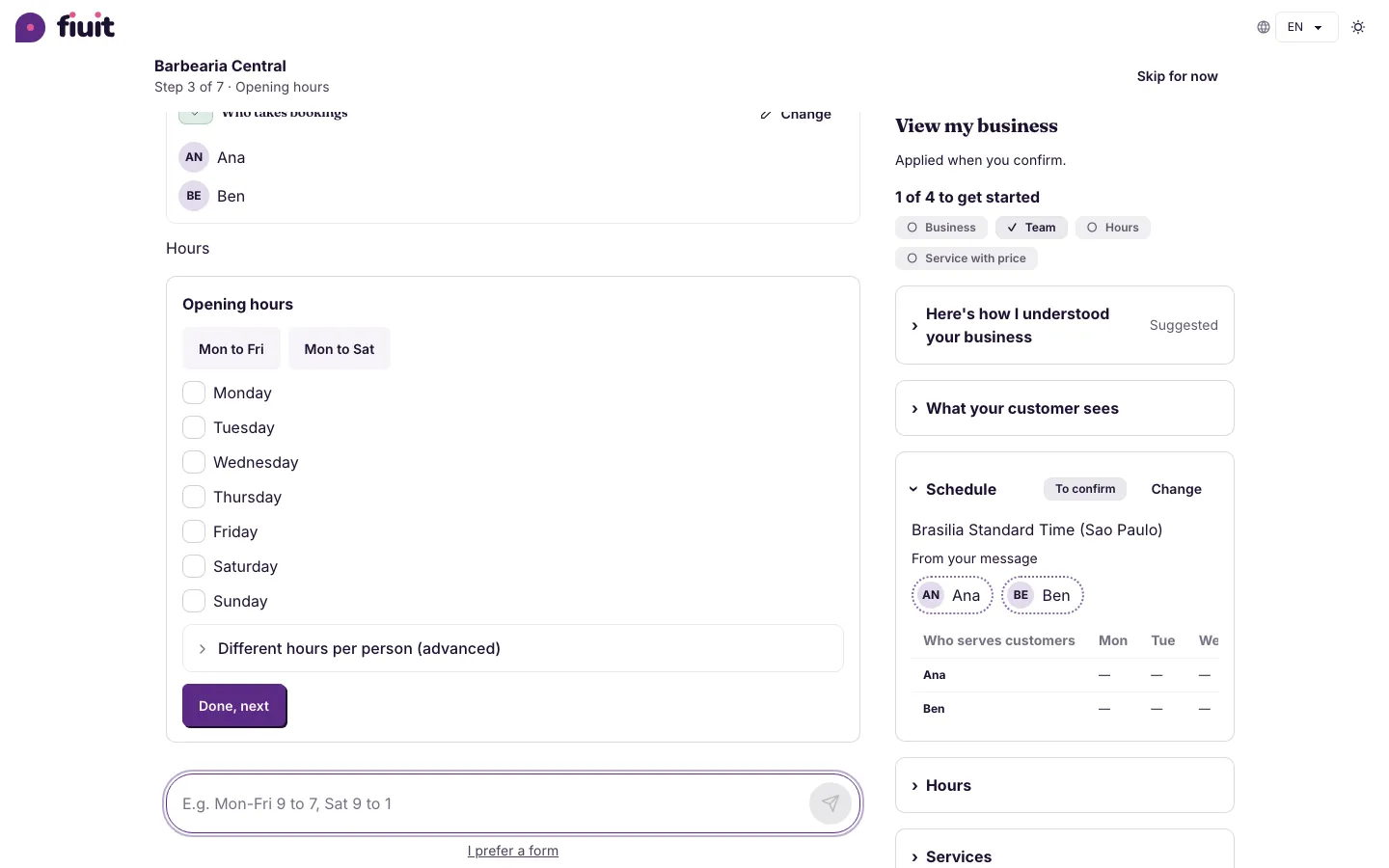
While you set up your business, the chat with your assistant keeps its box always at the bottom and what gets loaded is viewed separately, so you never get lost on screen.
What you get
- The box always at hand: you type without hunting for it, even in a long chat.
- Your business, tidy: each part opens when you need it and the one that just changed shows open.
- Less noise: you don't see what you don't plan to touch.