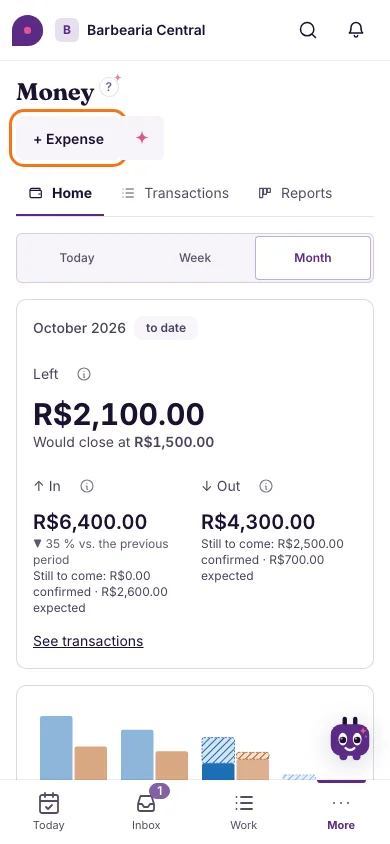
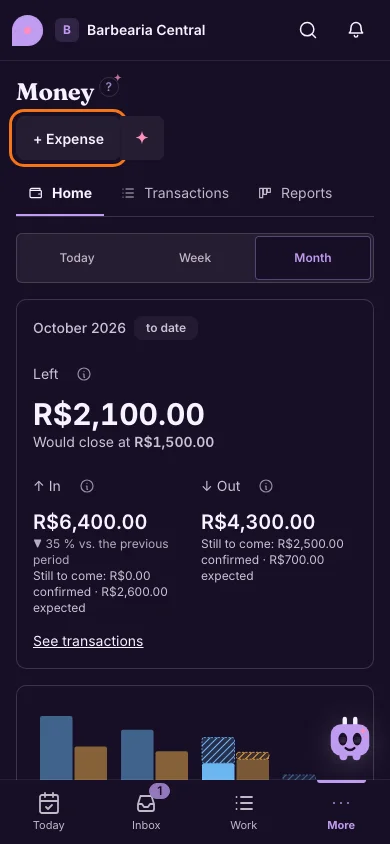
Improvement
Record an expense, always in the same place
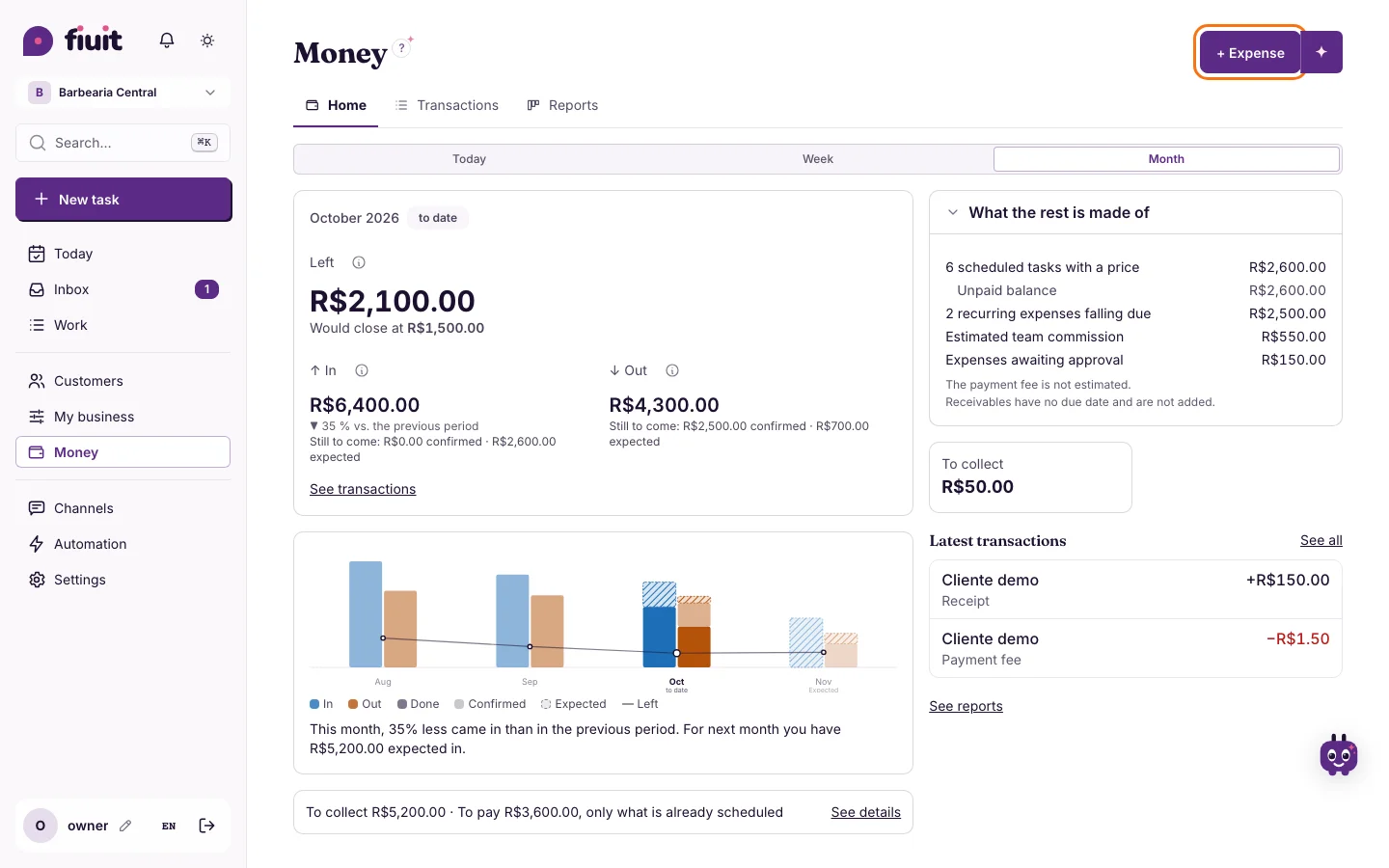
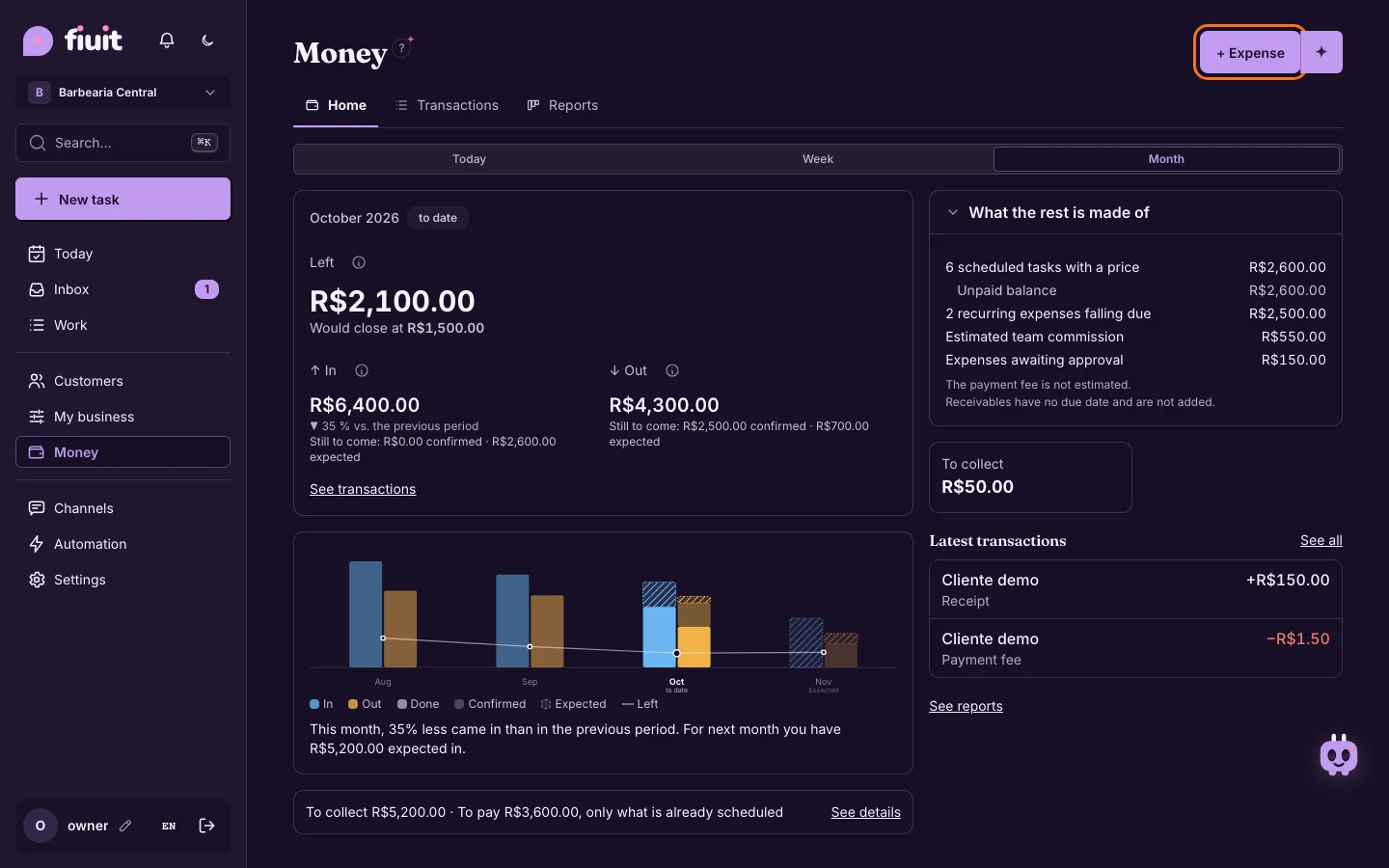
The button to log an expense sits at the top right, like the other records, and no longer floats over your numbers.
What you get
- One place to record things: logging an expense works from the same spot as creating a customer or a task.
- Nothing covers your numbers: the button no longer floats over cards and charts, on mobile too.
- Chat works too: the ✦ next to the button lets you tell Wagy about the expense.