Improvement
Your money, clear: what came in, what went out and what's next
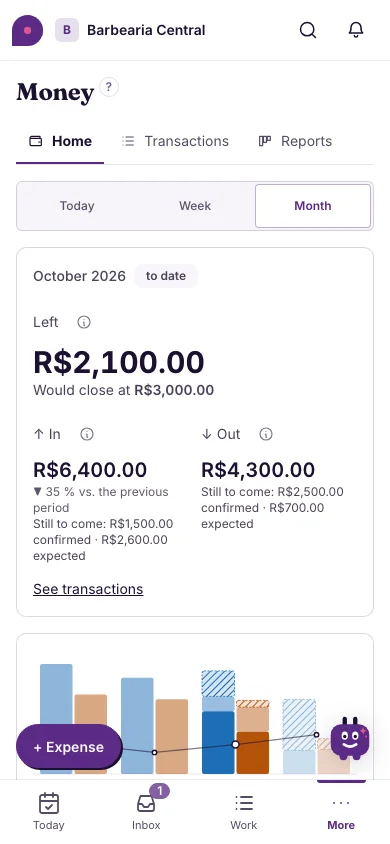
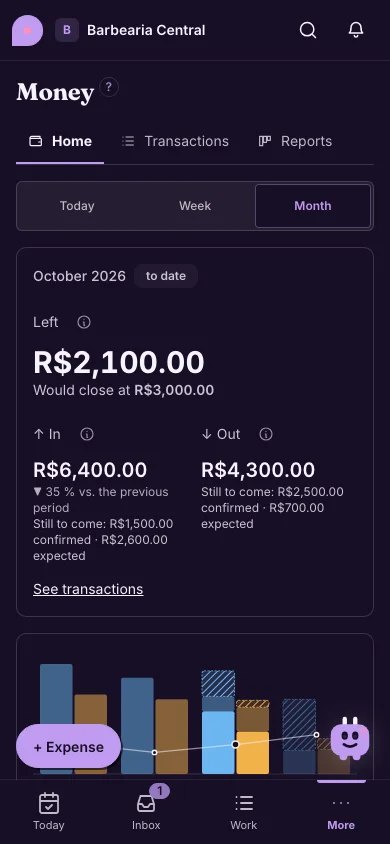
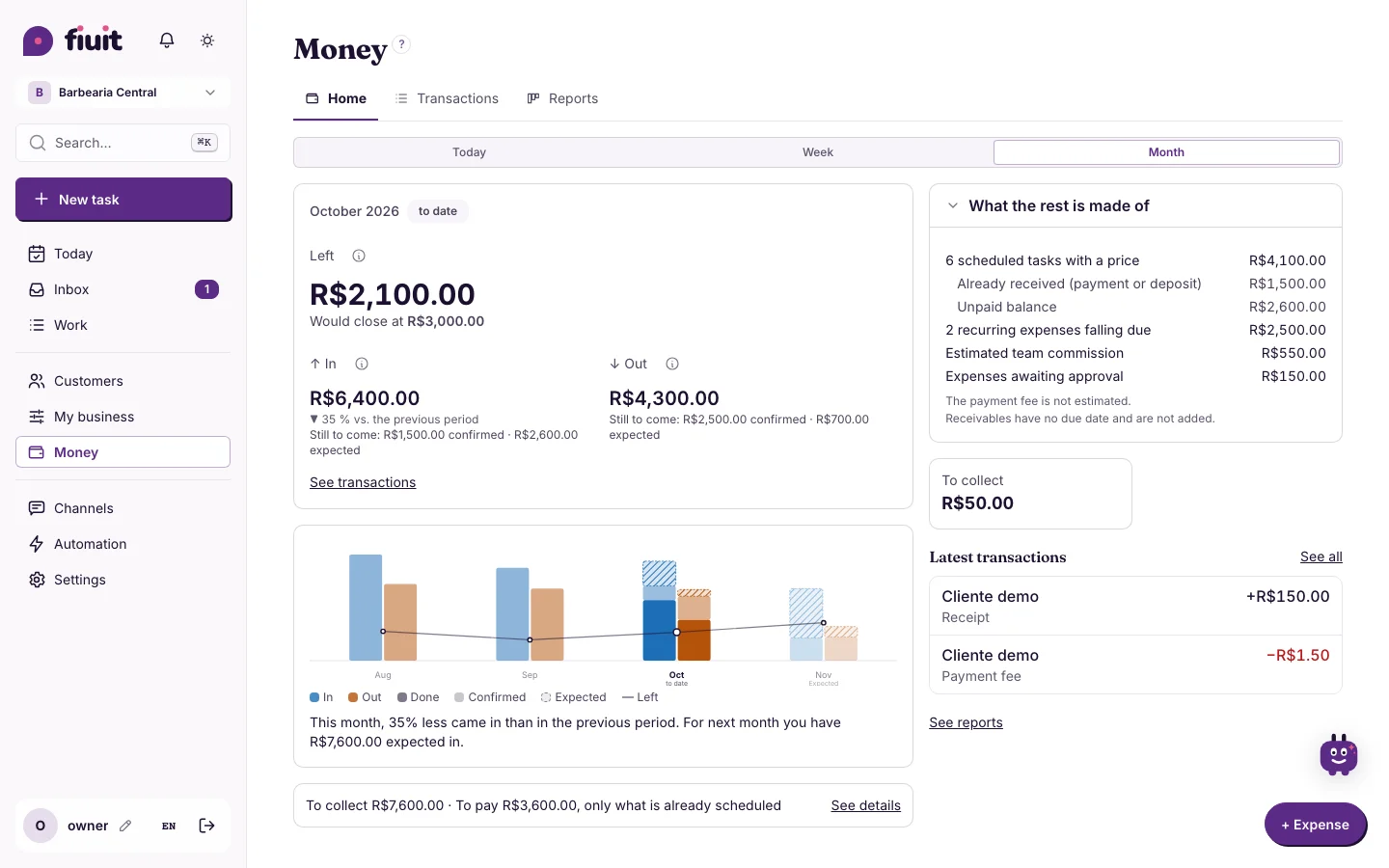
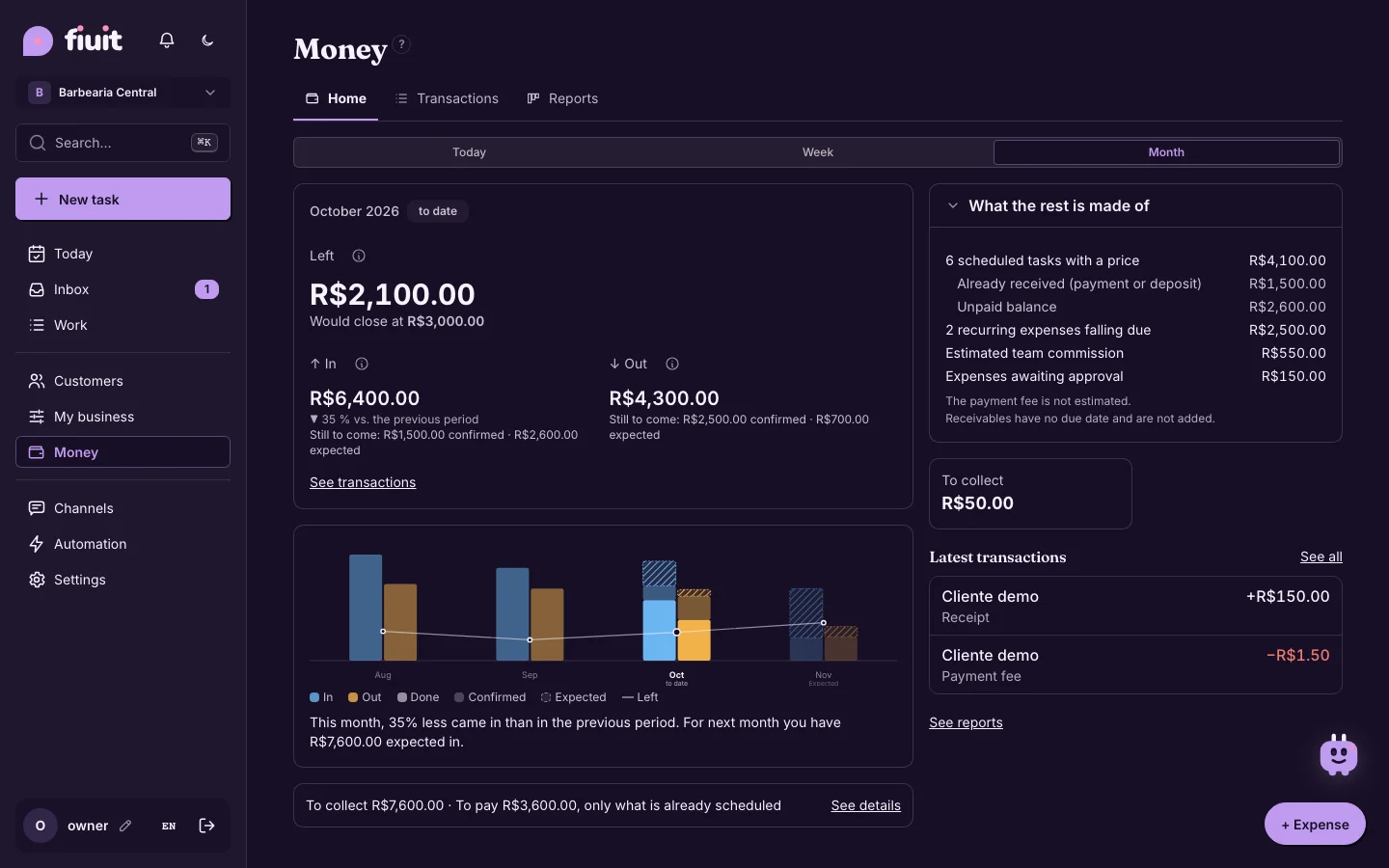
A Home with what was left in large type, a chart with what is done and what is already scheduled, and all your reports in one place.
What you get
- What was left, at a glance: the big number at the top is what you kept, with what came in and what went out right below.
- What's next, without guessing: the next period only adds dated things, such as scheduled tasks and fixed expenses. What was already collected is kept apart from what is still to collect.
- Each deposit, counted once: it counts in the month it was collected, even if the task falls in another month; only the task's unpaid balance remains expected.
- A proper table: Transactions shows money in and out with its totals and reads as a simple list on a phone.
- Every number explains itself: tap what went out and see each expense and team commission behind it; they add up to exactly that number.
- Each person's cash box, one tap away: the Cash register tab shows each team member's cash and their daily closing.
- Every report together: income statement, cash flow, sales by month, commissions, payments received, cash register and more, with a button to export each one.